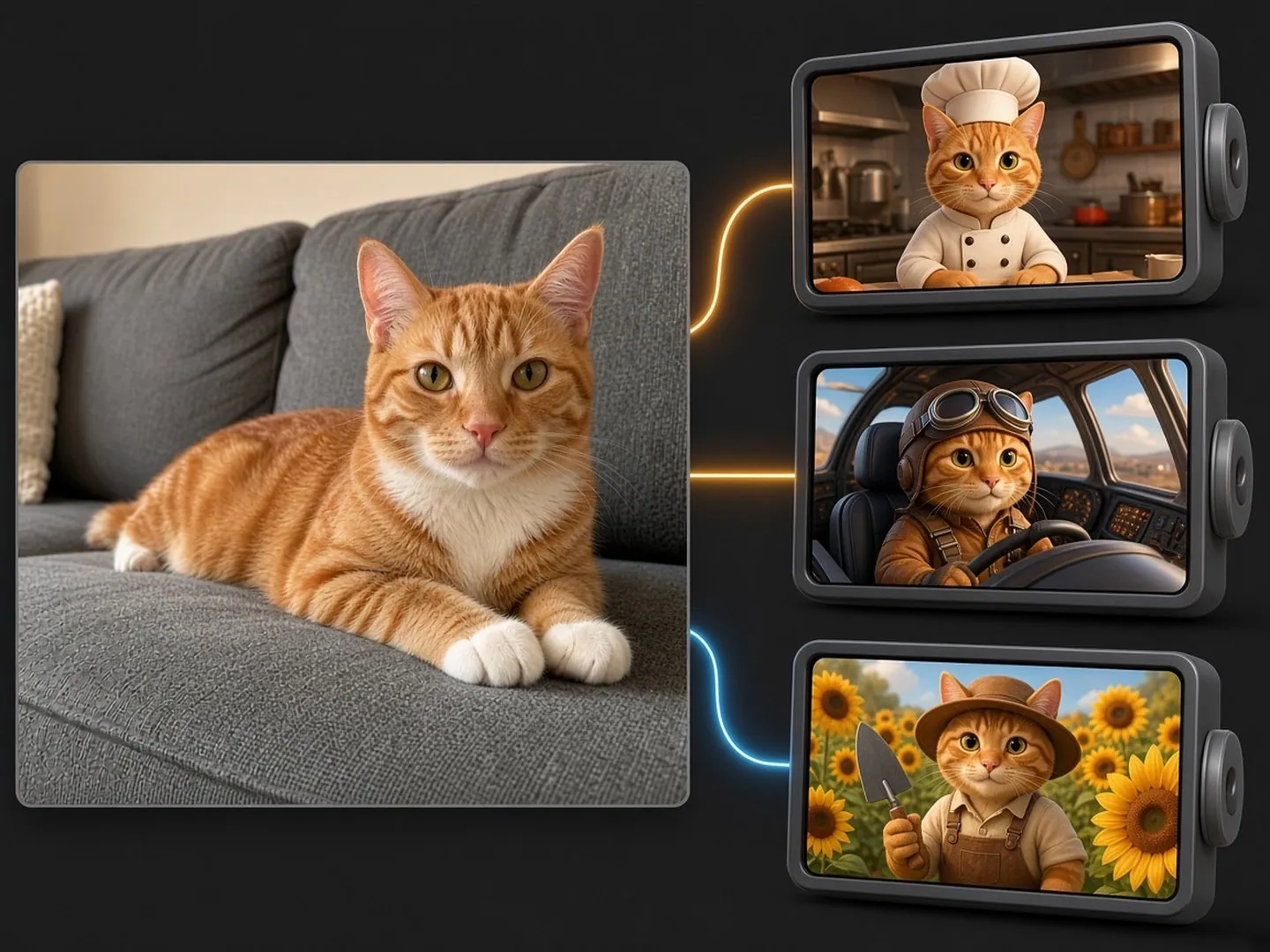
Give the story your cat’s look
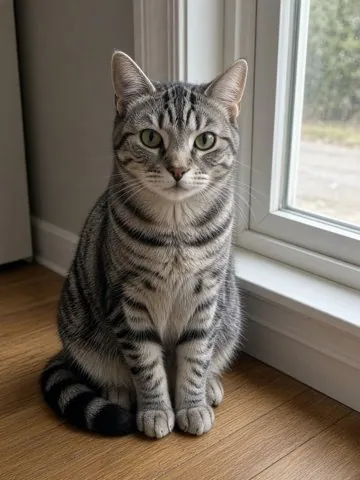
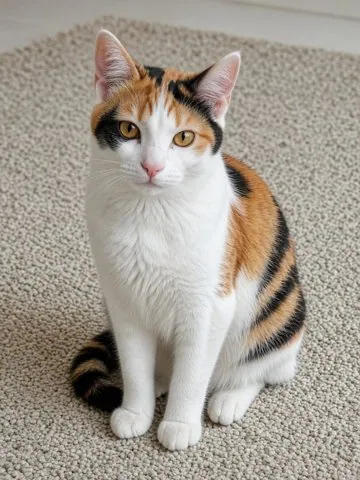
Use your cat’s markings and eye colour as visual references for the main character.
Turn your cat’s photo into an AI cat story, from an office comedy to a cartoon short drama.
Create on this page
Create videos from text, images, references, frames or a source clip.
Example
Your generated videos and recoverable task status will appear here.
Loading older videos…
Example
The workspace could not start. Reload this page to try again.
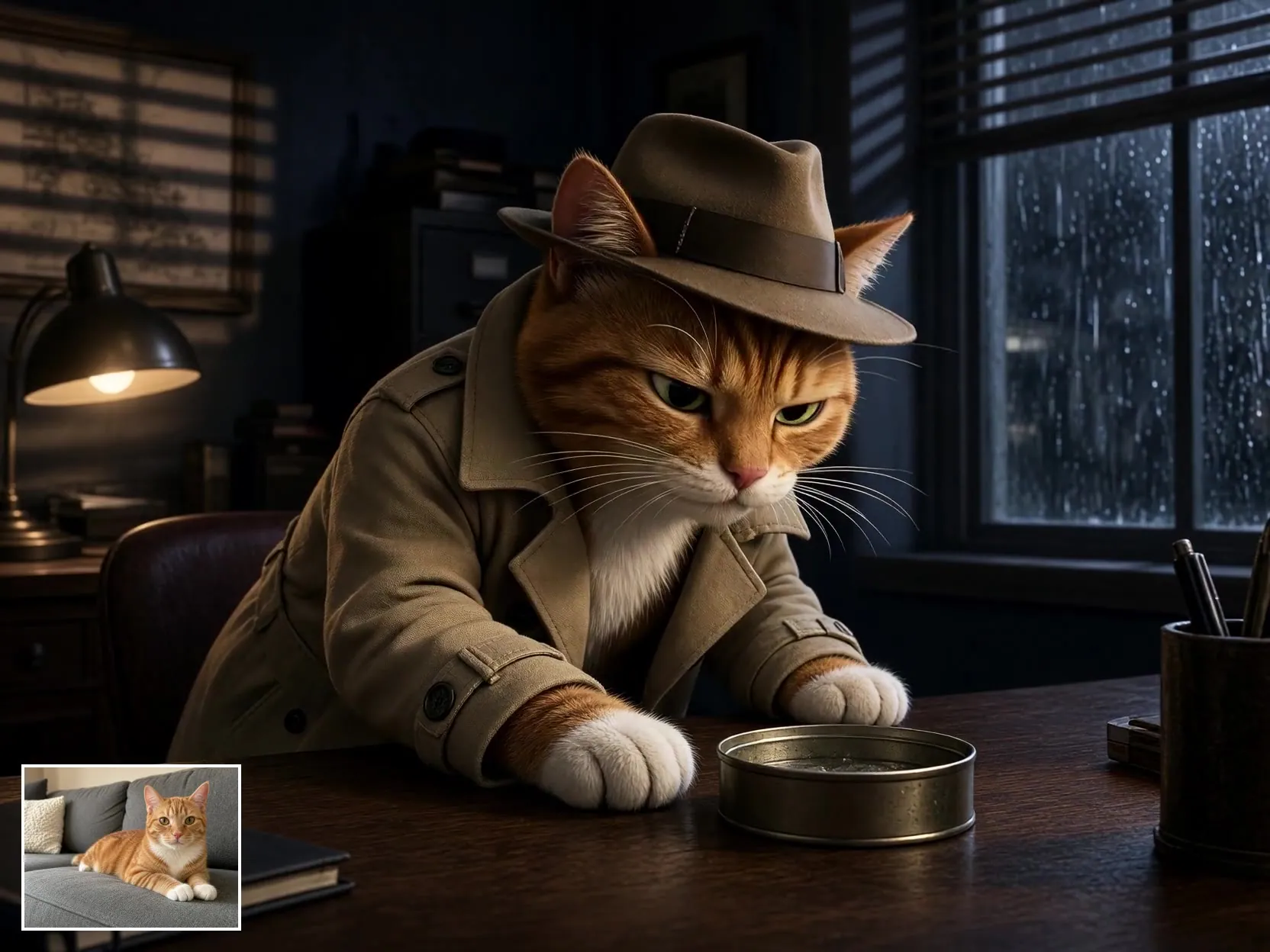
A tabby becomes a detective in this 10-second creative example.
Use your cat’s markings and eye colour as visual references for the main character.
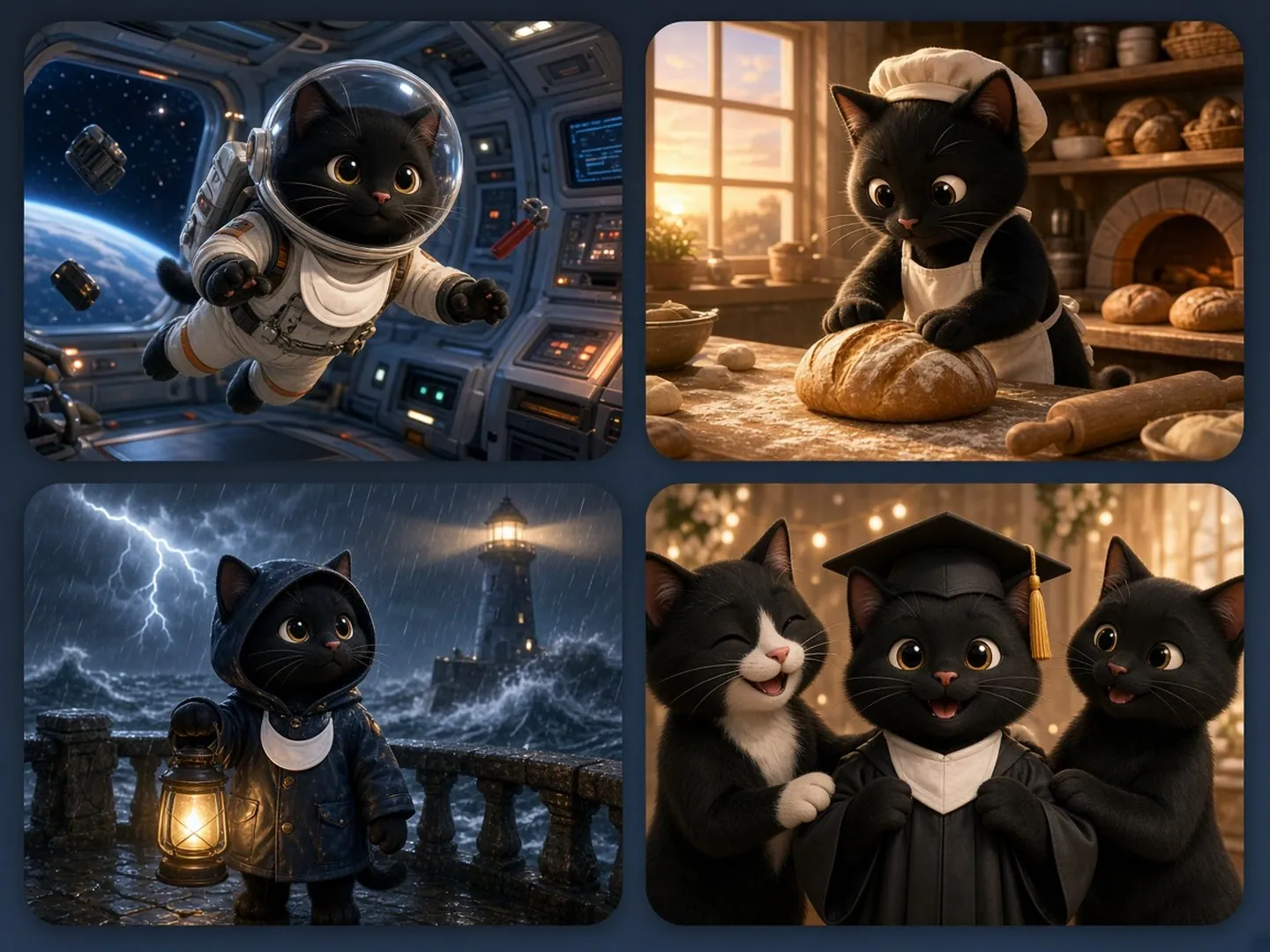
Explore homecomings, workplace reveals and gift twists alongside classic rags-to-riches stories.
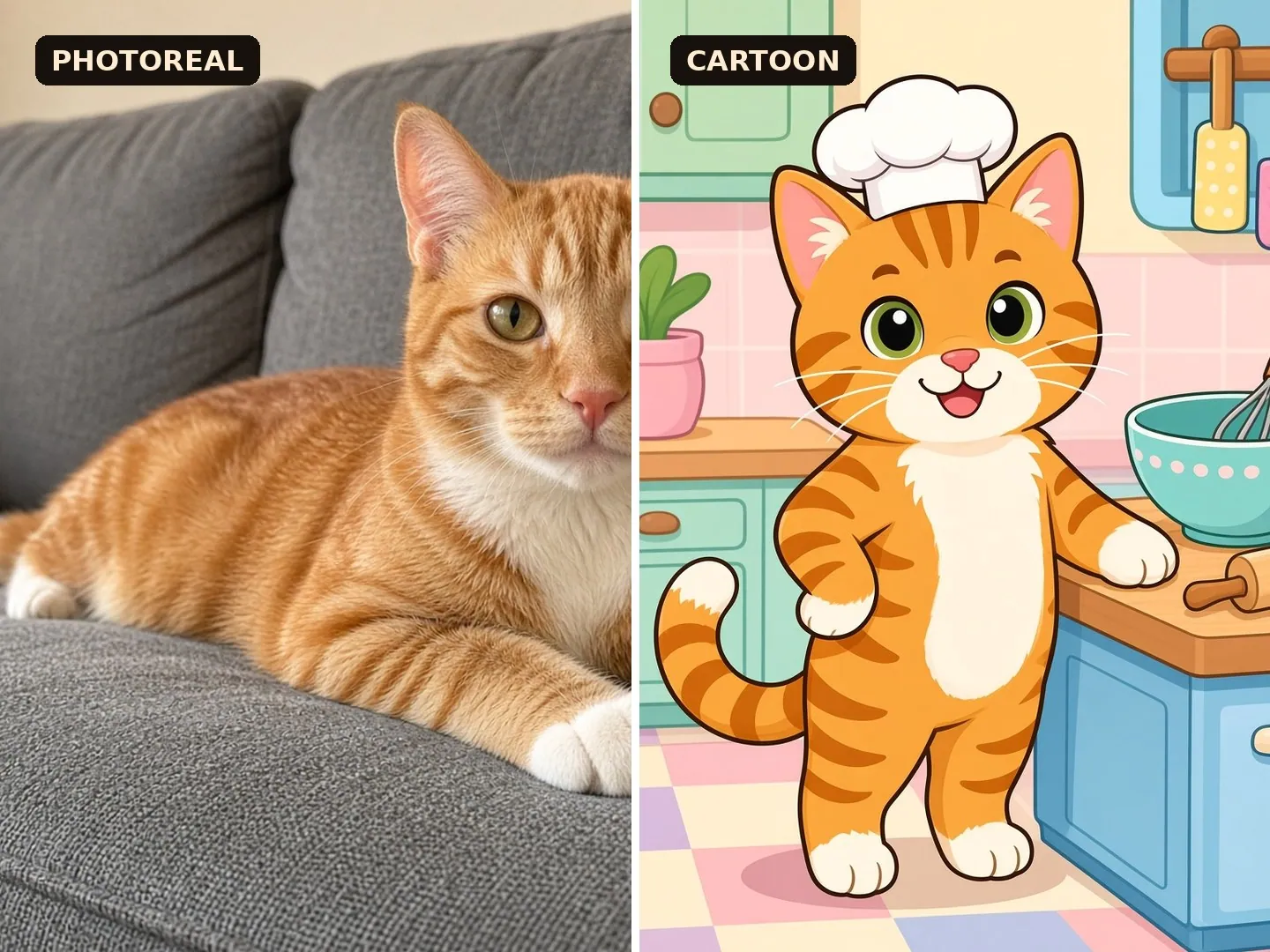
Try flat animation, glossy 3D or photoreal scenes from the same reference photo.
Take an existing clip into a new scene with Extend.
Keep the face and body visible, with sharp focus and even lighting.
Choose a plot, then rewrite the role, setting and ending.
Set duration and ratio, review the credit quote, then generate.
Use a template to load its prompt and settings into the tool.
 Reference to video
 Reference to video
Reference to video
Reference to video
Reference to video
Reference to video
Reference to video
Reference to video
 Extend video
Choose a photo of one cat with clear eyes and visible fur markings. A full-body view helps when the story includes standing, walking or a costume.
Name distinctive patches, eye colour and body shape in the prompt, and reuse the same reference photo. The model and scene shape the final resemblance.
Each prompt is editable. Replace the profession, rival or reveal to turn a noodle-cart success story into your own short drama.
Use “flat cartoon” for simple shapes, “3D animated” for sculpted characters, or “photoreal” with natural light and detailed fur.
Upload it in Extend mode and describe the action after the last frame. The selected duration is the new segment added to your source clip.
The workspace lists the selected model’s durations and ratios. Template settings are matched to those available options.
Sign in to see your generation history.