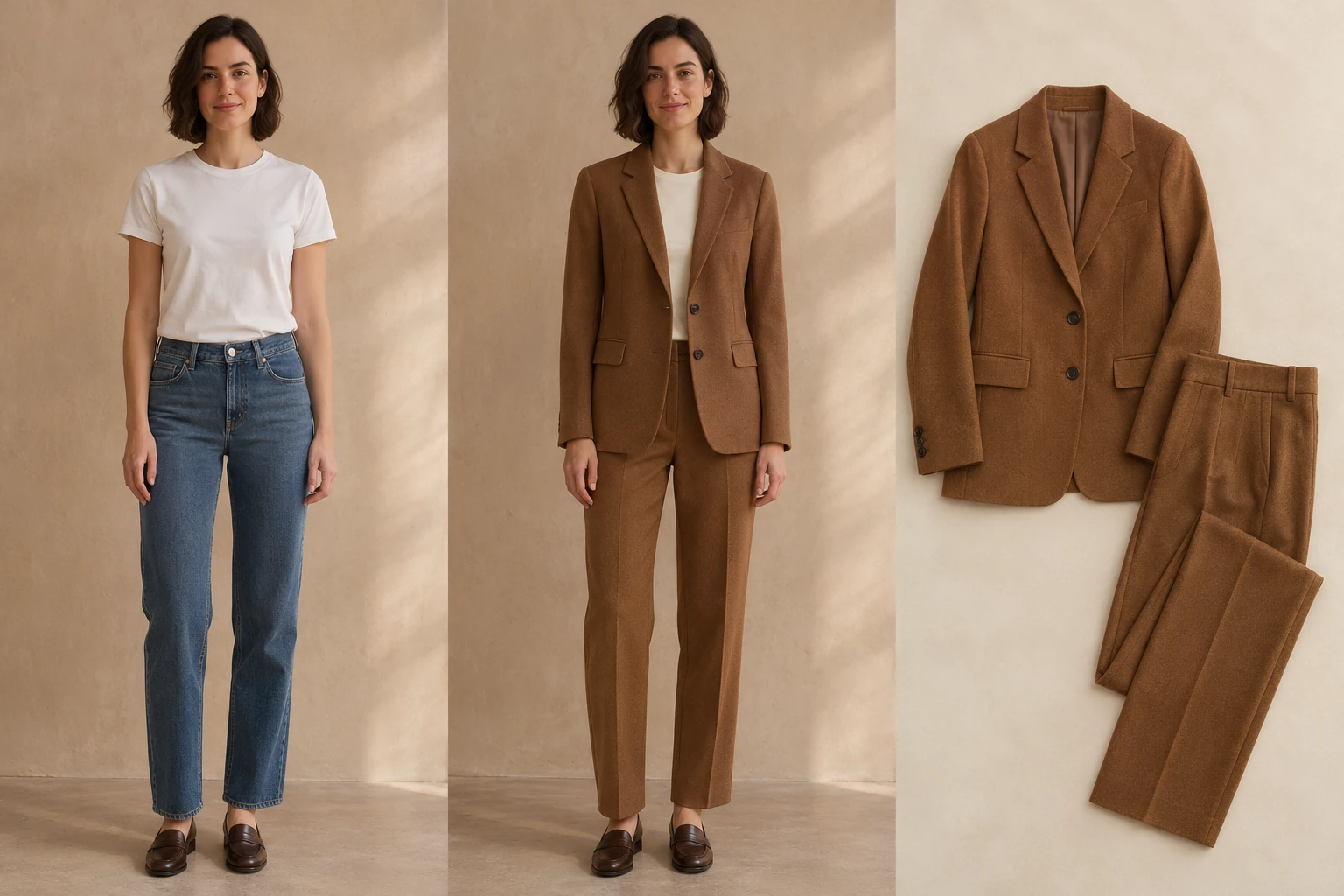
01 / 03Off duty
Give your weekend denim a softer side
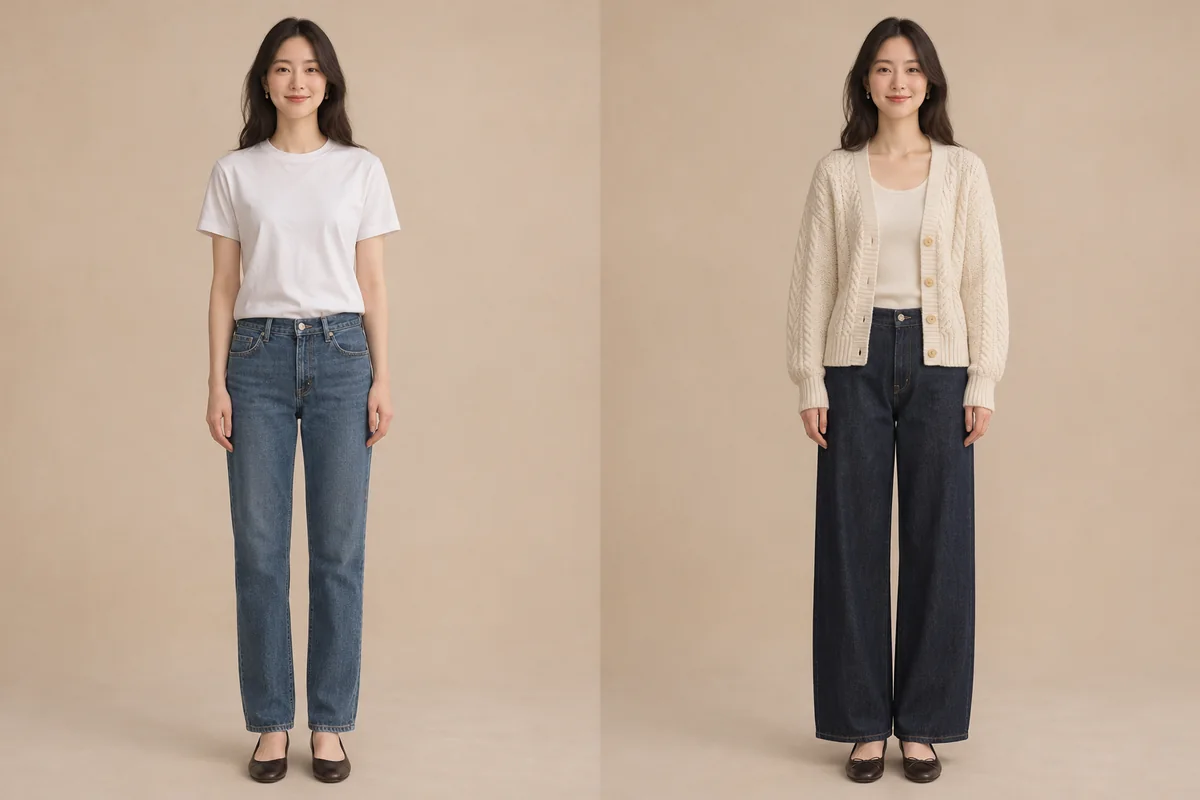
Try a cream cable knit over dark jeans in a favorite street photo. A little texture gives the outfit warmth while keeping the easy feel of a tee.
AI styling illustrationLove the photo, want a different outfit? Bring a clothing reference or describe what you’d like to wear.
Your next look starts here
Your outfit photos will appear here once you generate a look.AI styling illustration · not a generated result
Pick an occasion and explore a different way to dress for it.
Try a cream cable knit over dark jeans in a favorite street photo. A little texture gives the outfit warmth while keeping the easy feel of a tee.
AI styling illustration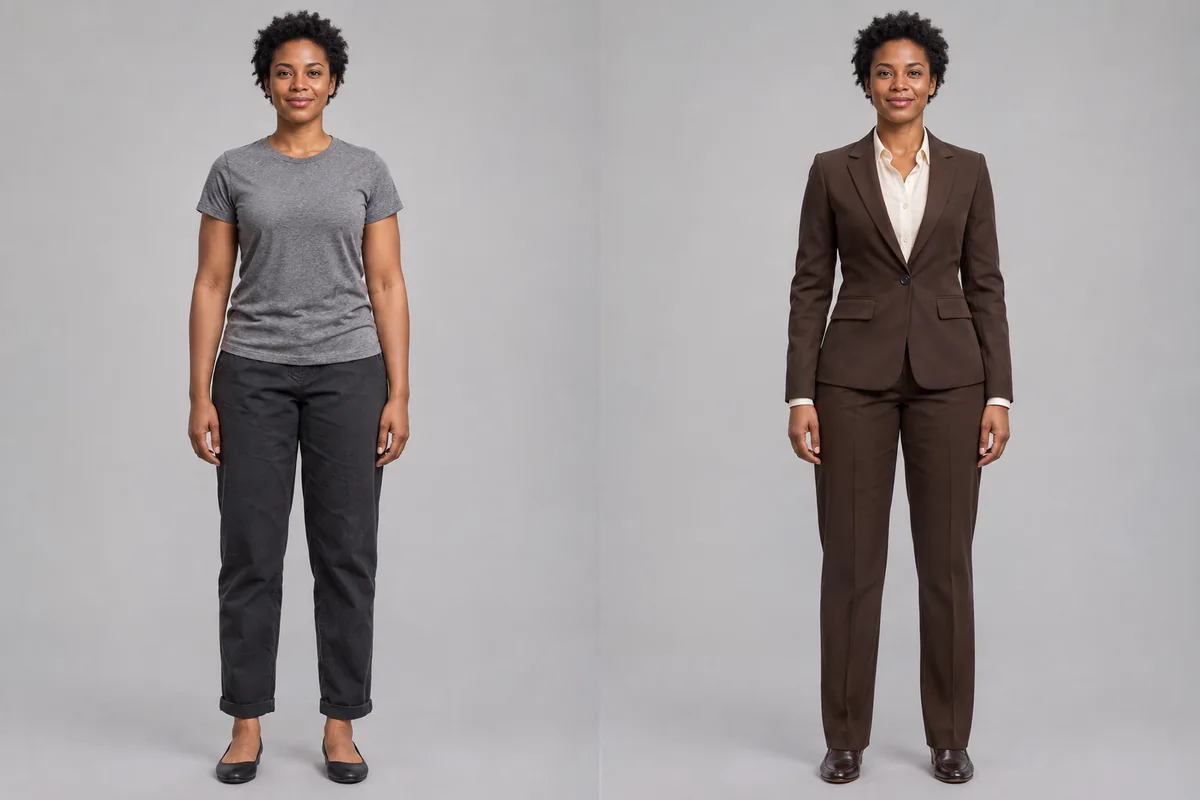
For a team bio or portfolio, try a chocolate suit with an ivory shirt. The tailored shoulder gives the portrait structure; the warm colors keep it approachable.
AI styling illustration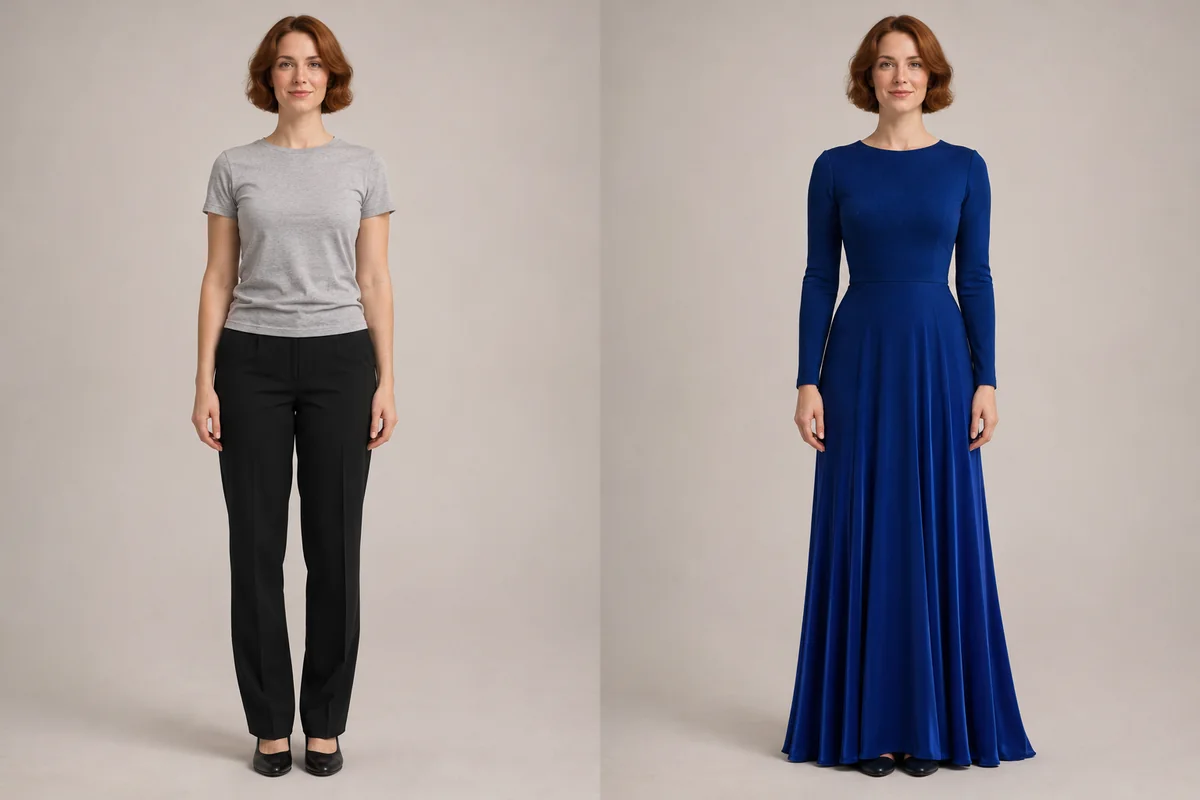
Invitation on the calendar, dress still undecided? Picture the sweep of a long blue skirt on your own photo before you take a gown into the fitting room.
AI styling illustration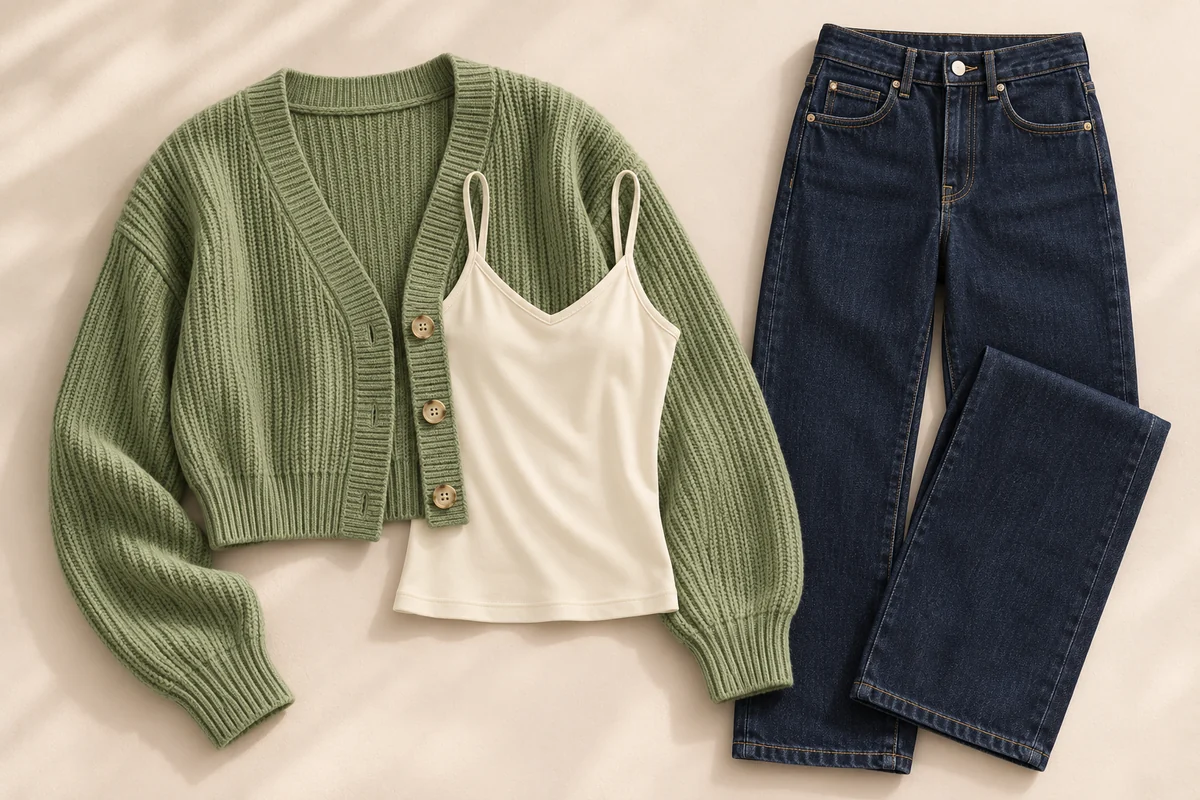
Start with a flat lay or product photo. Show the whole garment so the neckline, sleeve length and silhouette are easy to see.
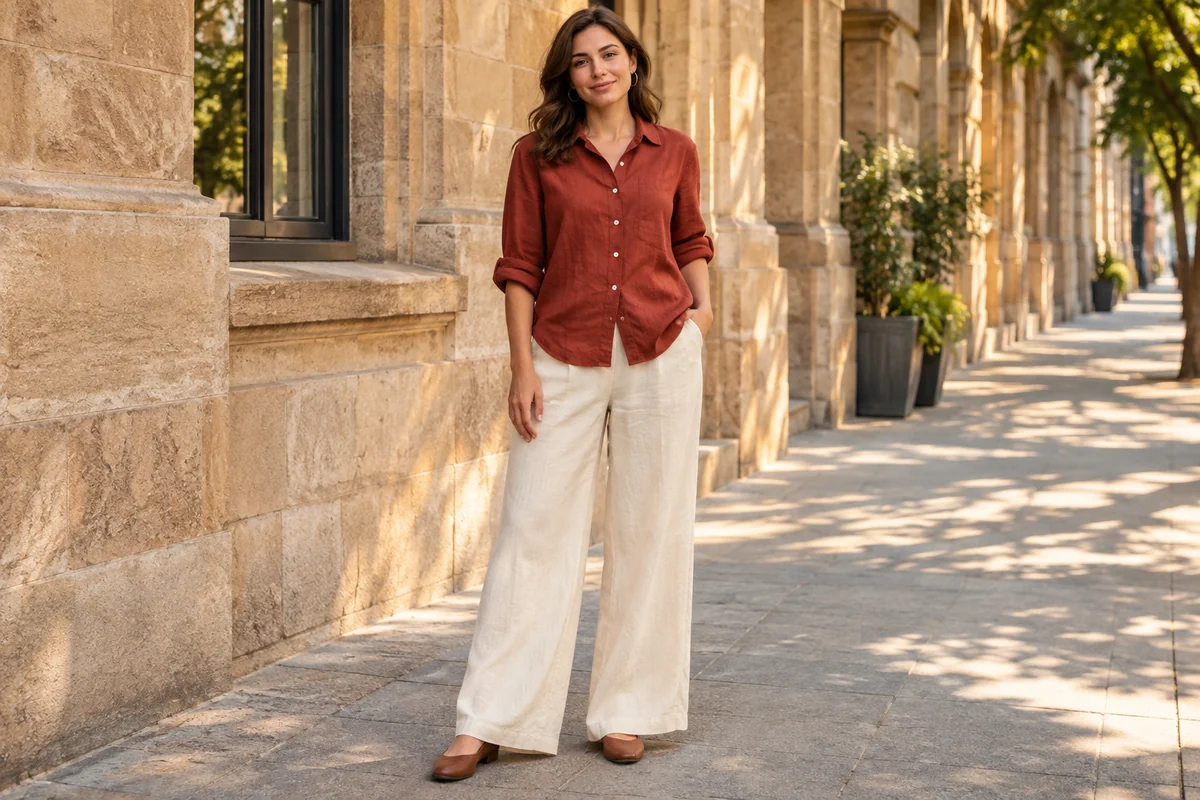
Name the color, fabric and cut. Start with the description below, then change a detail to make it yours.
A brick-red linen shirt with rolled sleeves and ivory high-waisted, wide-leg trousers.
Use an evenly lit photo of one person. Show the shoulders and waist for tops, or use a full-length shot for trousers and dresses.
Add a clothing image or describe the pieces, colors and fabrics. Want to keep your original shoes? Say so in the description.
Review the credit quote on this page, then generate with SugarCube X Image. Your outfit photos appear in the results area here.
No. A clear flat lay, hanger photo or product shot can work. Keep the whole garment in the frame. If you want to try just one item, crop out the other pieces first.
Yes. Add your portrait and select Describe outfit. A description like “a brick-red linen shirt with ivory wide-leg trousers” gives a clearer direction than “summer clothes.”
Choose a clear photo of one adult that you have permission to edit. A front or three-quarter view with minimal obstruction from arms, hair or bags gives the outfit a clear outline.
Small details can change. Check the face, hands, buttons and prints at full size before using the image for a profile, invitation or public post.
Use the image to explore colors and outfits. It doesn’t measure your body or predict how fabric feels or fits. Check the retailer’s size chart and try the garment on for fit.
Choosing a photo or changing the outfit does not start a generation. SugarCube X Image generates on this page after you select Generate outfit. Review the current credit quote before generating; your results appear here.