Relight a product shot, brush out a distraction, or swap the text on a poster—all starting from your original photo.
AfterBefore
The image workspace could not start. Refresh the page to try again.
Image creator
Create and edit images with supported AI models. Review the settings and credits before generating.
Four ways to edit a photo
Drag the slider to compare before and after, then pick an edit mode for your own image.
BeforeAfter
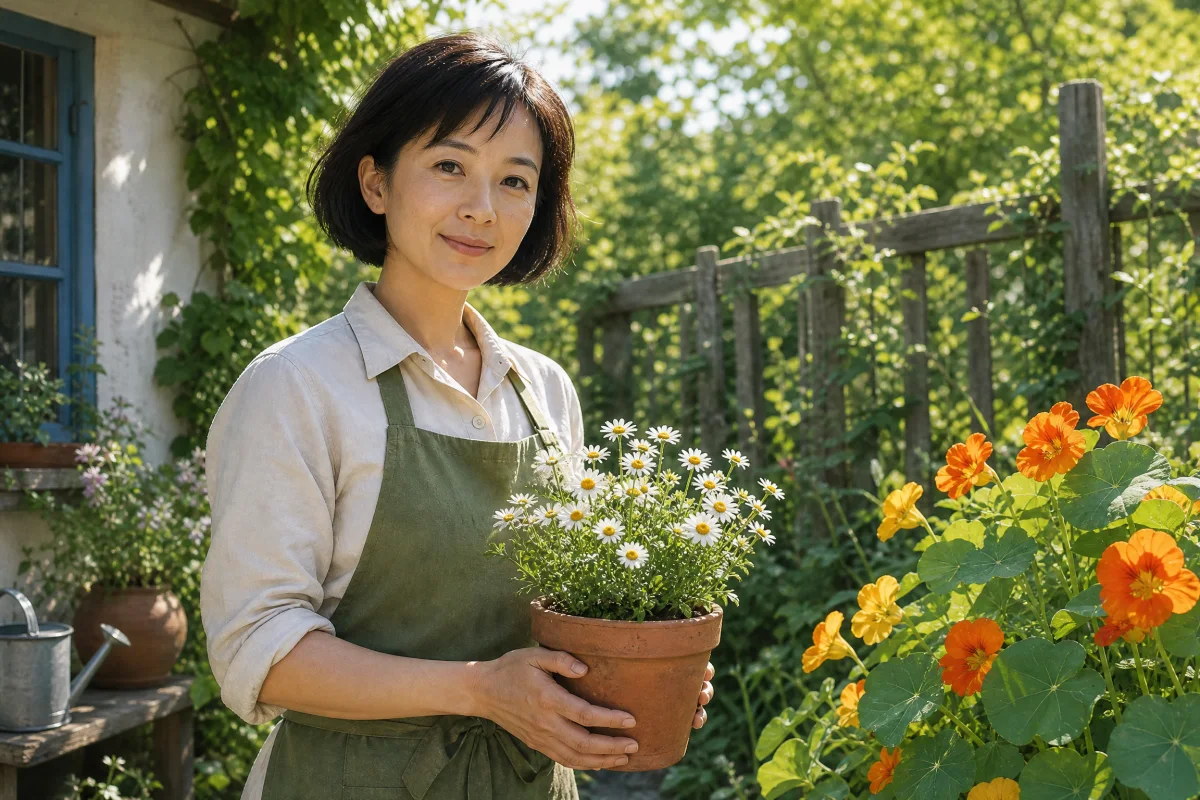
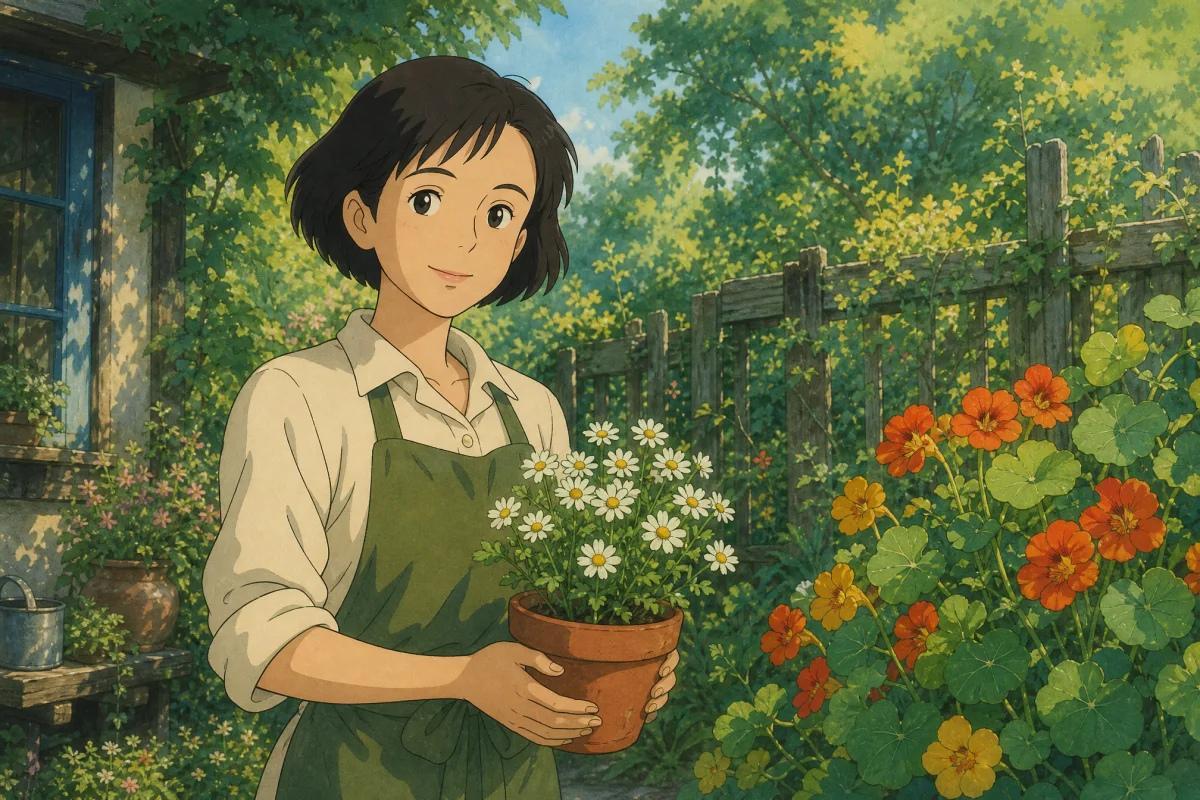
Turn an illustration into a realistic photo
Preview how an illustrated character looks in real-world lighting before a shoot. Describe the photo style and what details to keep.
Turn the garden illustration into a photographic portrait. Keep the pose, outfit and garden setting.
The example could not load. Please try again.
BeforeAfter
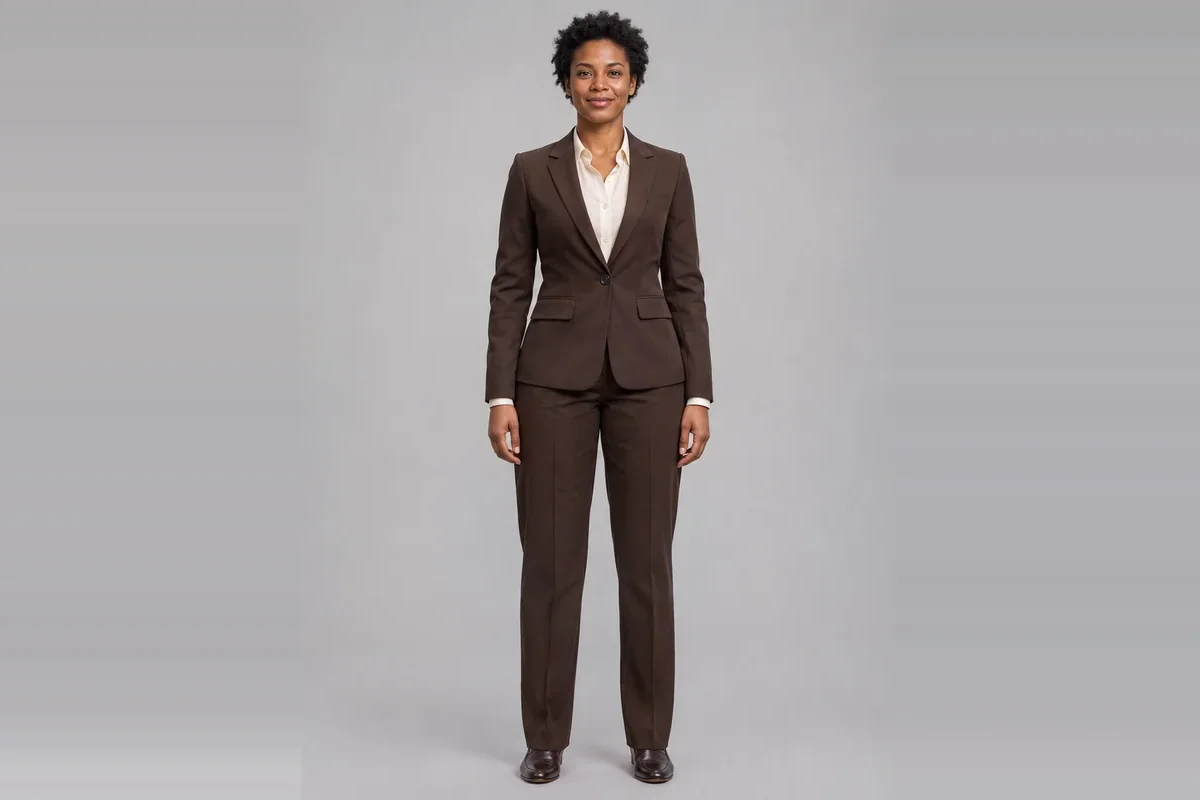
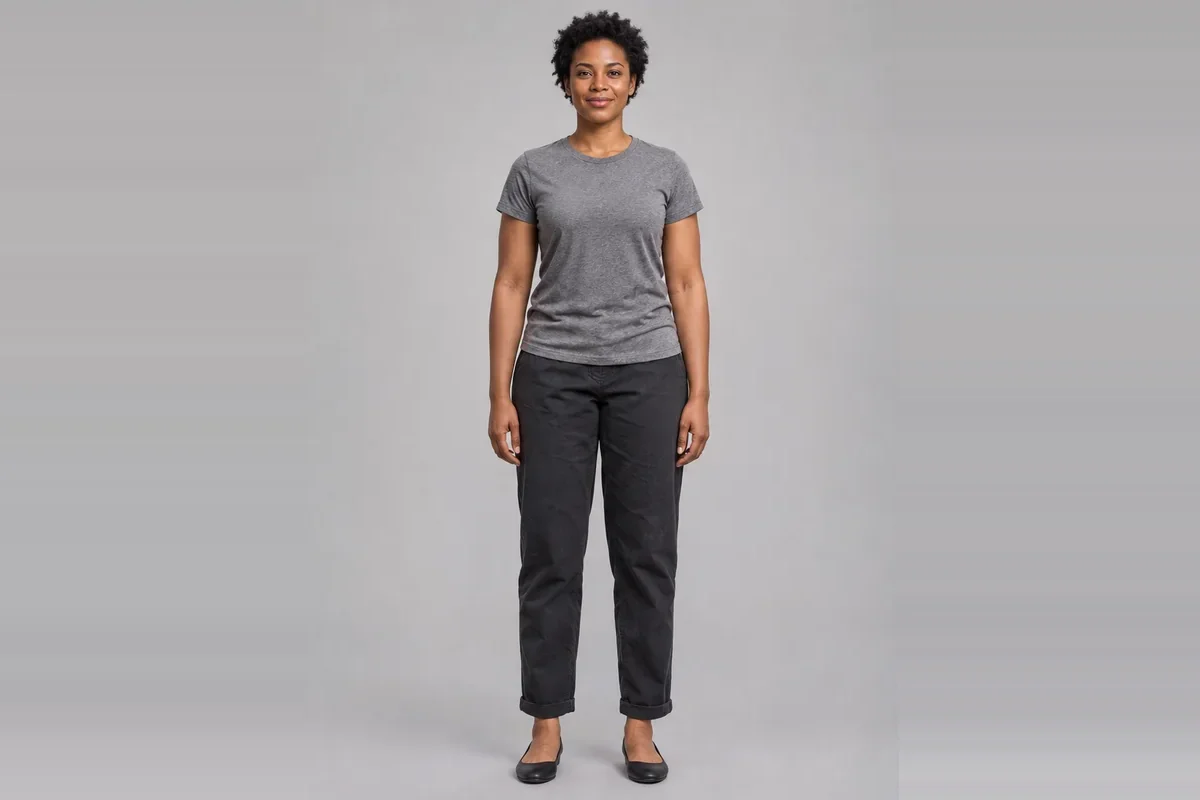
Swap an outfit in any portrait
Brush over the clothing to test a sharper look for a profile or press photo, then specify the fabric, cut, and color.
Replace only the T-shirt and jeans with a dark brown tailored suit and a white shirt.
The example could not load. Please try again.
BeforeAfter
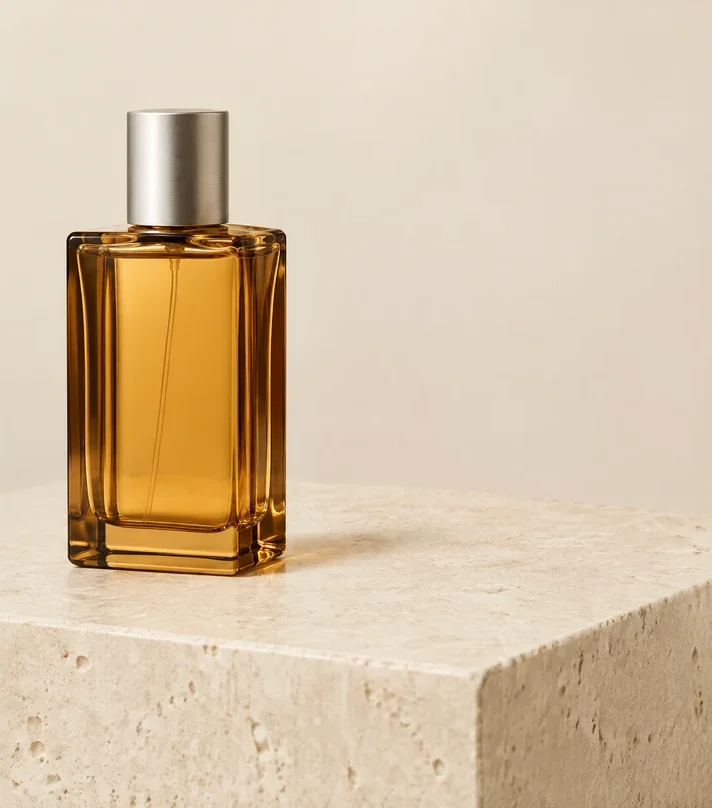
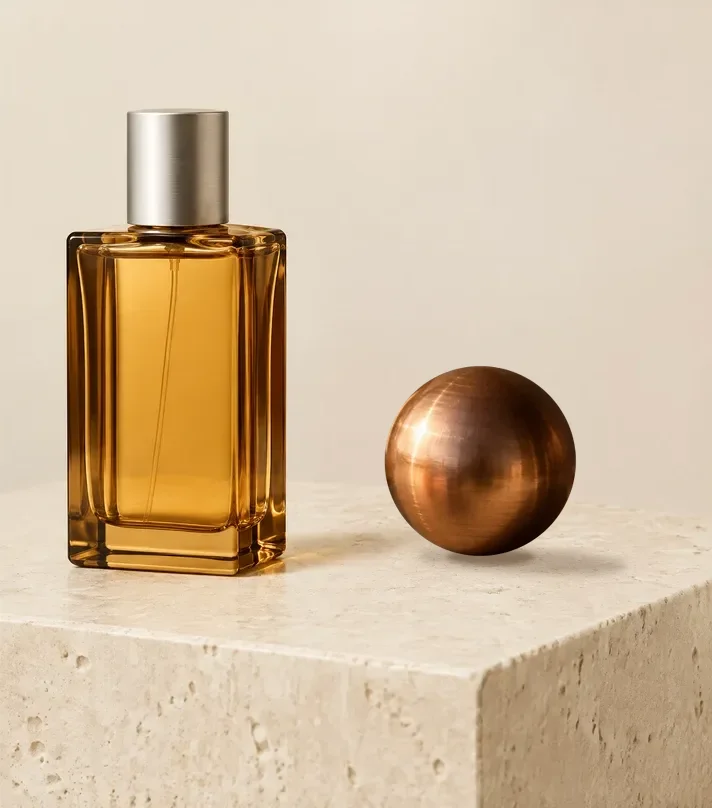
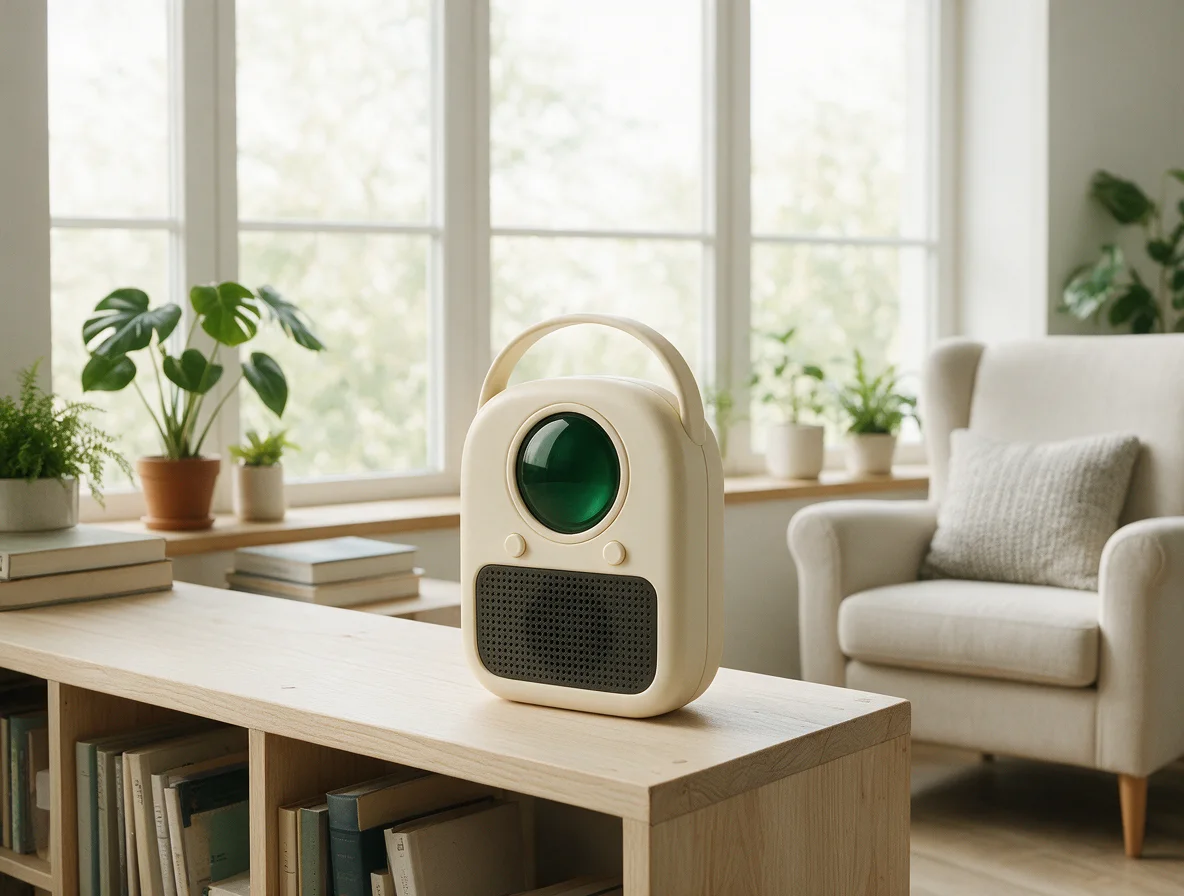
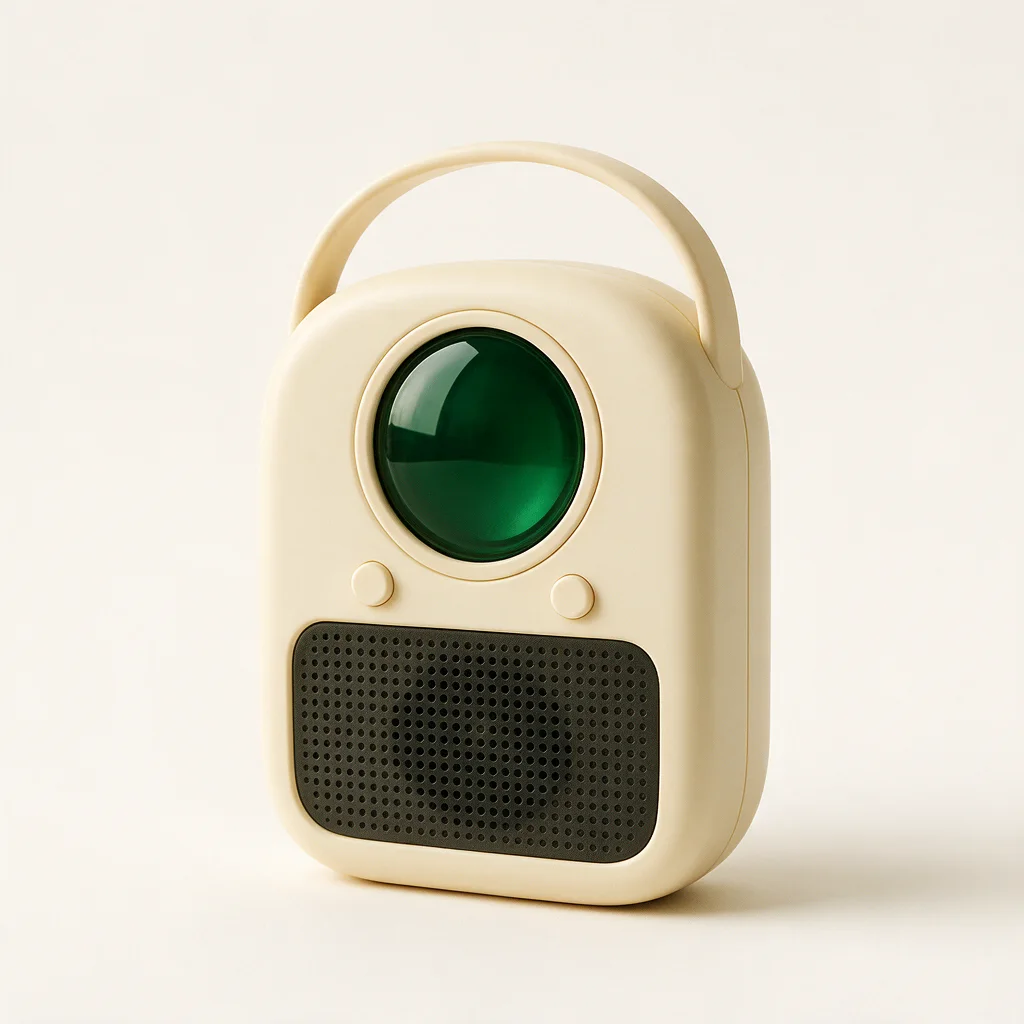
Remove unwanted objects from product photos
Clean up busy product shots for your catalog. Highlight any extra prop or clutter to erase it while keeping the background intact.
The example could not load. Please try again.
BeforeAfter
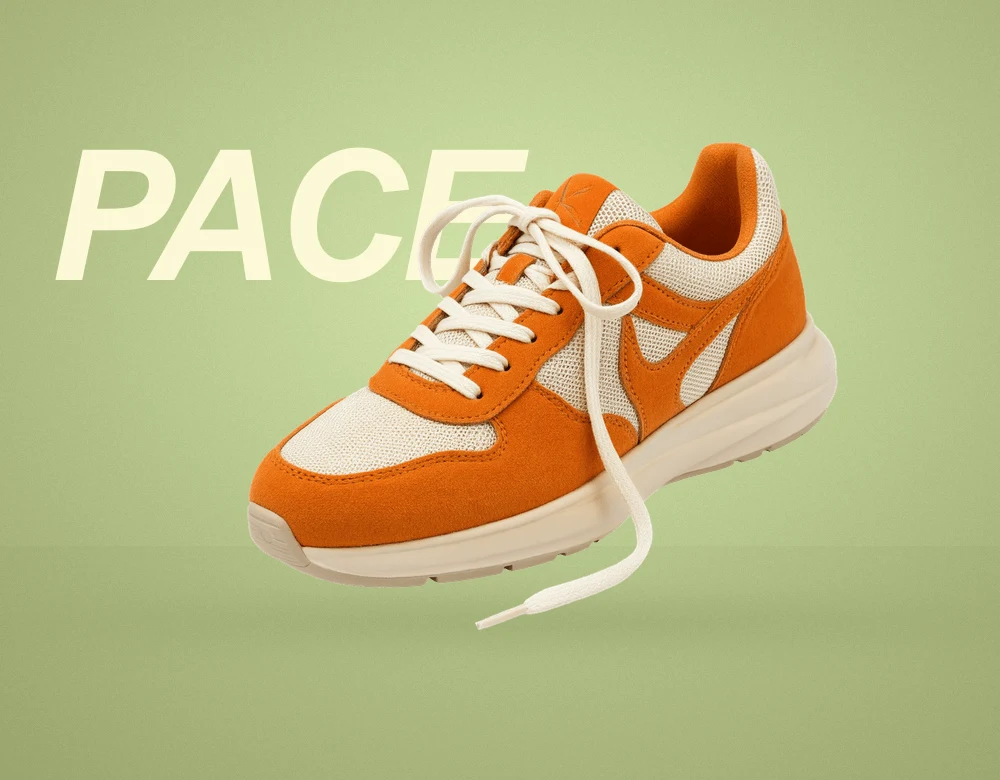
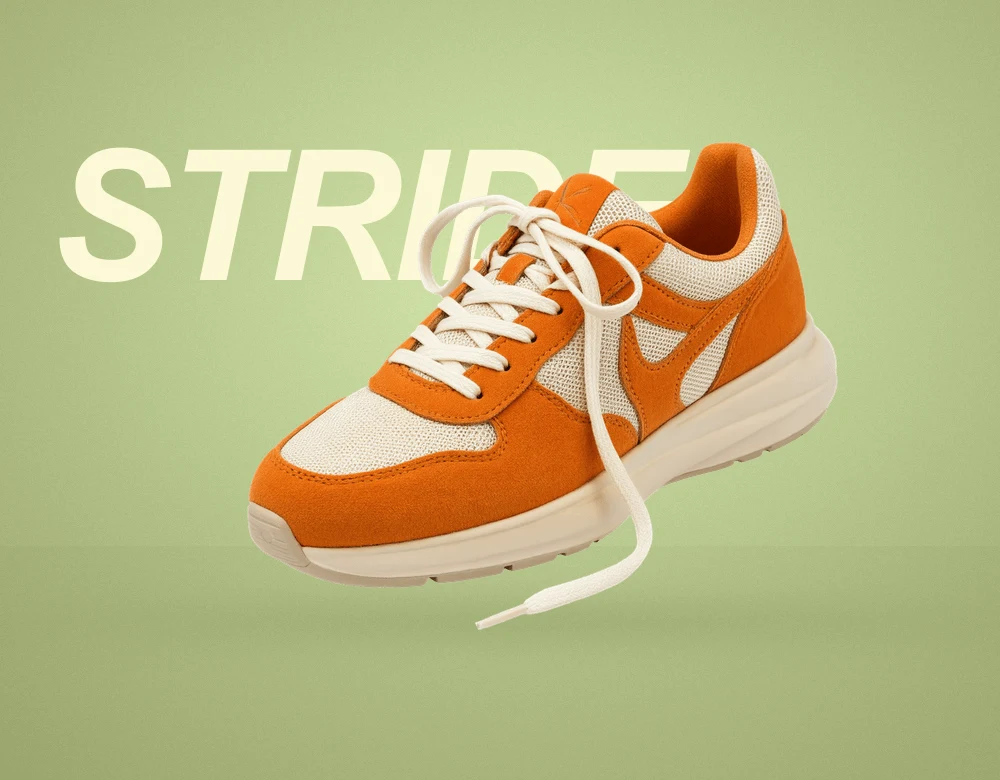
Replace text on a poster or graphic
Update a headline, venue, or event date without rebuilding the design. Just enter the existing words and what should replace them.
The example could not load. Please try again.
AI Image Editor FAQ
How do I change just one part of a photo?
Select Local edit, brush over the area you want to change, and describe the update. Keeping your mask tight around the subject helps blend edges naturally.
Can I change words that are already in the image?
Select Edit text, then enter the exact words in the image along with your replacement text. Matching the original word length helps preserve the existing font size and layout.
How many credits does an edit use?
You'll see the exact credit cost for your chosen model and settings before running an edit. Trying sample edits and drafting prompts are completely free.
Where do I find the edited image?
Once you submit, your edit opens in Studio where you can track progress, download the final image, and revisit it anytime in your task history.
 Before
After