Two portraits, one shared memory
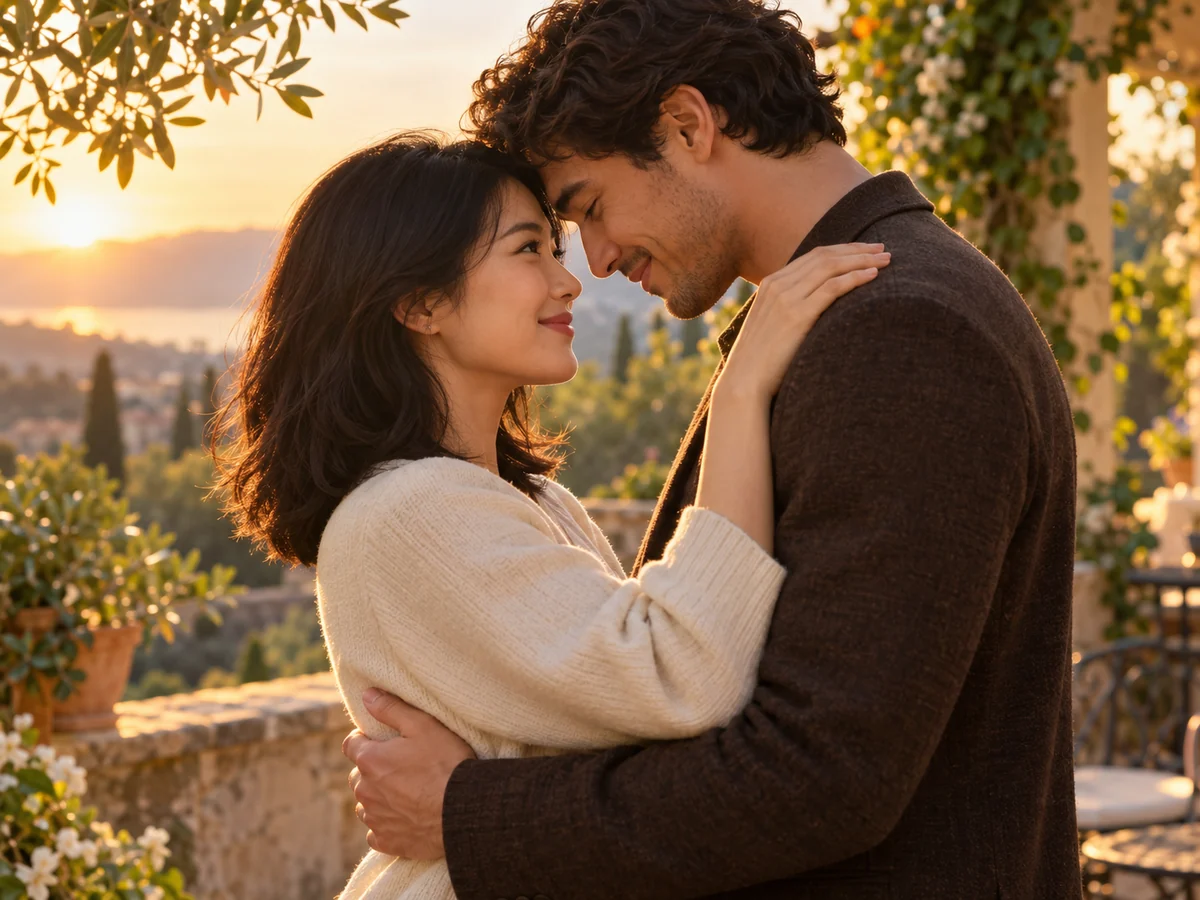
You do not need a couple photo to begin. Add a portrait of each person and turn a long-distance greeting into an imagined kiss you can send to someone special.
Upload two portraits or one couple photo. Choose a kiss style and create a short, romantic video with SugarCube.
Loading older videos…
Create a moment, not just a filter
Start with the photos you have and choose how the two people come closer.
You do not need a couple photo to begin. Add a portrait of each person and turn a long-distance greeting into an imagined kiss you can send to someone special.
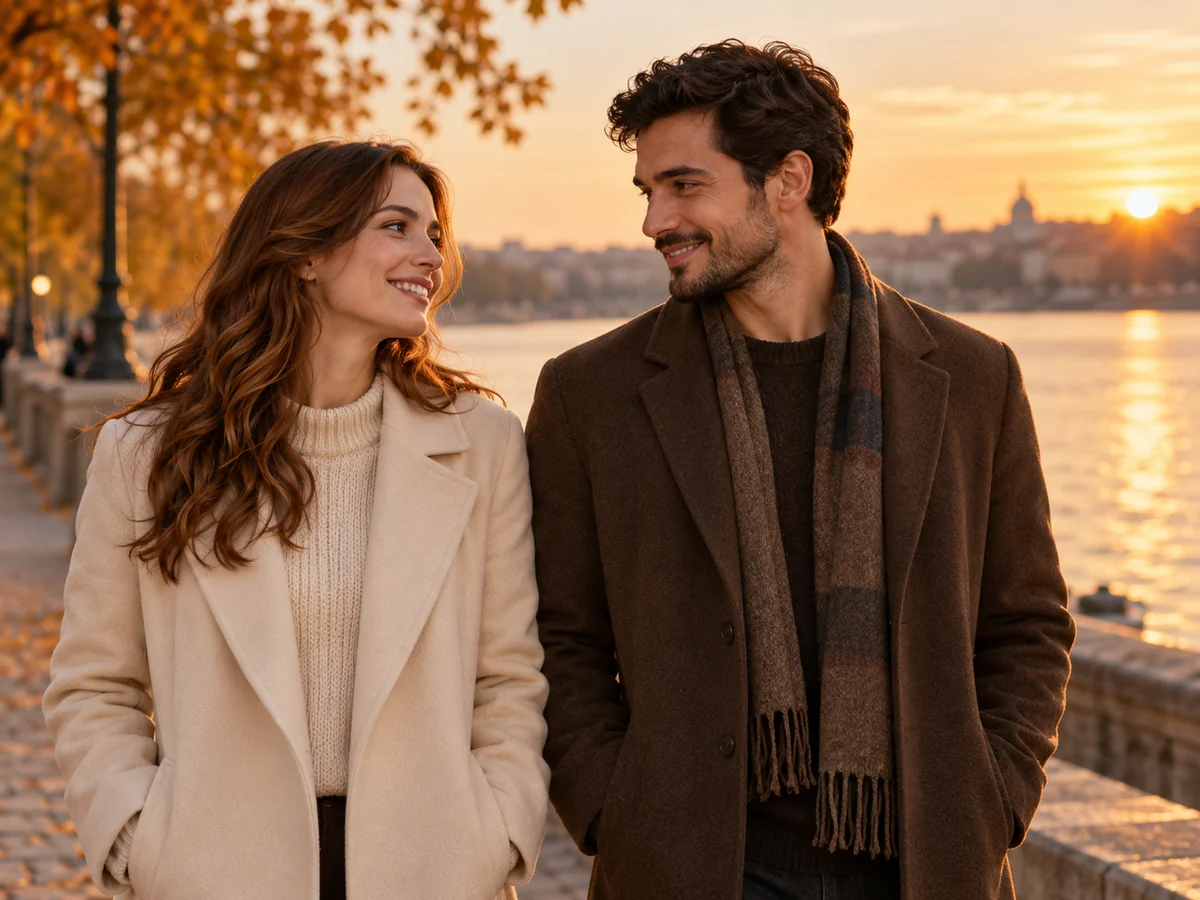
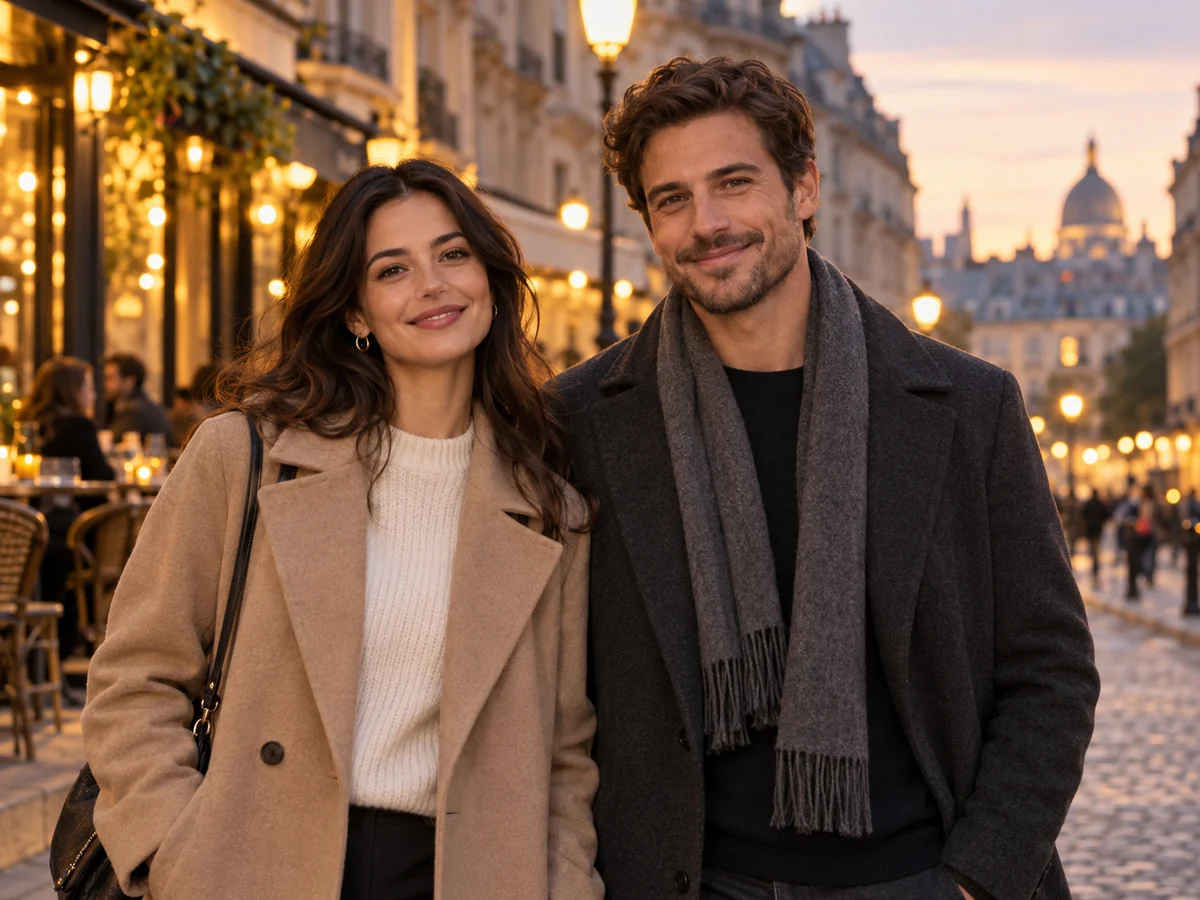

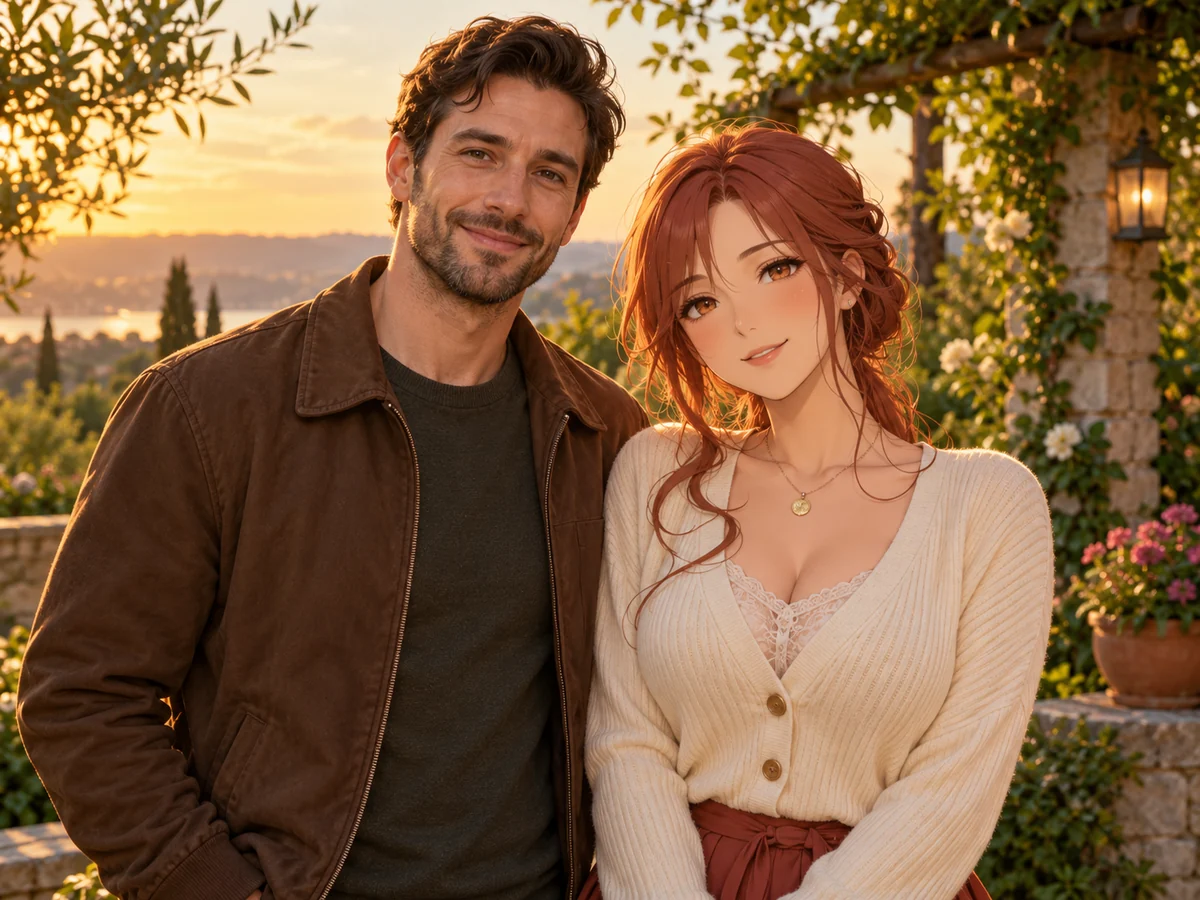
Explore a gentle kiss, an embrace with a French kiss, a hug followed by a kiss, or a mixed-style moment. Each preview shows a different creative scene. Add a short description to guide your own result.
Use one clear face per portrait. In a couple photo, keep both heads in frame and faces unobstructed.
Pick one of the four video templates. It supplies the action and default settings; review the quote and add optional details before generating.
After submission, the page takes you to the task. When it is ready, preview and download the video; you can return to your history later.
Start with the right photos
A good photo matters more than a long prompt. AI can still change faces or make motion look unnatural; these choices can reduce avoidable retries.
Use front-facing or slight side views. Avoid sunglasses, hands over faces, dark lighting and low-resolution screenshots.
Similar face size, lighting and camera angle help. Different backgrounds do not need to be combined by hand first.
A photo with both heads fully visible and a comfortable distance gives clear relative positions. Try a simple gesture first.
Yes. Choose Two portraits and add one clear adult face per image, or choose One couple photo with both adults visible. JPG, PNG and WebP files are supported, up to 8 MB each.
Generation uses credits. The amount depends on the model and settings you choose. Check the live quote before generating. If your balance is insufficient, add credits or choose different settings.
Choose from the four video templates and add an optional description of the mood or movement. Templates guide the result; AI does not guarantee an exact recreation of the sample, faces or gestures.
No. Your uploaded files and generated results stay private unless you choose to publish or share them.
A confirmed technical failure returns the charged credits. A completed video that is not to your taste is different: try clearer photos with similar angles and check the new quote before another generation. There are no unlimited free retries or guaranteed likeness.
Start with your photos, not a complicated prompt.
Create a kiss video