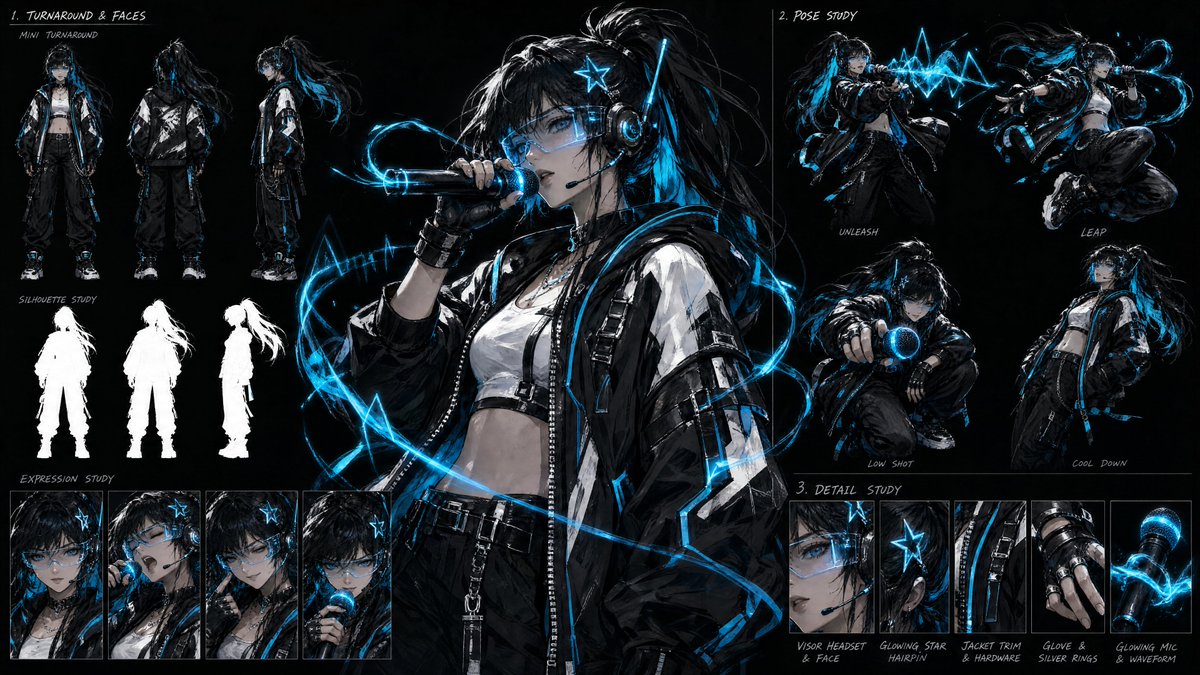
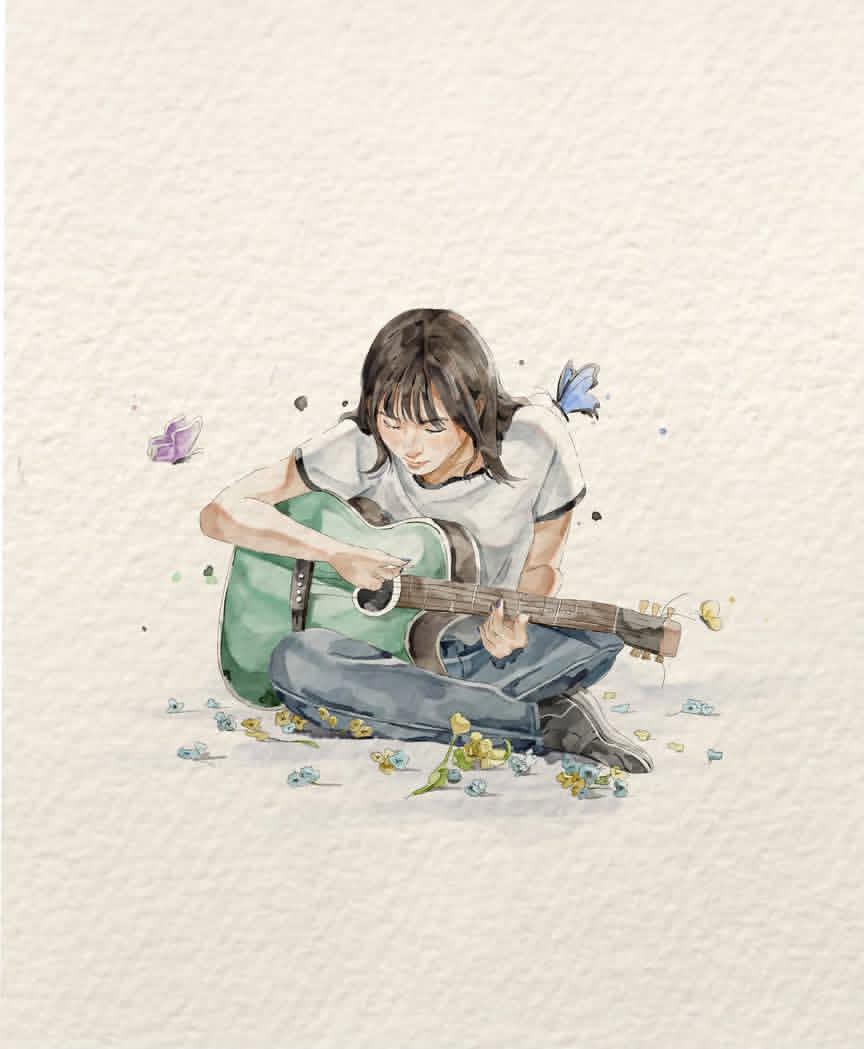
A personal symbol
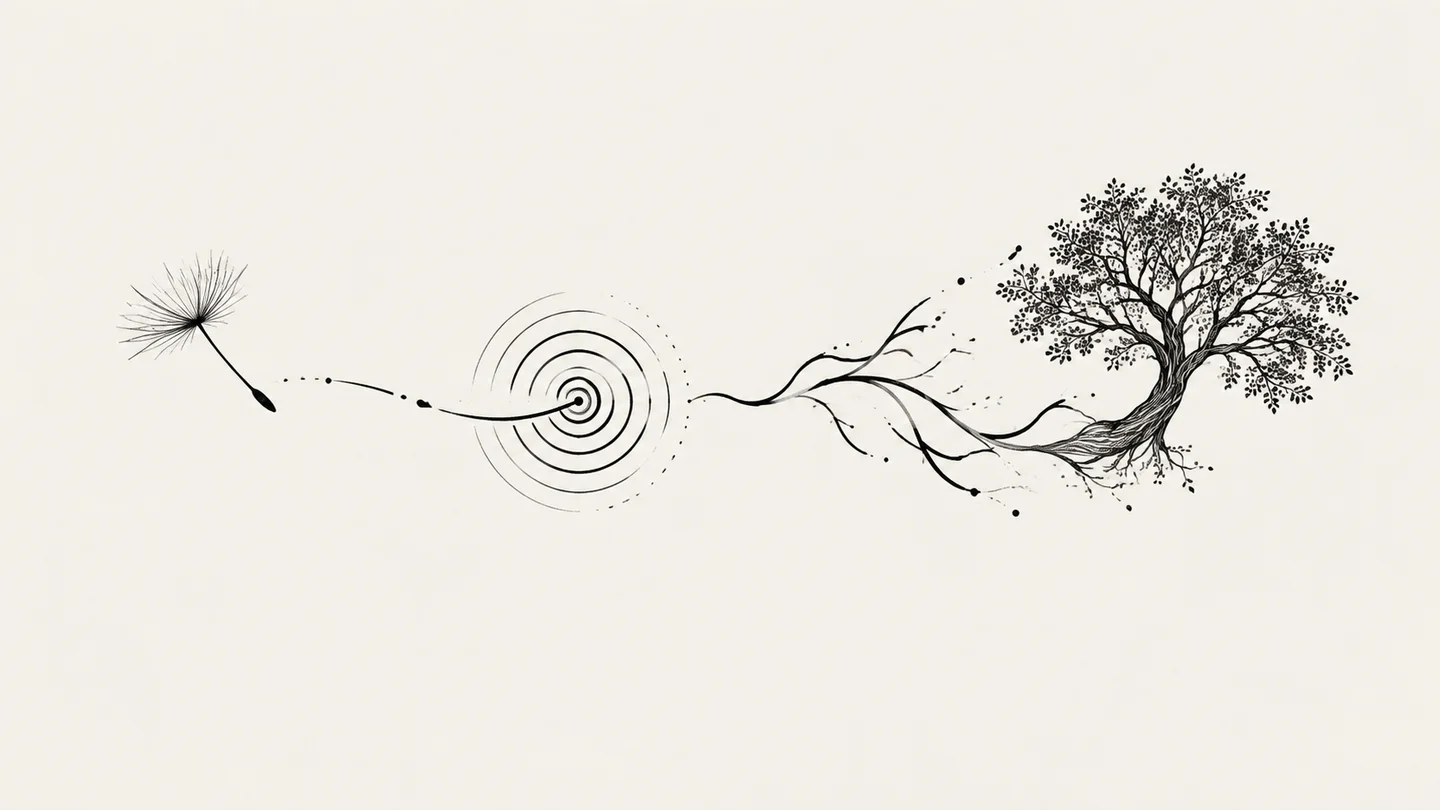
Combine a flower, object or date into an original visual reminder, then verify any lettering.
Turn a motif, placement, mood, and style direction into an original tattoo concept you can refine with a tattoo artist.
Concept image only—not a stencil, vector file, transparent PNG, or print-ready transfer. It is not an on-body preview and is one flat raster concept, not tattoo-ready linework or medical advice; review line weight, scale, placement, skin fit, and application safety with a qualified tattoo artist.
Describe the motif, placement, shape, mood, line treatment, and color limit. Add only references you are allowed to use.
Your next concept will appear here with its status and recovery actions.
Loading older results…
Explain the meaning, main shapes and line direction; add an authorized sketch if useful.
Mention the intended body area to guide shape, then choose a model and ratio for a flat concept.
Generate here and download the concept. A tattoo artist must adapt linework, scale and application.
Combine a flower, object or date into an original visual reminder, then verify any lettering.
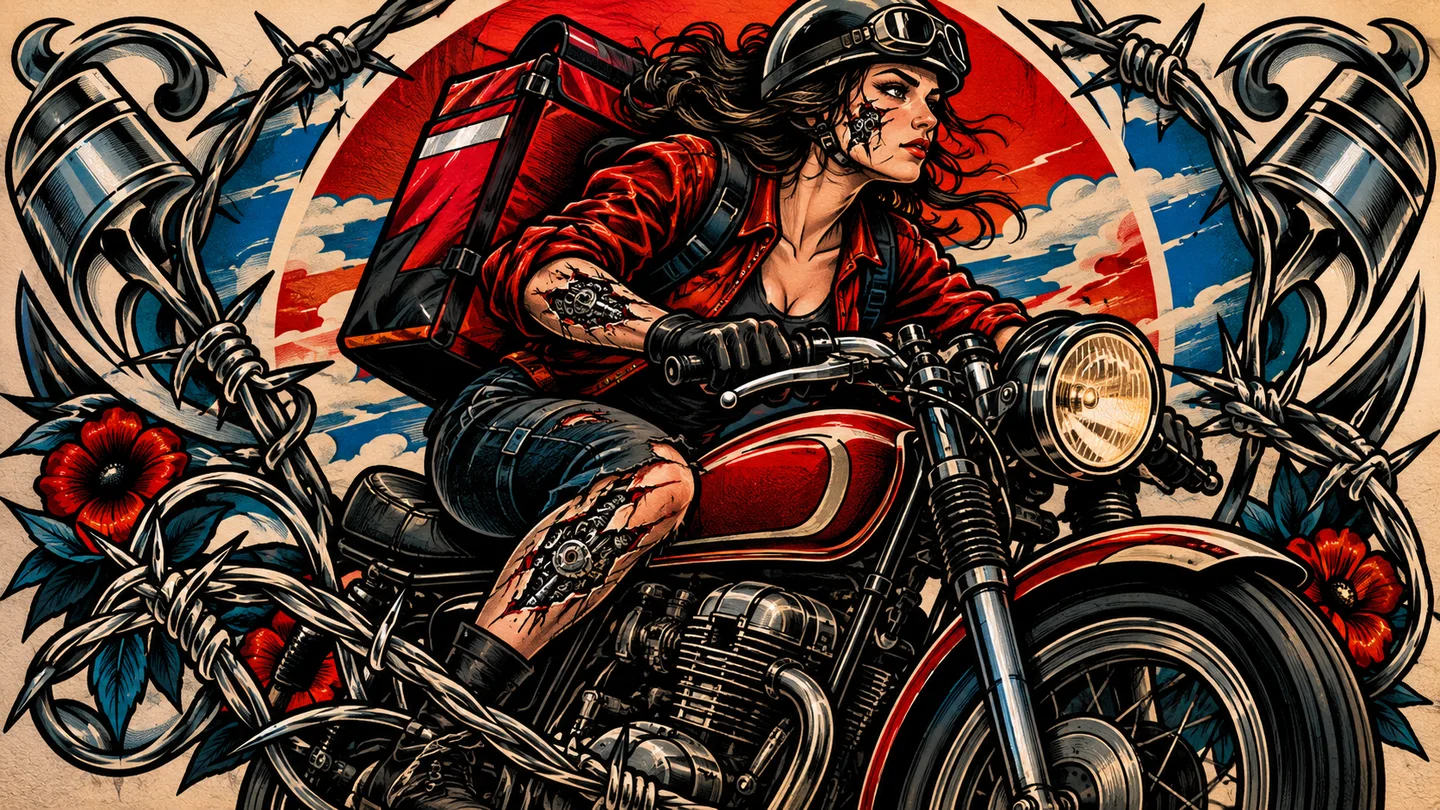
Explore a small motif with a clear silhouette as a discussion draft for an artist’s own drawing process.
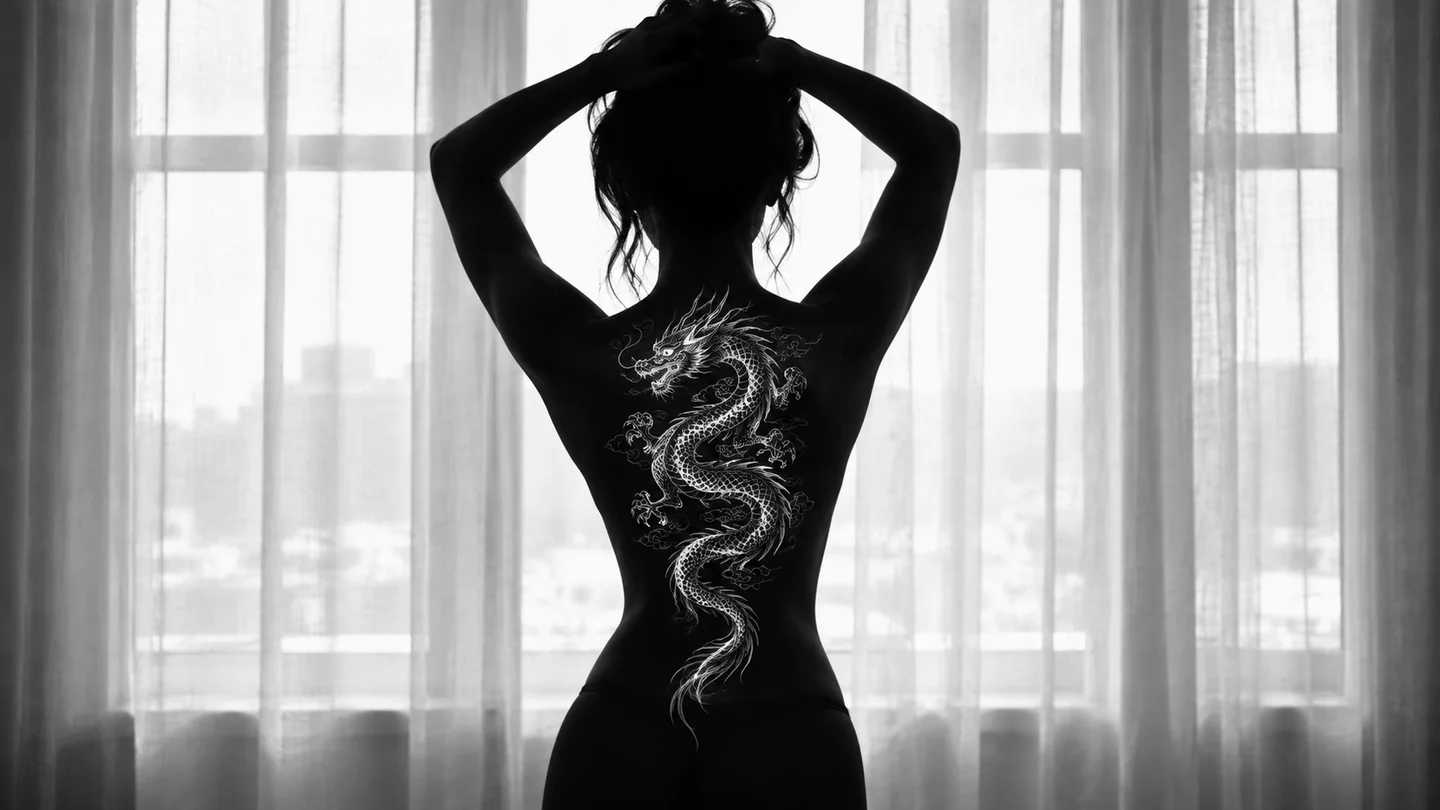
Ask for a vertical forearm idea or a broad back composition. This is a flat design, not an on-body simulation.
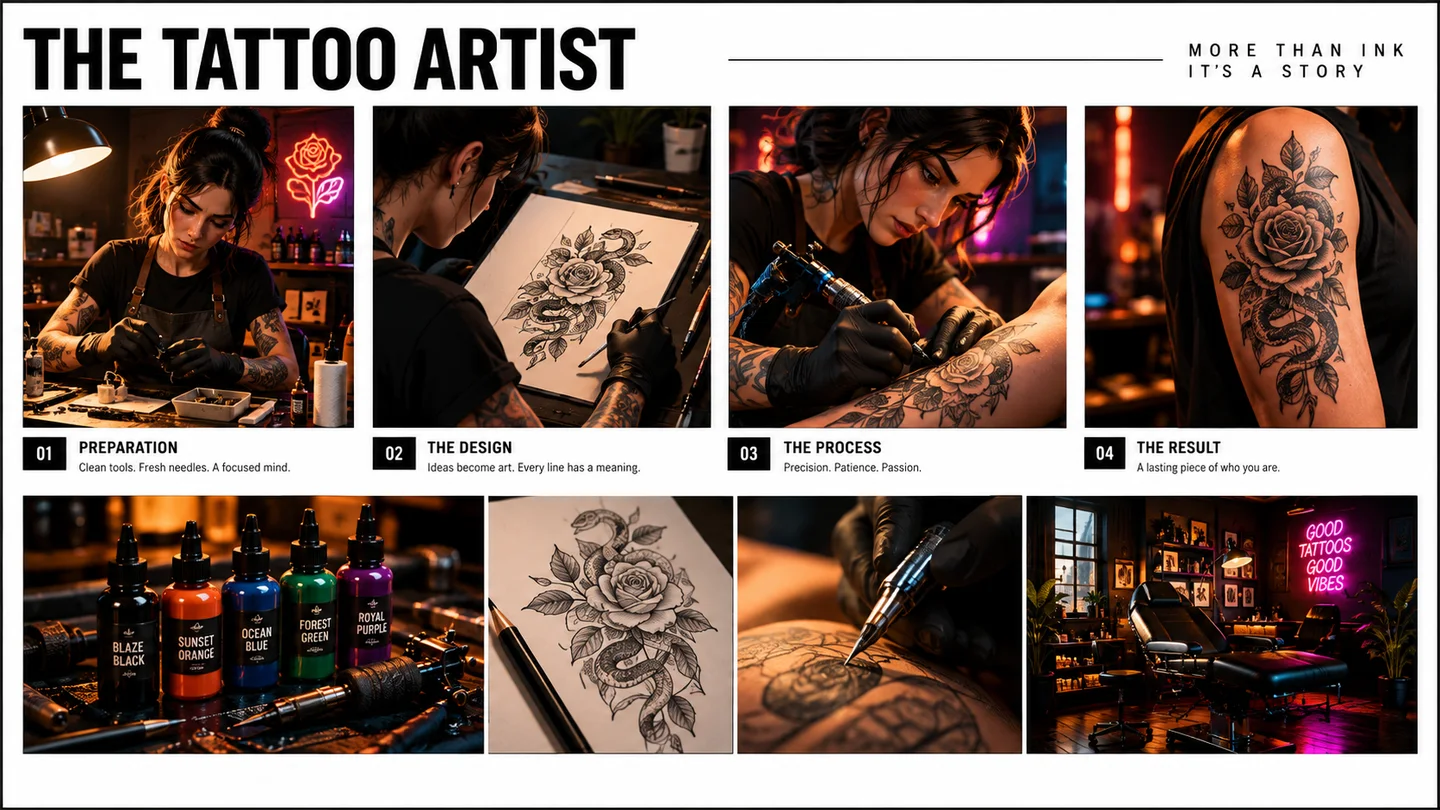
Use the concept to discuss spacing, line density and focal elements before a professional redraw.
Swipe to explore related tools
References, output limits, model choice, credits, and artist-review guidance.
It creates one original flat raster tattoo concept from your brief and optional authorized references. It is a reviewable visual direction, not a stencil, vector file, transparent PNG, print-ready transfer, or tattooed result.
Yes, if you have permission to process it. References guide a new concept and do not guarantee exact preservation of detail, identity, symbols, or third-party rights.
No. This page provides one raster concept image only. A tattoo artist should create any application-specific drawing, transfer, or production material.
No. It does not provide calibrated body placement, skin-tone simulation, scale accuracy, augmented-reality try-on, or a prediction of healed appearance.
No. AI can distort symmetry, small gaps, continuity, anatomy, lettering, symbols, and reference details. A qualified tattoo artist must review and adapt the concept.
No. Do not request exact imitation of a living artist or a tattooist’s signature style. Use broad, original direction such as line density, geometry, or color limits instead.
The selector loads SugarCube’s current public image model catalog. The active model determines available ratios, reference limits, prompt limits, and displayed credit cost; authenticated results stay in this page history.
The shared workspace preserves recoverable input and explains model limitations. Choose a compatible model, remove references only if you decide to, or use the visible retry path after checking the current requirements.
Return to the brief and describe what the motif should mean.
Return to the tool