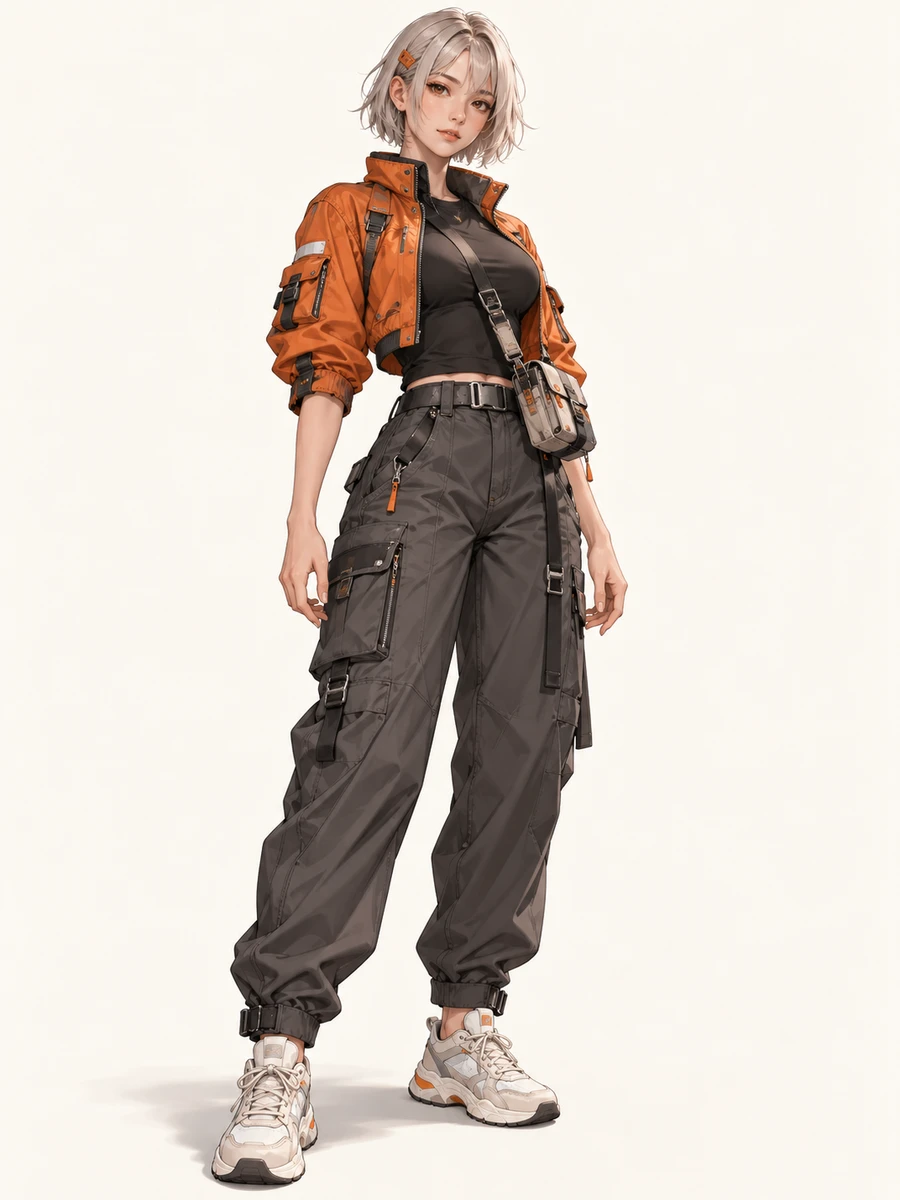
Character reference
Your upload guides the face, hairstyle, outfit, colors and visual style.
CHARACTER POSE STUDIO
Keep the character you love. Choose the poses you need. Build a collection for your next story, character study or creative project.
288 pose groups · Single & duo · Your choice of model
Add your characters, choose poses and a model, then generate your collection.
Your generated images will appear here, one pose at a time.
Loading older results…
FROM ONE IDEA TO A COLLECTION
A recognizable outfit, a new gesture, a different camera angle. Explore a character across individual images for story planning, visual references and creative experiments.
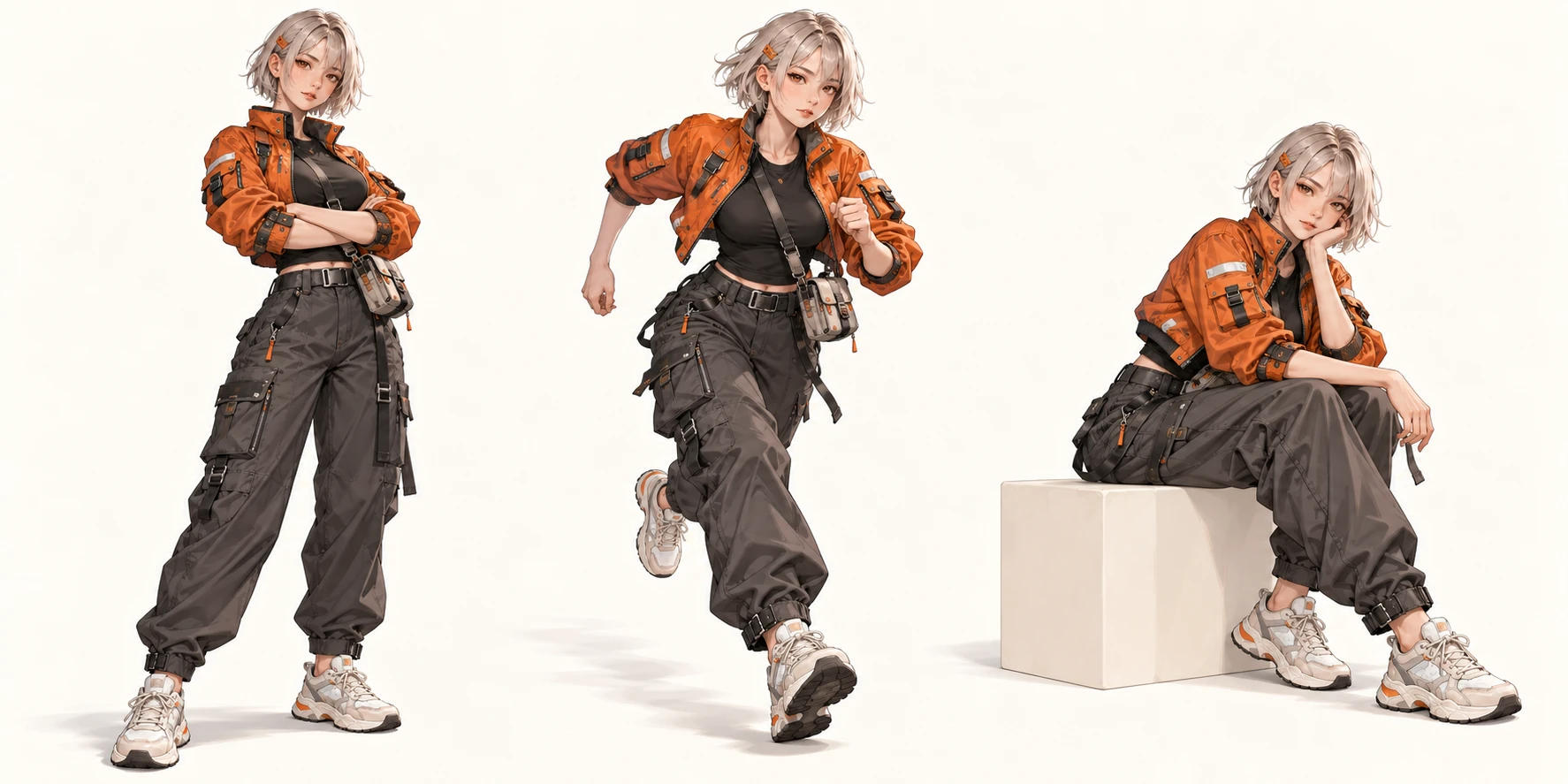
Your upload guides the face, hairstyle, outfit, colors and visual style.
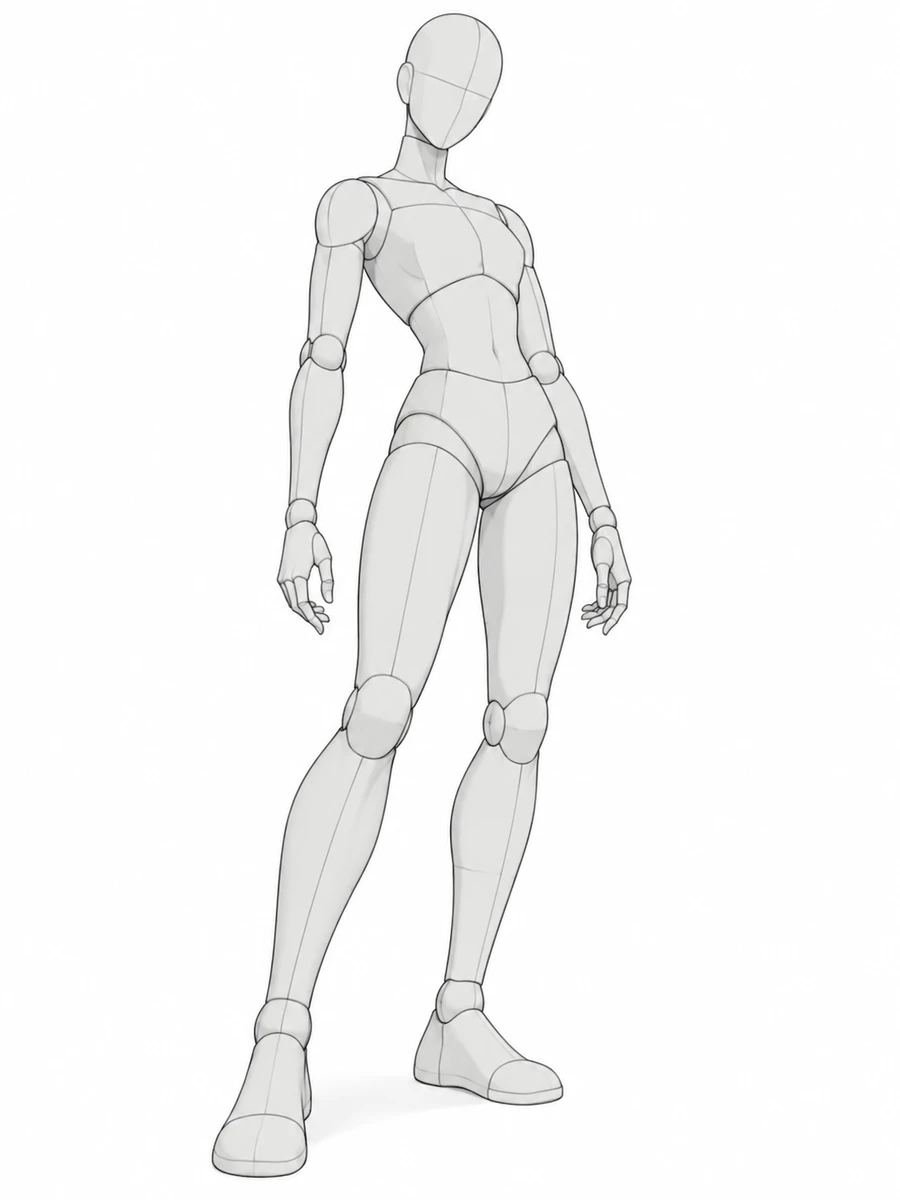
The sketch guides body position, framing and camera angle. It is not the intended output style.
Upload one character in Single mode, or add character A and B in Duo mode. Clear, full-body images help preserve the outfit and proportions. Duo mode is available to paid users.
Browse the matching single or duo library. Choose a camera view and select the poses you want to create.
Select a compatible image model and quality, check the total credits and generate your selection. Follow each image in the queue and download the finished results.
BETTER REFERENCES
Use a well-lit image with one unobstructed character and distinctive details. Simple backgrounds help separate the subject. A full-body source gives the model more information than a headshot when the pose shows the entire outfit.
Character details and anatomy can vary between images. Check the face, hands and outfit in each result.
Single mode combines one character image with a pose sketch. Duo mode combines two character images with a two-person sketch. Character A follows the figure with the leftmost torso (the upper torso if aligned); B follows the other. Overlapping figures can swap identities. The selected model uses your images for appearance and the sketch for pose and camera view. Duo mode is available to paid users.
Yes. Select up to 30 pose references and submit one batch. Each image is a separate task processed in a queue. You can follow its status and find the images again in your task history.
The workspace shows the per-image price for the selected model and quality, and the total for your selected poses. Only the model options compatible with the character references are available. Each failed generation follows the existing refund rules.
The reference guides identity, outfit and visual style, but exact consistency is not guaranteed. Start with one pose, use a clear character image, and check the face, hands, proportions and clothing in each result.
Accepted jobs are saved on the server and remain in your history. Refreshing does not submit a new paid batch. A failed generation follows the existing refund rules; retrying is a new task with its displayed credit cost. An uncertain submission stays reserved until its outcome can be confirmed.
You can upload your own character artwork or an image you have permission to use. Check the rights to your inputs, review generated details, and consult the Terms of Use before publishing or using outputs commercially.
Upload a reference, choose your first pose, and review the credit cost before creating.
Create a pose collection