Choose an iteration pace
Flare is designed for quick iteration; Sunburst emphasizes detail and consistency. Compare actual latency and output on your own prompts.
An OpenAI image model guide
Explore Flare and Sunburst, GIF generation, markup-guided edits, SVG output, and complexity control. Compare supplied examples before choosing a workflow.
Flare is designed for quick iteration; Sunburst emphasizes detail and consistency. Compare actual latency and output on your own prompts.
The API offers gpt-image-2.6-flare and gpt-image-2.6-sunburst. Choose the model that fits your speed and visual-quality priorities.
Create a looping GIF with the API generation endpoint. Frame count and frame duration control the animation; GIF output is generation-only.
A transparent PNG overlay can identify the region to change. Match the overlay dimensions to the first input image and describe the intended edit.
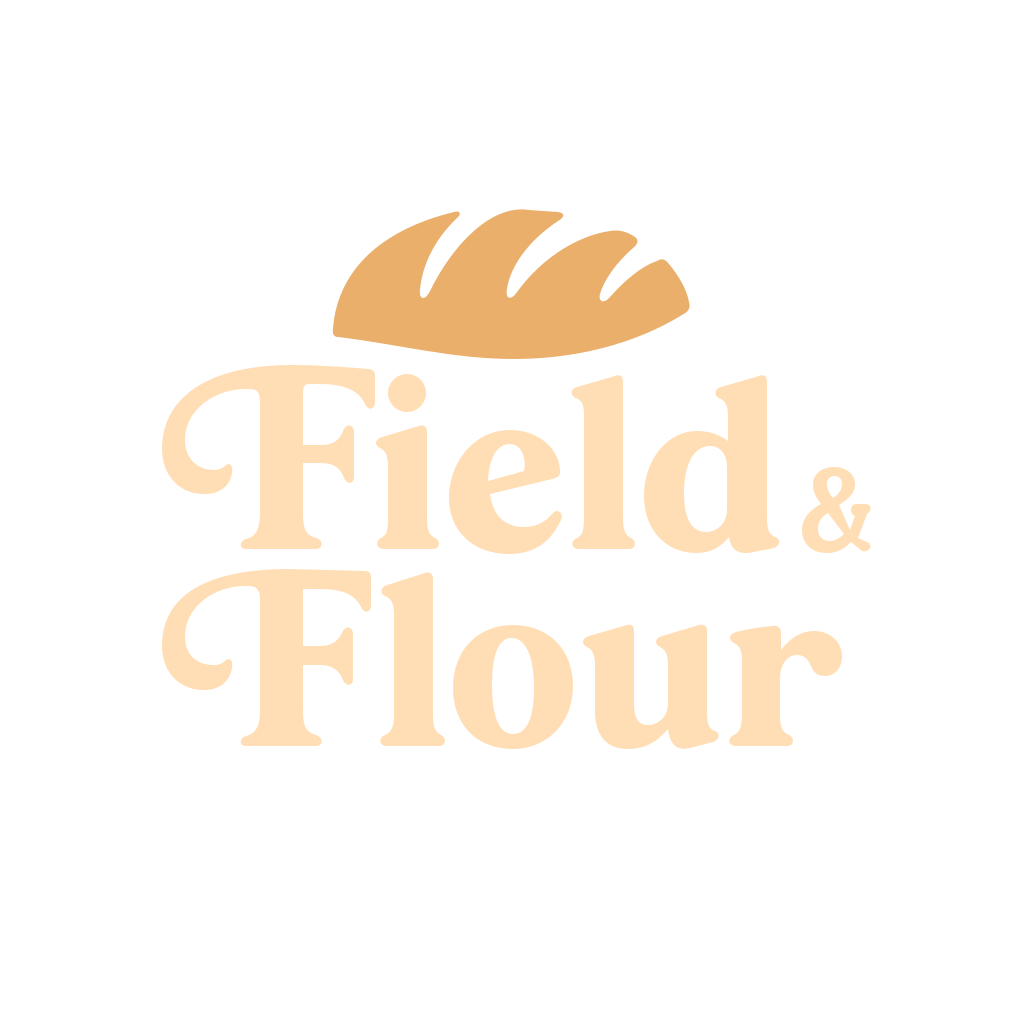
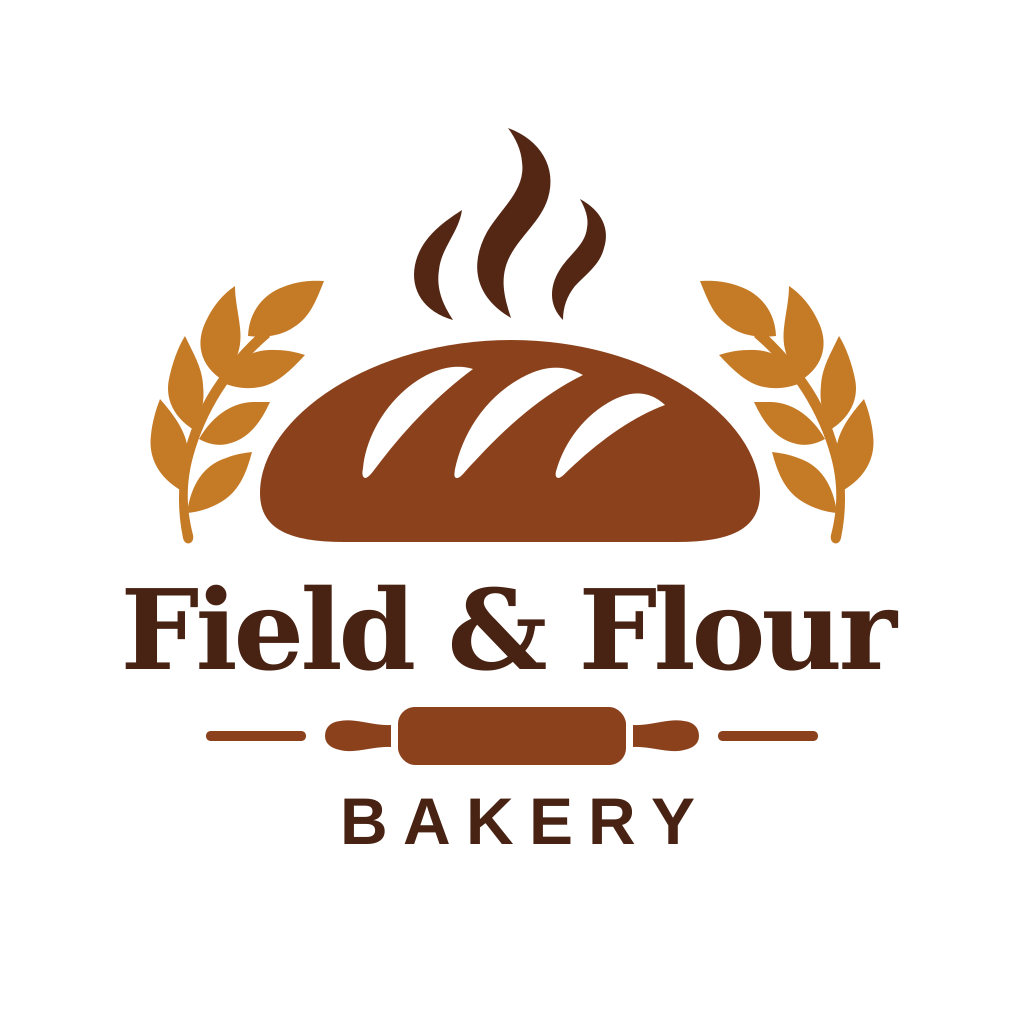
Request output_format=svg for scalable artwork such as logos and marks. SVG output is supported on the generation endpoint.
Set complexity to low, medium, or high to control planning effort. It is separate from quality, and the documented default is high.
Use reference images to communicate a character, object, composition, or visual direction. Check the limits and controls of the product you use.
Explore posters, product imagery, interface concepts, and other composed visuals. Check text, alignment, and detail before publishing.
Review generated text, identities, edits, and image metadata. Consult the current model documentation for supported formats and limitations.
API models
Two variants: gpt-image-2.6-flare and gpt-image-2.6-sunburst.
Speed / detail
Compare Flare for iteration and Sunburst for detail on your workload.
GIF + SVG
Generation-only output formats; GIF frame count ranges from 2 to 64.
complexity
low · medium · high; default high, separate from quality.
markup
Transparent PNG overlay matching the first input image dimensions.
Flare / Sunburst
Use the exact model identifier supported by your chosen API endpoint.
$5 / $8 / $30
Per 1M API tokens: text input / image input / image output.
Check availability
Open Studio shows the current SugarCube model catalog.
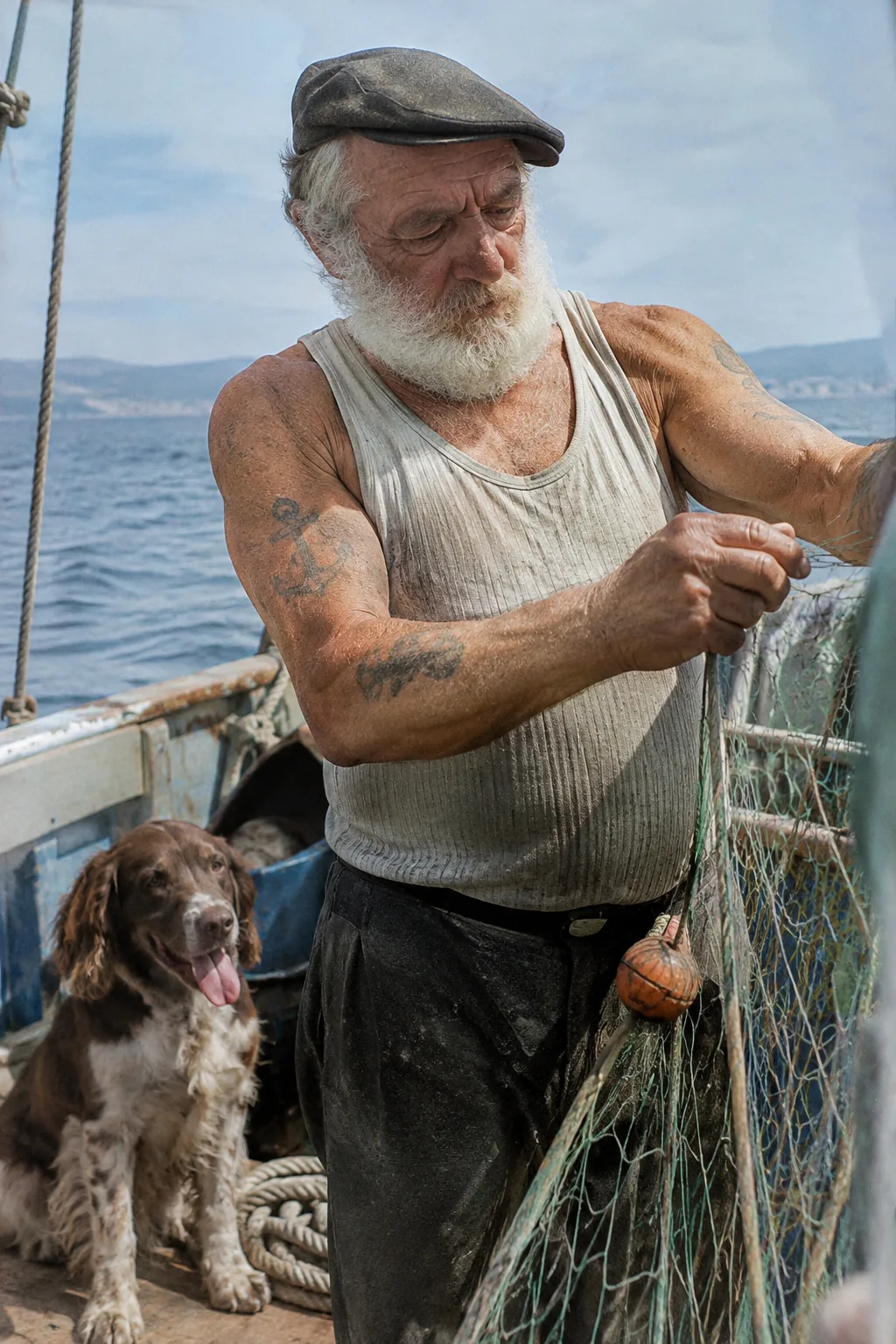
A supplied portrait example with natural-looking texture and lighting. Inspect skin, clothing, and fine details at full size.
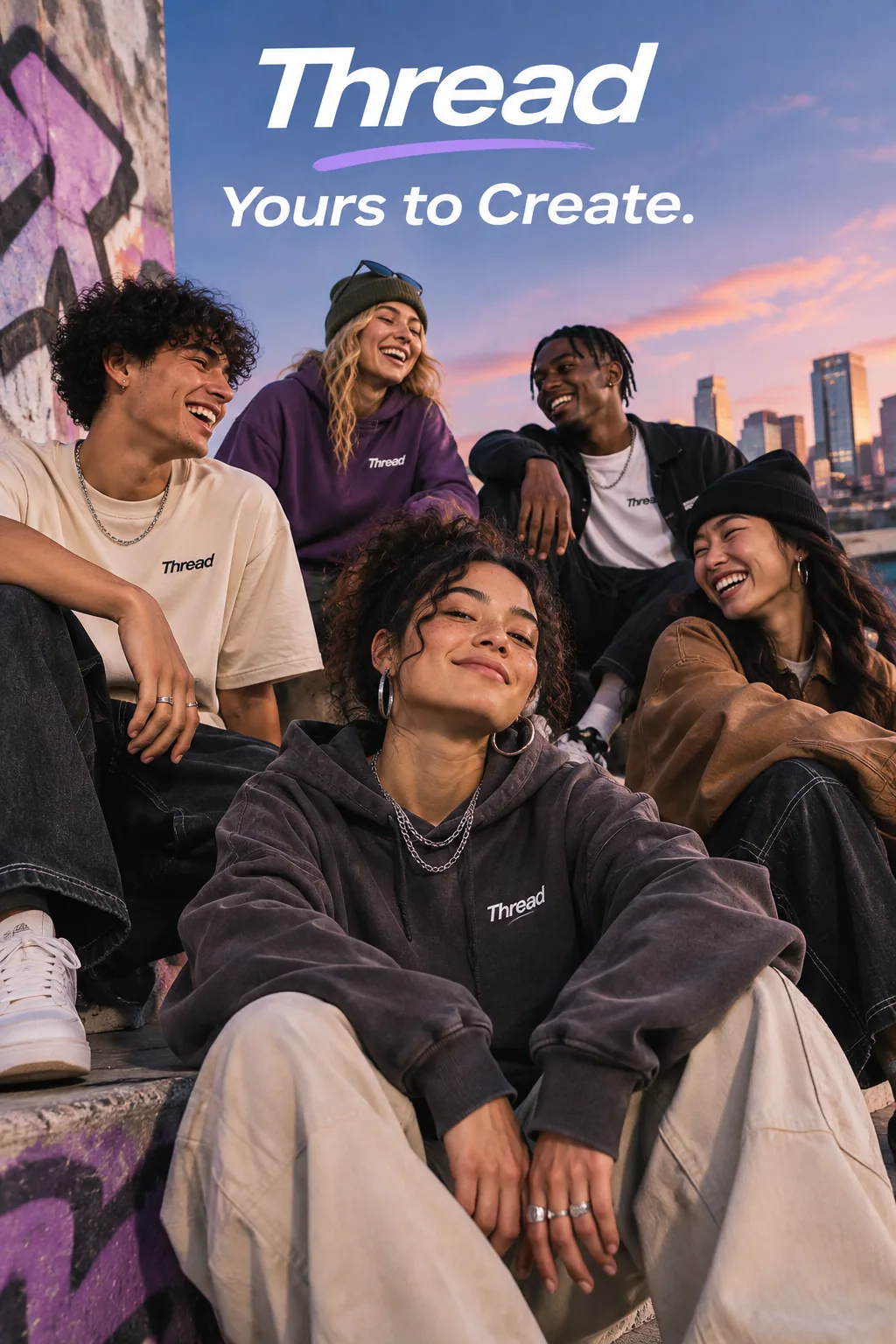
A supplied streetwear campaign example for the brand “Thread,” illustrating the placement of a short tagline.
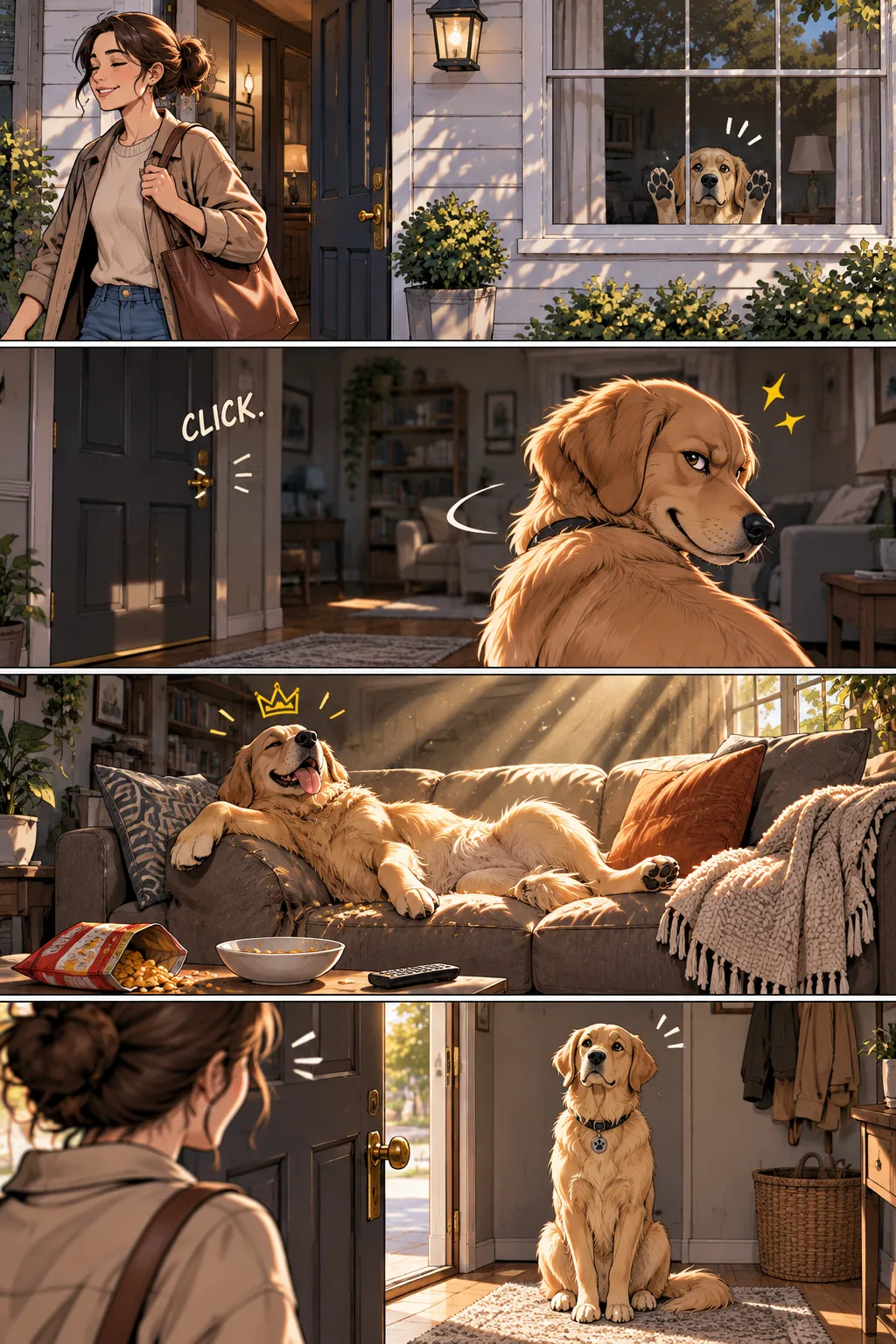
A supplied vertical four-panel narrative example for exploring visual pacing and storyboards.
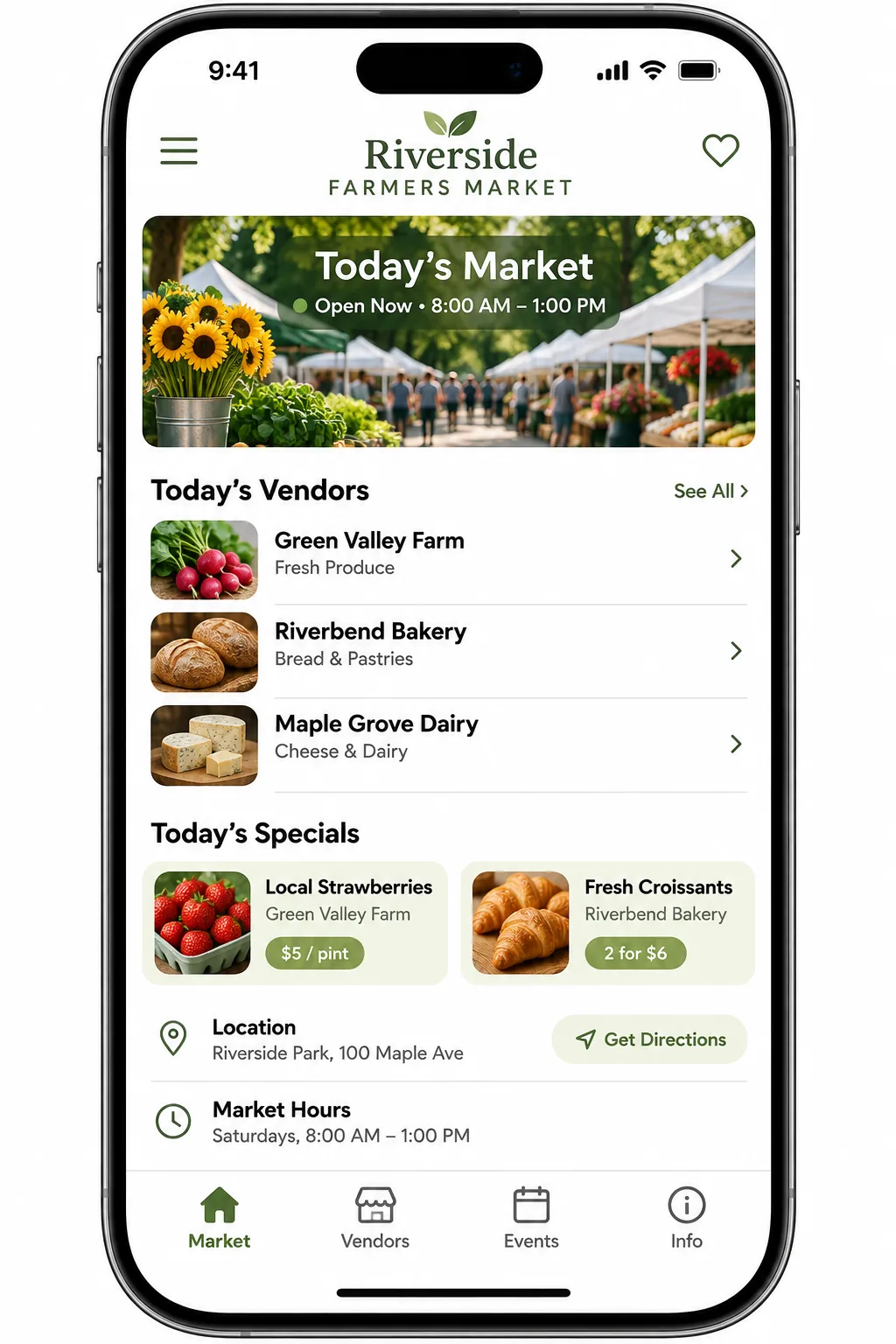
A supplied mobile app concept showing hierarchy, spacing, and an interface composition.
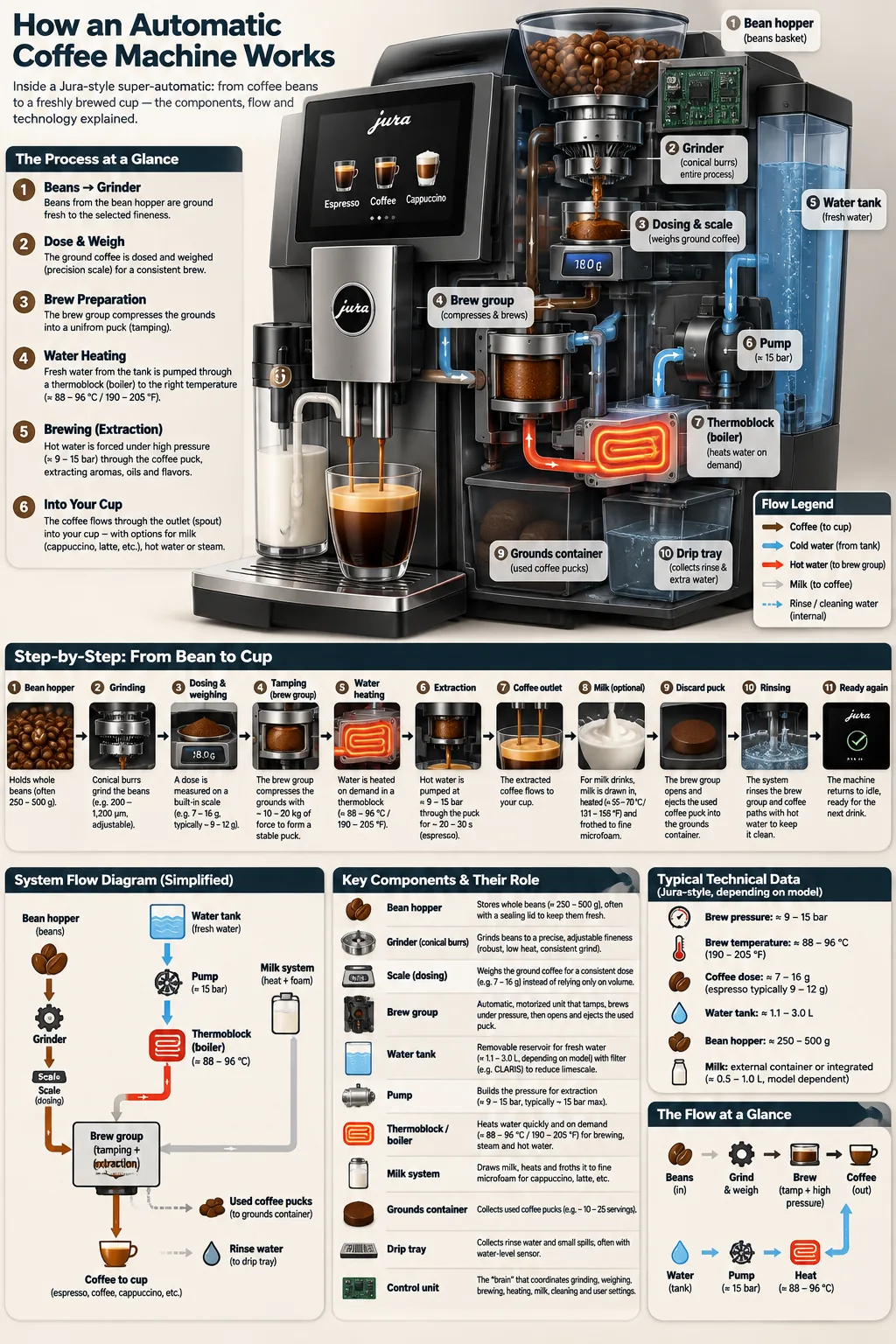
A supplied coffee-machine diagram with labeled stages and a bean-to-brew reading order.
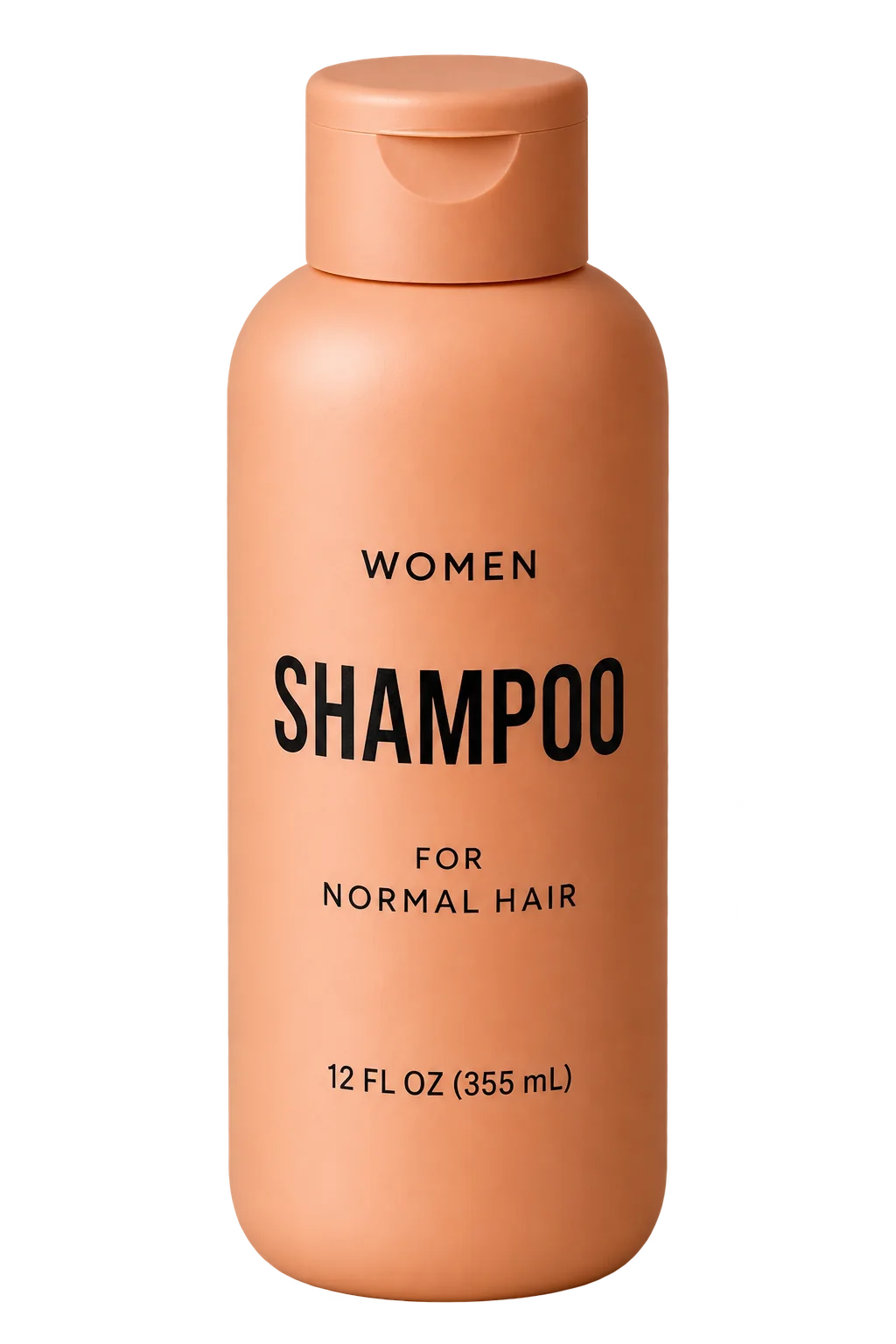
A supplied product-cutout example for inspecting edges, isolation, and background transparency.
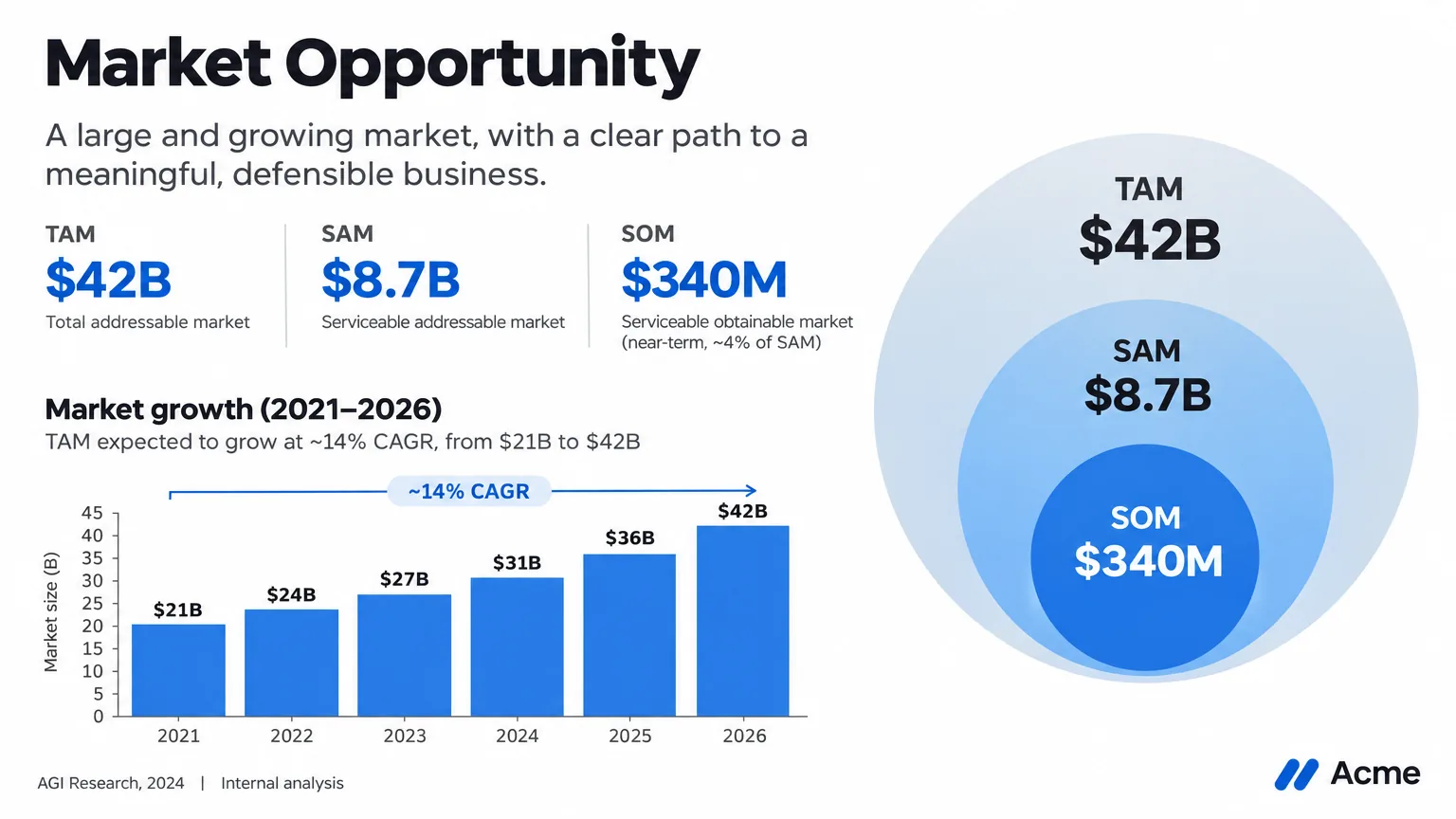
A supplied pitch-style slide with market-size diagrams and a clear information hierarchy.
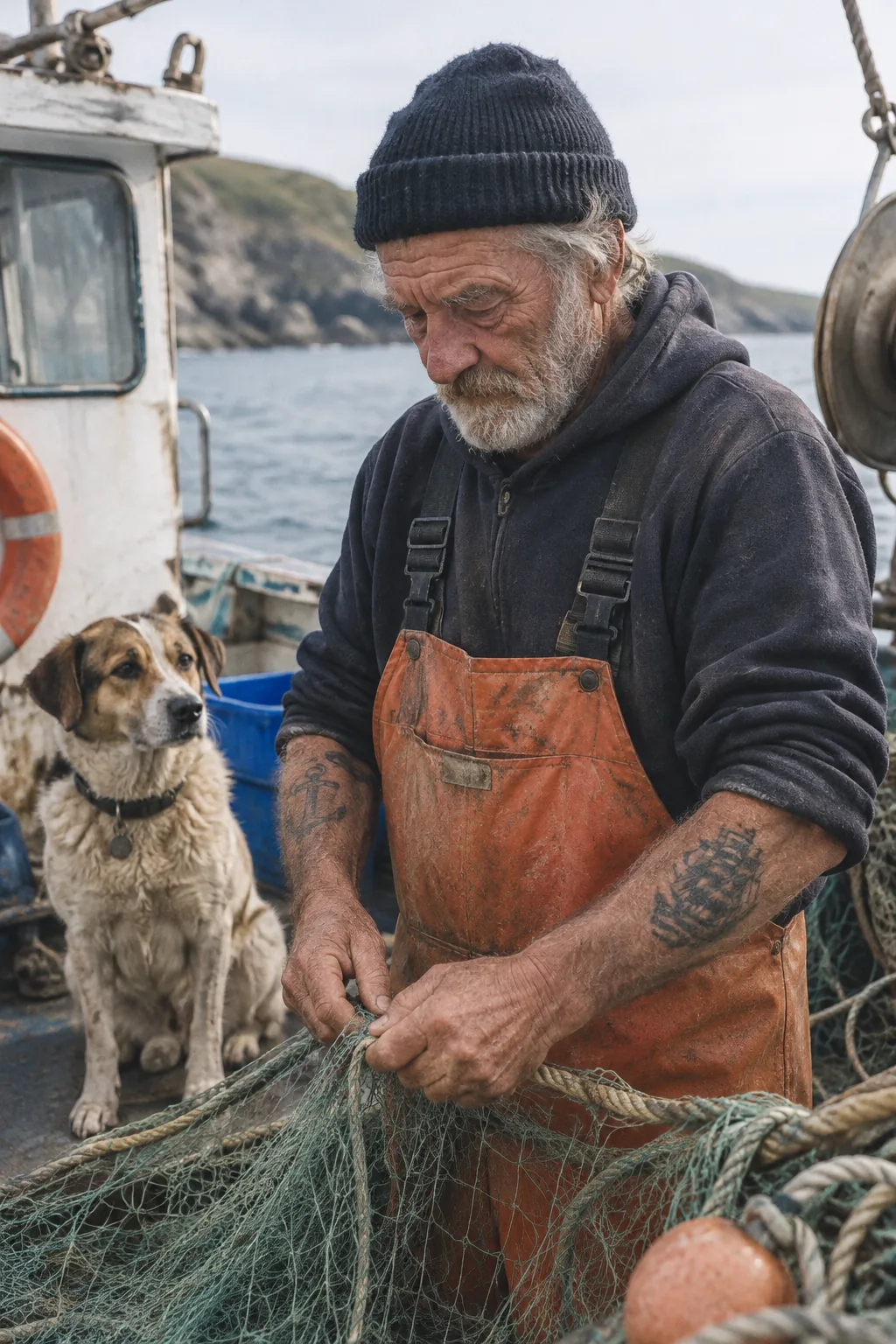
A supplied photorealistic draft for comparing composition, texture, and detail with the other portrait example.
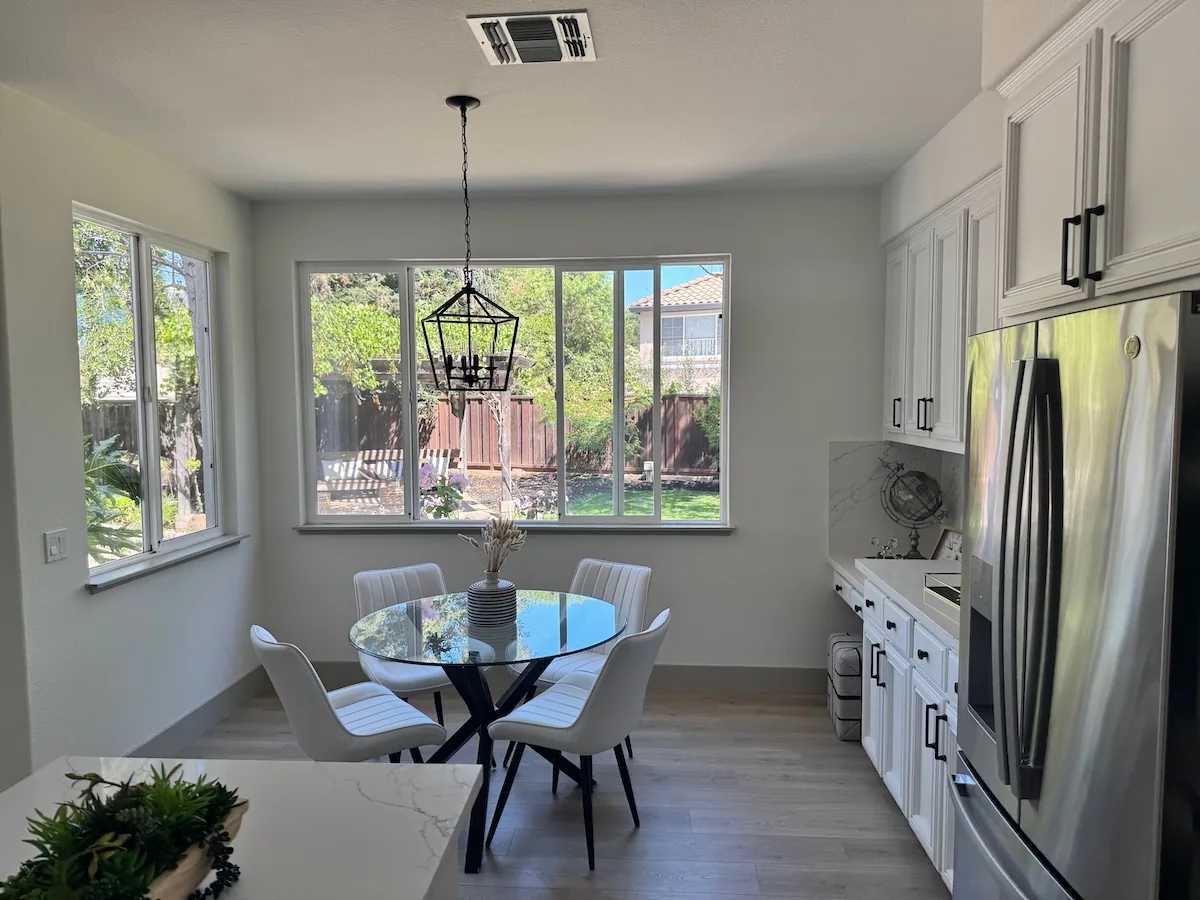
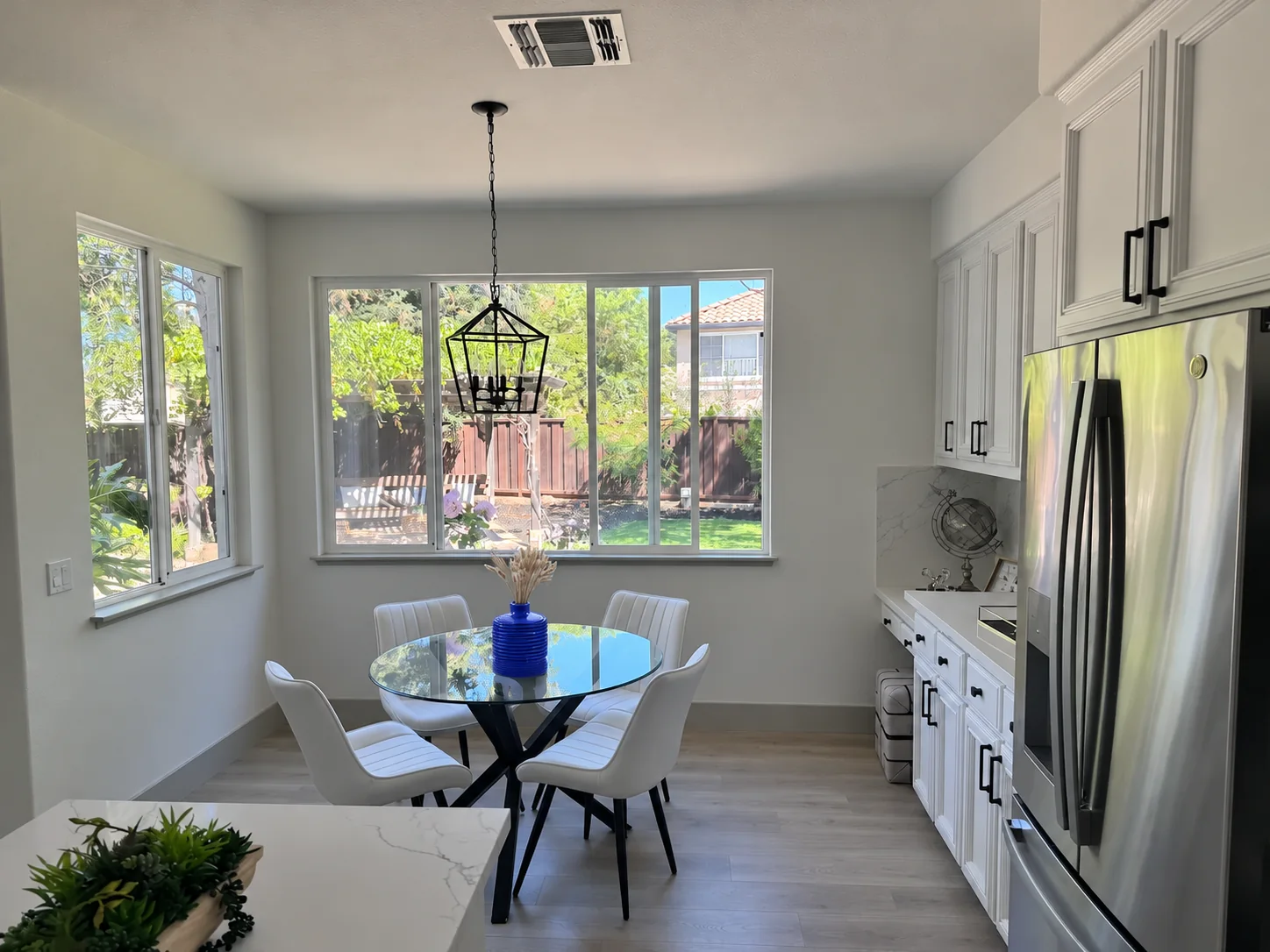
A supplied kitchen scene illustrating a reference-led room and object-editing workflow.
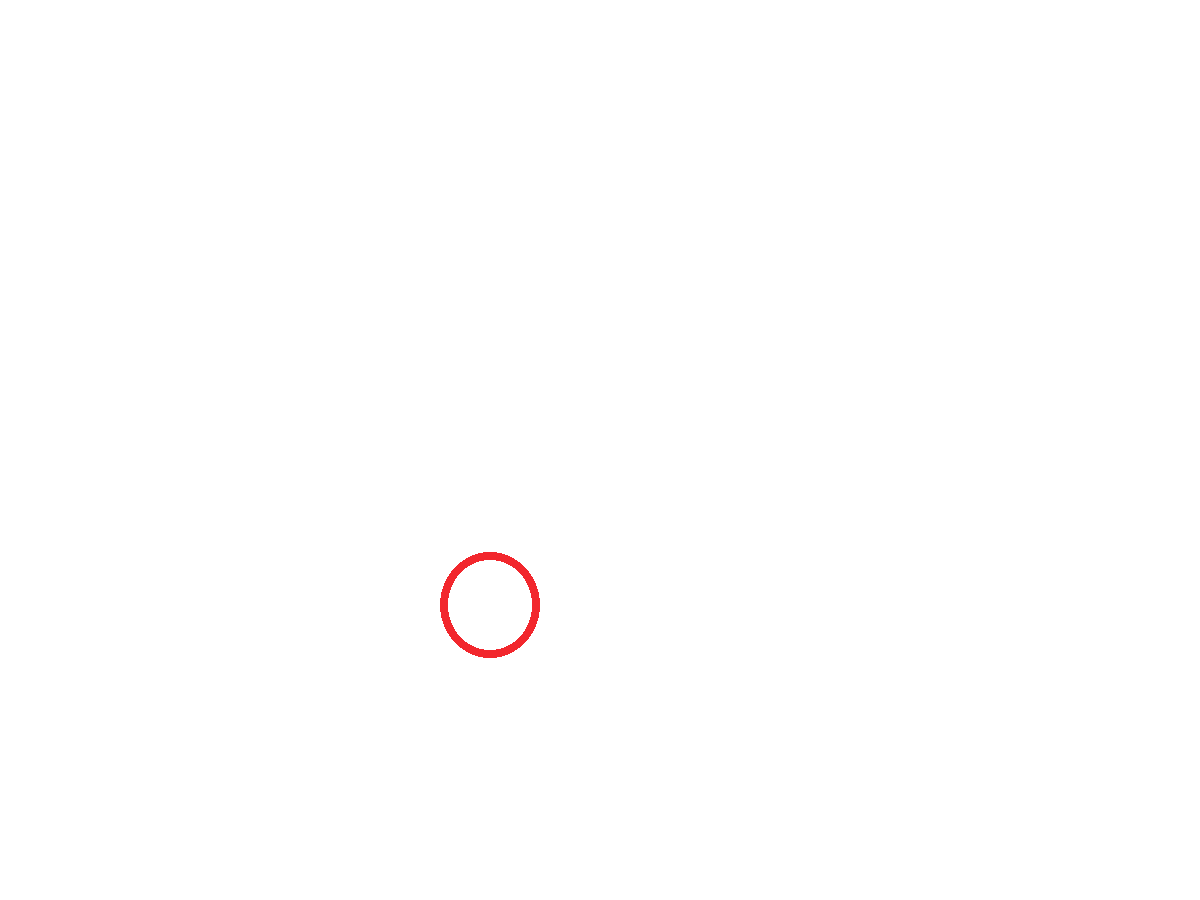
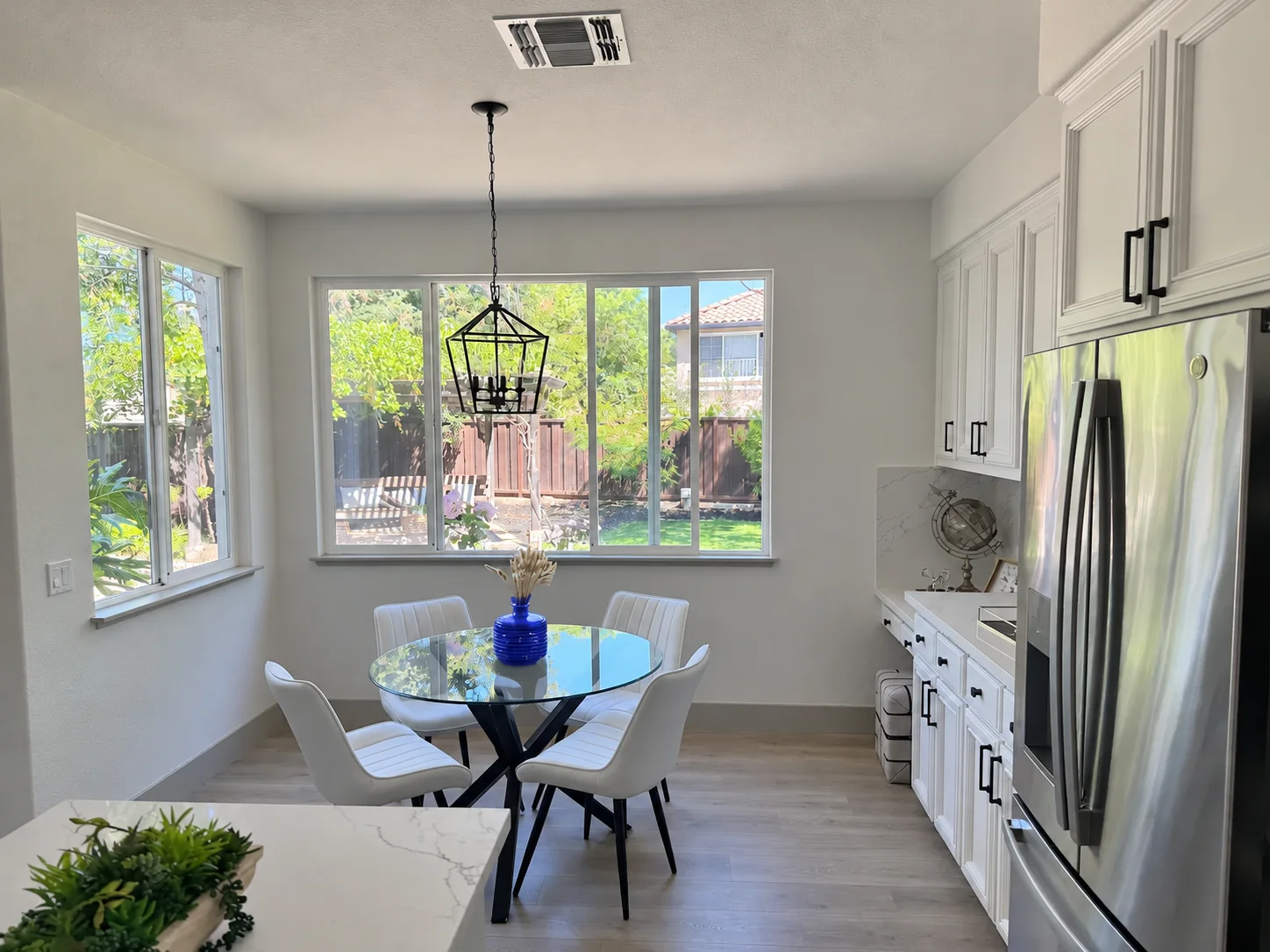
Supplied kitchen photo, transparent circle markup, and two recolored-vase examples. Use the sequence to inspect whether stems, shape, and surrounding details remain consistent.
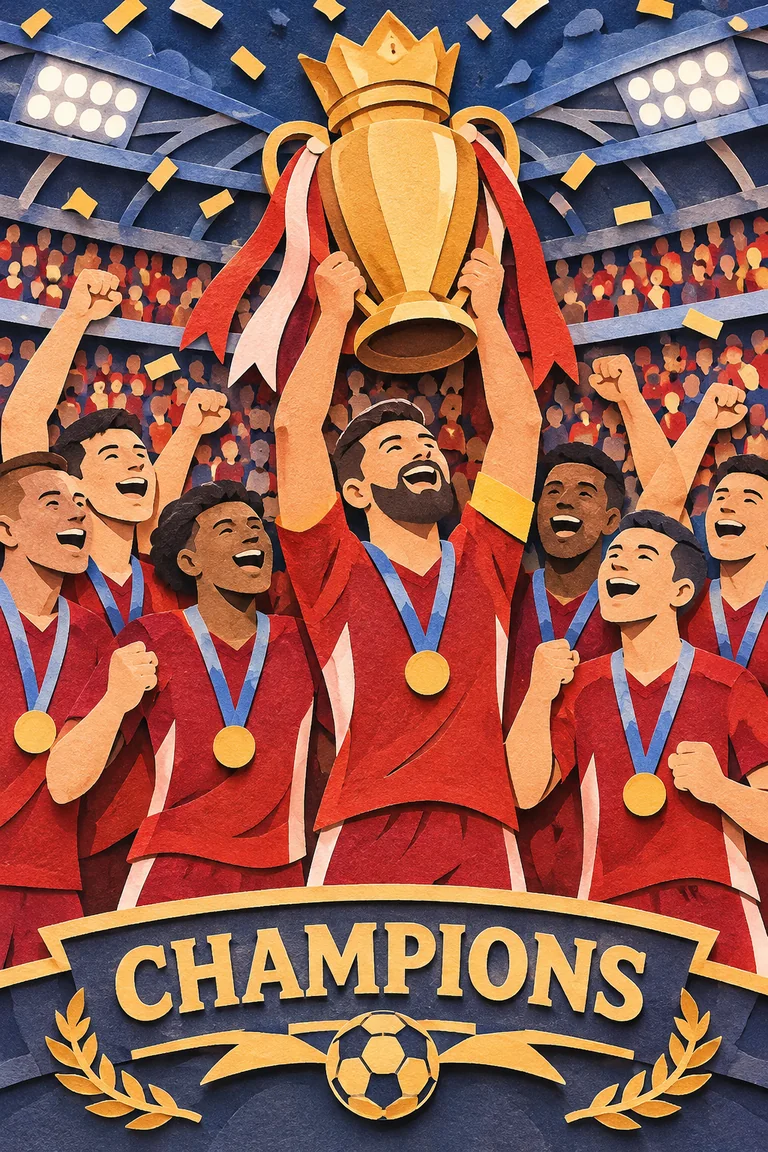
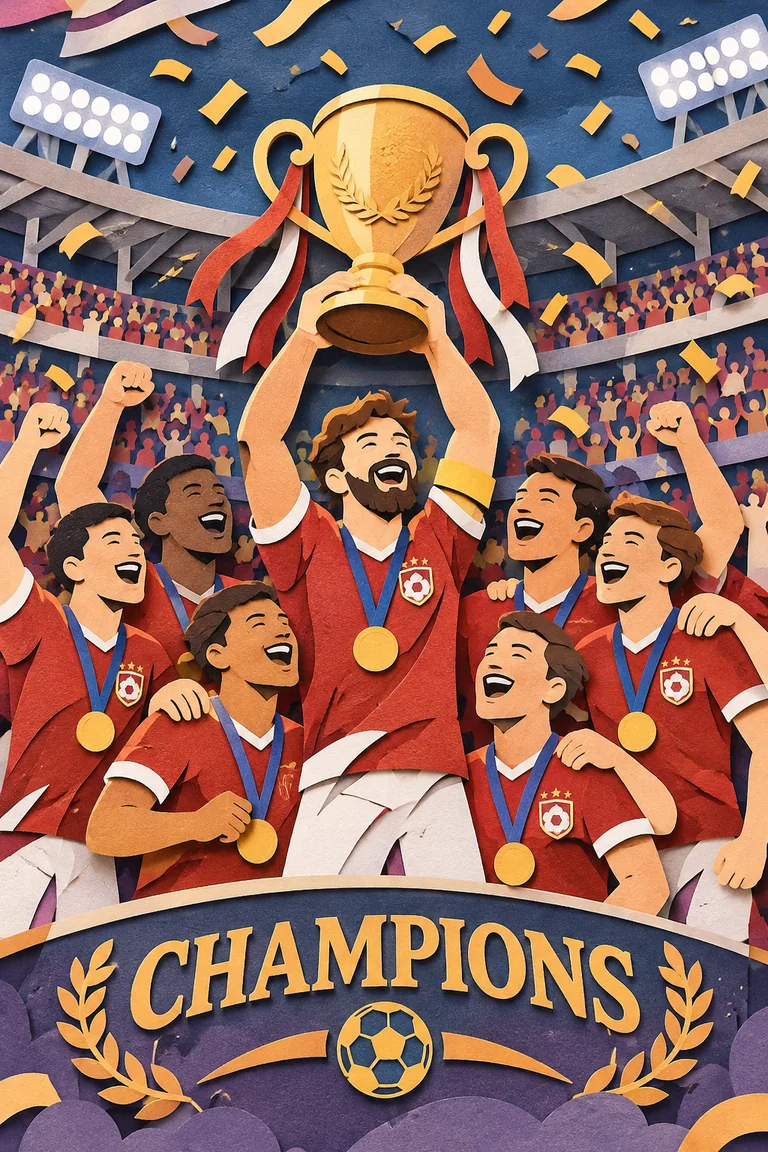
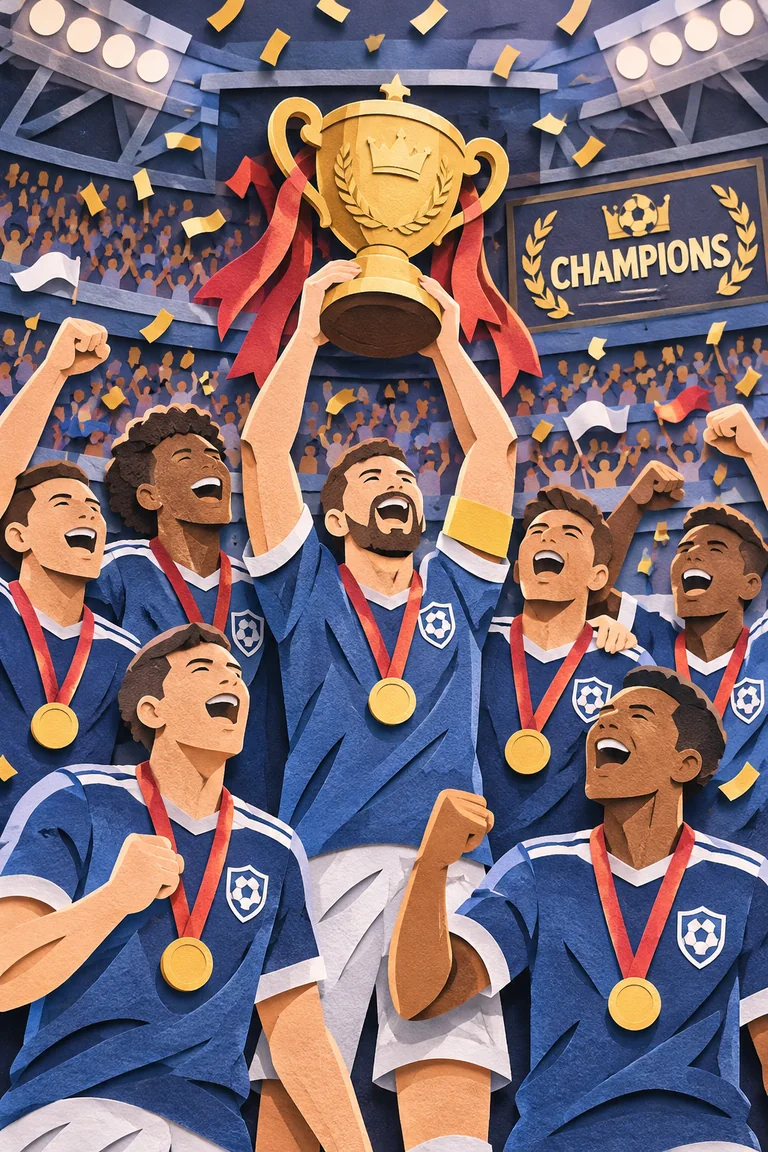
Three supplied paper-cut examples labeled low, medium, and high complexity. Compare trophy detail, lettering, and composition.
Supplied Field & Flour vector examples, labeled Flare and Sunburst, shown on a light board. SVG output is available for API generations.

A little monkey in an olive-green hooded coat stands in a snowy pine forest at dusk…
A little monkey in an olive-green hooded coat stands in a snowy pine forest at dusk. A wooden cabin glows in the background. The monkey holds a glowing amber paper lantern at chest height, slowly lifts it, looks up and blinks, then lowers it back to its starting pose. Keep the lantern in its hands and the camera still. Make the motion loop smoothly.
Create an original, non-infringing logo for a company called Field & Flour, a local bakery…
Create an original, non-infringing logo for a company called Field & Flour, a local bakery.
The logo should feel warm, simple, and timeless. Use clean, vector-like shapes, a strong silhouette, and balanced negative space.
Favor simplicity over detail so it reads clearly at small and large sizes. Flat design, minimal strokes, no gradients unless essential.
Fully transparent background. Deliver a single centered logo with generous padding, clean alpha edges, and no solid backdrop, scenery, checkerboard, or watermark.
A premium handcrafted layered paper-cut illustration of a football team celebrating a championship…
A premium handcrafted layered paper-cut illustration of a football team celebrating a championship victory inside a packed stadium.
Recolor the striped vase inside the red circle to solid cobalt blue ceramic…
Recolor the striped vase inside the red circle to solid cobalt blue ceramic. Keep its shape, the dried stems, and the rest of the kitchen unchanged. Remove the red circle from the finished photo.
Streetwear campaign still with brand name and a single exact tagline for layout control.
Create a streetwear campaign still for a fictional brand called Thread. Render the tagline “Yours to Create.” exactly once. Keep the copy legible and the composition uncluttered.
Process diagram with labeled stages — check the labels, not just the look.
Use clear stage labels and a single reading order. Inspect small type, arrows, and connector lines at the final display size.
ChatGPT Images 2.6 is the subject of this editorial guide to OpenAI image generation and editing. The API documentation describes two model variants, GIF generation, SVG output, markup-guided edits, and a separate complexity control. Capabilities can differ between ChatGPT and API endpoints.
Developers can choose gpt-image-2.6-flare or gpt-image-2.6-sunburst. Flare is oriented toward faster iteration; Sunburst emphasizes visual quality and consistency across edits. Test the same prompt, references, size, and quality to compare them fairly.
Use the examples on this page to examine the kinds of work you need: a portrait, campaign still, comic, interface concept, infographic, product cutout, or presentation slide. The supplied artwork illustrates these workflows; it is not a record of paid tasks run through SugarCube.
For motion, the API generation endpoint supports GIF output with frame controls. For targeted changes, supply a transparent PNG markup overlay alongside the first input image. SVG generation produces vector artwork. The complexity setting controls planning effort separately from the quality setting.
For animation, describe one small action, a fixed camera, and a clear return to the starting pose.
Prompting note · looping motion
For local edits, state both what should change and what should stay the same, then inspect the surrounding region.
Prompting note · controlled edits
Choose a starting point, then compare the same prompts, references, size, and quality. Real response time and output quality depend on the request.
An option to test when fast iteration is the main priority.
An option to test when visual detail and edit consistency matter most.
The table shows documented OpenAI API token rates for Flare and Sunburst. These are API prices, separate from SugarCube credits and subscription plans; check the current provider pricing before use.
| Token type | Per 1M tokens | Cached |
|---|---|---|
| Text input | $5 | $1.25 |
| Image input | $8 | $2 |
| Image output | $30 | — |
The listed rates apply to text input, image input, and image output for the two API variants. SugarCube Studio shows its own supported models and applicable credit cost before a task starts.
Take a prompt idea into SugarCube Studio and choose from the models available there. Images 2.6 is covered here as an editorial guide and is not currently listed in Studio.