AI Image to Image Generator

One image. More extraordinary possibilities. Reimagine photos, explore new styles and bring sketches to life.

A product photo can inspire a whole campaign. A portrait can open up a new style. A sketch can become a world you can almost step into. SugarCube image to image AI helps you explore what your existing visuals could become. Upload your starting point, describe your vision and discover fresh creative directions. Give the images you already have more ways to make an impression.

A new setting. A fresh style. A bigger idea.

Your next great image is already in the picture.

AI product photo transformations that sell the vision

Reference1672 × 941
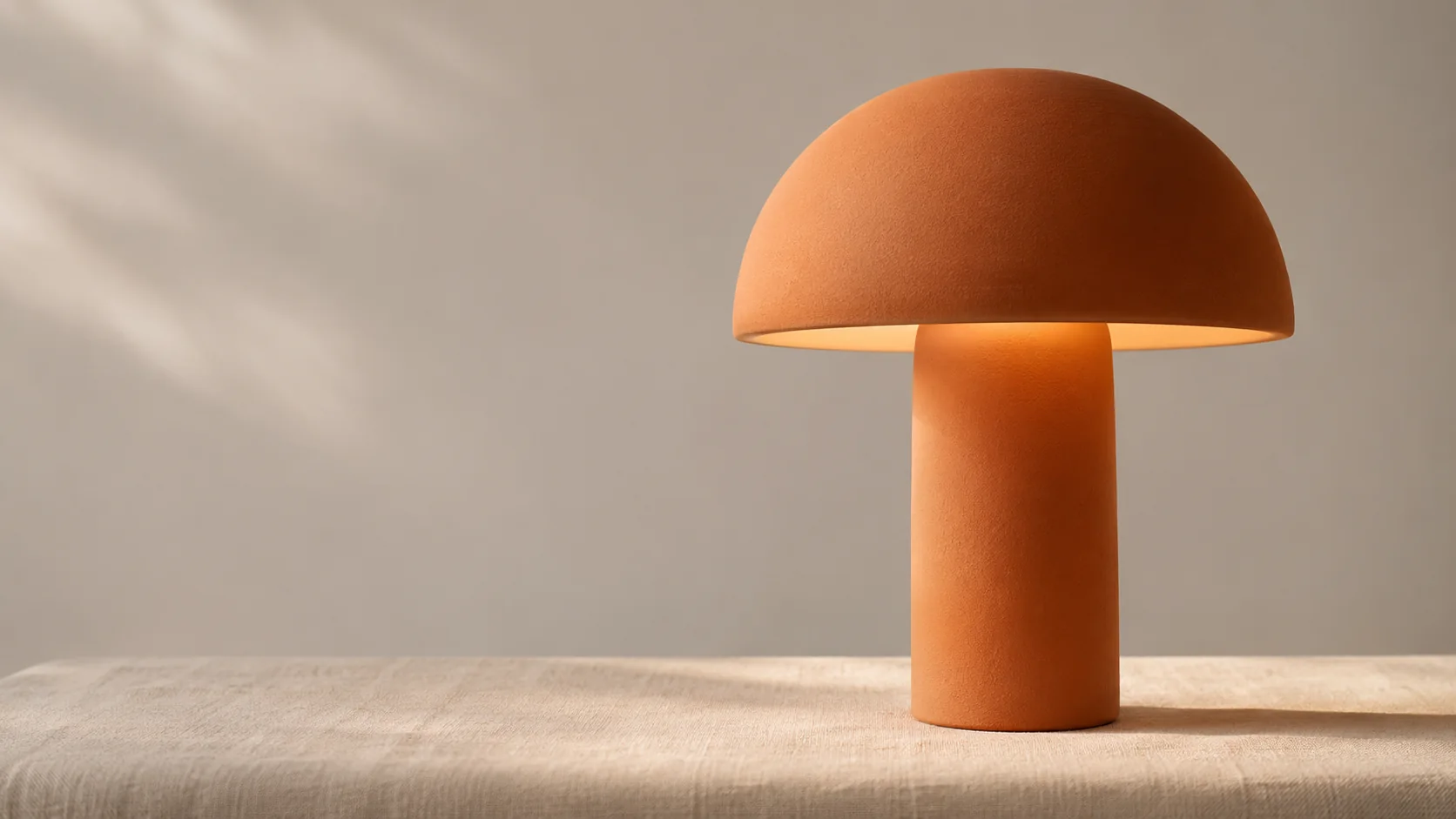
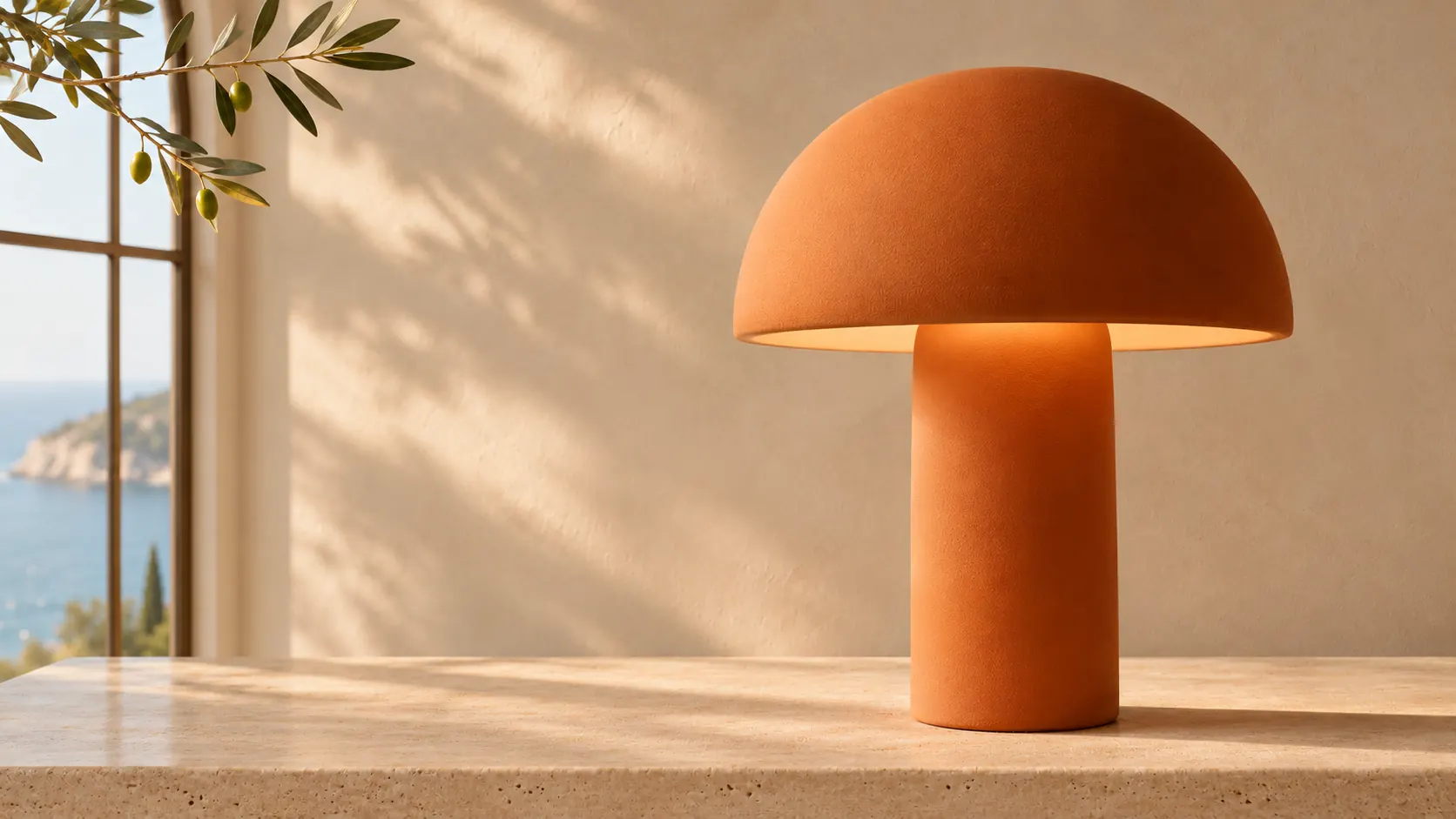
Terracotta-orange mushroom-shaped ceramic lamp in a simple neutral-toned studio
Edit1672 × 941
Terracotta-orange mushroom lamp reimagined in a sunlit seaside interior

Take your product beyond the studio and into a world people want to be part of. Explore aspirational interiors, seasonal settings and beautiful campaign concepts from your own reference photo. With SugarCube image to image, you can try a new atmosphere without building a set for every idea. Give your next launch more visual possibilities and discover the setting that makes your product story shine.

Transform my image
Restyle your portrait. Reveal a whole new mood.

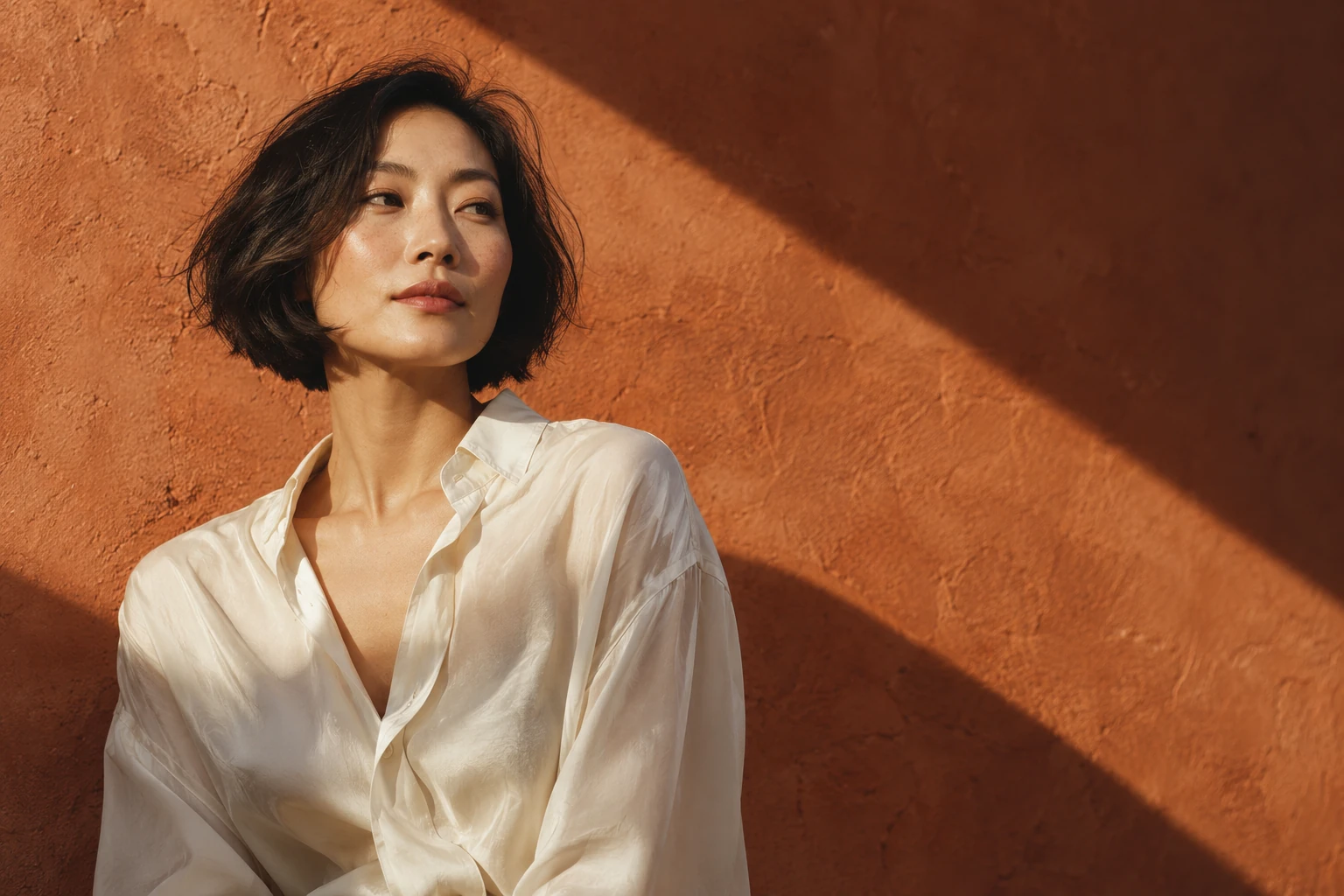
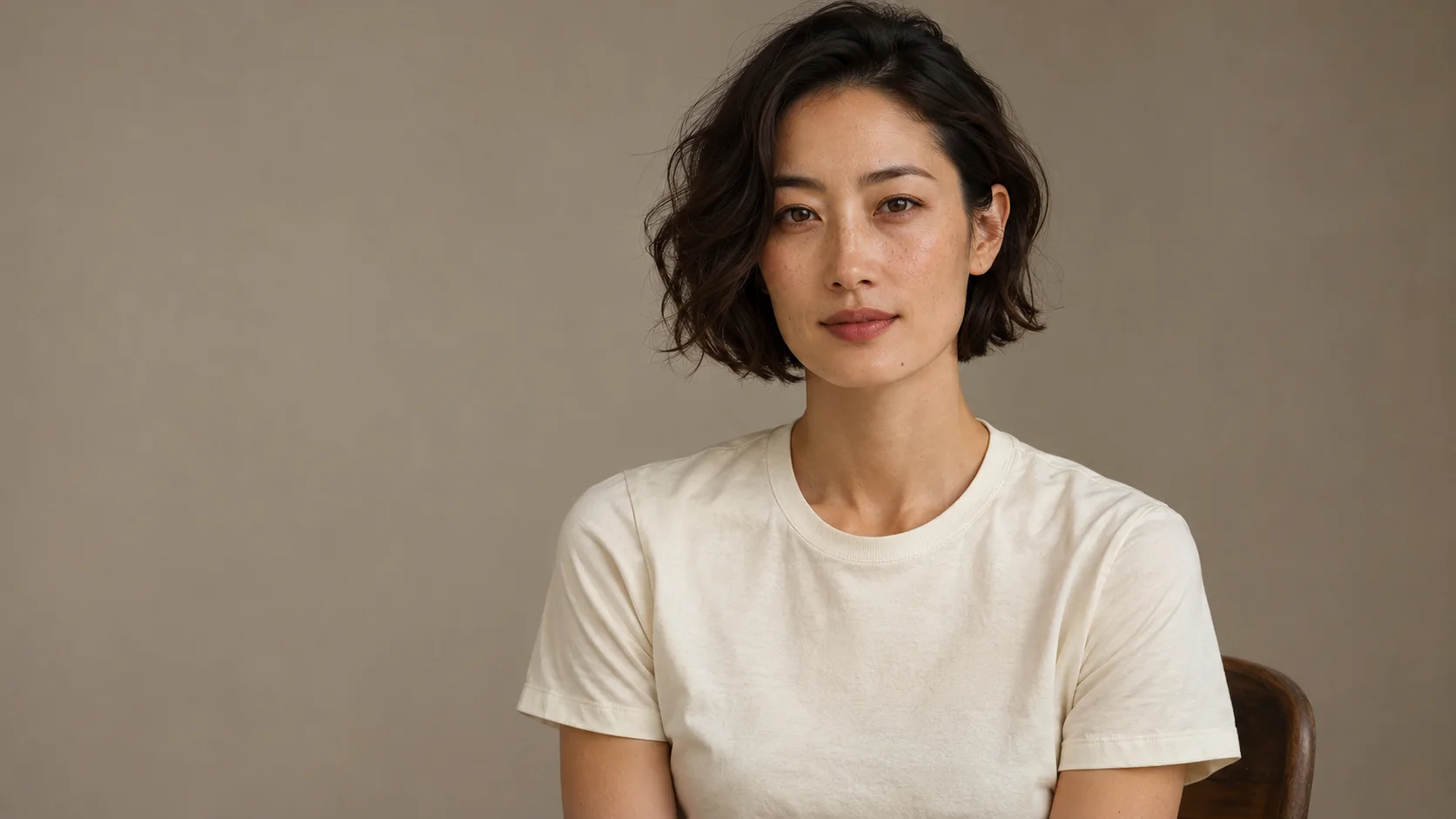
Reference1672 × 941
Portrait of an adult East Asian woman with a short black bob and an ivory T-shirt
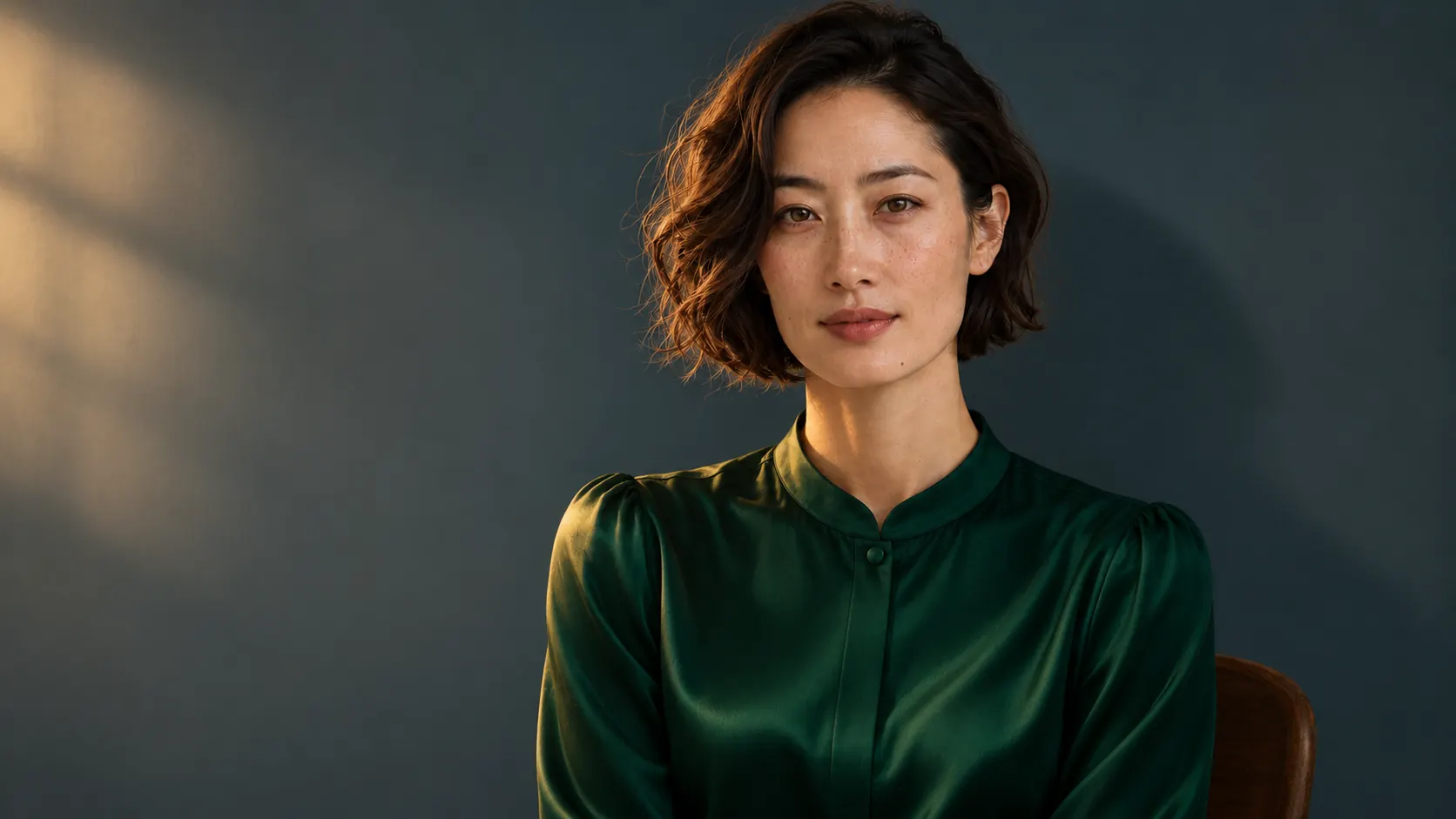
Edit1672 × 941
Portrait styling concept of the same short-haired woman in a deep green silk shirt and warm light

Explore a new look with the image that already inspires you. Reimagine clothing, lighting and surroundings to create fresh portrait concepts with your own visual direction. From understated elegance to a bold editorial mood, SugarCube AI photo transformation makes room for your next style experiment. Create inspiration for personal projects, fashion presentations and character development, then choose the version that best expresses your idea.

Transform my image

Sketch to image AI that makes a concept feel real

Reference1672 × 941
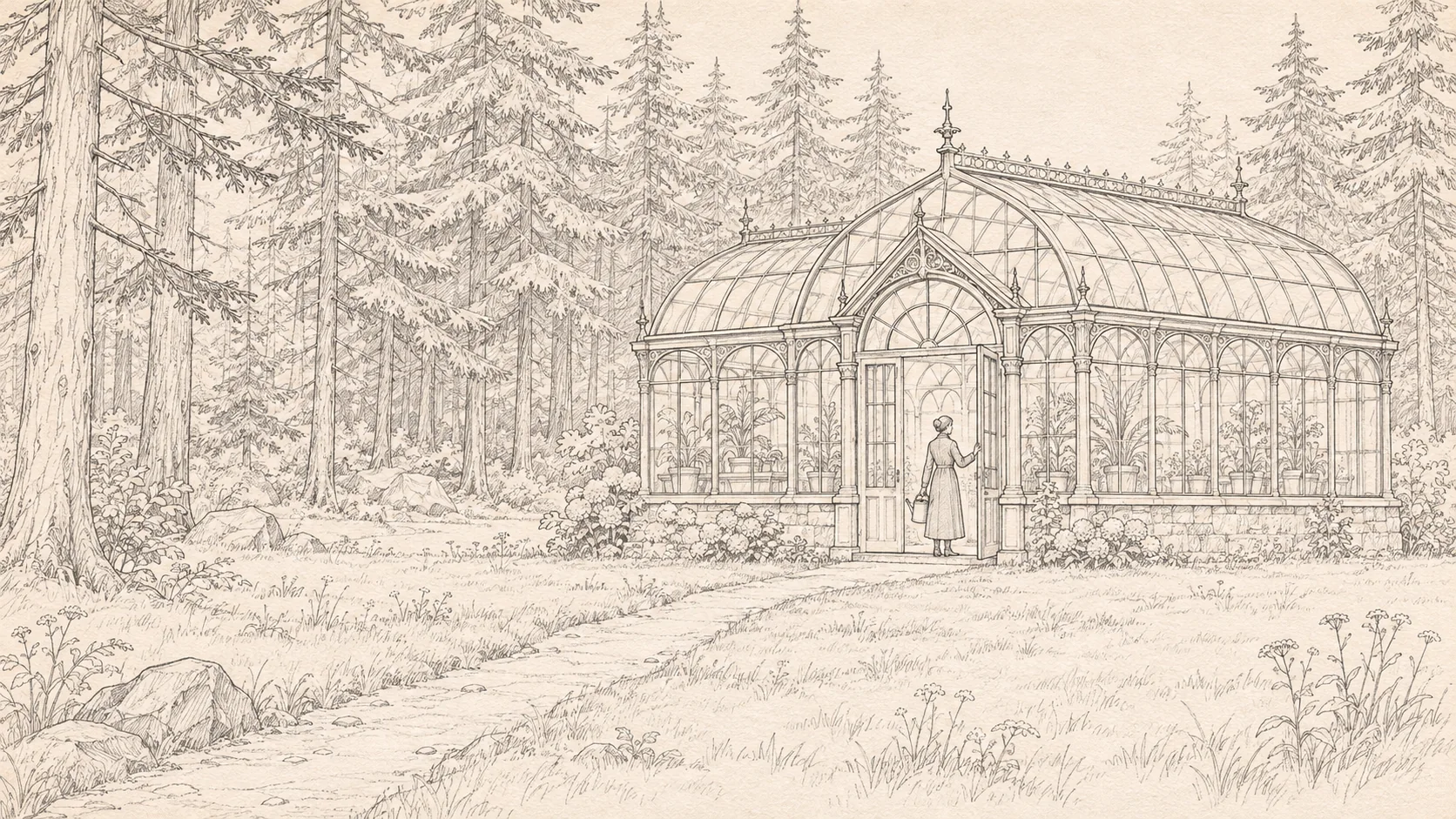
Graphite pencil concept sketch of a glass conservatory in a forest
Edit1672 × 941
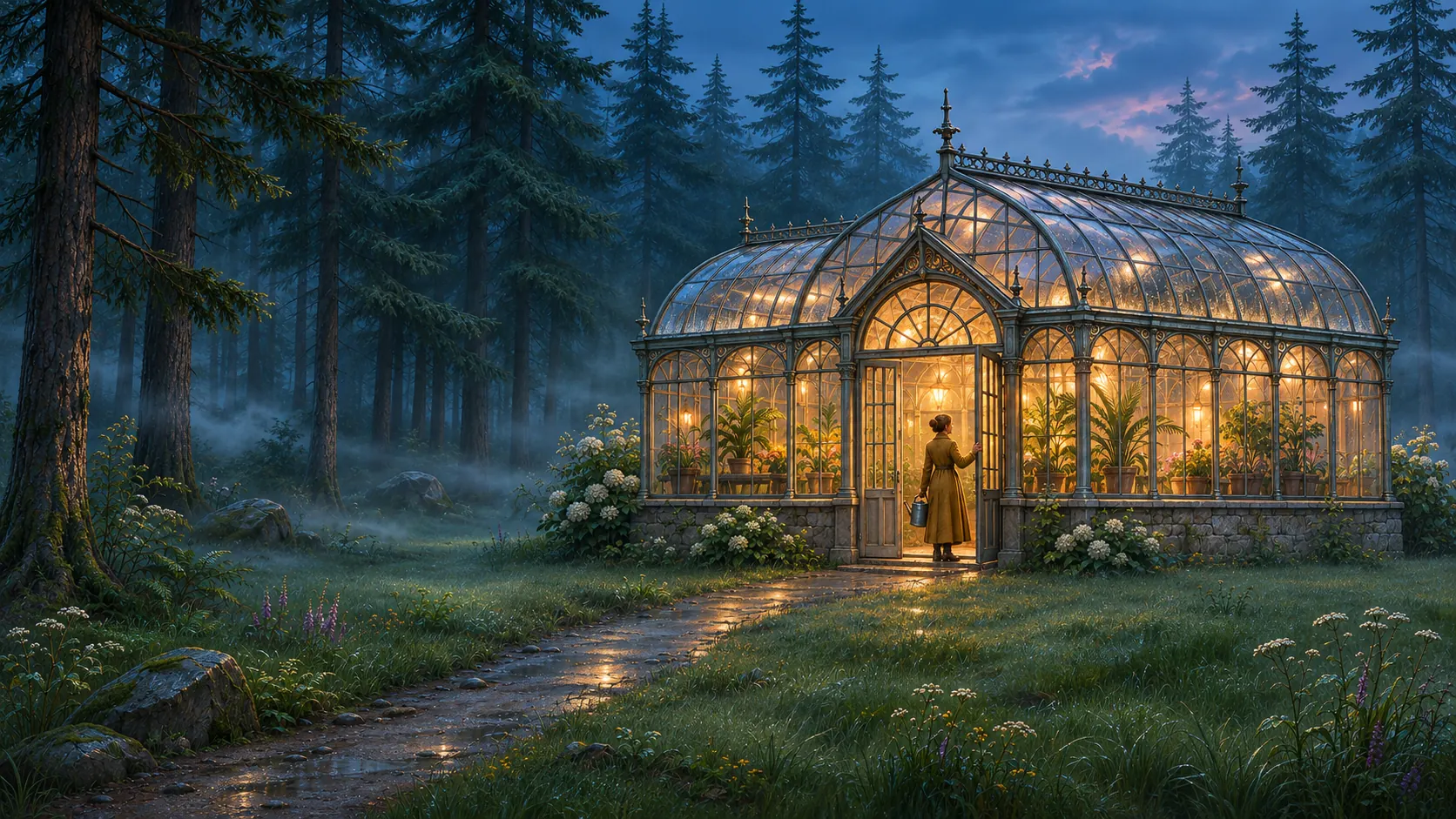
Glass conservatory concept developed from a line drawing into a blue-hour forest scene

Give your rough ideas a richer first impression. Turn a sketch into a visual exploration of materials, light and atmosphere, from architectural concepts to imagined environments. SugarCube helps you develop a drawing into an image you can put at the centre of a creative conversation. Explore a different finish, discover a new mood and bring more of your vision into view before the next design decision.

Transform my image

From an image you have to a look you love

  1. Bring your starting point

    Upload a photo, sketch or design. Start with the visual you want to take further and let it guide your next idea.

  2. Describe the transformation

    Choose a new style, setting or finish. Tell the AI which details you love and what you want to reimagine.

  3. Discover your next version

    Choose compatible model settings, review the credit cost and generate. Compare the new direction, refine your favourite and download it.

See more potential in every picture

Looking for the best image to image AI for your next project?

Start with the transformation you want to explore. SugarCube combines your visual references, written direction and a choice of AI image models in one workspace. Try a fresh product setting, a portrait restyle or a richer concept image, then develop the version that best brings your creative vision to life.

What can I transform with image to image AI?

Use photos, sketches and existing designs as the starting point for new visual concepts. Explore product backgrounds, portrait styling, material finishes and imagined environments. Your reference supplies visual direction while your prompt describes the change. If you prefer to invent an image entirely from words, start with SugarCube text to image.

Can I guide the result with multiple reference images?

Yes, when your selected model supports multiple references. Bring a subject, a style or a setting into the same creative brief and describe how you want them to work together. The upload controls show the model's available allowance, so you can build your idea around the references it supports.

Can I keep the details I love while changing the style?

Your reference and prompt help guide the details you want to carry forward. Name the features, colours or composition that matter, then describe your new direction. Results vary by model and edit, so compare the new image with your source and build on the version that captures what you love.

How do I start transforming my images?

Upload your reference above, describe the change and select a compatible model. The tool shows the credit cost before you generate. Find your results in My work to review and download them. For more creative exploration, use Upgrade plan to see the current options and choose what suits your next project.

One image could be the start of your best idea yet.

One image. More extraordinary possibilities. Reimagine photos, explore new styles and bring sketches to life.

Transform my image