AI Text to Video Generator

Create your best video yet. Turn words into cinematic scenes, standout ads and stories worth watching.

Your next campaign deserves a stronger opening. Your next story deserves a scene people remember. SugarCube puts AI video creation in your hands: describe your vision, explore powerful models, and turn an idea into motion right in your browser. Create new directions for ads, launches and social content without organizing a shoot for every concept. Spend more of your creative energy on the work you want the world to see.

For your next ad, story or cinematic idea

Big-screen ambition. One powerful AI video generator.

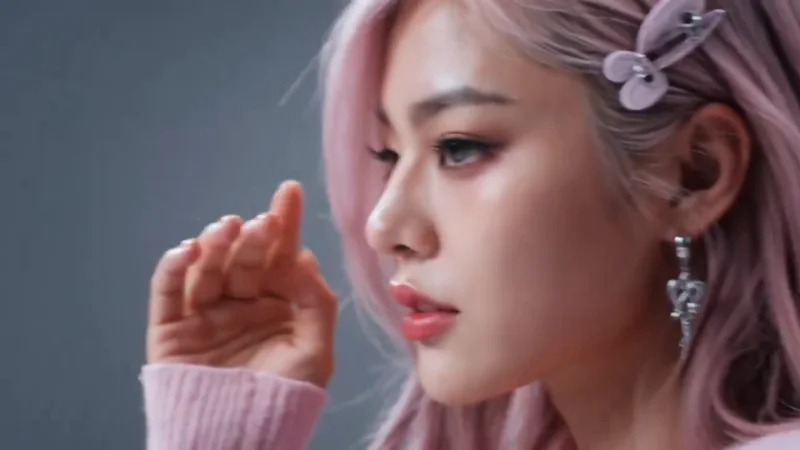
AI video ads that make your product irresistible

Give your next launch the close-up it deserves. Use text to video AI to explore glossy product reveals, rich textures and striking campaign visuals. From beauty drops to lifestyle collections, SugarCube helps you turn a selling point into an eye-catching video concept. Try a bold new look, create another opening, and build a campaign with more creative possibilities. Make people want a closer look.

Create my AI video

AI story videos with a reason to keep watching

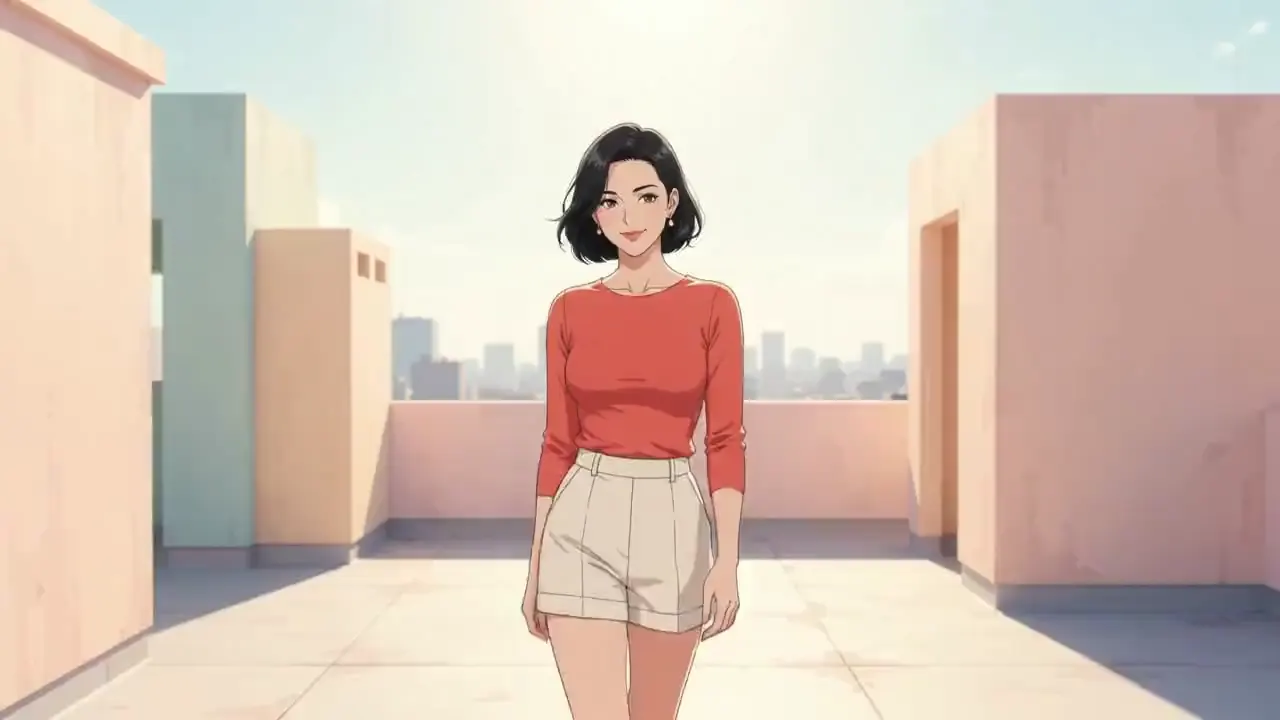
A glance. A connection. A moment that feels like the start of something. Create AI story videos with character, emotion and a distinctive visual mood. SugarCube turns written ideas into scenes for brand stories, creator content and social campaigns. Explore a softer look or a bolder direction, and give your next post more personality. Make the story feel like yours from the opening frame.

Create my AI video

Cinematic AI video. A bigger world for your ideas.

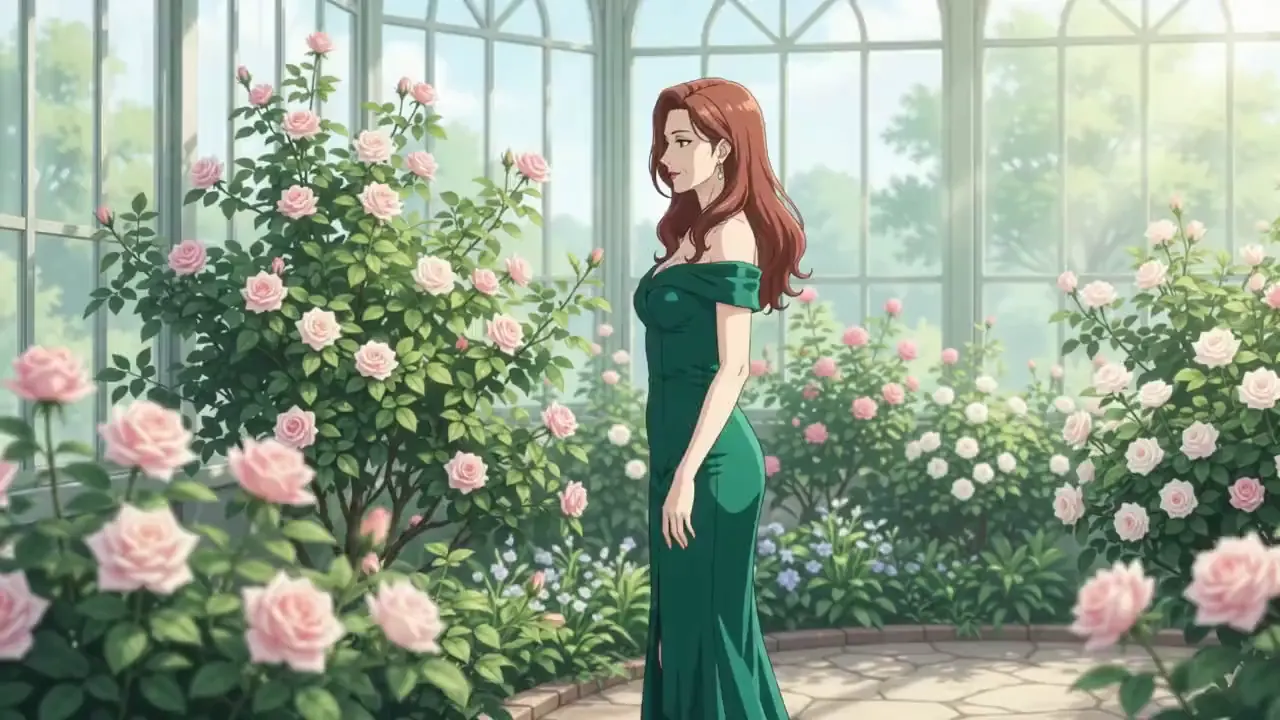
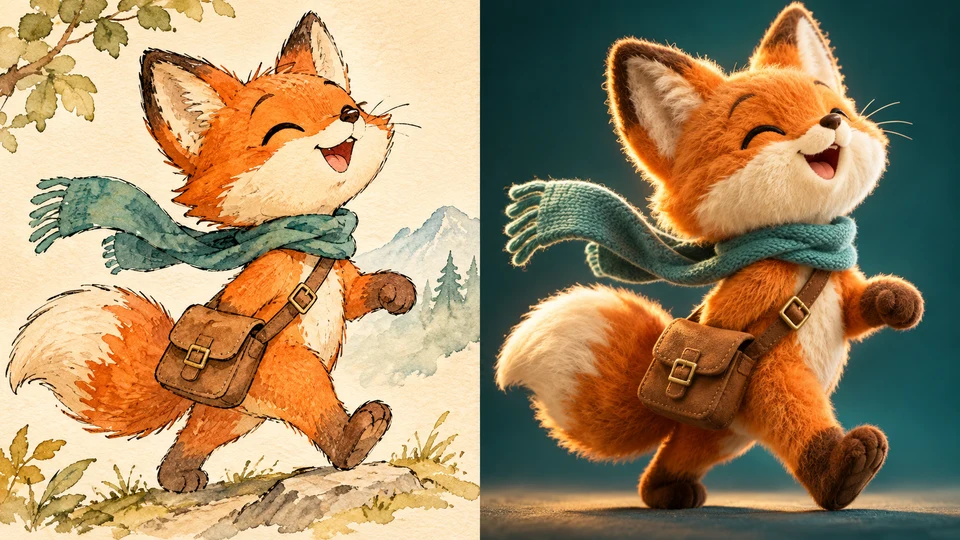
Picture the atmosphere of a film in your next creative project: luminous landscapes, intimate wildlife moments or an entirely imagined world. SugarCube brings text to video generation into your everyday creative workflow. Experiment with sweeping views, dramatic light and ambitious visual concepts for trailers, mood films and standout social clips. Give your strongest ideas a world worth stepping into.

Create my AI video

From your next big idea to your next AI video

  1. Write your vision

    Start with a product, a story or a scene you cannot wait to see. Describe the look and movement in your own words.

  2. Choose your creative power

    Explore the video models in SugarCube and choose the format, duration and resolution that fit your next creation.

  3. Make it move

    Generate your video, explore a fresh variation and download your favourite result. Your next creative direction starts here.

Your next great AI video starts with a few answers

Looking for the best text to video AI for your next idea?

Start with creative choice. SugarCube brings multiple AI video models into one workspace, so you can explore different visual directions without rebuilding your workflow. Write your concept, choose a model, and create a new version from the same idea. Whether you are shaping a product launch or a cinematic scene, that freedom gives your best ideas more room to grow.

What can I create with this AI video generator?

Create clips for product campaigns, brand stories, social posts, cinematic concepts and imaginative worlds. A short product reveal can become a campaign opening; a character moment can start a larger story. SugarCube gives you a place to explore those ideas through text to video, with image to video also available when you want to start from a visual reference.

Which AI video models can I use on SugarCube?

Explore model families including Seedance, Kling, Grok and PixVerse in one creative workspace. Choose from the models available for your selected creation mode, then use their supported duration, resolution and aspect-ratio options. You can try another model with your prompt preserved, making it easier to explore the visual direction that fits your project.

Do I need filming or video-editing experience?

You can start with an idea and a few words. Open SugarCube in your browser, describe what you want to create and choose a video model. Use the examples for inspiration, then make the concept your own. You can explore fresh scenes without setting up a camera, hiring a crew or installing a desktop editor just to get started.

How do I get started and create more videos?

Enter your idea in the generator and choose your model and output settings. The generation button shows the credit cost for that request. When you are ready to explore more concepts, check the available plans from Upgrade plan. Keep your creations together in My work, compare your favourite directions and put your next idea into motion.

Make your best video yet. Start with one idea.

Create your best video yet. Turn words into cinematic scenes, standout ads and stories worth watching.

Create my AI video