-
1
What is the real difference between Series Mode and regular multi-image batches?
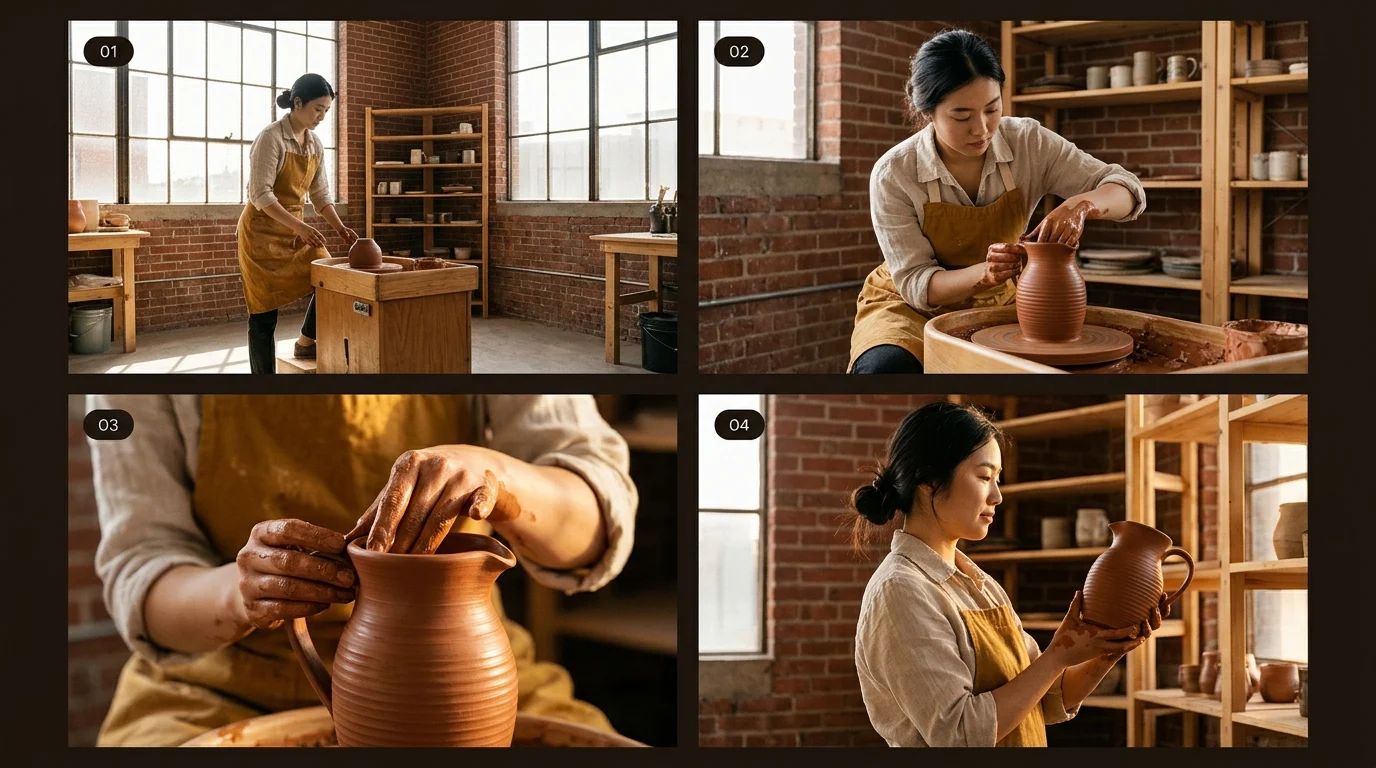
Setting count to 2, 3, or 4 on Kling Image 4.0 sends mode=series rather than independent random seeds. Instead of four versions of the exact same angle, Series preserves your character, garment, or product geometry across connected viewpoints, lighting shifts, or comic-strip story beats (220, 320, and 430 credits at 2K with zero references).
-
2
Is Kling Image 4.0 8K actually native 8K, and should I choose 4K or 8K?
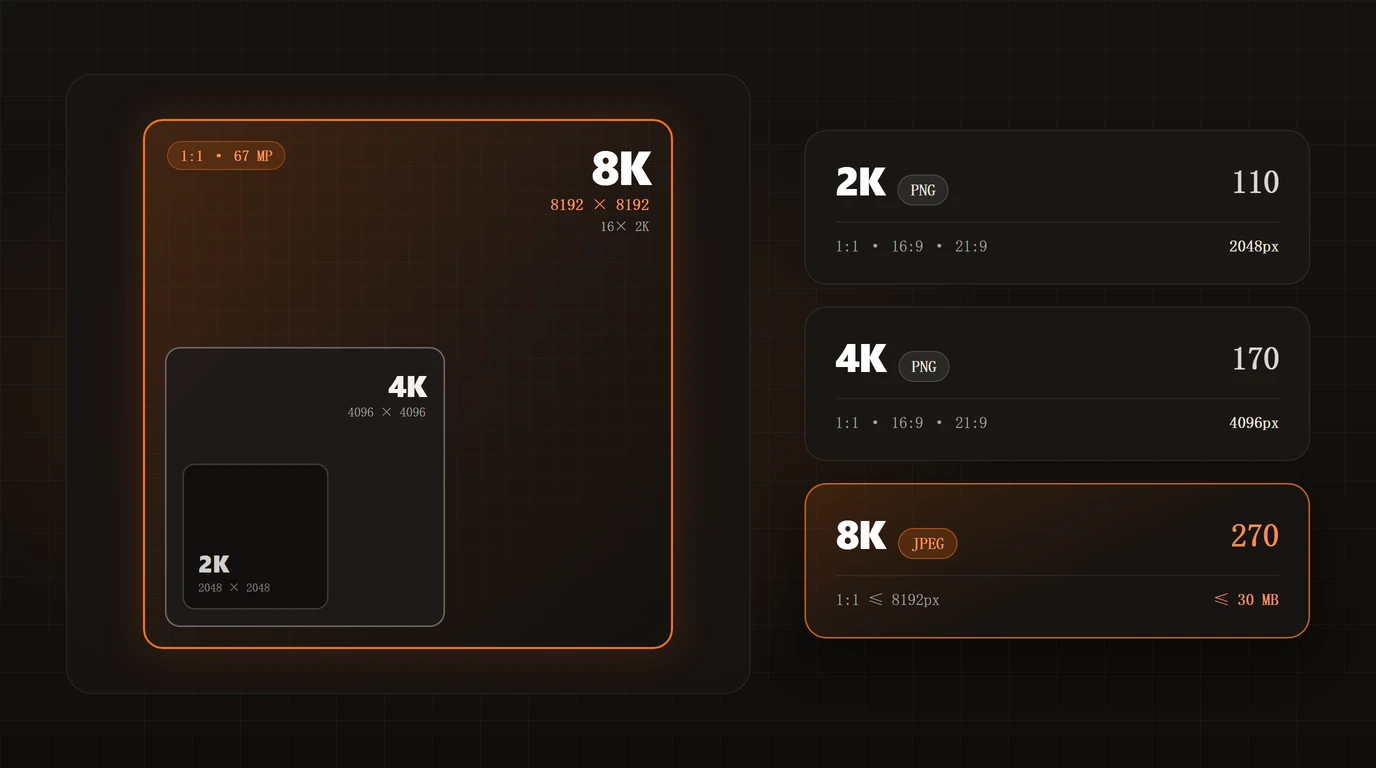
Yes — it generates native 8K frames (8192×8192 / ~67 MP at 1:1) rather than running a separate sharpening upscaler afterward. Choose 4K (170 credits) when you want lossless PNG output or widescreen 16:9 / 21:9 compositions; choose 1:1 8K (270 credits, delivered as high-res JPEG) for maximum pixel density within SugarCube’s current 8192×8192 / 30 MB archival ceiling.
-
3
What is the difference between Short, Medium, and Long in Product Page mode?
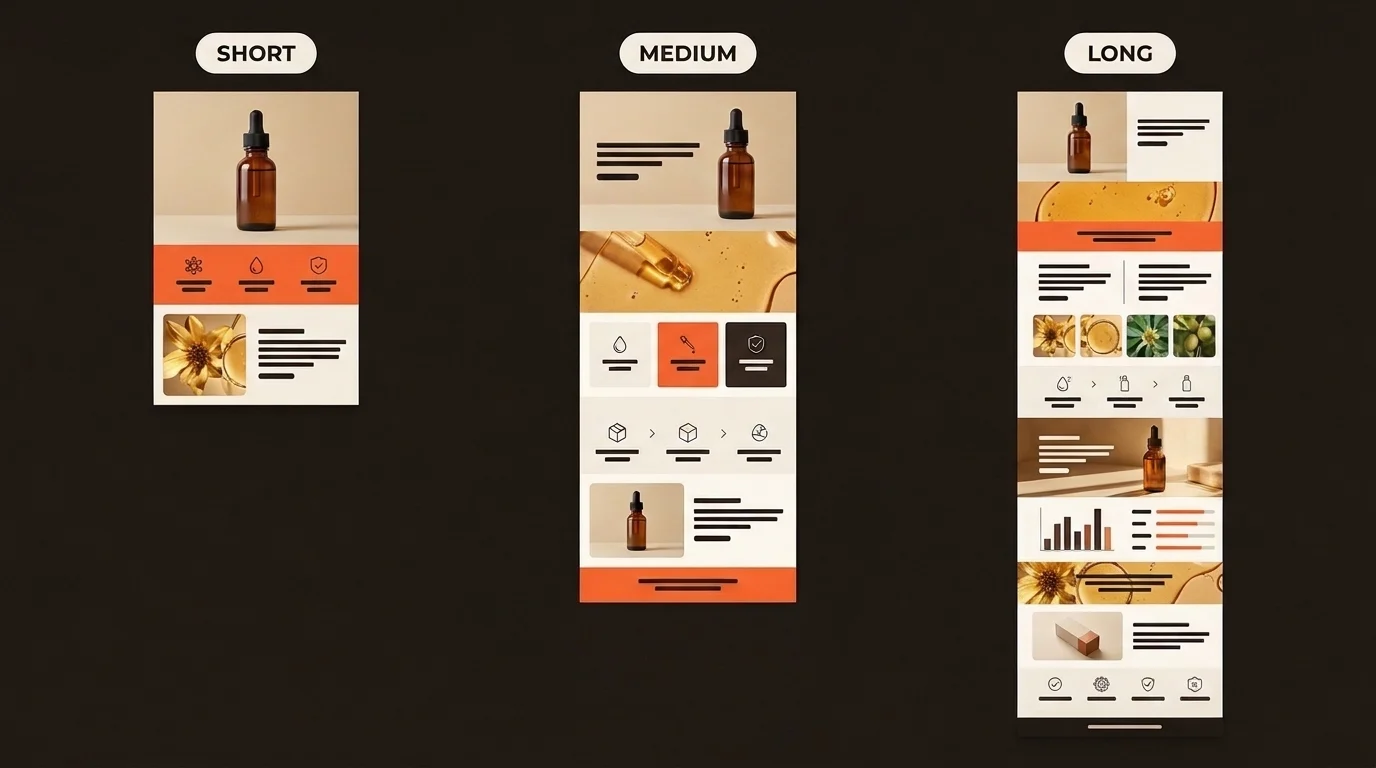
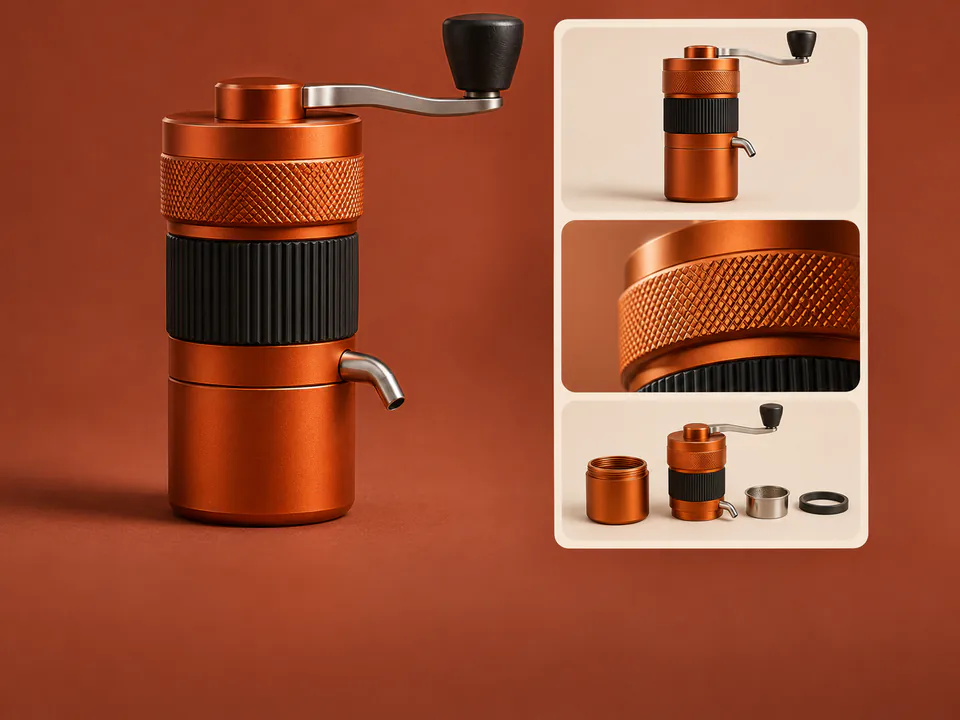
Product Page (Kling Image 4.0 · Product Page) requires 1–3 uploaded SKU photos and stitches one continuous vertical shopping sheet at 1K or 2K width: Short (2–5 sections, 410–500 credits) covers hero + core hooks for social ads; Medium (6–10 sections, 810–950 credits) builds a standard marketplace listing; Long (11–18 sections, 1,340–1,480 credits) renders a full flagship A+ detail strip with specs and scenarios.
-
4
How does Webpage mode differ from Product Page, and how do @style and @subject work?
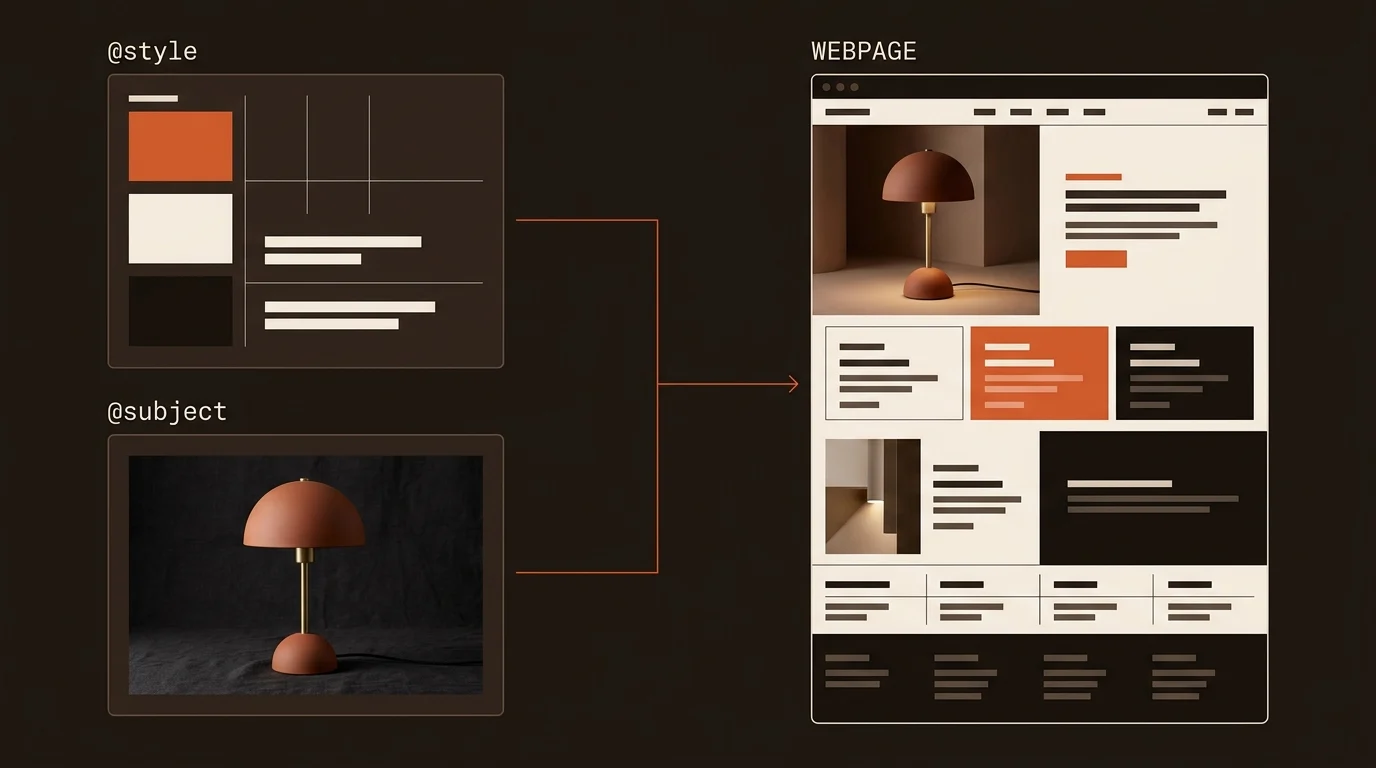
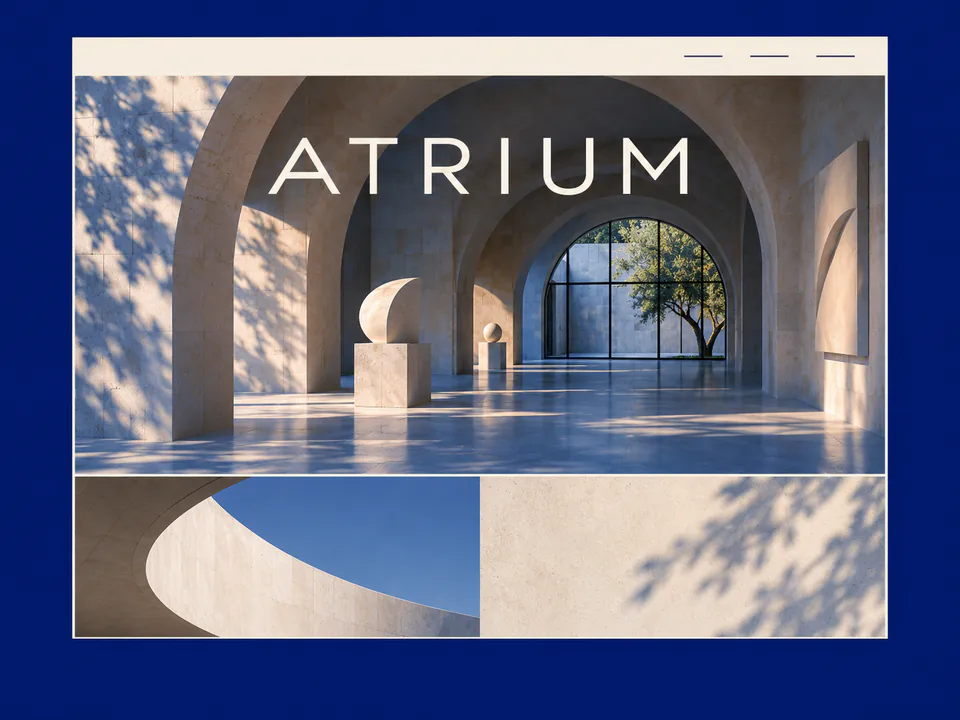
Webpage (Kling Image 4.0 · Webpage) designs full desktop landing page mockups from 0–2 optional uploads (940 credits at 1K; 1,020 at 2K; +10 with two references). Write @style in your prompt to bind a color/layout reference and @subject to bind your focal product; if you upload a single file and mention only @subject, SugarCube routes it directly as the subject instead of style.
-
5
Can Kling Image 4.0 generate a transparent PNG?
No. Standard stills output PNG at 2K/4K and JPEG at 8K on an opaque canvas. For genuine alpha-channel transparent PNG cutouts or stickers, switch to Seedream 5.5 (from 40 credits) or Qwen Image 2.1 (from 40 credits).
-
6
Why should I avoid emails or @usernames inside Kling 4.0 prompts?
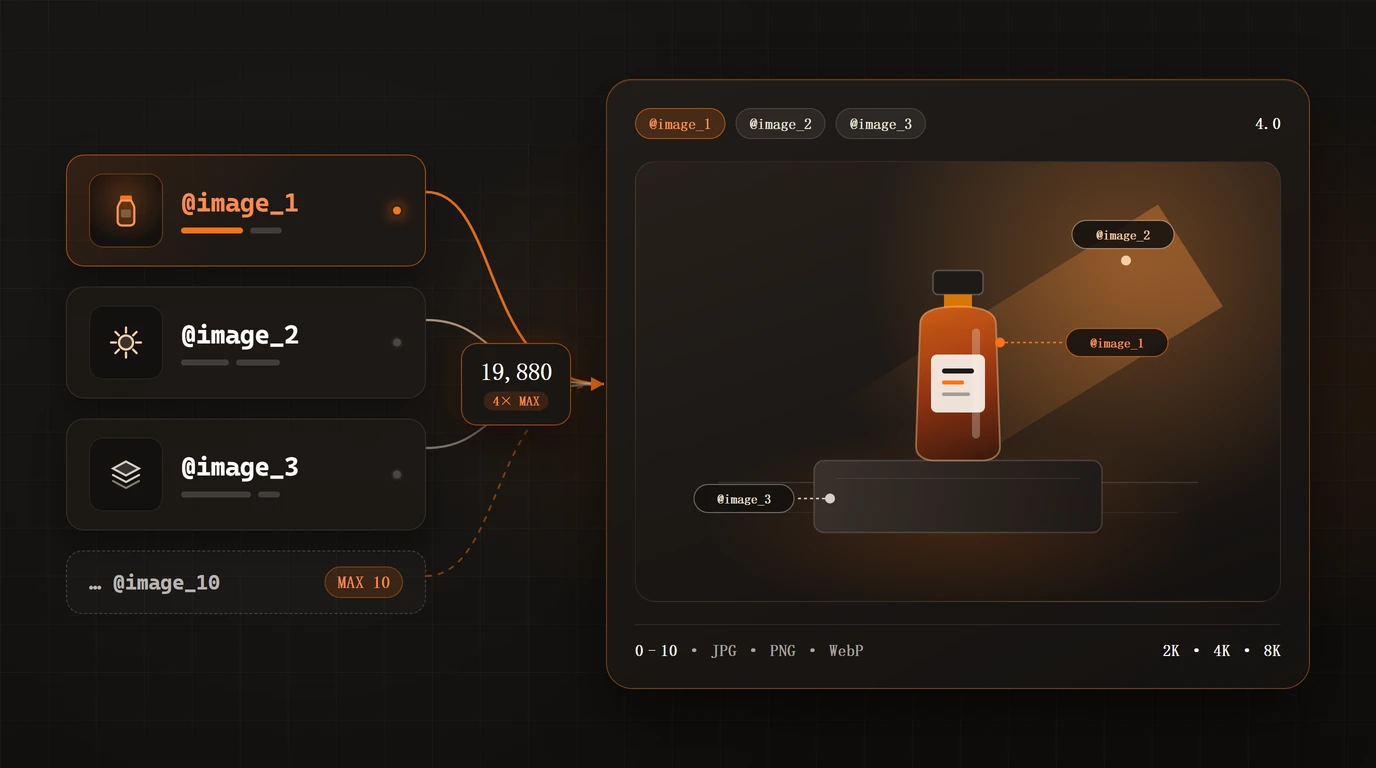
Kling parses @word tokens as visual reference selectors (@image_1..@image_10, @style, @subject). Writing a stray @handle or email can misfire reference binding or render garbled UI labels; wrap intentional visible headlines in quotation marks instead.
-
7
Where does Create run the job, and can I switch presets without losing my prompt?
Yes — switching between Kling Image 4.0, Product Page, and Webpage in the Model box keeps your draft prompt in place while updating the size tiers, reference slots, and quote. Clicking Create preserves everything in this browser and opens Studio after sign-in.
-
8
How much do references add, and what happens if a generation fails?
Without references, a standard still costs 110 credits at 2K, 170 at 4K, or 270 at 8K. With all 10 references the totals are 160, 210, and 320 respectively. Product Page pricing depends on the preset and reference count. Webpage includes one optional reference and adds 10 credits for the second. A failed generation is refunded automatically.