Text only · Default: Economy 1K GIF. Available formats and credit cost follow your selected model.
Create your GIF
Describe a reaction, a sticker or a character in motion. Make it a GIF with GPT Image 2.6 Economy.
Creation results
Your next generation will appear here with its status and recovery actions.
Give a small idea some movement
Reactions and greetings
Give a conversation the reaction you could never quite find in a GIF library. Create a character greeting a friend, celebrating a small win or sharing the mood of your community, with a visual style that makes the message your own. A custom animated idea can become a recurring welcome, a playful reply or the little flourish that makes a personal post feel more expressive. Start with the emotion you want to send.
Mascots and playful scenes
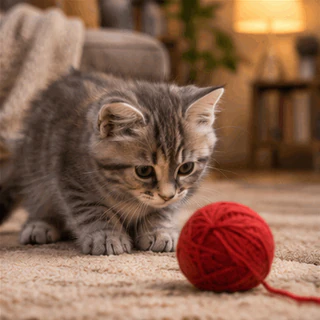
An original mascot can become more memorable when it has something to do. Explore a pet, creature or little character in motion for community posts, a personal project or a brand mood board. Give it a recognizable attitude and one engaging action, then see which interpretation feels like its personality. You are building a small piece of a visual world that can keep returning in different conversations and creative ideas.
Launches and visual stories
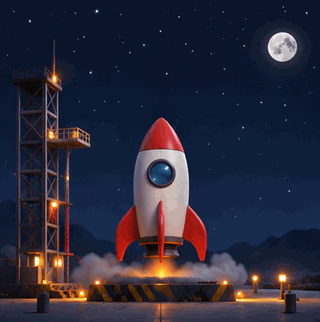
Give a presentation or launch idea an animated point of interest. A growing plant can suggest a beginning; a little rocket can give a project reveal a sense of anticipation. Create a short visual concept that supports your story, then choose the result whose movement and style fit the message. From a personal announcement to a creative pitch, a small animated moment can help the idea feel more alive.
What to put in a GIF prompt
Start with the feeling you want the GIF to express, then name the subject, one main action and a visual style. A welcome wave, a tiny celebration or a quiet growing plant gives the animation a clear purpose. Use the prompts below as editable starting points; preview the generated motion before choosing a result.
A cheerful clay snowman waves one mitten, centered on a pale blue background, fixed camera, soft light, gentle repeating movement.
A tiny illustrated rocket lifts through rounded clouds, bold shapes, warm orange and cream palette, one continuous upward movement.
A small green seedling unfolds two leaves in a terracotta pot, simple studio background, fixed camera, calm hand-drawn animation.
How to make a GIF with AI
1Describe the movement
Write who or what appears, what moves and how it should look. Choose an aspect ratio that fits where you want to share the GIF.
2Review and generate
Start with GPT Image 2.6 Economy and 1K GIF output, or choose another model and one of its supported formats. Check the displayed credit quote, sign in when prompted, then submit.
3Preview and download
Preview the finished result, download it in the selected format and revisit it in your task history. Refine the prompt and generate again when you want a different result.
What this GIF generator supports
This page starts with GPT Image 2.6 Economy and 1K GIF output. You can choose any model in the public image catalog; output formats and quality options follow that model, so another selection may produce a still image. This page accepts text only and does not edit GIFs or provide exact animation duration, frame rate or frame-by-frame controls. For reference images, open Studio; Economy PNG editing accepts up to 16 references there.
AI GIF generator questions
What is an AI GIF generator?
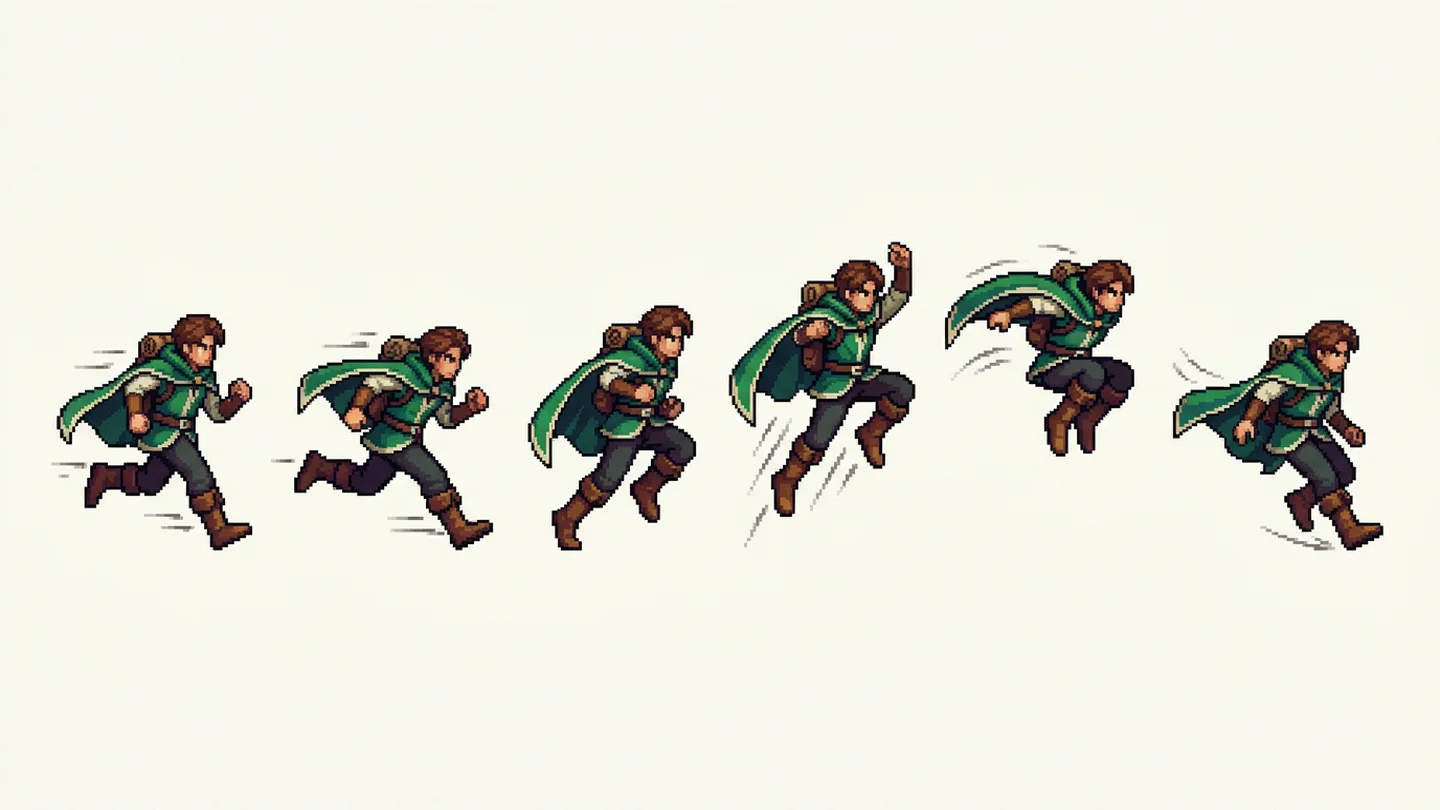
An AI GIF generator turns a written description into an animated GIF. The default GPT Image 2.6 Economy selection creates animation directly, without assembling a sprite sheet. Other models use their own supported formats and may create still images.
Can I animate an uploaded image?
This GIF workflow accepts text only. It does not upload or animate a reference image. For image-guided creation, choose PNG in Studio; Economy supports up to 16 reference images for PNG editing.
Is generating a GIF free?
Generation uses credits. The default Economy GIF currently costs 50 credits per generation. Other model and format choices can have different costs; the quote beside the Generate button is authoritative. Available credits depend on your account eligibility and balance.
Can I control the loop length or frame rate?
You can describe the motion and request a repeating action, but this page has no exact duration, frame rate or frame editing controls. Seamless loops, precise timing and consistent details are not guaranteed; preview the result before sharing.
Where do my results go, and what if generation fails?
Your prompt is sent for AI generation. Successful results appear in the shared workspace and your task history. You can view and download them from your account. If a request fails or asks you to sign in, follow the displayed recovery action; the workspace preserves your prompt.