See an action across its key moments
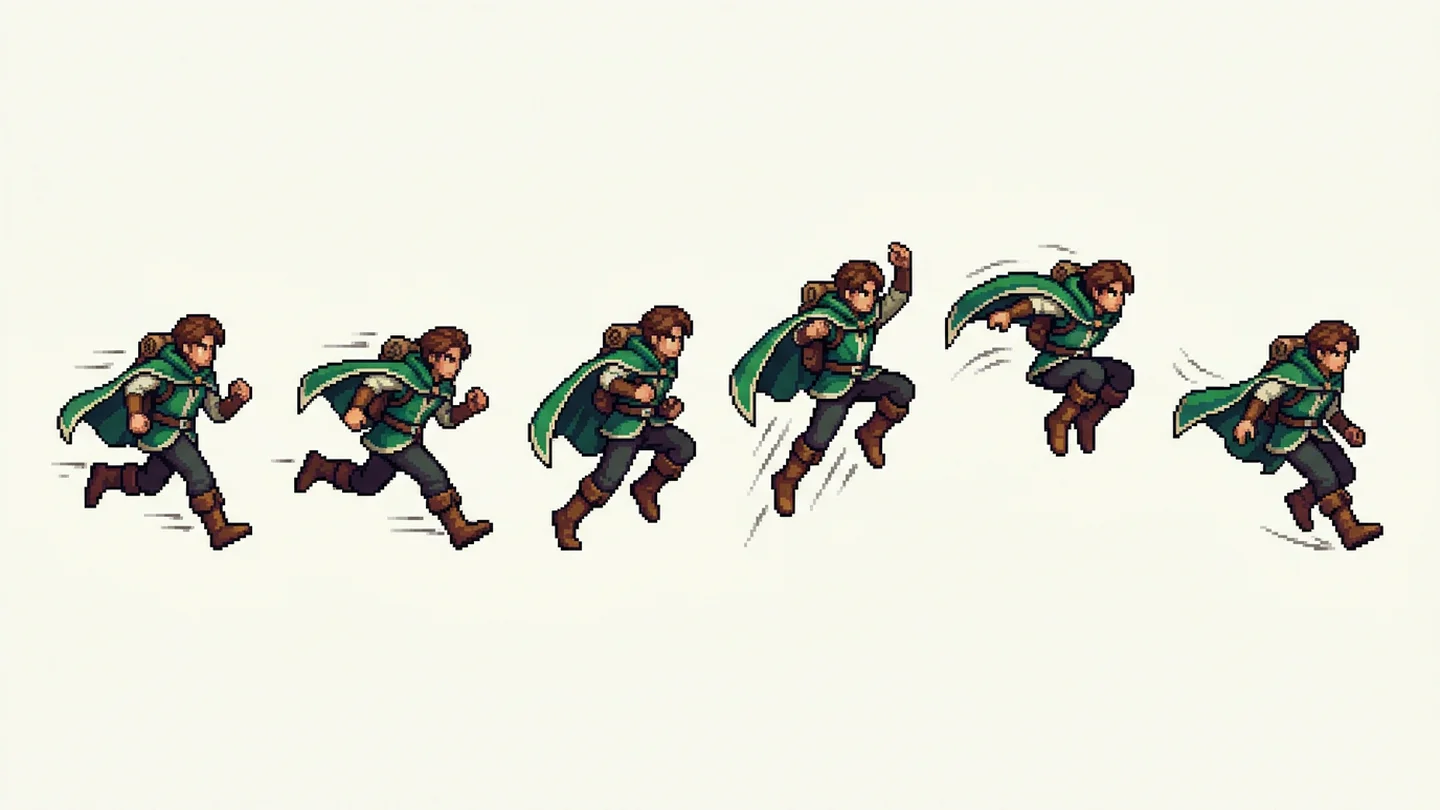
A single pose can hide how an animation should feel. Explore a sequence of sprite-frame concepts to make the rhythm of a walk, jump or attack easier to discuss.
Create a sprite sheetSketch a character’s movement and directional poses on a sprite-sheet concept, then inspect the frames before game-art cleanup.
Describe your idea, add a reference image if useful, and choose a model to create.
Your next generation will appear here with its status and recovery actions.
Loading older results…
Edit the prefilled walking prompt to describe your character, viewpoint, frame sequence and grid layout.
Use references to guide the character and colors, then describe the visual style, frame count, and layout you need. Review the credit cost before creating.
Generate on this page, follow the progress and download the result. Signed-in creations also appear in this page history. Save your image to continue in game-art prototypes, sprite slicing and animation planning.
A single pose can hide how an animation should feel. Explore a sequence of sprite-frame concepts to make the rhythm of a walk, jump or attack easier to discuss.
Create a sprite sheet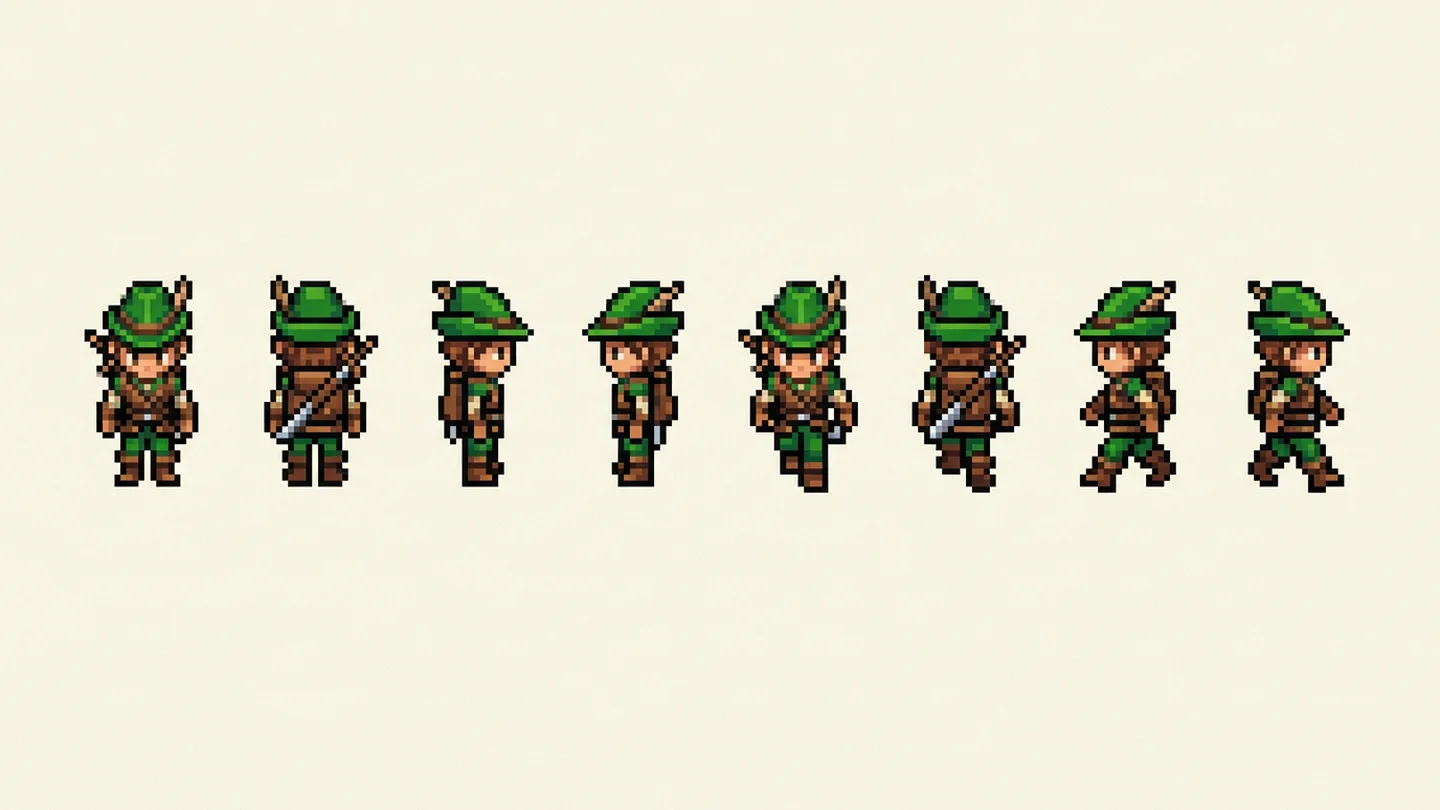
Mixing unrelated art styles can make a prototype feel disjointed. Explore character scale, facing direction and pixel-art treatment together before refining the final assets.
Create a sprite sheet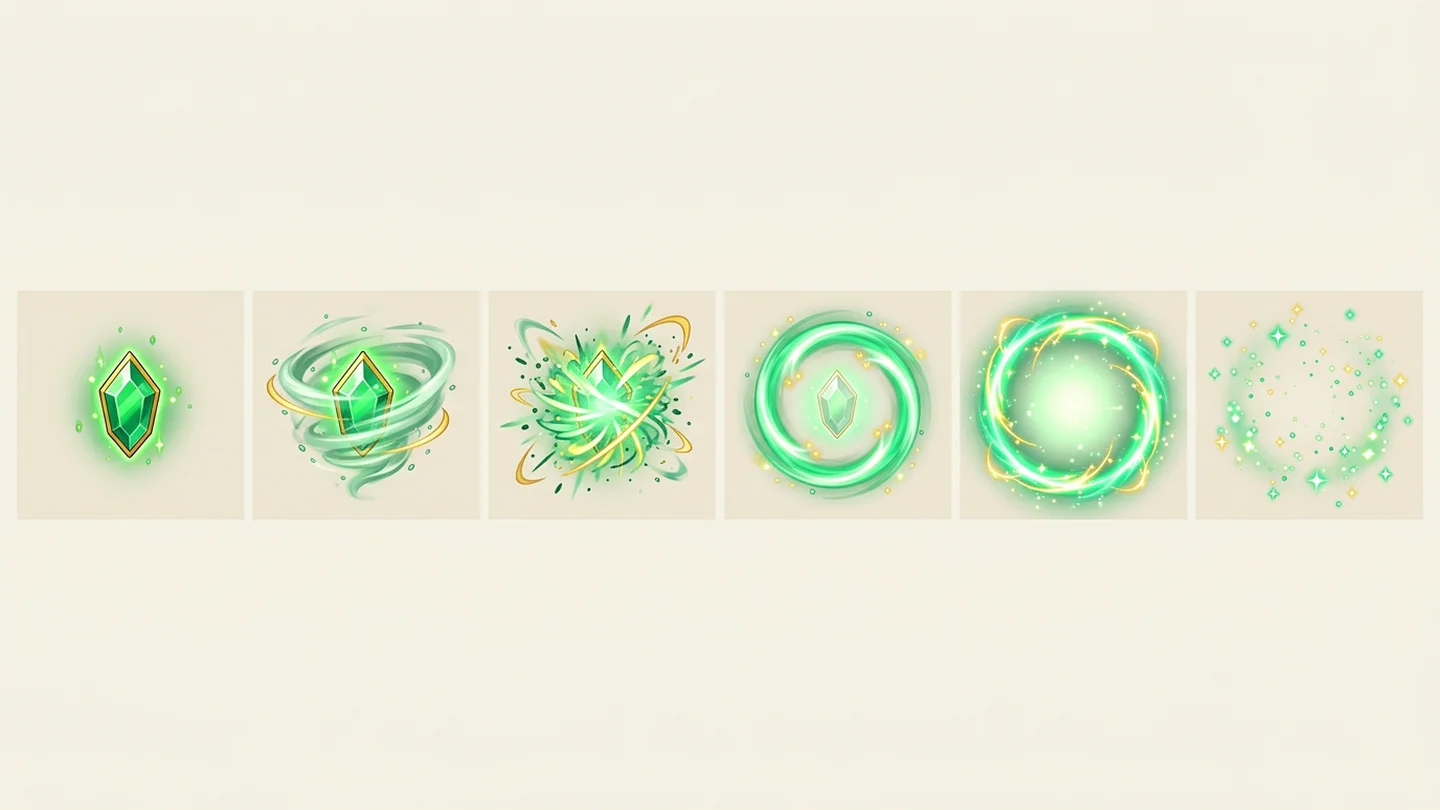
Hits, spells and bursts help players read an action. Develop effect-frame concepts that show the intended shape and energy before detailed cleanup and integration.
Create a sprite sheet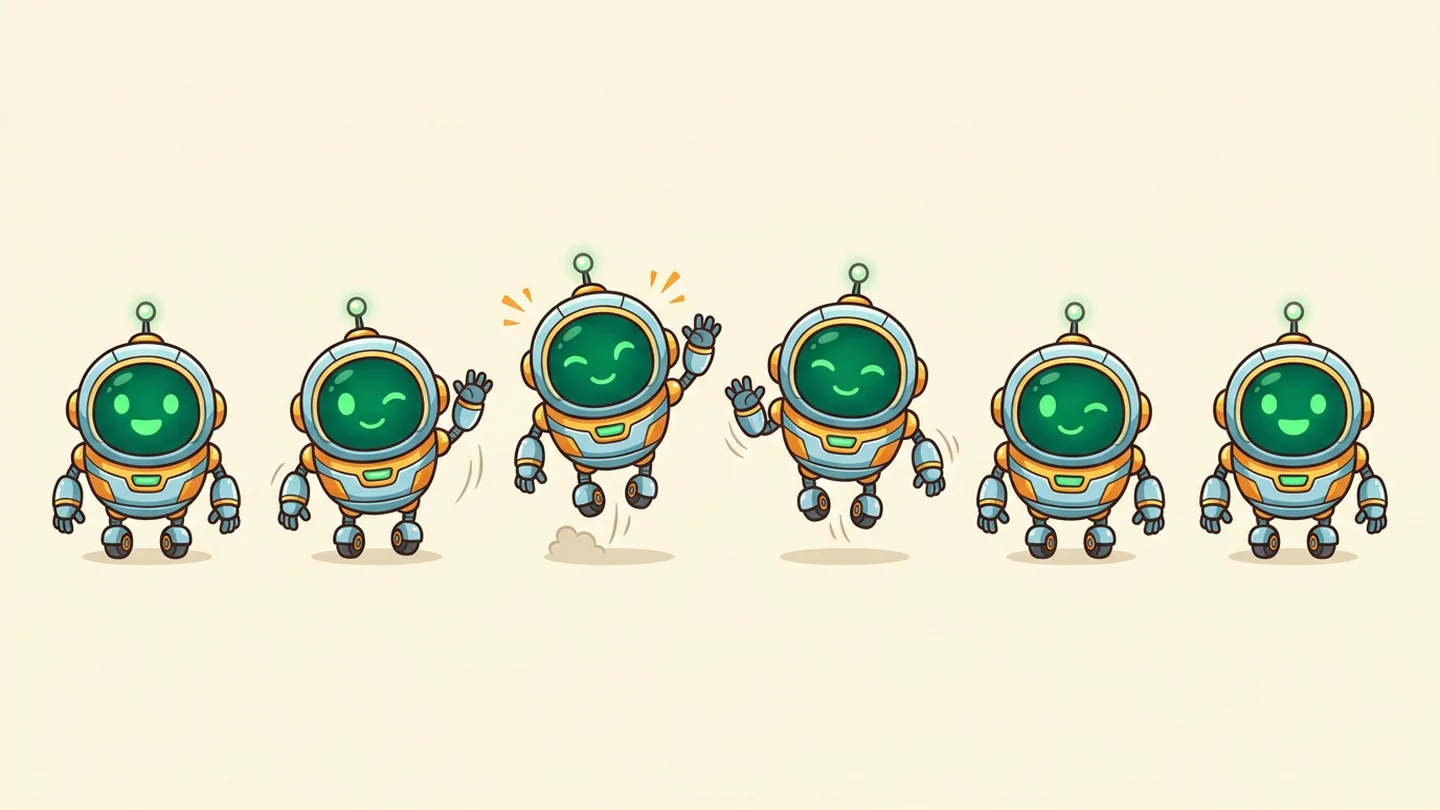
A frame sequence gives you something to evaluate before engine setup. Use the sheet as a visual starting point for timing, spacing and the cleanup your animation needs.
Create a sprite sheetSwipe to explore related tools
Technical details on sprite sheets, animation frames, formats, and game engine integration.
This page generates a sprite-sheet concept image for planning movements and poses. It does not guarantee aligned frame cells, transparent backgrounds or an engine-ready animation; inspect and prepare the frames in your game-art workflow.
Describe the character, perspective, movement and grid to guide one clear visual direction. Save your image to continue in game-art prototypes, sprite slicing and animation planning.
Start with the prefilled walking prompt. Specify your character, viewpoint, number of frames and grid layout. Describe another action to explore a different animation sequence.
References are optional. Use a character image to guide silhouette, costume and palette across poses. Upload JPG, PNG or WebP up to 32 MiB each; the default Sunburst model accepts up to 16, and another selected model may differ.
This tool uses GPT Image 2.5 Sunburst, with a default 4:3 canvas and 1K quality. Edit the prefilled walking prompt, add up to 16 optional reference images, and adjust the supported output settings. The credit cost is shown before you create.
Generate on this page, follow the progress and download the result. Signed-in creations also appear in this page history.
Reuse the saved prompt or add a new visual direction. Change a subject, palette or style detail to build a series of related images.
Turn a movement or effect idea into a sprite-sheet concept you can develop into your own animation.
Create a sprite sheet