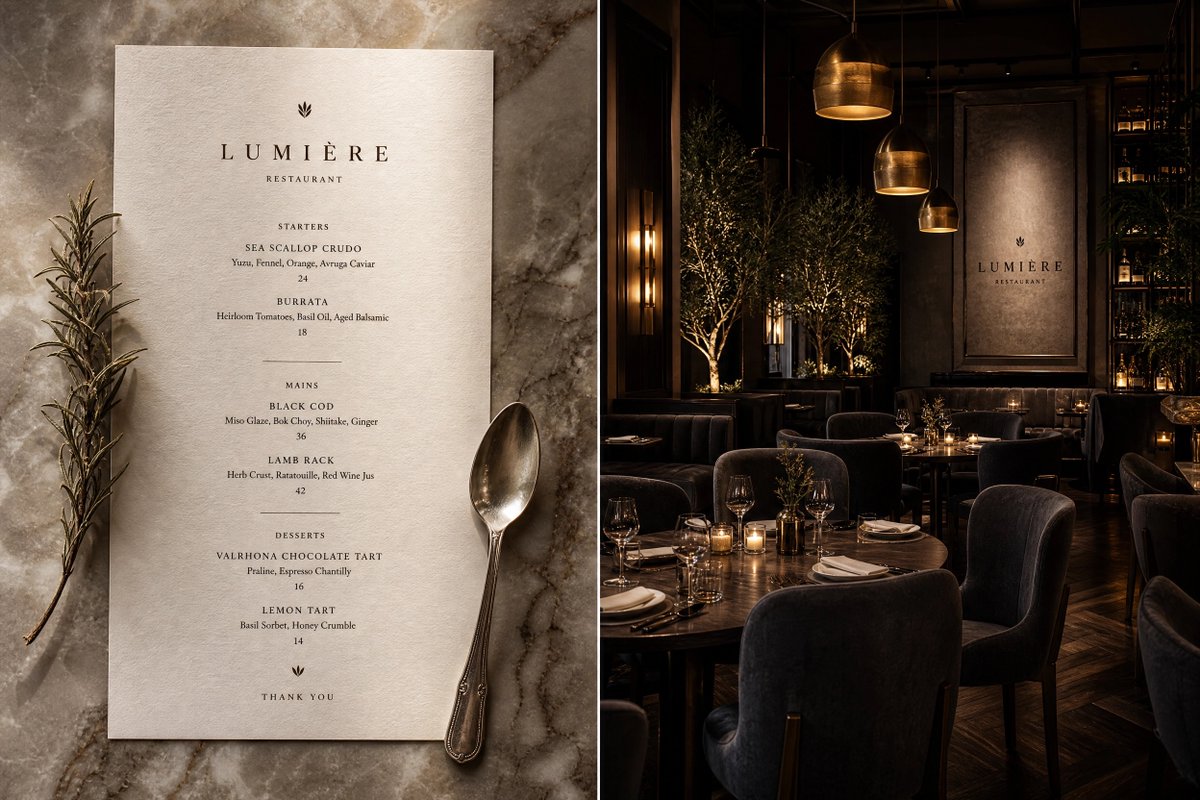
A clean catalog direction
Explore a simple backdrop and balanced lighting that keep attention on the product; verify listing suitability.
Upload one authorized product image, describe a clean studio or lifestyle scene, and review a new product-photo concept on this page.
Generated images can change geometry, labels, colors, reflections, ingredients, scale, packaging, or claims. Verify every product fact before use.
Add a product reference, choose a visible prompt starter, and review the model, ratio, quality, and exact credit cost.
Your next generation will appear here with its status and recovery actions.
Loading older results…
Use an authorized photo showing the whole product with readable edges and minimal obstruction.
Specify the surface, background, lighting and crop, then review compatible settings and cost.
Generate here and compare shape, labels and material before downloading the concept.
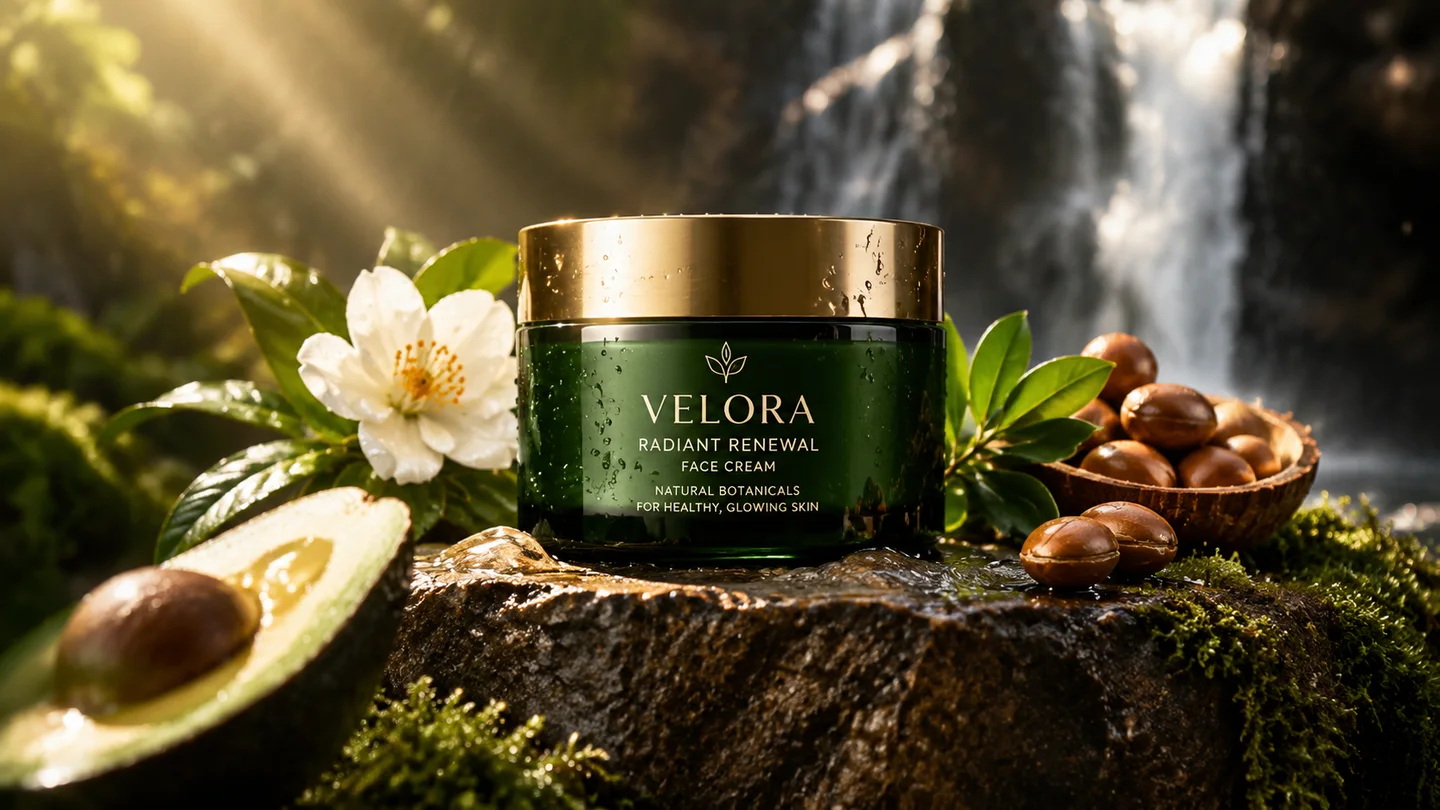
Explore a simple backdrop and balanced lighting that keep attention on the product; verify listing suitability.

Try controlled reflections and a dramatic setting to discuss an advertising look without scheduling a shoot.

Place a product in a relevant desk, bathroom or outdoor setting to explain the context in which it is used.

Test how a product sits with props, colors and display surfaces before agreeing on a campaign setup.
Swipe to explore related tools
Source quality, scene changes, product review, model choice, credits, and privacy.
Use a sharp, well-lit image with the full product visible, clear edges, accurate color, and minimal obstruction. A clean background makes changes easier to detect.
It creates a new image guided by the source and prompt, so you can request studio, tabletop, outdoor, or lifestyle contexts. The result is not a pixel-preserving background replacement.
No. Models can change geometry, labels, colors, materials, controls, closures, reflections, scale, or packaging. Compare the output to the source before publishing.
Review the marketplace rules first. Primary listing images often require a factual product view and specific backgrounds; use generated scenes as concepts or secondary imagery unless the final asset is verified and permitted.
The selector loads SugarCube's current public image model catalog. The active model determines reference count, ratio, quality, prompt limit, and credit cost.
Upload only images you are allowed to process. Submitted references and completed results stay connected to your authenticated page history and display through owner-scoped media routes.
Return to your reference and describe one useful photographic setting.
Return to the tool