A drinks launch
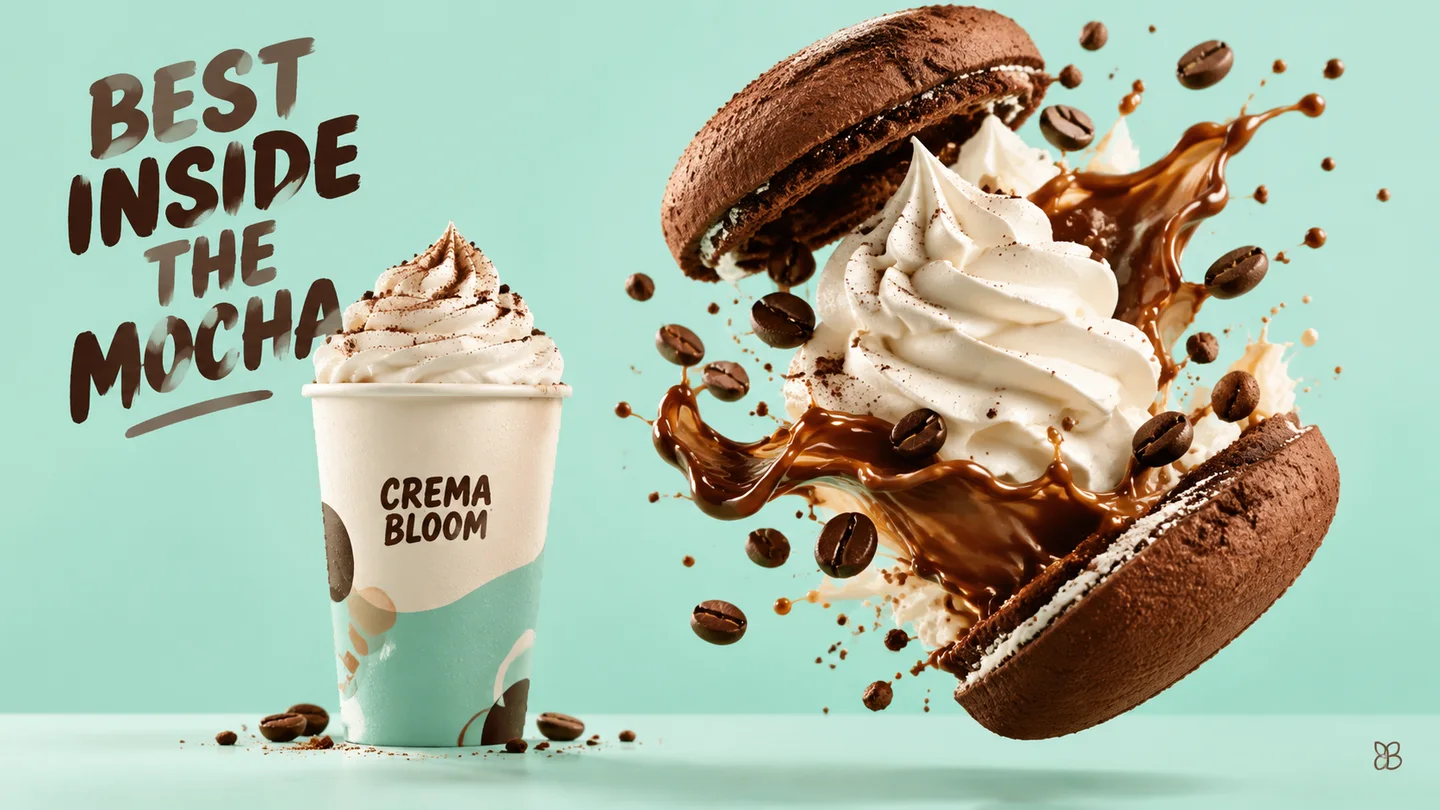
Give a new drink a strong product image, a short name and enough space for the promotion message.
Turn a short headline, a visual direction, and optional authorized references into a poster draft you can review and refine on this page.
Always proofread generated text. Dense copy, dates, prices, logos, legal wording, and print-ready layered files are not guaranteed.
Choose a prompt starter or write your own brief, compare models, and review the exact settings before generation.
Your next generation will appear here with its status and recovery actions.
Loading older results…
Write the headline, date or call to action and describe the main visual without asking for dense paragraphs.
Choose a ratio and model, explain which words should stand out and add authorized references if needed.
Generate on this page, inspect every word and number, then download the draft for final editing.
Give a new drink a strong product image, a short name and enough space for the promotion message.

Build a destination-led image with a concise headline, keeping itinerary details for the final layout.

Use an artwork-inspired visual and a clear title hierarchy to explore the show’s identity.

Arrange a central science illustration with clearly separated labels for a classroom display. Check every explanation and number before teaching with it.
Swipe to explore related tools
Short copy, references, output limits, model choice, credits, and review guidance.
It can create useful short-copy drafts, but every word and number still needs proofreading. Longer copy, small type, unusual names, and crowded layouts are more likely to drift.
Include the poster format, exact short copy, visual subject, hierarchy, palette, mood, and anything the model must not invent, such as prices, awards, specifications, logos, or legal text.
Yes, if you have permission to process it. The active model controls the current reference limit, and references guide a new result rather than guaranteeing exact copying.
No. It creates one image, not a layered PSD, vector file, editable template, or print-production package. Rebuild or refine final typography in a design editor when exact control matters.
The selector loads SugarCube's current public image model catalog. Ratio, quality, reference limits, prompt limits, and credit cost update when you switch.
The exact cost appears beside the active model before submission. Upload only authorized material; completed results stay linked to your authenticated page history through owner-scoped media routes.
Return with a short headline and a visual that supports it.
Return to the tool