Compress images online, free and private

Make one JPG, PNG, or WebP image easier to send, submit, or reuse. The file stays in your browser while you choose a target size, longest edge, and output format.

Compress one image on this device

Files stay in your browser. SugarCube does not receive or store them.

1 · Choose a file

JPG, PNG, or WebP · up to 25 MB · 40 megapixels · 12,000 px longest edge

Drop one image here

or choose a JPG, PNG, or WebP from this device

2 · Set your output

Dimensions and format

Choose a file to see its dimensions and prepare your output.

This is an upper-bound attempt, not a size guarantee. Detailed PNGs may stay larger.

  • Free to use No account and zero credits.
  • Processed locally Your image stays in this browser.
  • Clear limits One JPG, PNG, or WebP up to 25 MB, 40 MP, and 12,000 px.

How to use this tool

  1. Choose one image

    Choose images within the displayed limits; files stay on this device.

  2. Set the size target and format

    Set target size, optional longest edge and format, then compress.

  3. Check the actual file and download

    Compare actual size and detail before downloading. Target size is not guaranteed.

Make images easier to upload and share

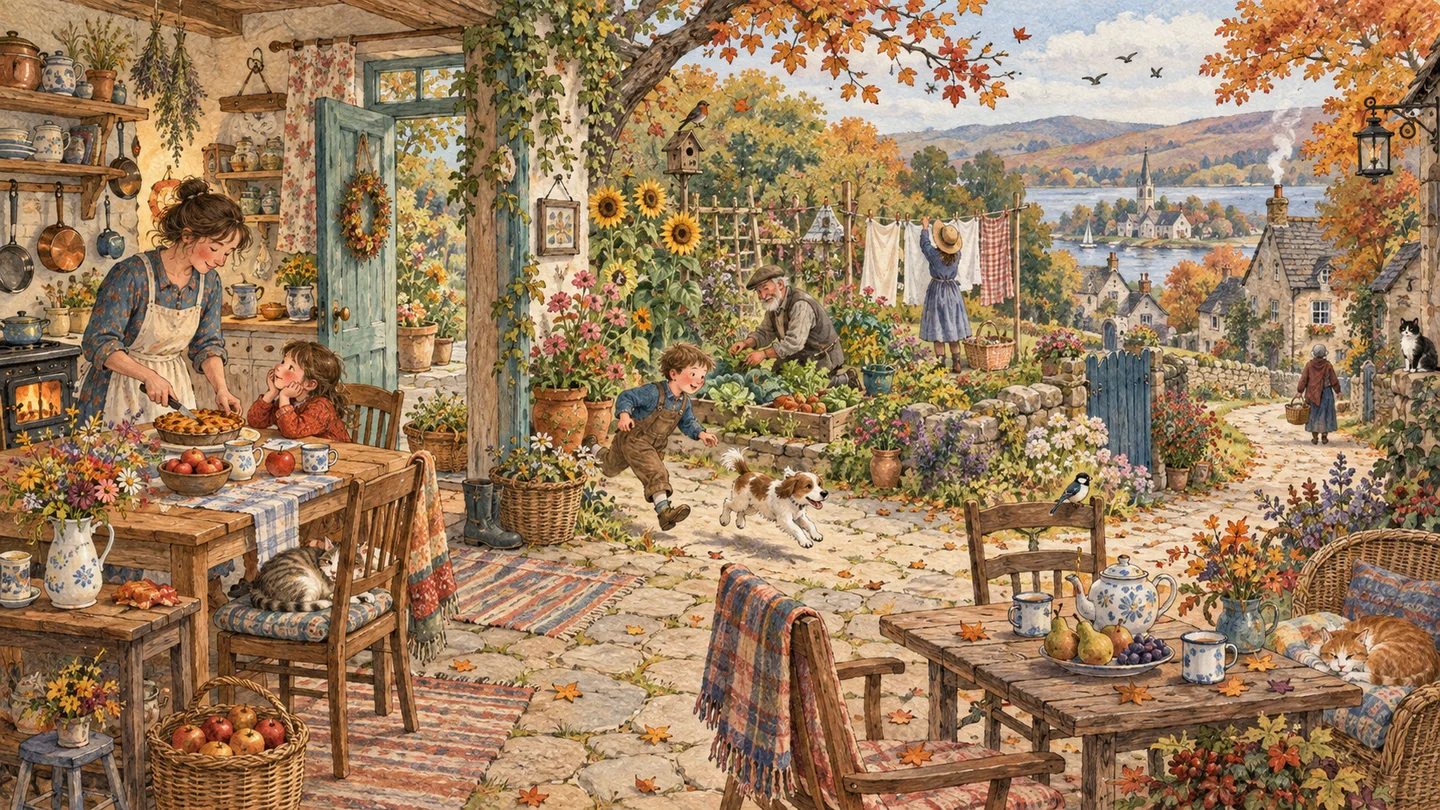
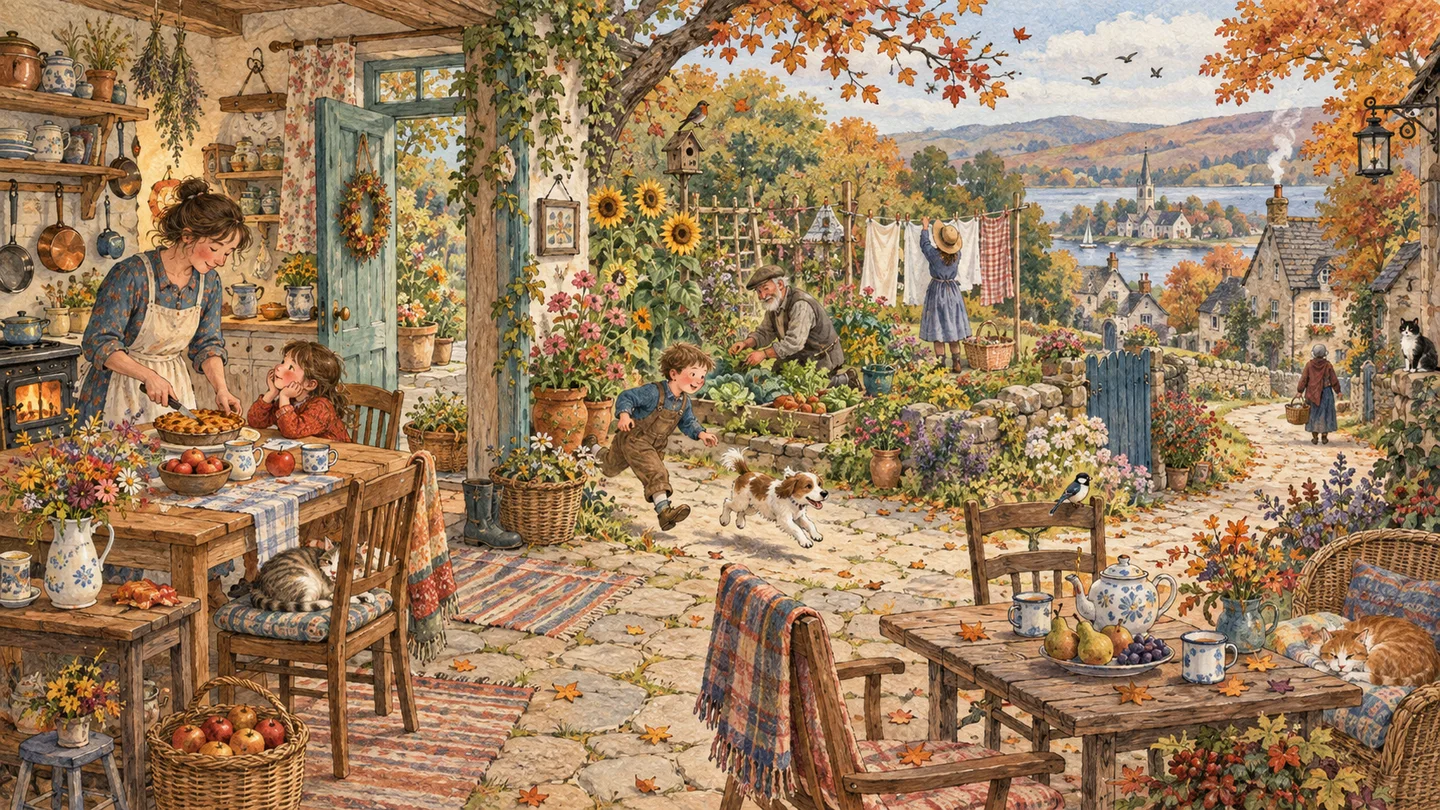
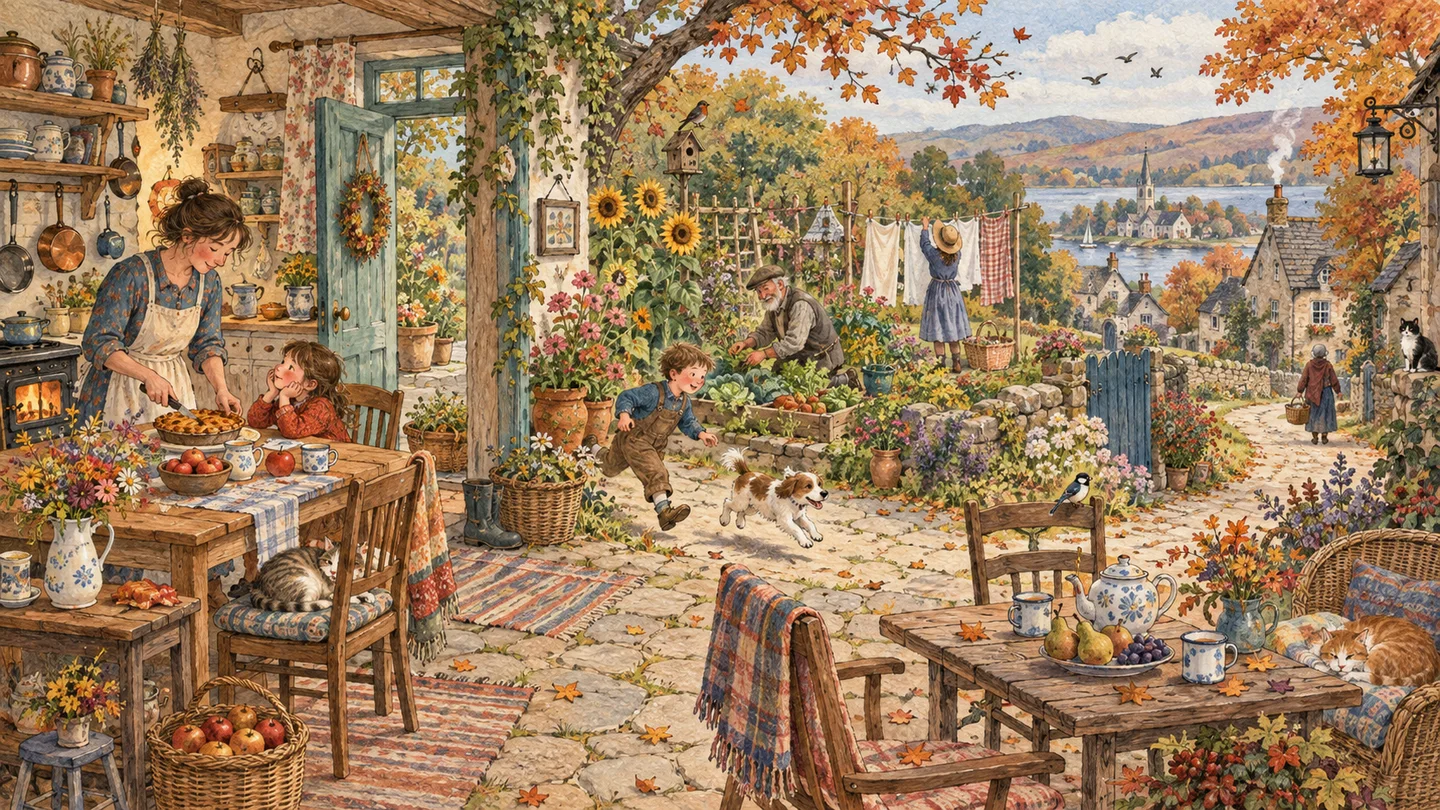
A real image compression run

Original
Original1440 × 810 · 3272.2 KB
Processed
Processed1028 × 577 · 163.4 KB

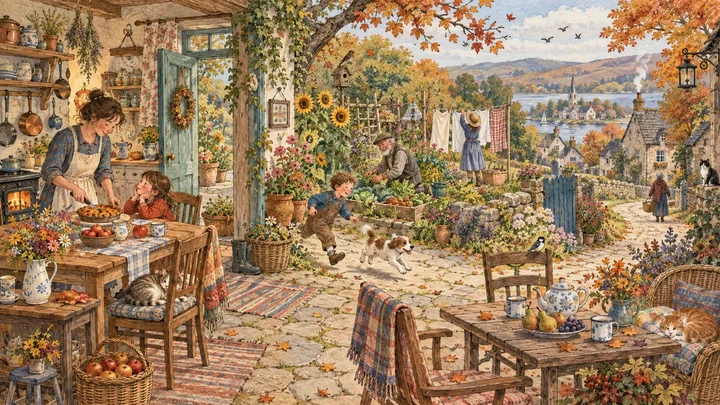
This demo starts with a PNG exported from an existing AI illustration. The local compressor produced the downloadable WebP shown here; the size reduction applies to this file only.

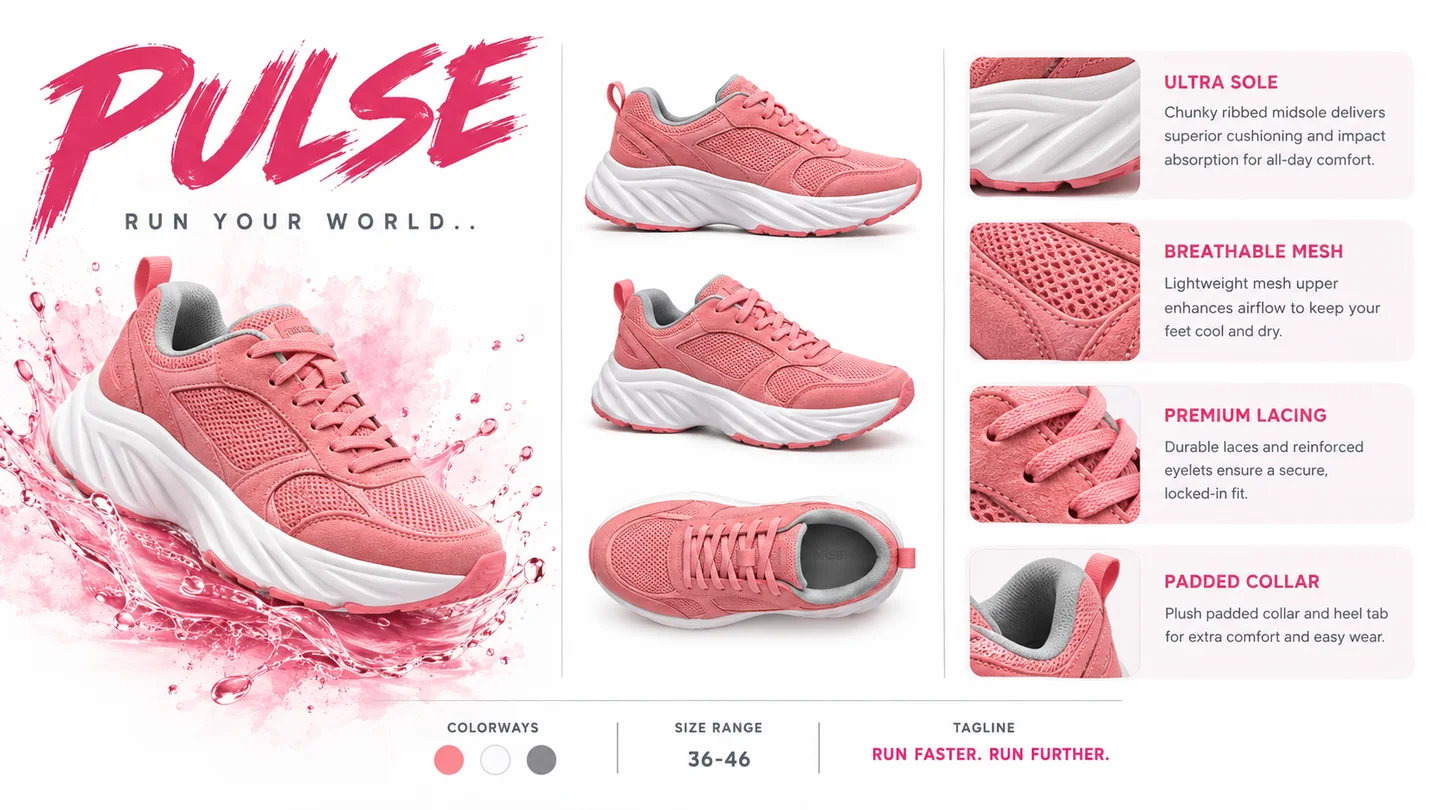
Prepare a product upload

Illustrative sneaker product sheet

Reduce a product-sheet file for a store upload limit. Verify that specifications, labels and material detail remain readable at the chosen dimensions.

Lighten a blog illustration

Illustrative neighborhood scene at sunset

Compress a detailed neighborhood illustration for an article. Compare fine lines and evening color transitions so a smaller file still suits the page.

Prepare a creator portfolio

Illustrative creator working on a miniature artwork

Reduce an artwork or creative-process image for a portfolio upload. Check small tools, materials and facial details against the original before publishing.

Share an event poster

Illustrative collection of event poster designs

Make a poster attachment smaller for messaging. Inspect dates and small type after compression, especially when several designs are presented on one board.

Frequently asked questions

Is this image compressor free?

Yes. This page is free to use, does not require an account, and uses zero SugarCube credits.

Do you upload my image?

No. The selected file and result stay in your browser. The page does not submit the image to SugarCube or create a server-side history.

Can I compress an image to 100 KB?

You can choose a 100 KB target. It is an upper-bound attempt, not a guarantee: image detail, transparency, and the selected format can keep the final file above that size.

Which image formats can I compress?

This tool accepts one JPG, PNG, or WebP image. It does not accept SVG, remote URLs, folders, or batches.

Will compression keep the original quality?

Not always. Lossy formats can change pixels, and reducing the longest edge changes dimensions. Review the local preview before downloading.

Choose format and quality deliberately

Keep source format preserves the input MIME type while compressing. JPEG is commonly smaller for photographs, WebP can be efficient in modern browsers, and PNG is useful when transparency matters. A smaller longest edge changes image dimensions as well as file size.

Choose an image to compress

Your file stays on this device. Return to the tool to choose it and review the result.

Choose a file