A food advertising pitch
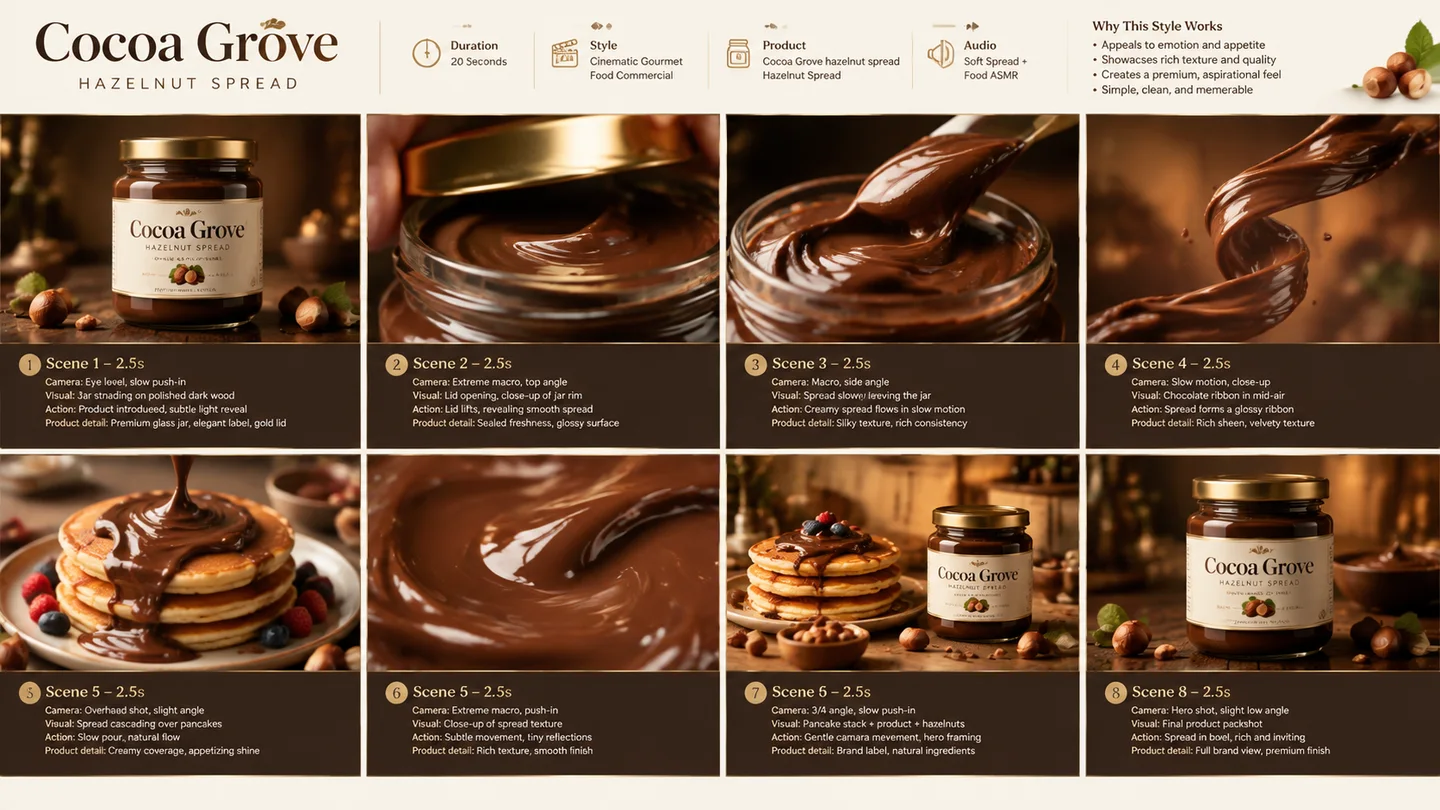
Lay out preparation, serving and the final dish so a client can discuss the story before filming.
Turn a short scene brief and optional authorized references into one visual sequence for shot planning, pacing, and early creative decisions.
The result is one image, not an editable timeline, animatic, shot database, or guarantee of exact character and prop continuity.
Start from a short scene beat, optionally add authorized references, and compare the active model settings before generation.
Your next generation will appear here with its status and recovery actions.
Loading older results…
List the story beats in order and add authorized character or location references if useful.
Describe each shot’s action and framing; a small number of panels leaves more room for review.
Generate here, check sequence and continuity, then download the image for planning.
Lay out preparation, serving and the final dish so a client can discuss the story before filming.
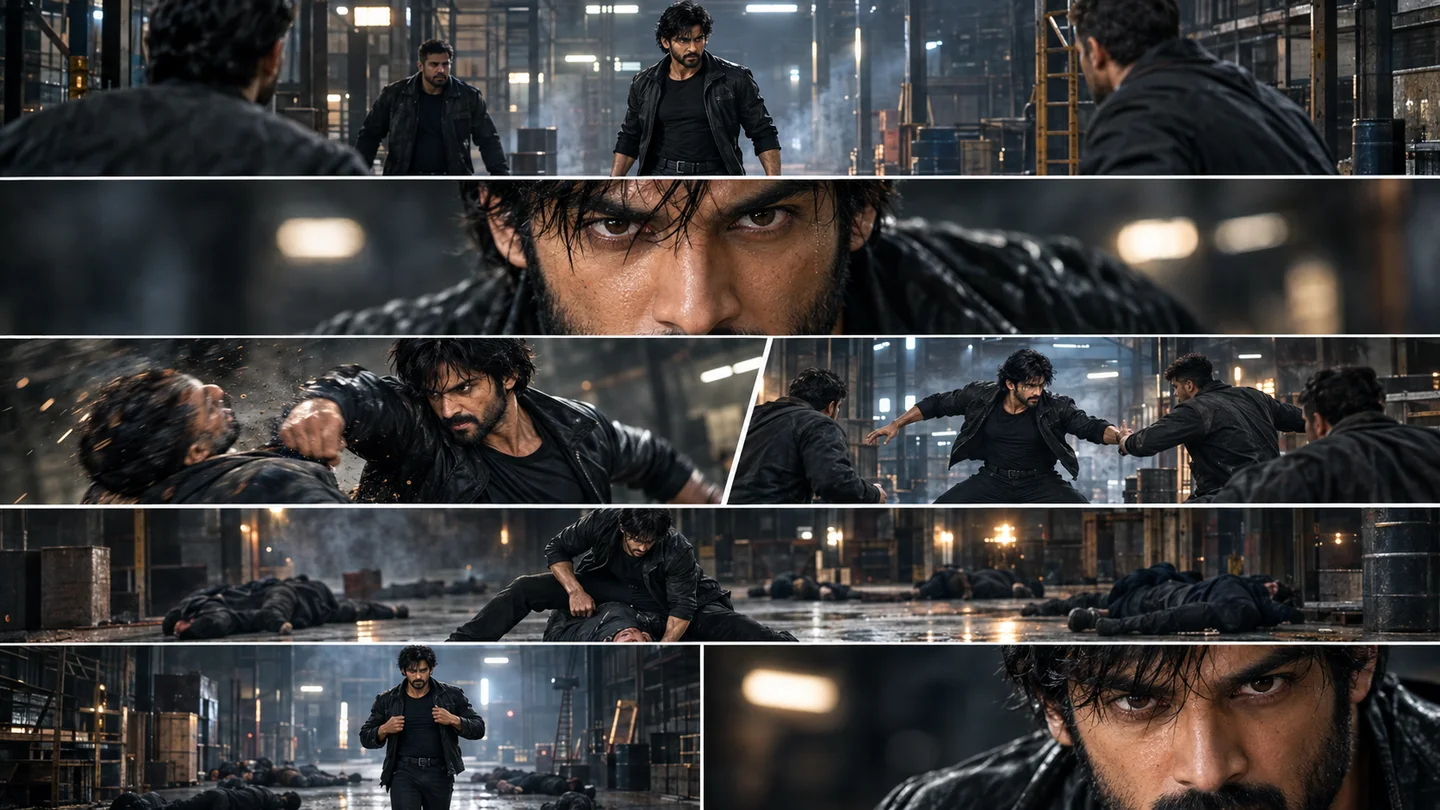
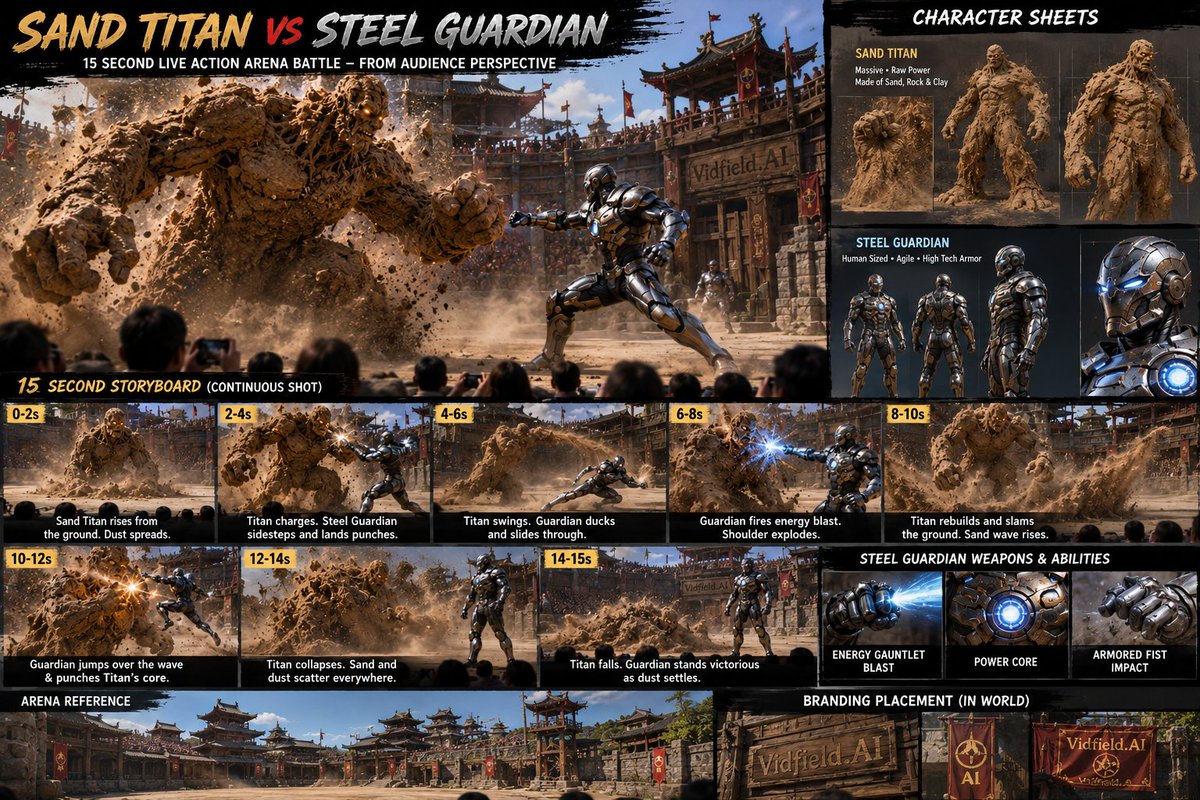
Explore wide shots, reactions and movement direction to discuss a short fictional sequence.
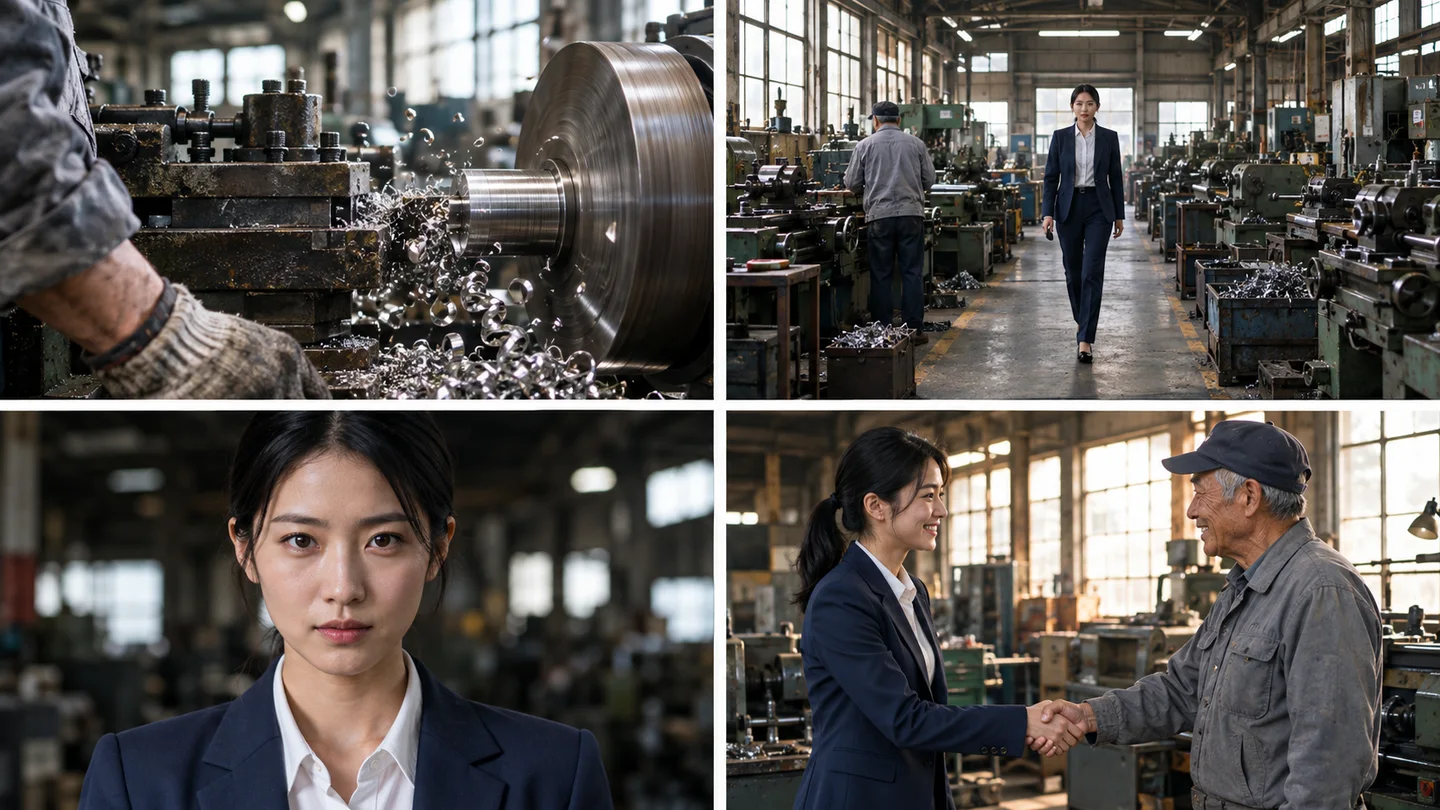
Visualize a few key process stages for a teaching video, then have a subject expert check technical accuracy.
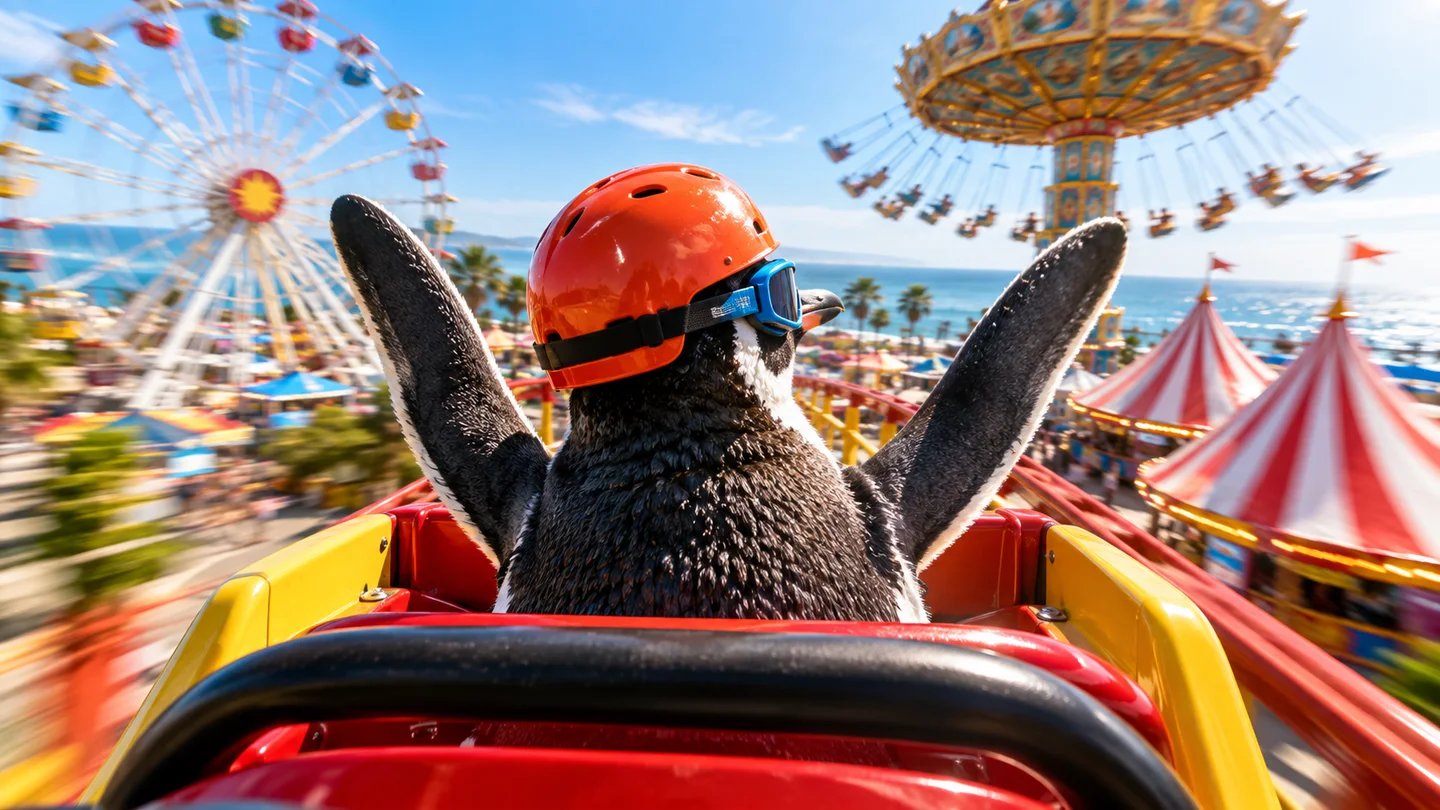
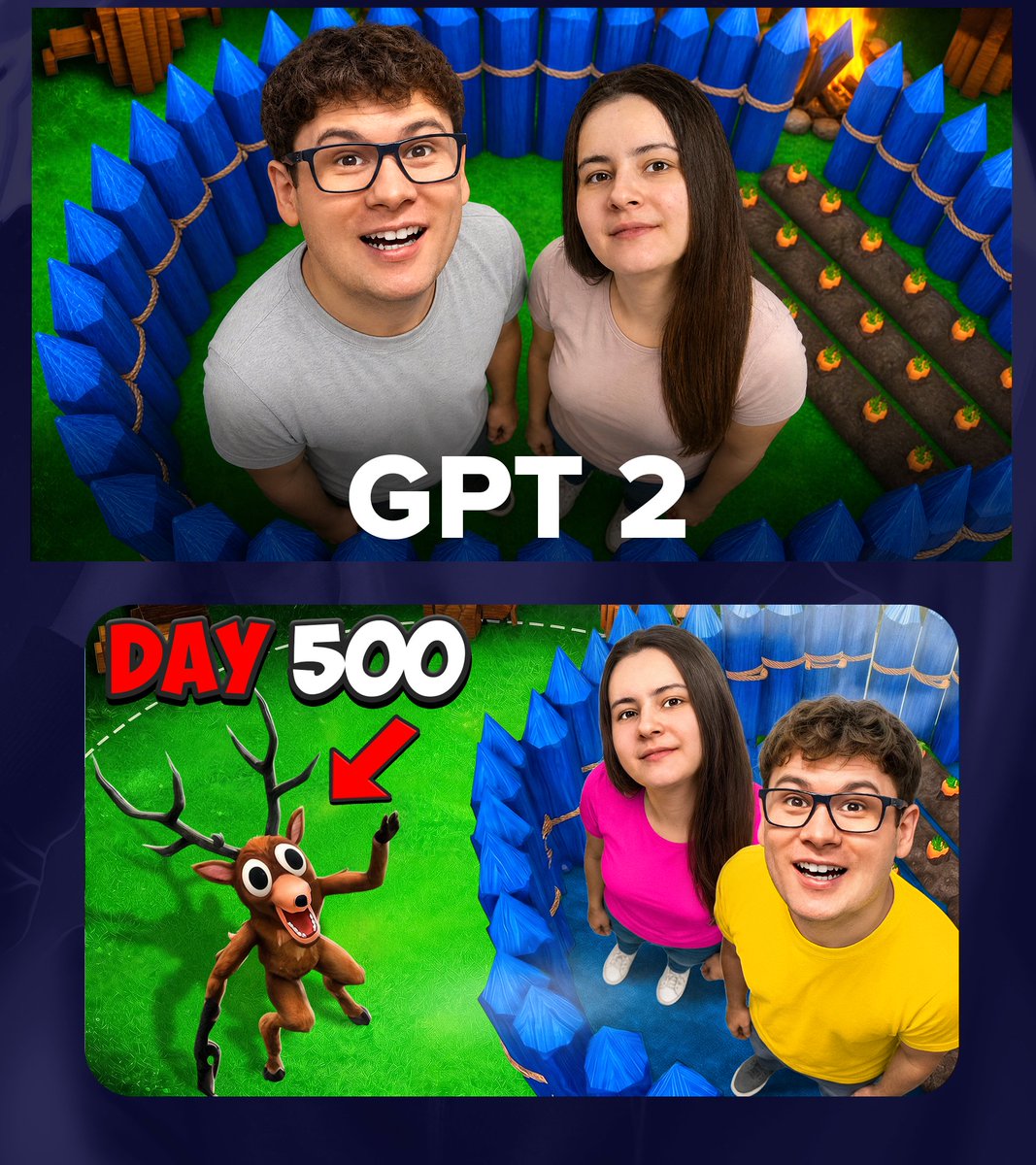
Plan an animal character’s imagined adventure, choosing a setting, one action and a closing moment before requesting video clips.
Swipe to explore related tools
Scene briefs, panel counts, references, continuity, output formats, models, and history.
Start with one short scene or sequence. Summarize the story beat and list the shots you need; long scripts and many locations are easier to split into separate boards.
Three to six panels is a practical starting point for one generated board. More panels reduce the space available for each shot and can make continuity and small details harder to review.
Yes, if you have permission to process it. Assign each reference a clear role and repeat the important identity, wardrobe, prop, or product anchors in the visible prompt.
No. Generative models can change faces, clothing, scale, handedness, props, location details, and screen direction between panels. Treat the result as a planning draft and review every frame.
It creates one image. It does not output an editable timeline, separate panel files, shot database, voiceover, animation, or guaranteed readable captions.
The selector loads SugarCube's current public image model catalog. Settings and exact credit cost follow the active model, and authenticated results stay in this page history.
Return to the brief and keep one sequence easy to follow.
Return to the tool