Film character development
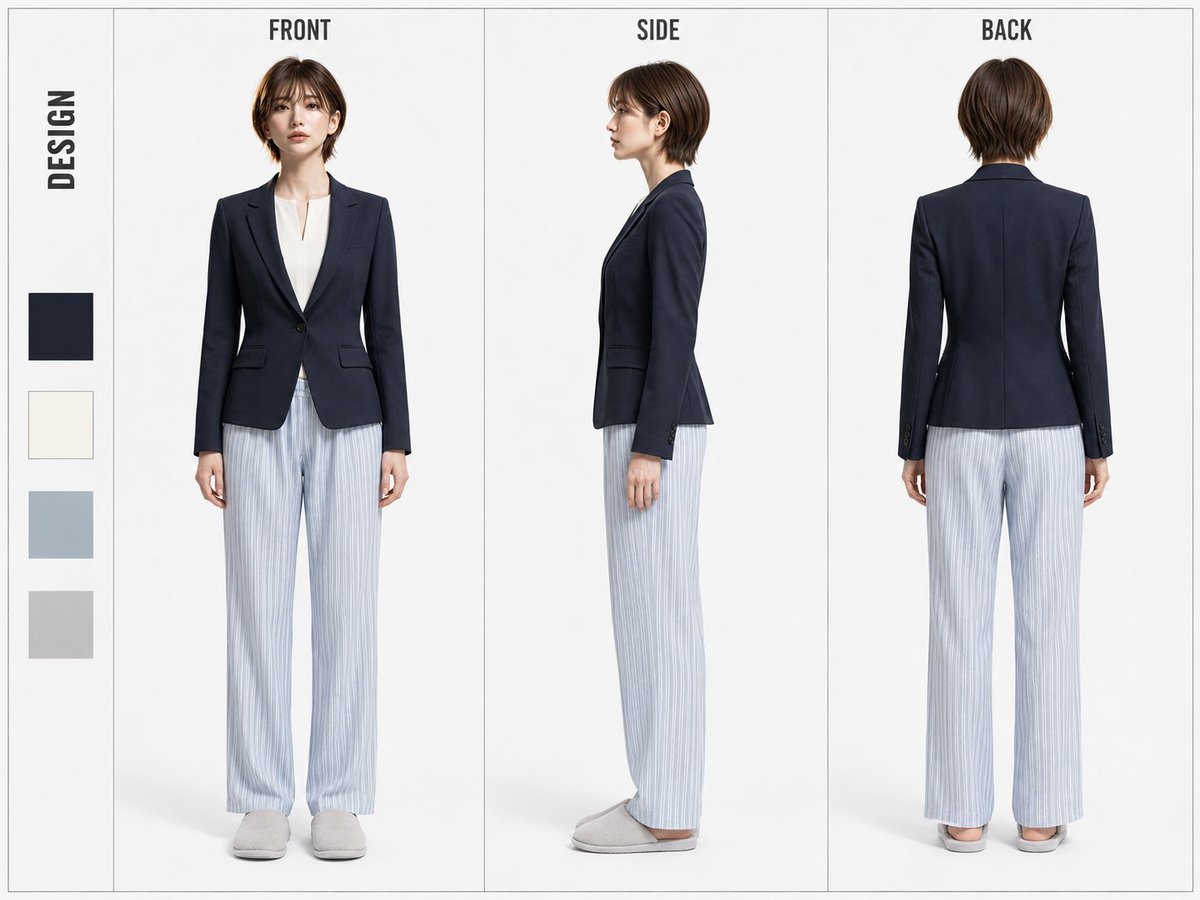
Explore front and profile views to discuss a fictional character’s appearance before casting or costume work.
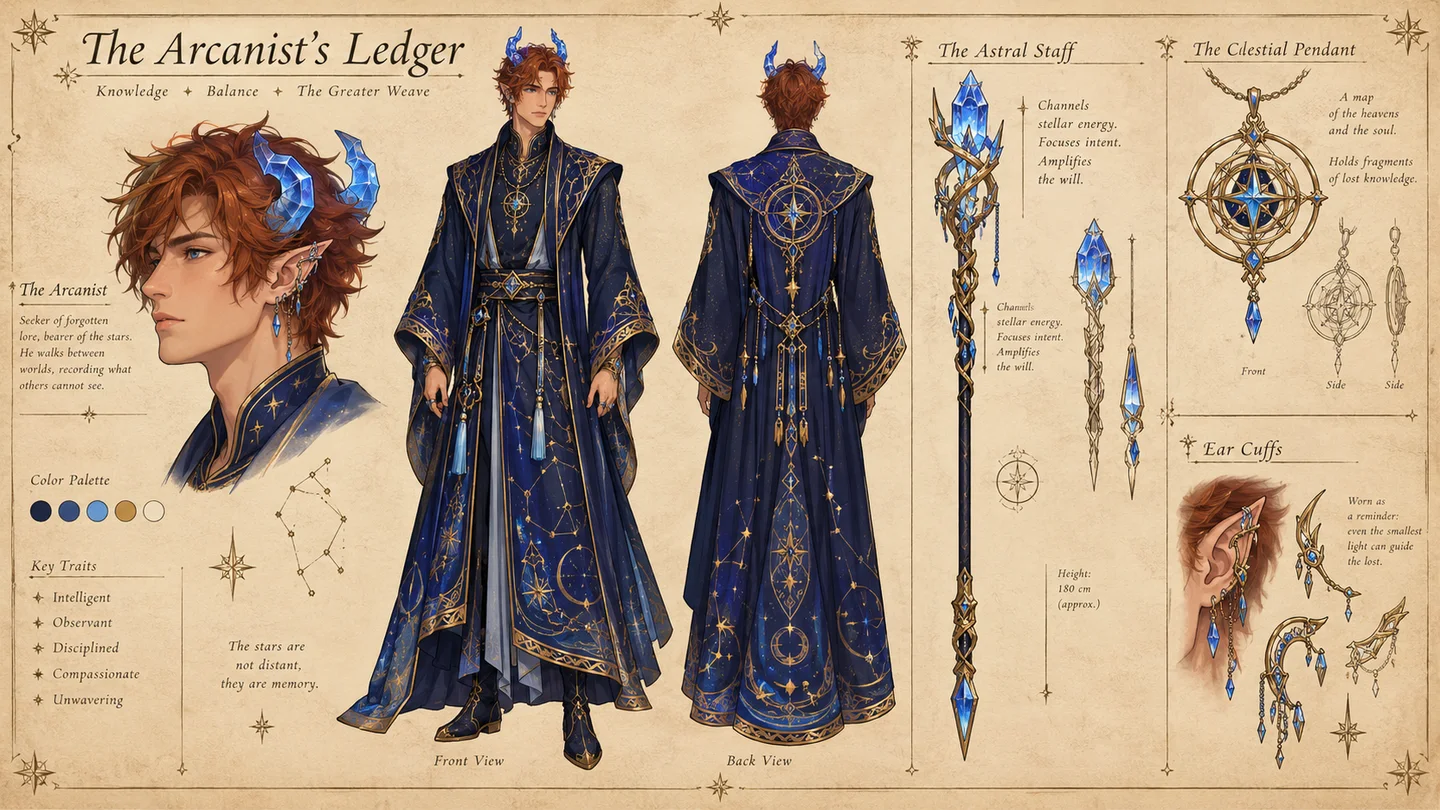
Turn a character brief or authorized reference into a structured visual board for turnarounds, expressions, outfit anchors, and props.
A character sheet is a visual development aid, not a guarantee of perfectly matched views or production-ready rigging.
Choose a visible prompt starter or write your own direction, then review the active model settings.
Your next generation will appear here with its status and recovery actions.
Loading older results…
Write the identity and costume, or add an authorized reference to anchor the design.
List the angles, expressions and details you need, then choose a supported model and ratio.
Generate one image here. Compare details across panels before downloading it for further work.
Explore front and profile views to discuss a fictional character’s appearance before casting or costume work.
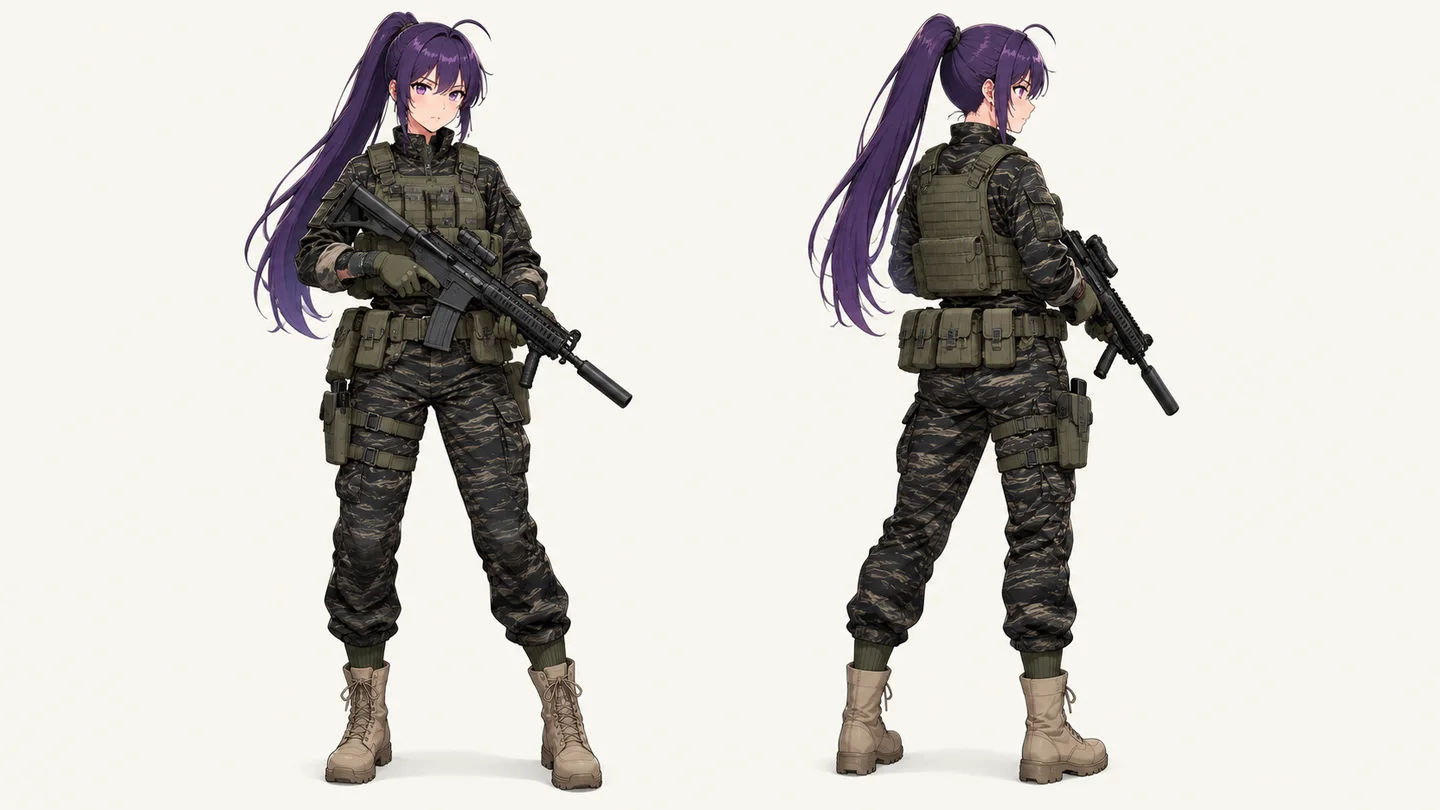
Bring silhouette, equipment and outfit details onto one board for an artist to review; no rigging files are created.
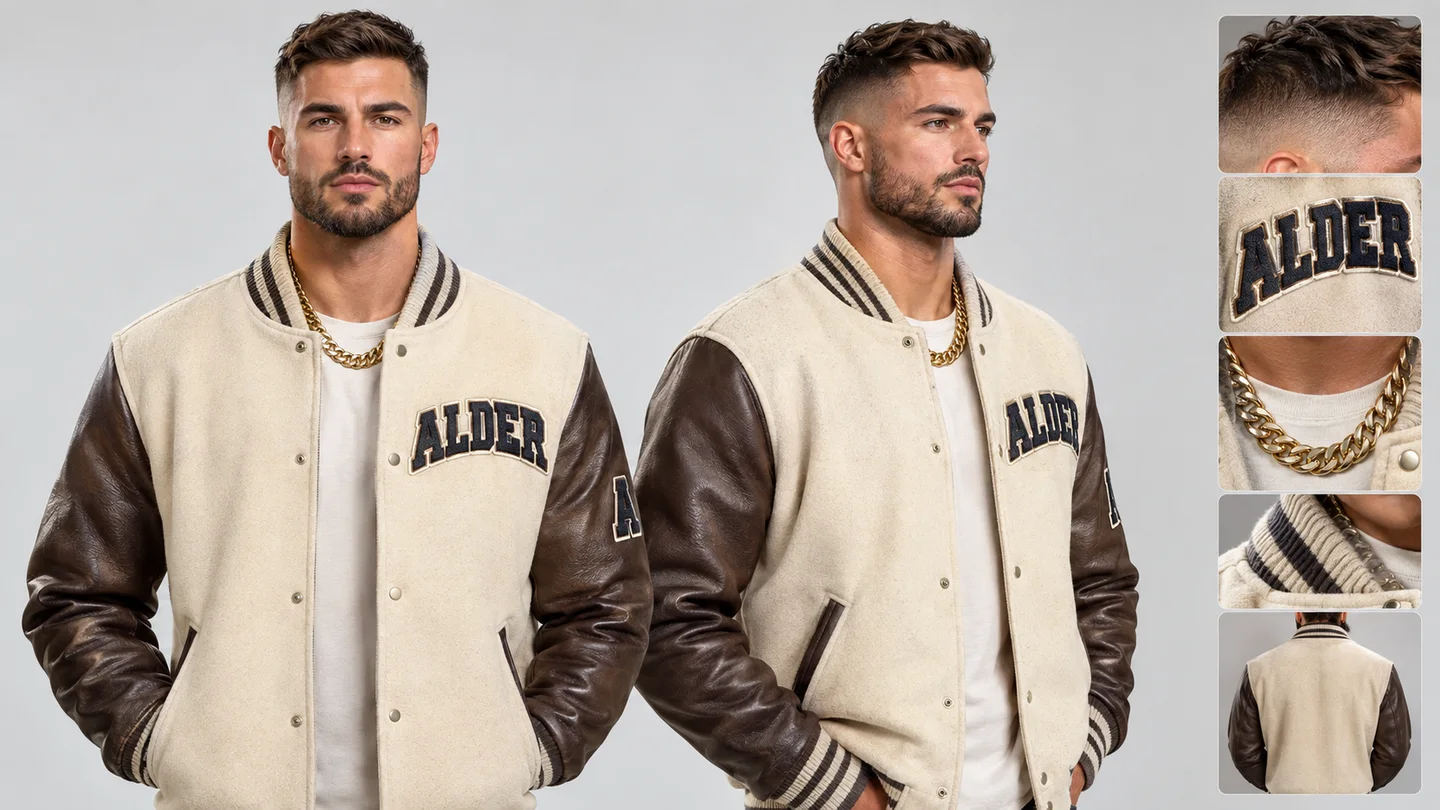
Collect front, side and clothing-detail views so an artist can keep a recurring character’s outfit consistent.
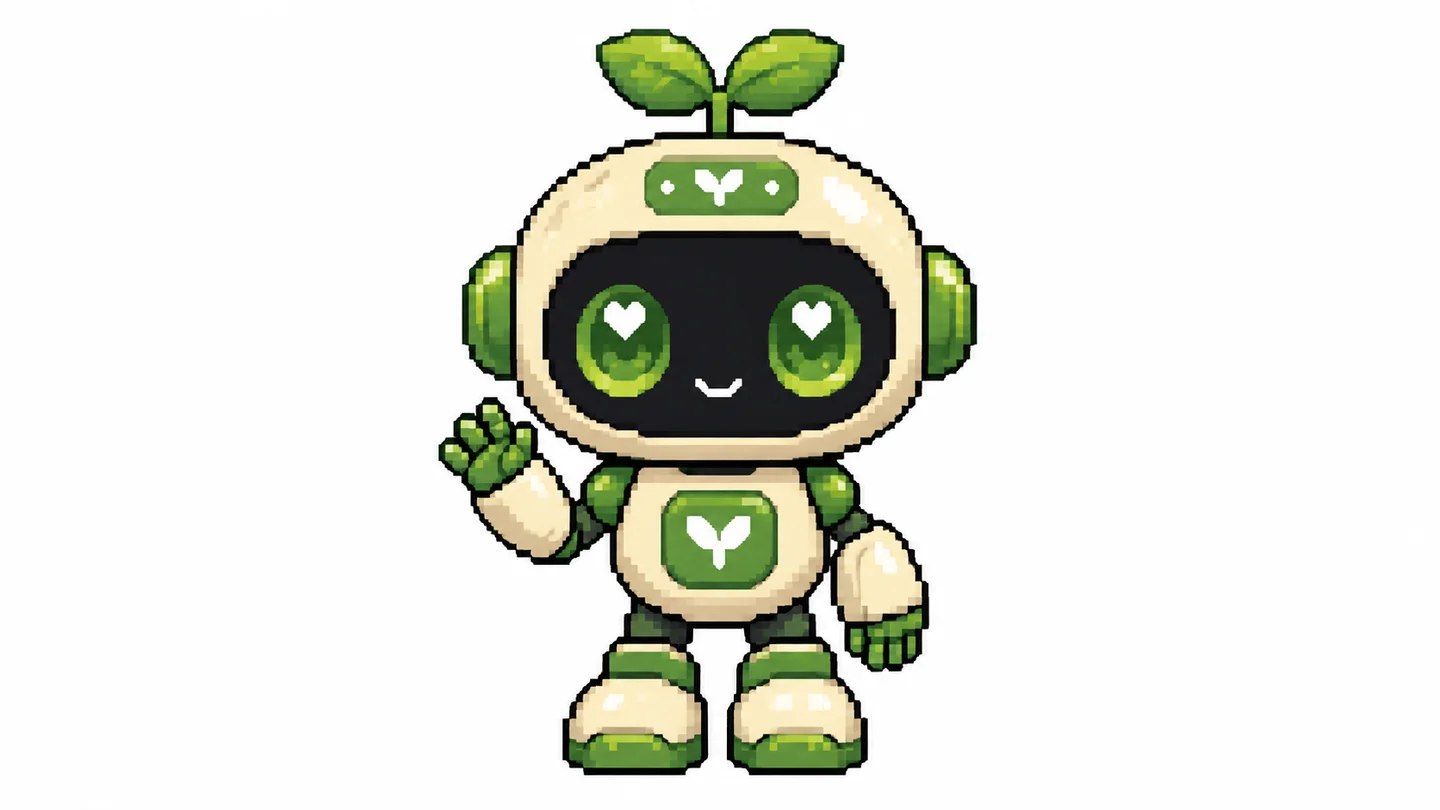
Collect a mascot’s colors, props and distinguishing features for a team to agree on a visual direction.
Swipe to explore related tools
Inputs, limits, model choice, privacy, and review guidance before you start.
It creates a visual development board for an original character, such as turnaround views, expressions, outfit notes, props, or detail studies, from a written brief or authorized reference.
No. This page creates visual reference sheets and model sheets, not role-playing statistics, inventory, abilities, or game rules.
Yes, if you have permission to process the image. Use the reference to anchor identity, then describe the exact views and details you need.
No. Generative models can change facial details, proportions, colors, props, and unseen rear views. Review and correct the sheet before production use.
The selector loads SugarCube's current public image model catalog. Reference limits, ratios, quality controls, prompt limits, and credit cost update with the selected model.
No. It creates a single visual image. It does not produce rig files, automatically sliced panels, layered source files, or guaranteed transparent character cutouts.
Return to the brief and ask for the views that answer your design questions.
Return to the tool