Gemini Omni Flash 1.1

Start with an idea, a visual system, exact boundary frames, or a short clip. This focused workspace keeps every input understandable before you spend a credit.

4–10 second generation Up to 7 visual inputs 360p to 4K

Direct one clear shot

Checking availability
1 · What are you starting with?
Describe the entire shot in wordsBest for exploring a new scene without source media.
0 / 20,000

Name the subject, its action and the camera movement. Say what must stay unchanged.

Output settings (optional)
Estimated costFailed generations are refunded automatically.

How to use this tool · Gemini Omni video

  1. Choose the input workflow

    Select a mode and add its required images or supported video clip; each input should have a clear role.

  2. Describe motion and review settings

    Name the subject, action and camera direction, then review available length, resolution and cost.

  3. Play and inspect the video

    Generate on this page, check motion and important details, then download the completed result.

Plan your next short video

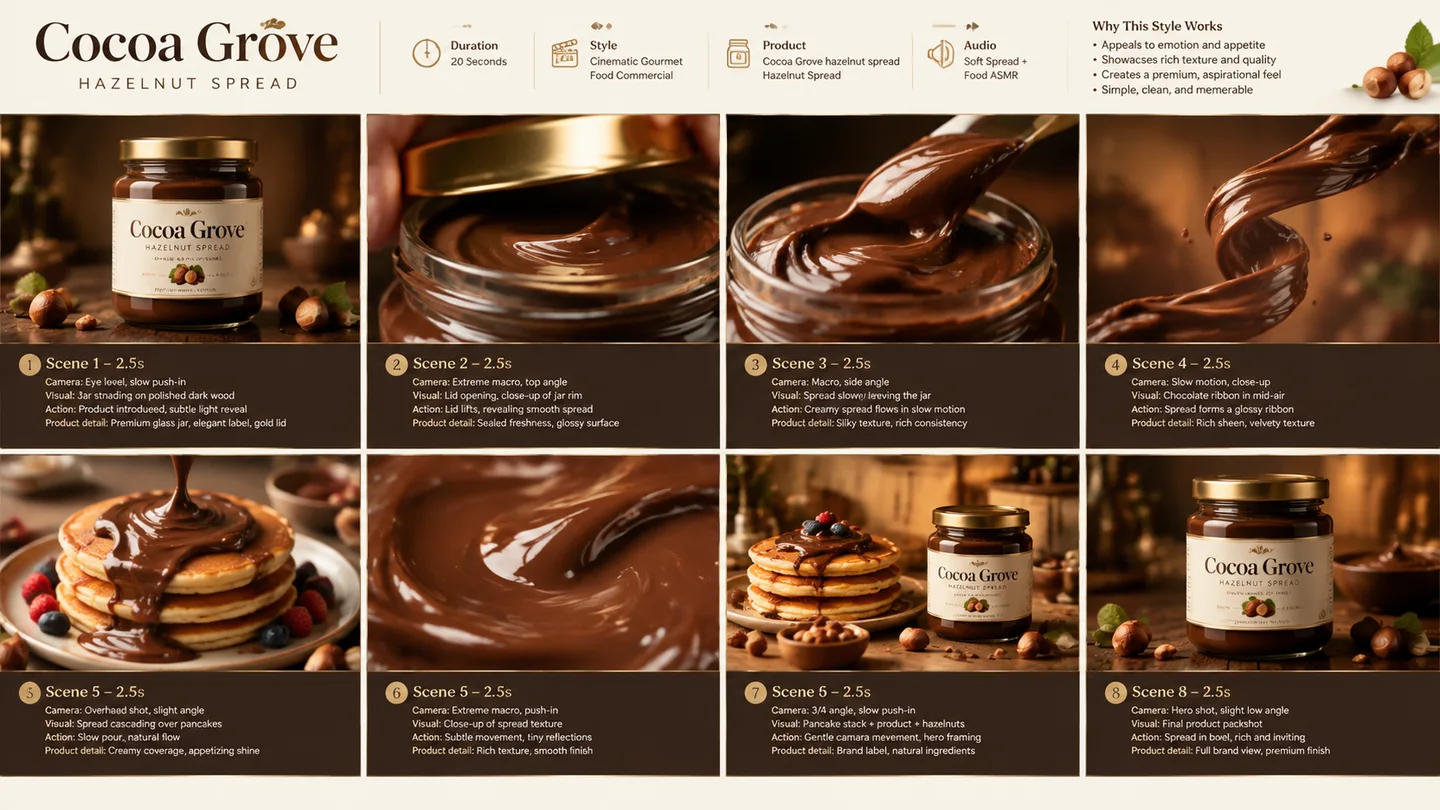
A short product ad concept

Creative example: A short product ad concept

Use a product reference and one simple camera move to explore a promotional shot before committing to production.

A travel scene transition

Creative example: A travel scene transition

Guide the start and end of a location shot with frames when the transition between two views matters.

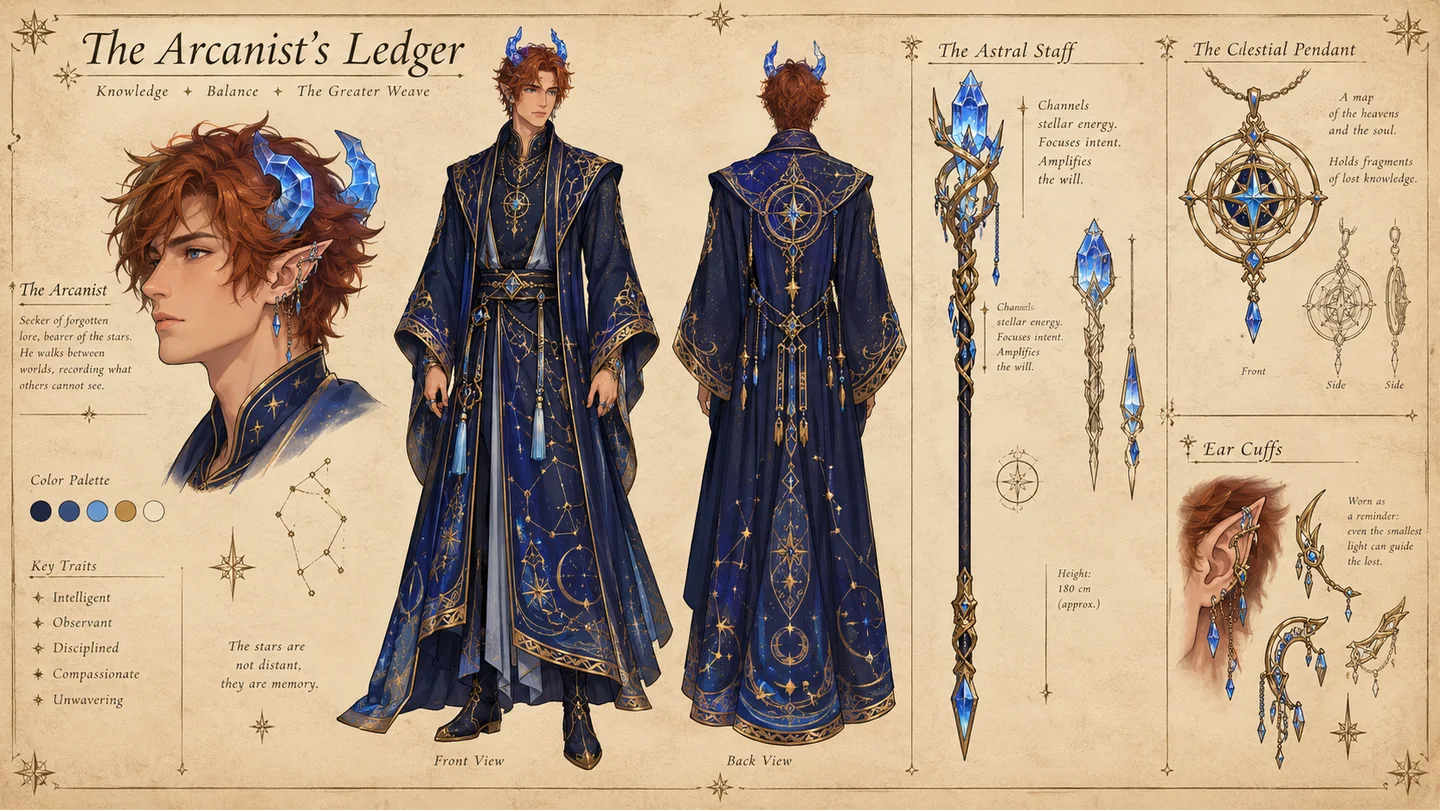
An original character animation

Creative example: An original character animation

Give an invented animal character one clear action to explore a playful animation idea for a story or social post.

A personal video restyle

Creative example: A personal video restyle

Use a supported source segment to explore a new visual treatment while asking to preserve the motion.

Gemini Omni Flash 1.1 FAQ

What inputs can I combine?

Choose one recipe at a time: prompt only; 1–7 images; a first frame plus optional last frame; or one short MP4 plus up to five images. This keeps provider constraints understandable.

How do duration and remix timing work?

Prompt, reference, and frame modes support 4, 6, 8, or 10 seconds. Remix uses a source segment no longer than 10 seconds, so its output timing is model-directed.

Why does the credit cost change?

Provider cost increases with duration and 4K output. Video input has its own processing price. The exact SugarCube cost appears beside Create video before submission.

What happens to uploads?

Unused uploads expire after 24 hours. Assets used by a task stay attached for reliable retry, and every preview and result is delivered through an authenticated owner-only endpoint.

Give the next shot one clear direction

Return to the video controls with a short action and the inputs that support it.

Return to the tool