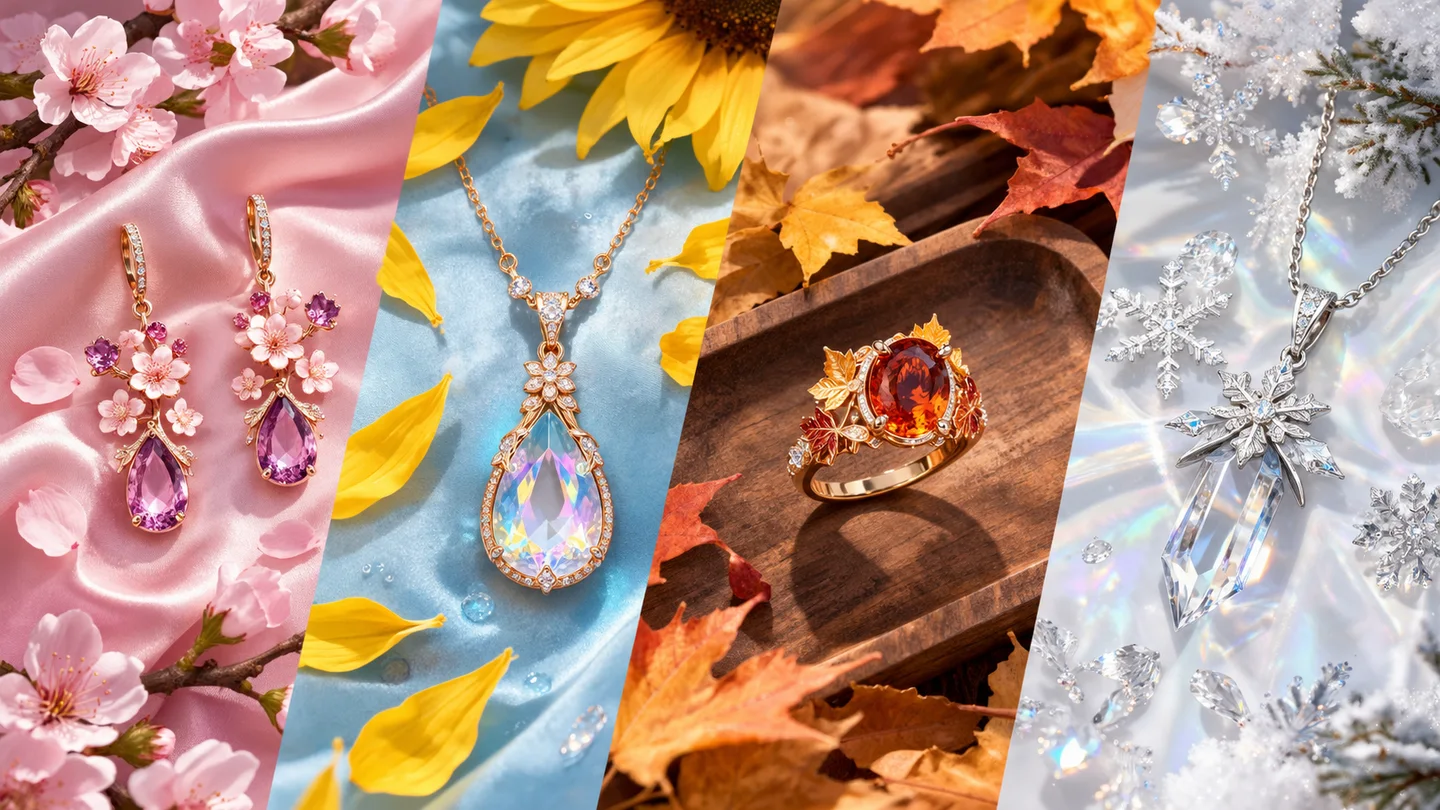
Let light and fabric move with the character
A still illustration only hints at how a scene could feel. Explore anime video where material, lighting and movement work together to give the shot its atmosphere.
Create an anime videoTurn a character, a mood and a camera move into an expressive anime short. Start with a text prompt or character image, then shape the scene in motion.
Your generated videos and recoverable task status will appear here.
Loading older videos…
Write the subject, scene and action. For image-to-video, upload the image you want to animate.
Choose a video model, aspect ratio, clip length and resolution to shape your scene.
Track the task in Your anime videos on this page. Play the finished clip, check character details and movement, then download it.
A still illustration only hints at how a scene could feel. Explore anime video where material, lighting and movement work together to give the shot its atmosphere.
Create an anime videoA glance or a smile can say more than a dramatic pose. Explore subtle character movement for an anime scene with a more personal emotional direction.
Create an anime videoA performance idea needs rhythm as well as a look. Explore motion-led anime clips that give your character an action and a scene to inhabit.
Create an anime videoClothing and styling can tell a different story in motion. Explore an anime fashion clip where pose, camera and atmosphere bring the look together.
Create an anime videoSwipe to explore related tools
The prompt guides an anime scene and its movement; a character image supplies a visual starting point. Faces, costume details and motion can still vary between frames.
Write one short action and a camera direction, or add a character image to animate. Choose an available model, aspect ratio, resolution and duration, then generate here.
Start with text or a JPG, PNG or WebP character image up to 8 MiB. This workspace offers text-to-video and image-to-video; it does not require a source video.
Anime clips use credits. The quote depends on the video model, duration, resolution and supported reference or audio options. Compare the live total after choosing your clip settings.
Your scene prompt and any character image are submitted for cloud video generation. Progress, playback and downloads are in Your anime videos on this page.
The result area provides a preview and Download action when processing finishes.
Turn a character, a mood and an action into an anime video with its own atmosphere.
Create an anime video