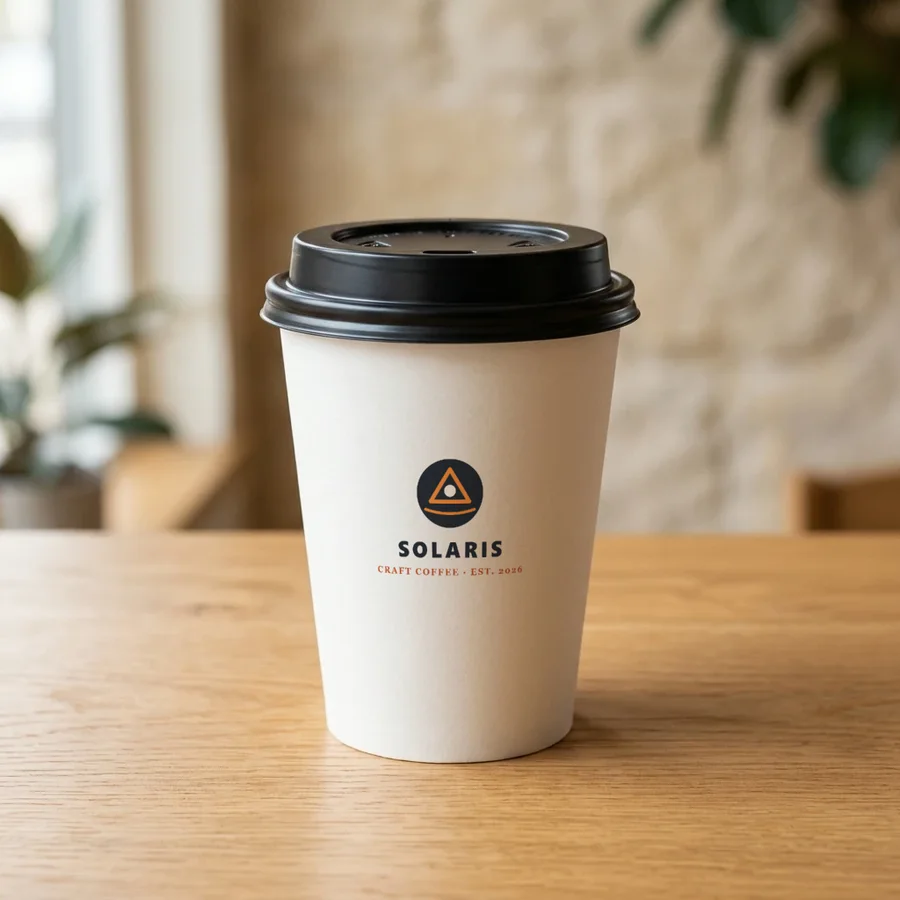
White Paper Cup · Front
See whether thin lettering and emblem details stay legible under soft café daylight on matte white paper.
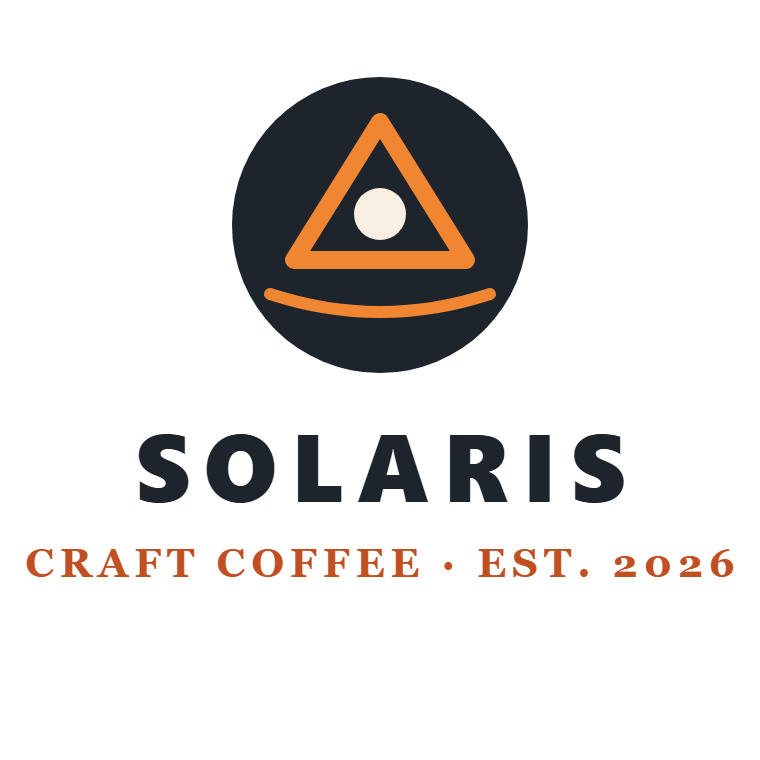
Check how your logo actually looks on a cup before you order a print run. Drop in a PNG or SVG to preview it across 6 real coffee cups or your own cup photo, with faithful lettering and free PNG download.
Drag the logo on the preview, or nudge it with arrow keys.
Runs right in your browser. Your logo stays on your device, completely free with zero credits and intact lettering.
Check line weight, scale, and dark-on-light contrast across paper, kraft sleeves, cold plastic, ceramic, and retail tumblers before going to print.
Swipe or scroll to see more
See whether thin lettering and emblem details stay legible under soft café daylight on matte white paper.
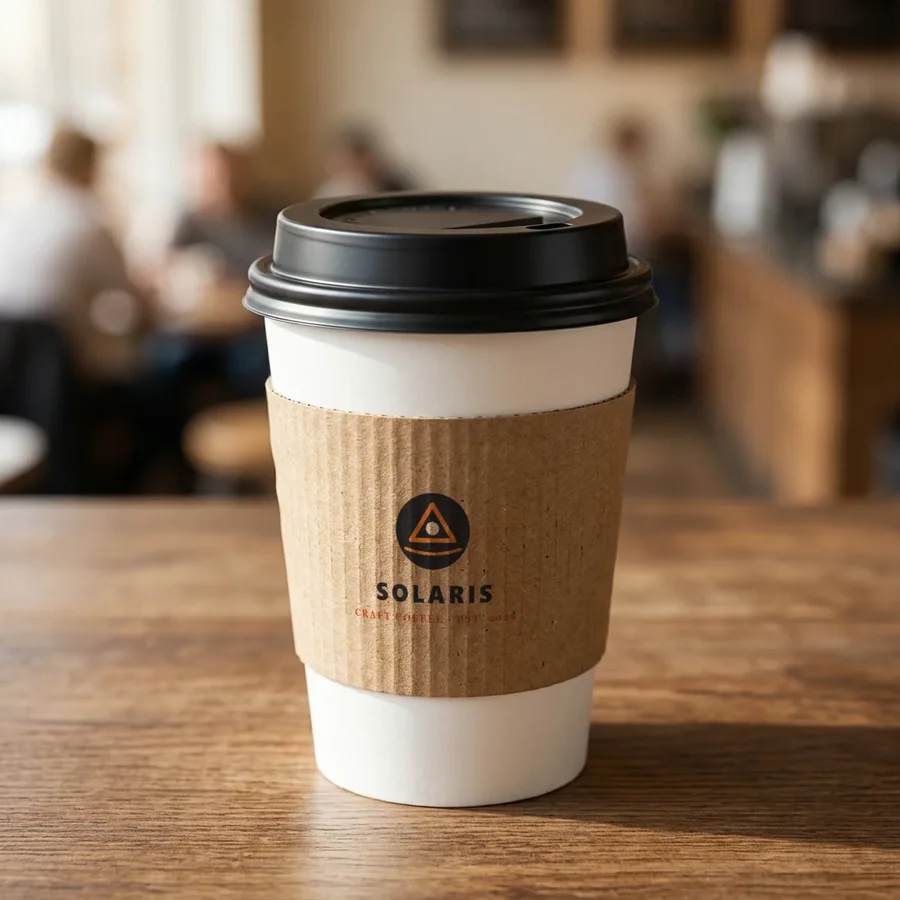
Corrugated cardboard ridges show right through your logo, giving an honest read on single-color sleeve prints.
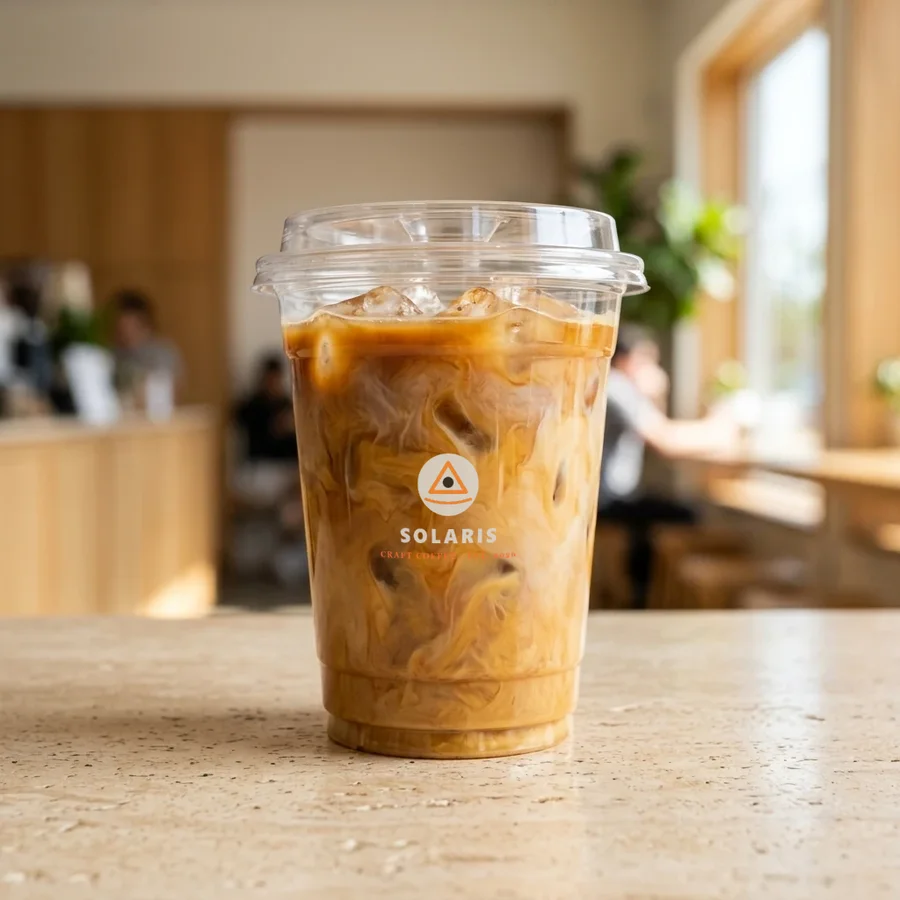
Check if light or white screen-printing holds up cleanly against iced oat latte swirls and plastic reflections.
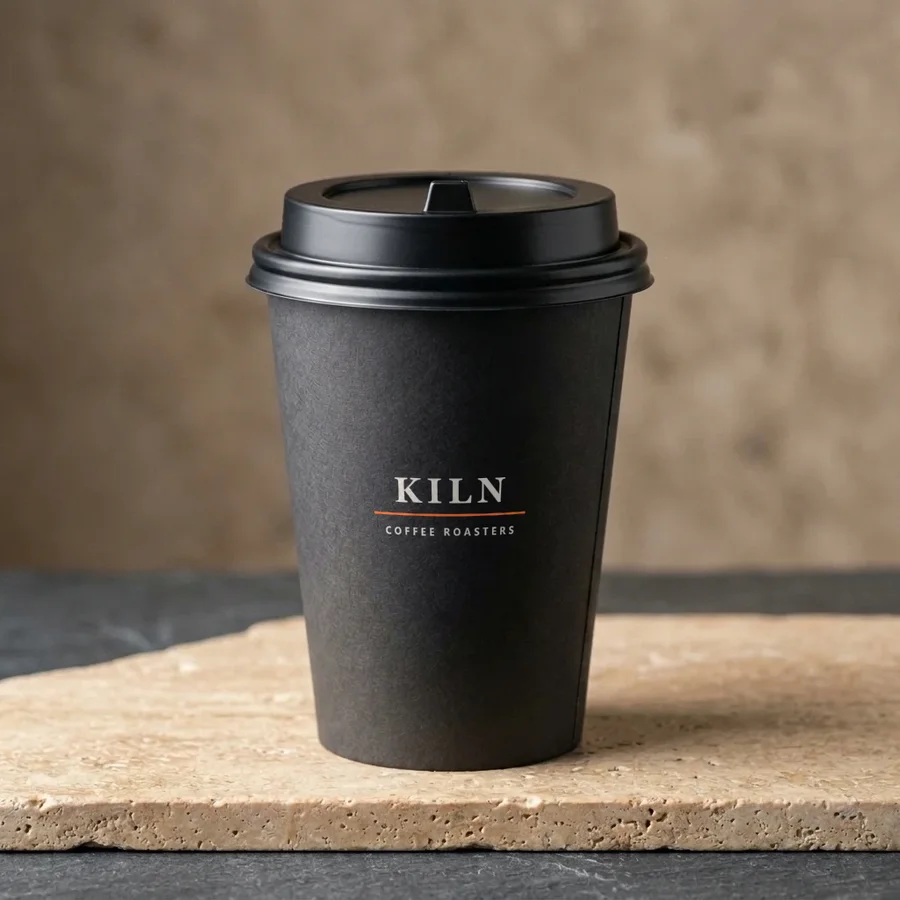
Toggle light ink contrast on charcoal stock to dial in margin balance and crisp white-ink visibility.
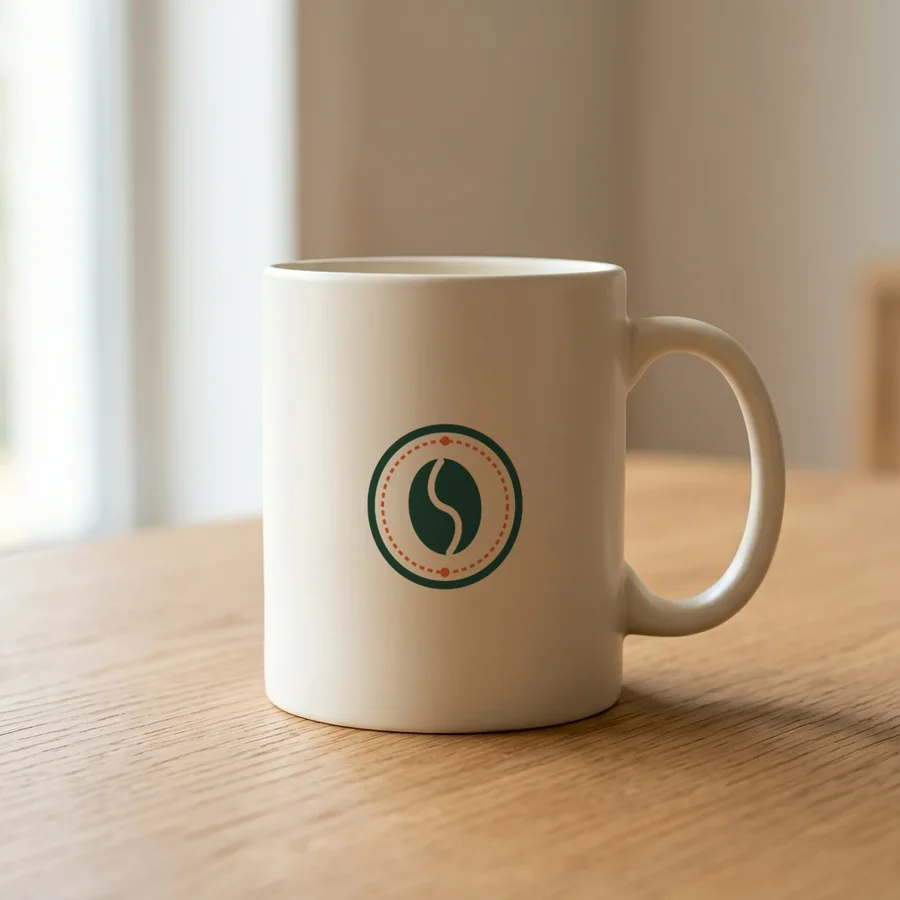
Gauge how standalone icons or crests sit centered on thick-walled dine-in stoneware.
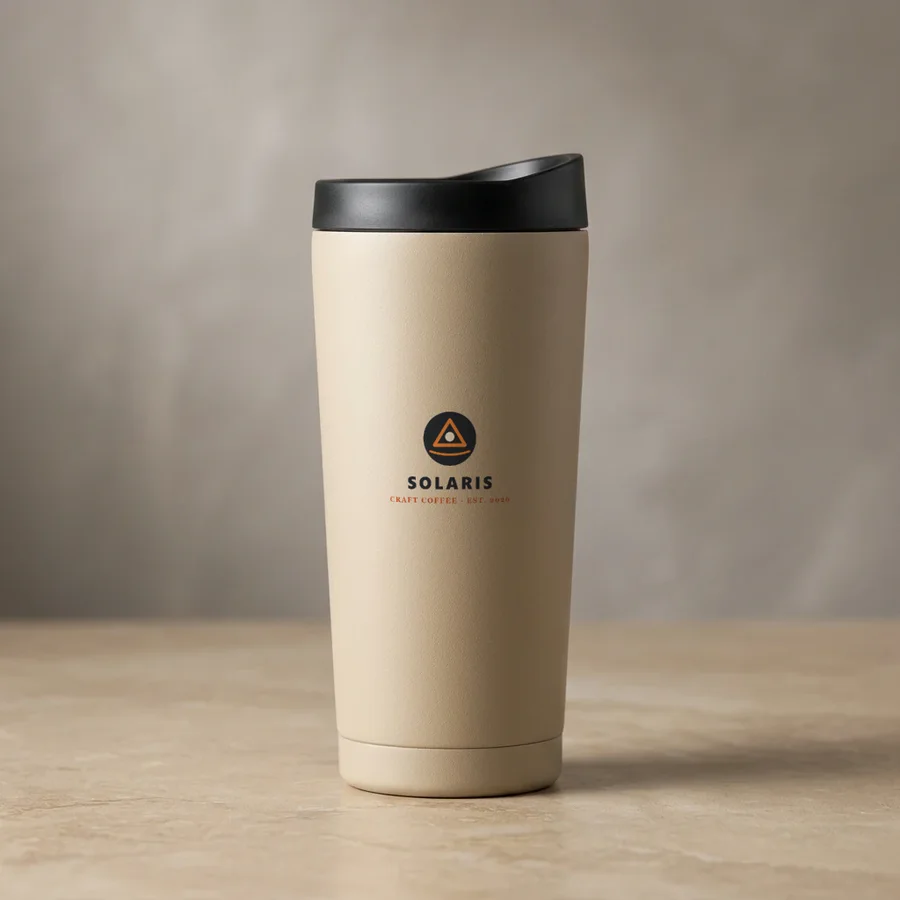
Preview brand merch and commuter tumblers on a smooth oatmeal powder-coat finish.
Upload a PNG, SVG, WebP, or JPG. Your original strokes and fonts wrap directly onto the cup with zero AI redrawing.
Compare white paper, kraft sleeve, iced cup, matte black, ceramic, and tumbler side by side, or upload a photo of your own blank cup.
Resize, drag into spot, strip out a white box if needed, and download a crisp 1024 × 1024 PNG ready to share.
Your original file stays intact from start to finish. The mockup bends your artwork geometrically to match the cup shape and blends real photo shadows without regenerating letters.
A transparent PNG works best. SVG, WebP, and JPG files also load smoothly, and the built-in background cleaner clears solid white boxes with one click.
It is made specifically for previewing finished logos on coffee cups and mugs so cafés, roasters, and designers can approve placement and contrast fast.
Every built-in cup maps out the safe printable area along the cup or cardboard sleeve, while custom cup photos let you drag the logo freely and tune curvature.
Everything renders locally in your browser tab, completely free with zero credits, zero sign-up, and instant download.
Switch on Light Ink Mode (turns on automatically for dark logos on dark cups) to flip neutral black strokes into clean warm-white ink while keeping bright brand colors.
Swipe to explore related tools
Pair AI backgrounds with free, editable headlines sized for websites, shops, and YouTube.
Place coffee bags, bottles, or merch in custom café tabletop scenes.
Turn short menu notes or promo dates into fresh printable café poster layouts.
Scroll up, drop in a PNG or SVG, and compare all six cups free in your browser.
Back to Mockup Tool