Make a small avatar easier to present
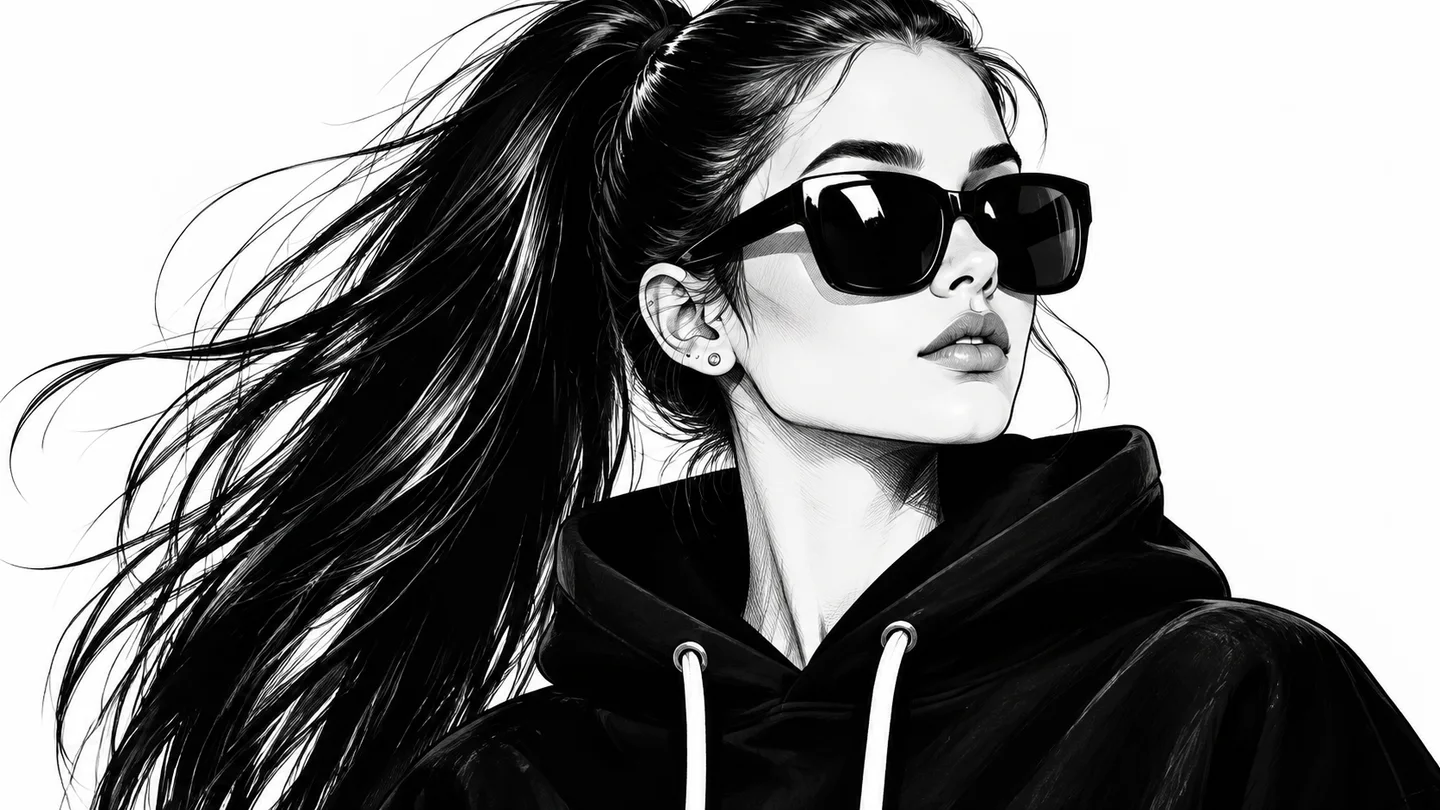
A tiny profile illustration can feel cramped in a larger layout. Create a 2× version for a roomier presentation and compare the treatment of its lines and edges.
Enlarge an image 2×Enlarge one small JPG, PNG, or WebP on this device with an open-source 2× AI model.
Files stay in your browser.
JPG, PNG, or WebP · up to 8 MB · 2 megapixels · 2,048 px longest edge
Drop one image here
or choose a JPG, PNG, or WebP from this device
Fixed local setting: 2× AI upscale
Choose a file to see its dimensions and prepare your output.
Check the visible detail and actual file size. Your original stays unchanged.
Choose one JPG, PNG or WebP up to 8 MiB, 2 megapixels and 2048 pixels on its longest edge. All three limits apply; processing stays on your device.
Start the fixed 2× enlargement and keep the page open.
Compare faces, lettering and line work at full size, then download the enlarged image.


A tiny profile illustration can feel cramped in a larger layout. Create a 2× version for a roomier presentation and compare the treatment of its lines and edges.
Enlarge an image 2×
A small artwork file can limit how you explore a page layout. Make a 2× preview to evaluate the composition in a larger presentation.
Enlarge an image 2×
A useful detail can be hidden in a small crop. Enlarge it for easier visual review when planning a product page, slide or creative brief.
Enlarge an image 2×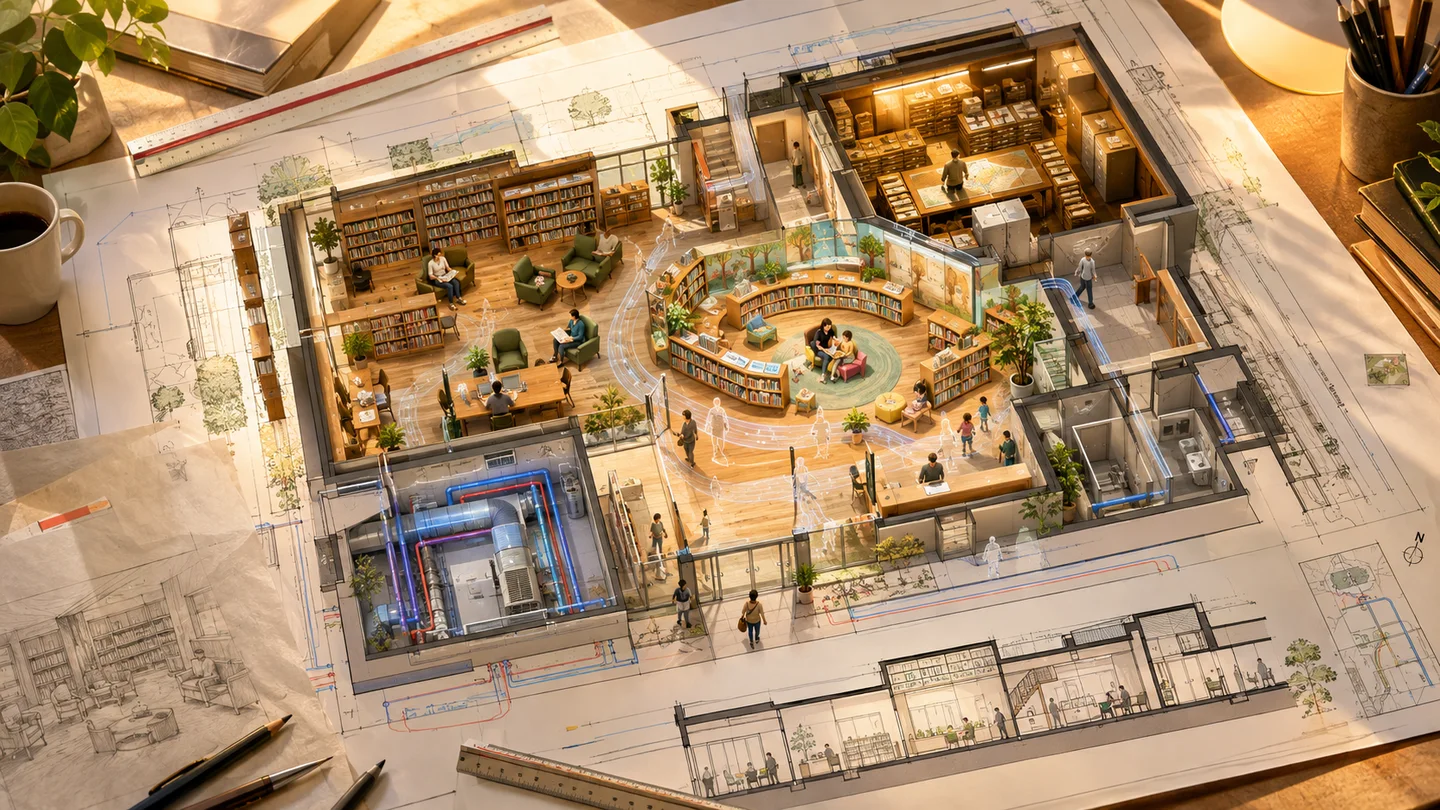
Small reference images can be awkward to discuss on a presentation screen. Create a larger draft that gives the scene more space in the review.
Enlarge an image 2×Swipe to explore related tools
The scale is fixed at 2×, with no larger-scale selector. Generated detail can differ from the source, so inspect faces, lettering and fine lines at full size.
Choose a supported image and run the fixed 2× model. Compare the enlarged preview with the original, inspect fine details and download the version you prefer.
Choose one JPG, PNG or WebP up to 8 MiB, 2 megapixels and 2048 pixels on its longest edge. All three limits apply; processing stays on your device.
This browser tool is free to use, with zero credits and no sign-in required.
Your selected file is processed in this browser on your device.
The result area provides a preview and Download action when processing finishes.
Create a 2× image in your browser for a larger preview, layout draft or presentation.
Enlarge an image 2×