Online Sticker Maker: Custom Packs & Printable Sheets

Turn a text prompt or character drawing into a matching set of 8 to 40 stickers. Export transparent PNG sticker sheets for packaging and print, or 512×512 WebP packs ready for WhatsApp.

Design a sticker set

Describe your idea, add a reference image if useful, and choose a model to create.

If you add a reference image, you can leave this blank. Otherwise, describe your character.
Drawing style

Let AI choose a style for your character with Auto, or pick one yourself.

Stickers per pack

Sticker tray

0 / 8
Skater meet-up preview
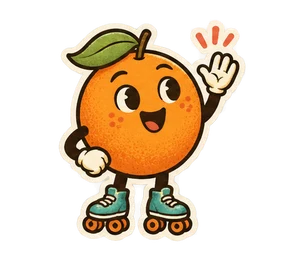
01Orange skater waving
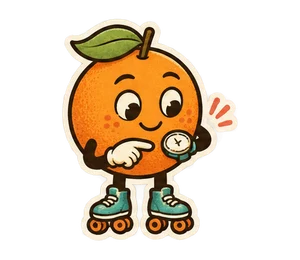
02Orange skater checking the time
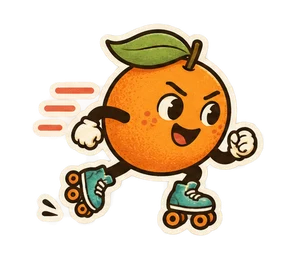
03Orange skater rolling at speed
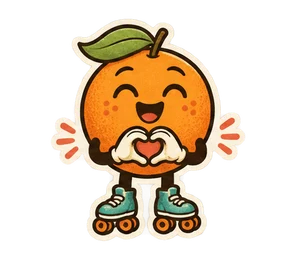
04Orange skater making a heart with its hands
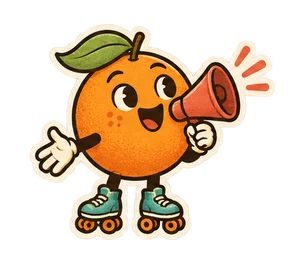
05Orange skater calling through a megaphone
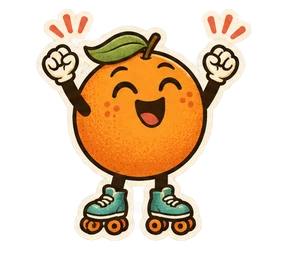
06Orange skater cheering with raised arms
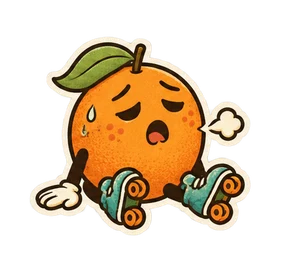
07Tired orange skater sitting down
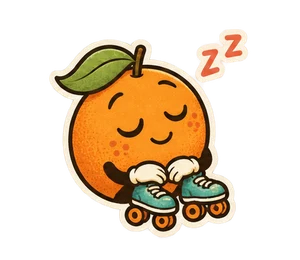
08Orange skater asleep

WhatsApp stickers

Extract the ZIP and add the WebP files in a compatible sticker app. Each pack includes a tray icon.

01–08.webp512 × 512 · ≤ 100 KB
tray.png96 × 96

Generate a pack or open the example to check the files.

Edit all captions

What you can make with the online sticker maker

Custom WhatsApp reaction packs for your group chat
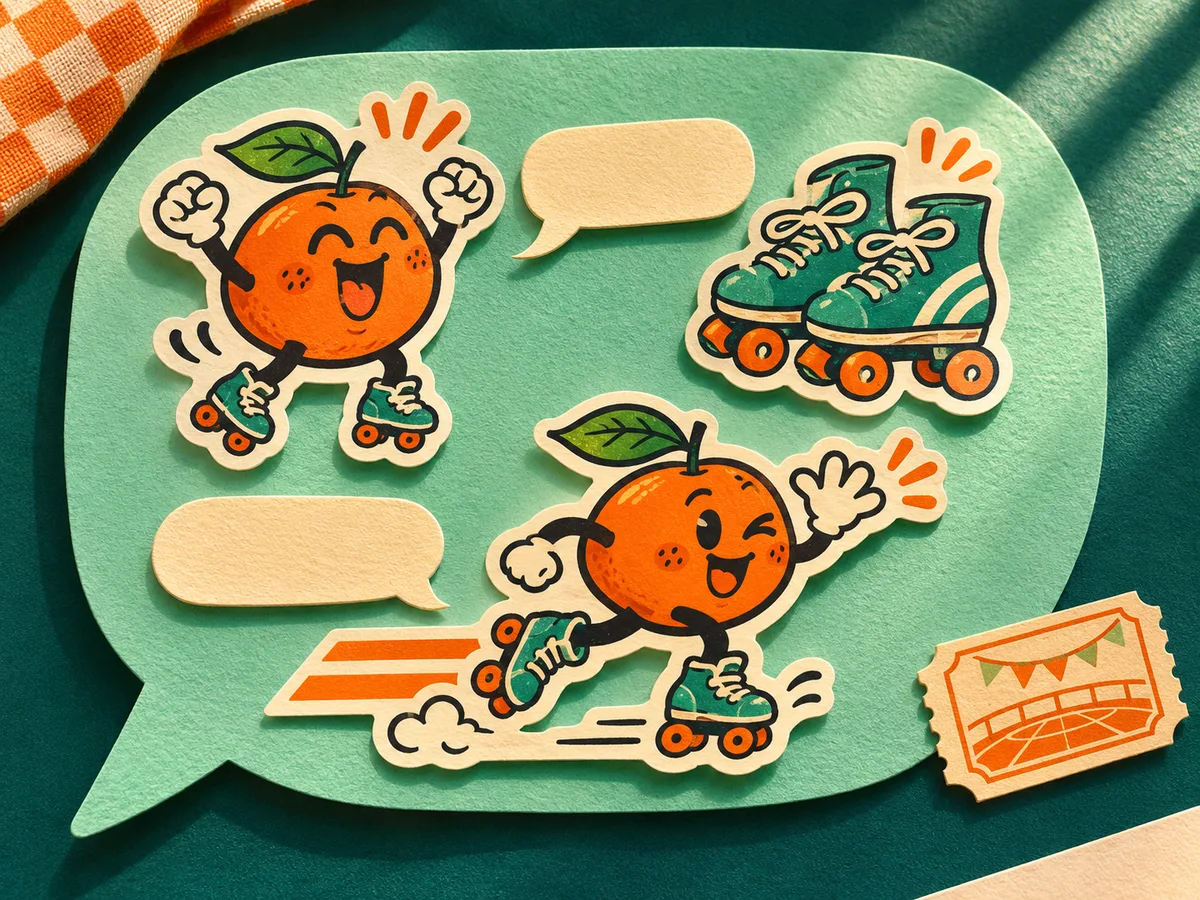
Die-cut orange skaters, roller skates and chat bubbles arranged on textured green paper

Turn an inside joke, pet, or original mascot into a full reaction pack. Customize each pose and caption before generating, then export ready-to-import 512×512 WebP stickers.

Start with the orange skater
Branded sticker sheets for shops, packaging, and merch

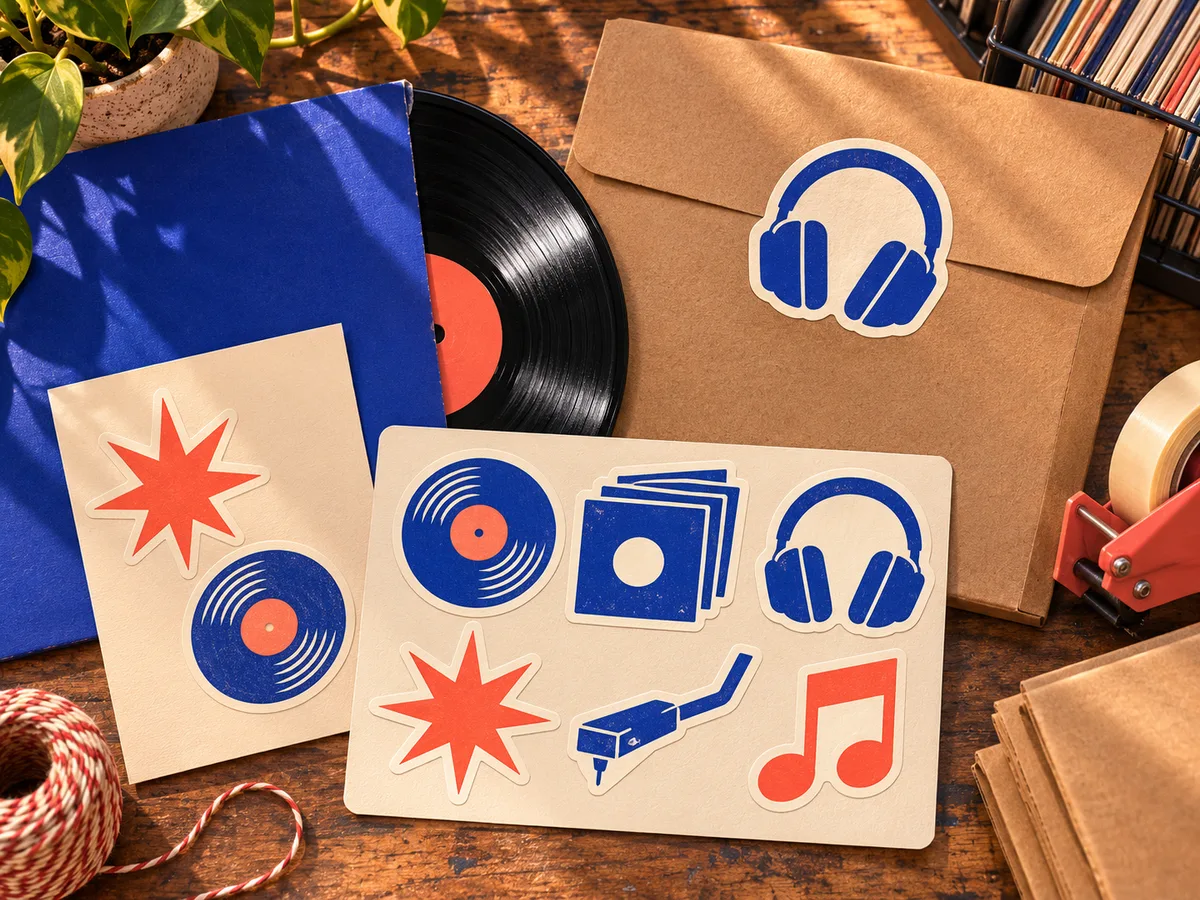
Record-shop packaging with vinyl, sleeve and headphone sticker artwork

Create cohesive icon and illustration sets for thank-you cards, mailers, product labels, and social banners. Export as a clean, transparent 4-column PNG sheet ready for your print layout.

Sketch a record-shop set

How to make custom stickers online in 3 steps

  1. Describe your character or upload a reference

    Type your sticker idea—or upload an existing drawing or photo to keep your character consistent across the whole pack.

  2. Pick a style, pack size, and review poses

    Choose from 7 styles (like Chibi, Hand-drawn, or Clay) and 8 to 40 stickers. Edit the planned poses and captions before you generate.

  3. Export for WhatsApp, LINE, or print

    Tweak any caption after generation, then download a 512×512 WhatsApp WebP ZIP, a transparent 4-column PNG sticker sheet, or switch to LINE format.

Online Sticker Maker FAQ

How do my stickers get into WhatsApp?

Download the WhatsApp ZIP, unzip the 512×512 WebP stickers and 96×96 tray icon, then import them using any WhatsApp sticker-maker app.

Can I use the sheet for a printed insert?

Yes. Download the transparent PNG sheet and drop it into your print layout at full size. For kiss-cut or die-cut stickers, ask your print shop for their bleed and cut-line template.

Can my stickers work without words?

Switch captions off to let the poses speak. For a set with text, write your own short lines in the reaction plan and adjust their lettering after generation.

Can I try an export before generating a set?

Open the skater sample in the tray to edit and download it. When you’re ready to generate your own artwork, the maker shows the credit total for your chosen set.

Can I carry a finished design into LINE?

Select LINE above the editor to switch the export tools while keeping your artwork and draft. Select WhatsApp or Sticker sheets to return.

Ready to make your own sticker pack?

Describe a character or upload a sketch above to generate transparent stickers in minutes.

Create my sticker pack