Turn your brand mascot or OC into a LINE Creators pack
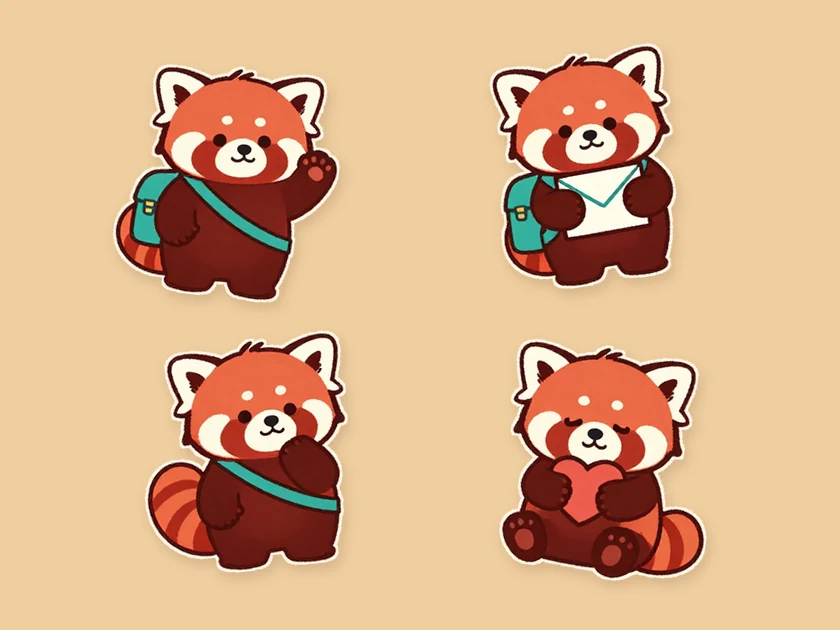
Give your original character or brand mascot everyday greetings, thank-yous, and reactions ready for fans to use in LINE chats or buy in the Sticker Shop.
Try the mail carrierTurn any pet photo, mascot, or prompt into an 8–40 sticker pack sized for LINE. Edit captions, remove backgrounds, and export a ready-to-upload ZIP with main.png and tab.png.
Describe your idea, add a reference image if useful, and choose a model to create.
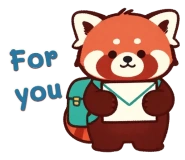
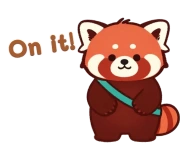
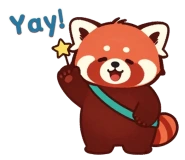
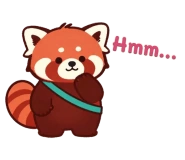
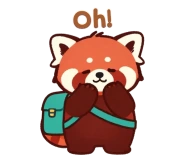
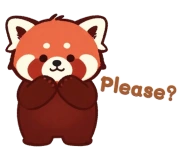
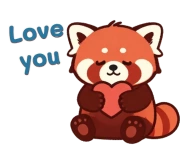
One transparent PNG with four stickers per row.
Extract the ZIP and add the WebP files in a compatible sticker app. Each pack includes a tray icon.
Generate a pack or open the example to check the files.
Drop in one photo of your pet or mascot—or write a short prompt. We keep your character consistent across every sticker.
Pick from 7 art styles and 8 to 40 stickers. Edit each pose and caption in your preferred language before generating.
Fine-tune lettering, pick your main.png cover and tab.png icon, verify transparent edges and 10 px margins, then download the ZIP.
Give your original character or brand mascot everyday greetings, thank-yous, and reactions ready for fans to use in LINE chats or buy in the Sticker Shop.
Try the mail carrier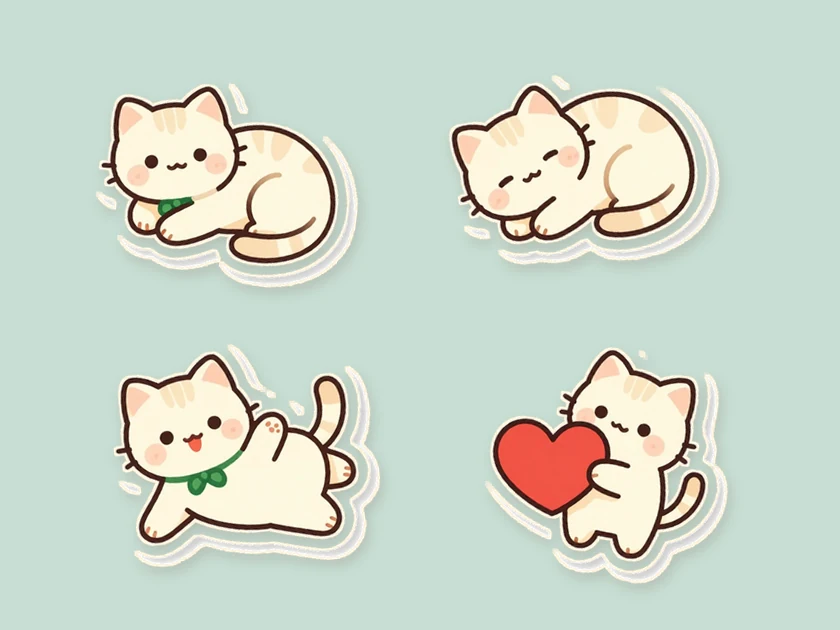
Upload a single photo of your cat or dog to generate a matching Chibi or Kawaii pet sticker pack—complete with transparent backgrounds and chat-ready captions.
Try the catSwipe to explore related tools
Yes. Upload one photo of your pet or original character (no text prompt required), pick a style, and generate a full sticker pack.
Captions start in the language you’re browsing in. You can choose another language, edit each line or leave a sticker wordless. After generation, open a sticker to change its lettering style or position.
The ZIP contains 8, 16, 24, 32 or 40 numbered sticker PNGs, a 240 × 240 px main.png and a 96 × 74 px tab.png. Each sticker fits within 370 × 320 px.
The workspace shows the credit total for your selection before you generate. Editing captions, choosing a cover and packaging completed artwork happen in your browser.
Keep background removal enabled, check the 370×320 px size and 10 px margin indicators, export the ZIP, and upload the files directly to LINE Creators Market for review.
Upload a photo or enter a prompt above to generate transparent, LINE-ready stickers in minutes.
Create LINE stickers