A new single release

Build one memorable focal image that remains understandable when a listener sees a small cover.
Turn a release mood, genre, palette, and optional authorized reference into a square cover-art concept for an album, single, EP, podcast, or playlist.
The output is one raster concept, not a layered source file, vector asset, vinyl package, spine, back cover, or finished platform submission. Verify generated words, logos, rights, and current platform requirements before publishing.
Choose a visible prompt starter or write your own release brief, then compare the active model settings and displayed credit cost before generation.
Your next generation will appear here with its status and recovery actions.
Loading older results…
Name the mood, subject and colors, and supply any short wording you want to explore.
Choose a square composition and current model settings; add references only when useful.
Generate here, verify text and dimensions, then download the concept for final release preparation.
Build one memorable focal image that remains understandable when a listener sees a small cover.
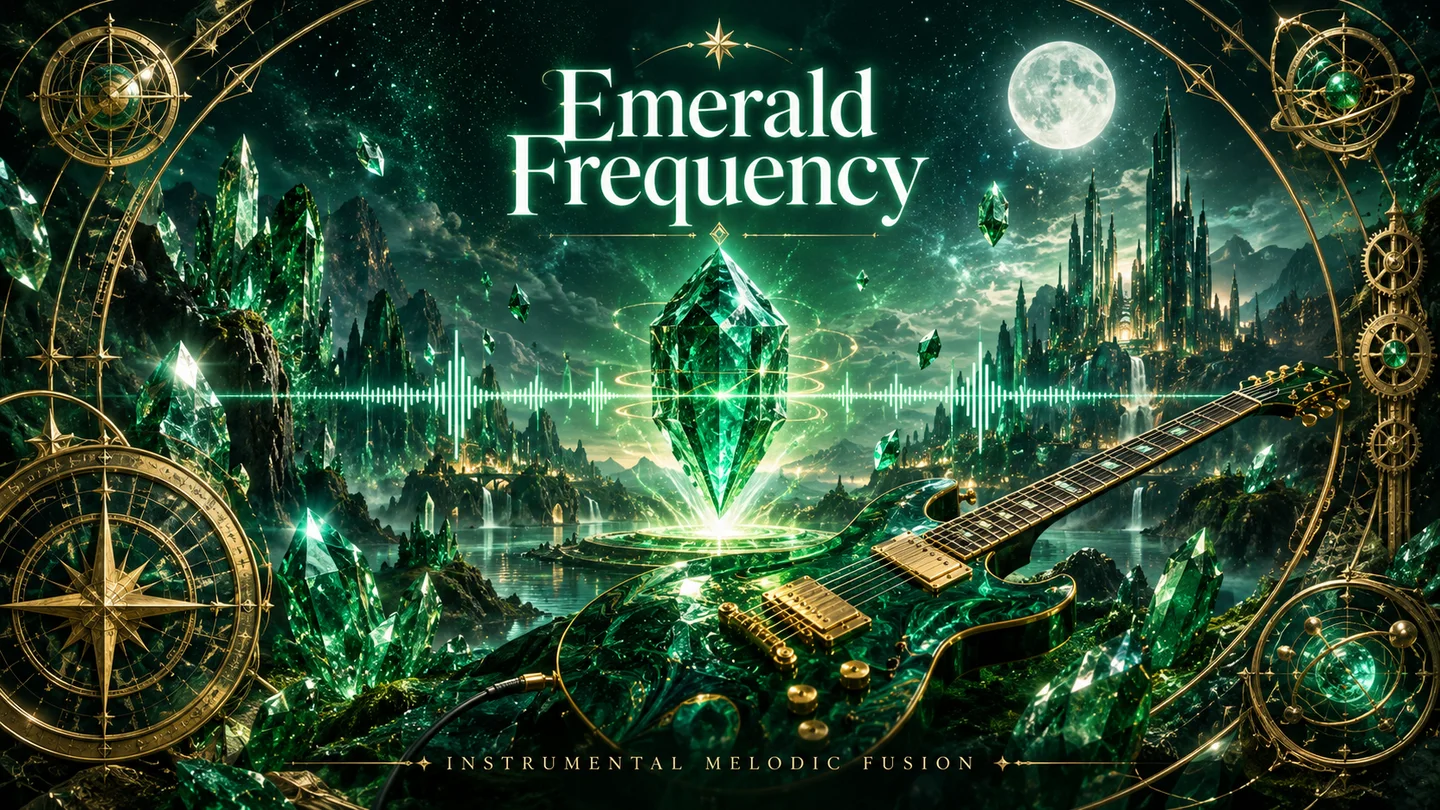
Use a clear mood and palette to distinguish a study, travel or workout collection at a glance.

Translate sound into an abstract visual concept to discuss the album’s identity with collaborators.

Give personal recordings a recognizable cover so sketches and finished releases are easier to organize.
Swipe to explore related tools
Cover concepts, references, text limits, models, credits, ownership, and release checks.
It creates one square raster concept image from a prompt and optional authorized references. It is for visual direction, not a layered source file, vector asset, vinyl package, spine, back cover, template, or automatic platform submission.
Yes, if you have permission to process it. Give each authorized reference one job, such as palette, material, subject, or framing; it guides a new result and does not guarantee exact copying or identity retention.
No. Generated words, logos, labels, and small details can be wrong. Reserve negative space and add or verify final typography and branding in a design tool when accuracy matters.
The selector loads SugarCube's current public image model catalog. The active model determines its available ratios, quality, reference allowance, prompt limit, and displayed credit cost.
The selected model’s displayed credit cost appears before you generate. Upload only authorized material; authenticated results and downloads use the existing owner-scoped workflow and remain connected to this page history.
Not automatically. You are responsible for checking current distributor, marketplace, print, rights, and platform specifications, and for verifying the final image, text, logos, crop, and commercial suitability before publishing.
The shared workspace keeps recoverable input available, shows the failure state, and offers the existing retry path. Review the selected model limits or simplify the direction before trying again.
Return to the cover brief with one clear subject and mood.
Return to the tool