An independent novel

Use a story object or setting to suggest the central tension without filling the cover with plot details.
Turn a genre, premise, title direction, and optional authorized reference into a portrait front-cover concept you can review before final layout.
This page creates one raster front-cover concept, not layered files, a back cover, spine, bleed, barcode, print PDF, or guaranteed platform approval. Review generated text, author names, logos, faces, hands, rights, and factual details before publishing.
Start from a genre, premise, or authorized reference, compare the active model settings, and review the displayed credit cost before generation.
Your next generation will appear here with its status and recovery actions.
Loading older results…
Supply genre, premise and visual mood, plus the exact title and author wording if needed.
Choose a portrait ratio and model, leaving room for readable typography.
Generate here and verify every word. Download the image for a separate publishing layout workflow.
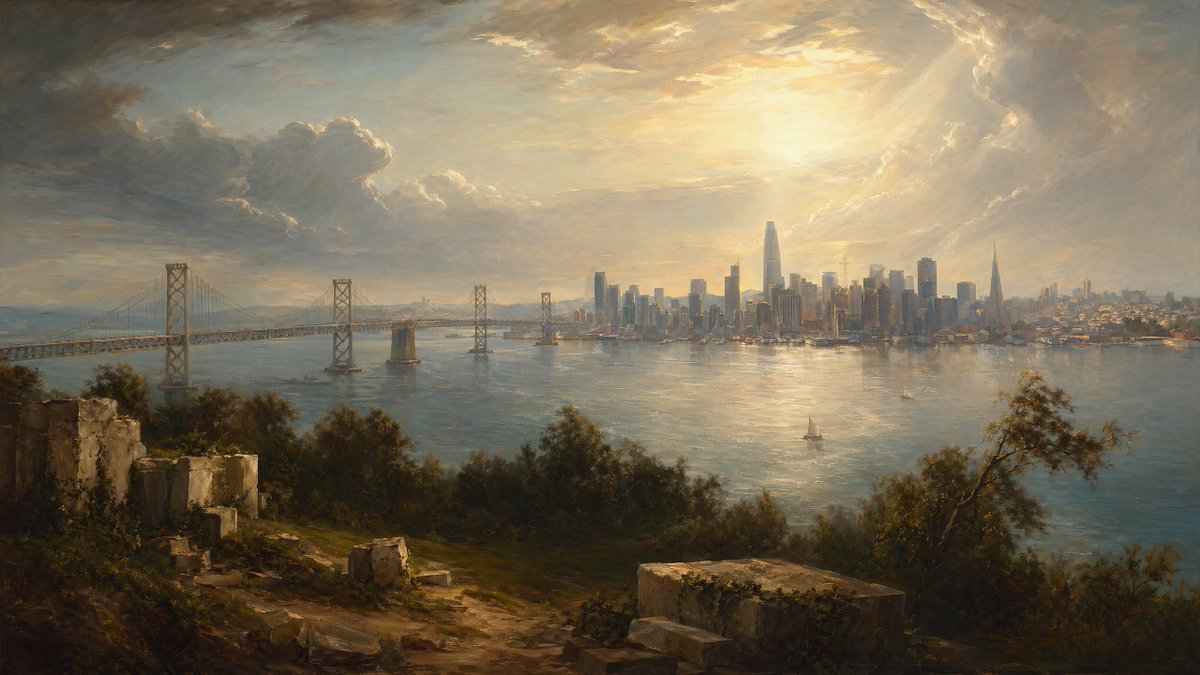
Use a story object or setting to suggest the central tension without filling the cover with plot details.

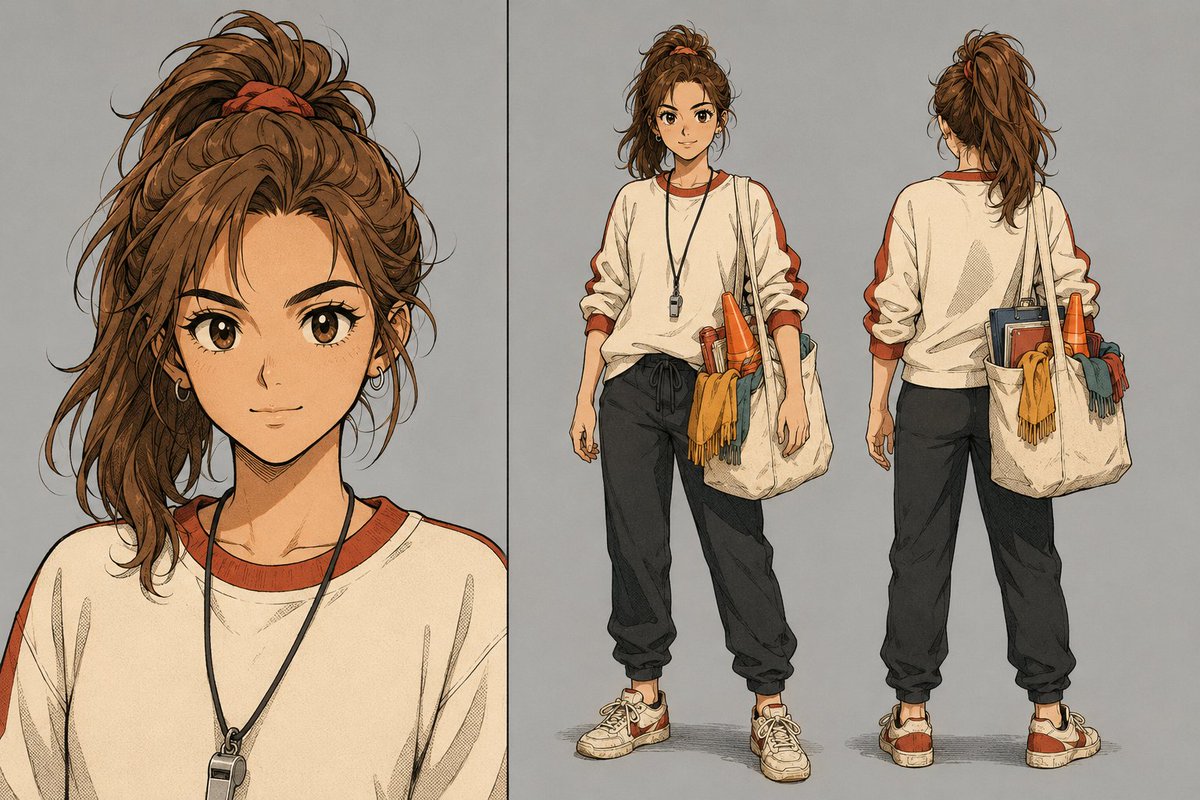
Introduce an original character in a welcoming scene so the illustration invites readers into the story.

Choose one relevant visual metaphor to explain the subject and discuss hierarchy before typesetting.

Pair a useful subject image with title-safe space for a handbook or how-to guide.
Swipe to explore related tools
Front-cover concepts, references, text review, models, credits, and publishing checks.
It creates one portrait raster front-cover concept from a prompt and optional authorized references. It is a reviewable visual draft, not a layered layout, print wrap, back cover, spine, barcode, bleed file, print PDF, or guaranteed publishing submission.
You can explore a front-cover concept here, but ebook and print production have different requirements. Check the visible current KDP ebook criteria and print cover calculator, then prepare the final dimensions, typography, spine, back cover, bleed, and files in an appropriate layout workflow.
This workspace starts at 2:3 for a portrait concept. It is not a universal publishing specification; confirm the current requirements of the ebook store, printer, trim size, page count, and final cover layout before export or upload.
Yes, if you have permission to process it. Give each authorized reference one clear job, such as subject, material, setting, palette, or composition; it guides a new image and does not guarantee exact copying or identity retention.
Not reliably. Generated text, names, labels, logos, and small details can be wrong. Reserve title-safe space and add or verify final typography and branding in a dedicated layout tool when accuracy matters.
The selector loads SugarCube's current public image model catalog. The active model determines its available ratios, quality, reference allowance, prompt limit, and displayed credit cost.
The selected model’s displayed credit cost appears before generation. Upload only authorized material; authenticated results and downloads use the existing owner-scoped workflow and remain connected to this page history.
The shared workspace preserves recoverable input, shows the existing retry path, and keeps page history for authenticated users. Simplify the brief or review the active model limits before trying another concept.
Return to the book brief; spine, bleed and print files belong in the later layout stage.
Return to the tool