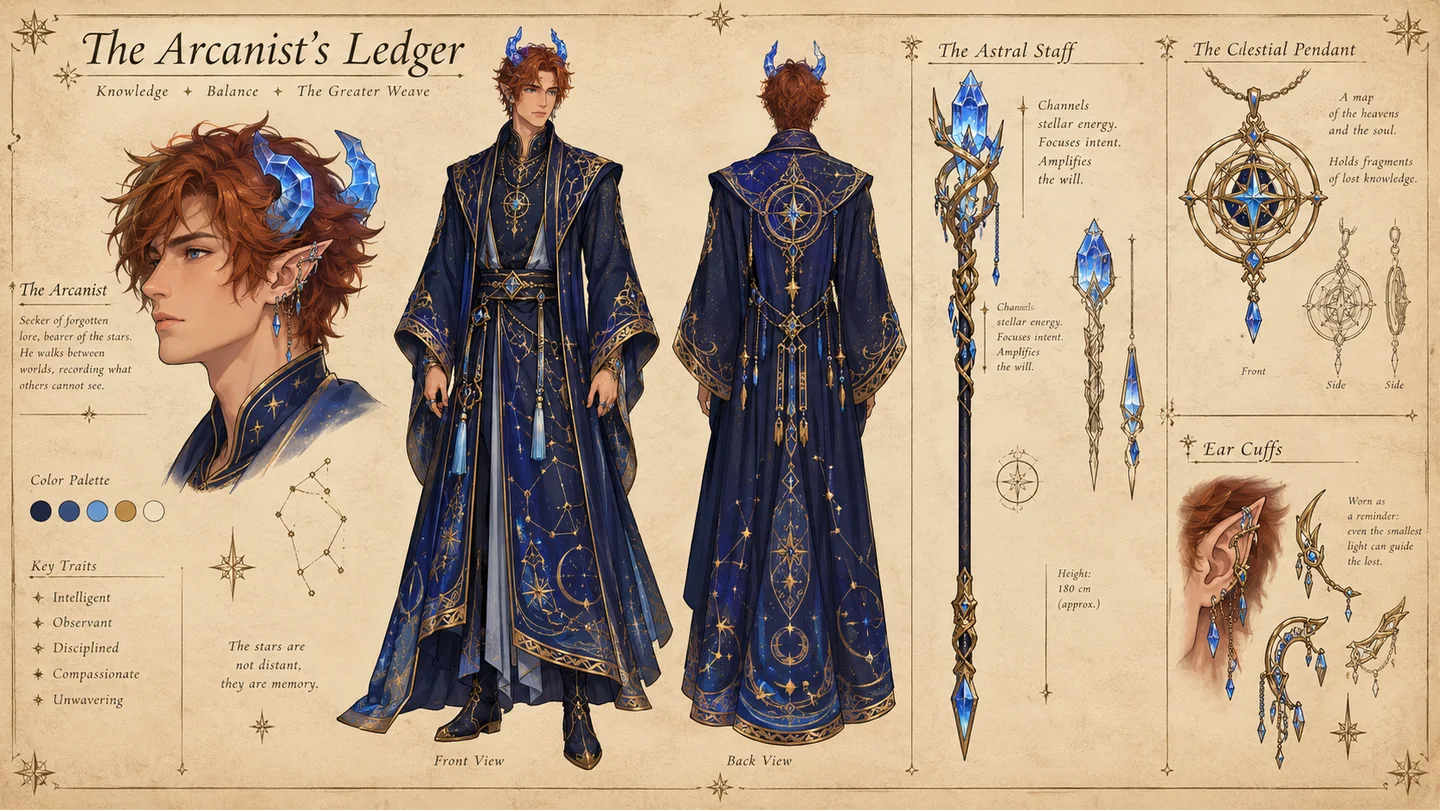
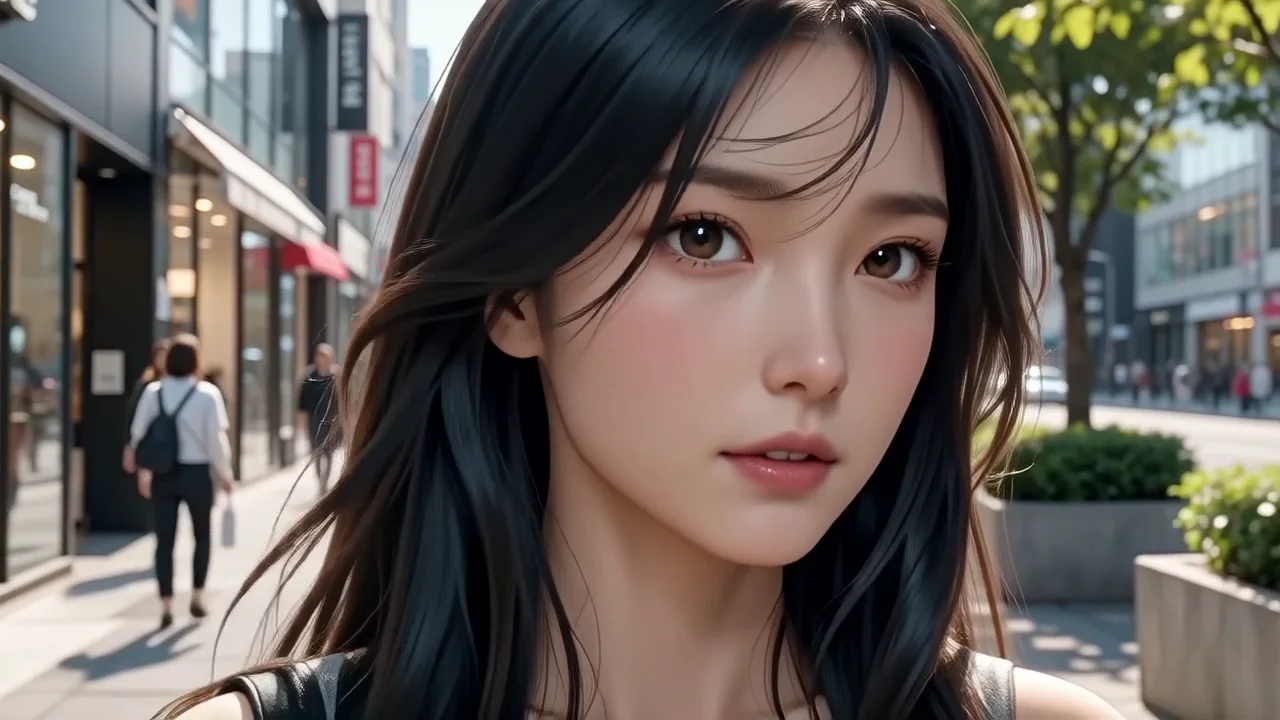
Find the face of your next story
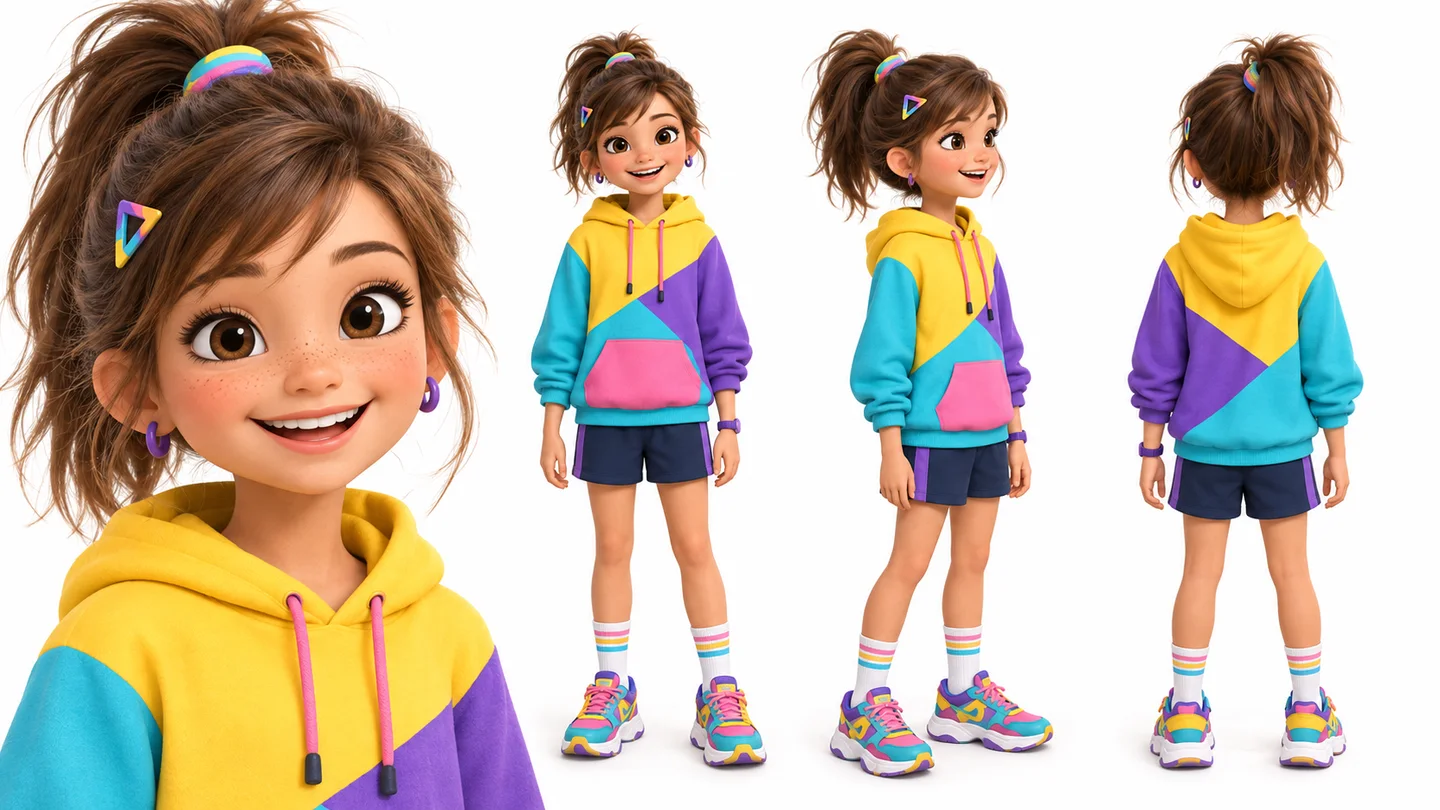
A character can make a story feel real before the first scene is finished. Explore expressions, clothing and visual style to find a lead you want to write around.
Describe a character or add a reference, then choose a style and create.
Optional · A clear face or character image guides identity. Describe only what you want to change.
Checking generation cost…
Add a detailed description, pick a style, then generate your first portrait.
Check the face, hands, outfit and framing. Keep what works and refine the brief for another version.
Define the character’s role, silhouette, clothing and signature object. Use a reference to anchor appearance, then describe the pose or setting you want to explore.
Pick the visual style and aspect ratio, then specify clothing, pose and setting.
Generate here, inspect the face and costume, then download or revise your brief.
A character can make a story feel real before the first scene is finished. Explore expressions, clothing and visual style to find a lead you want to write around.
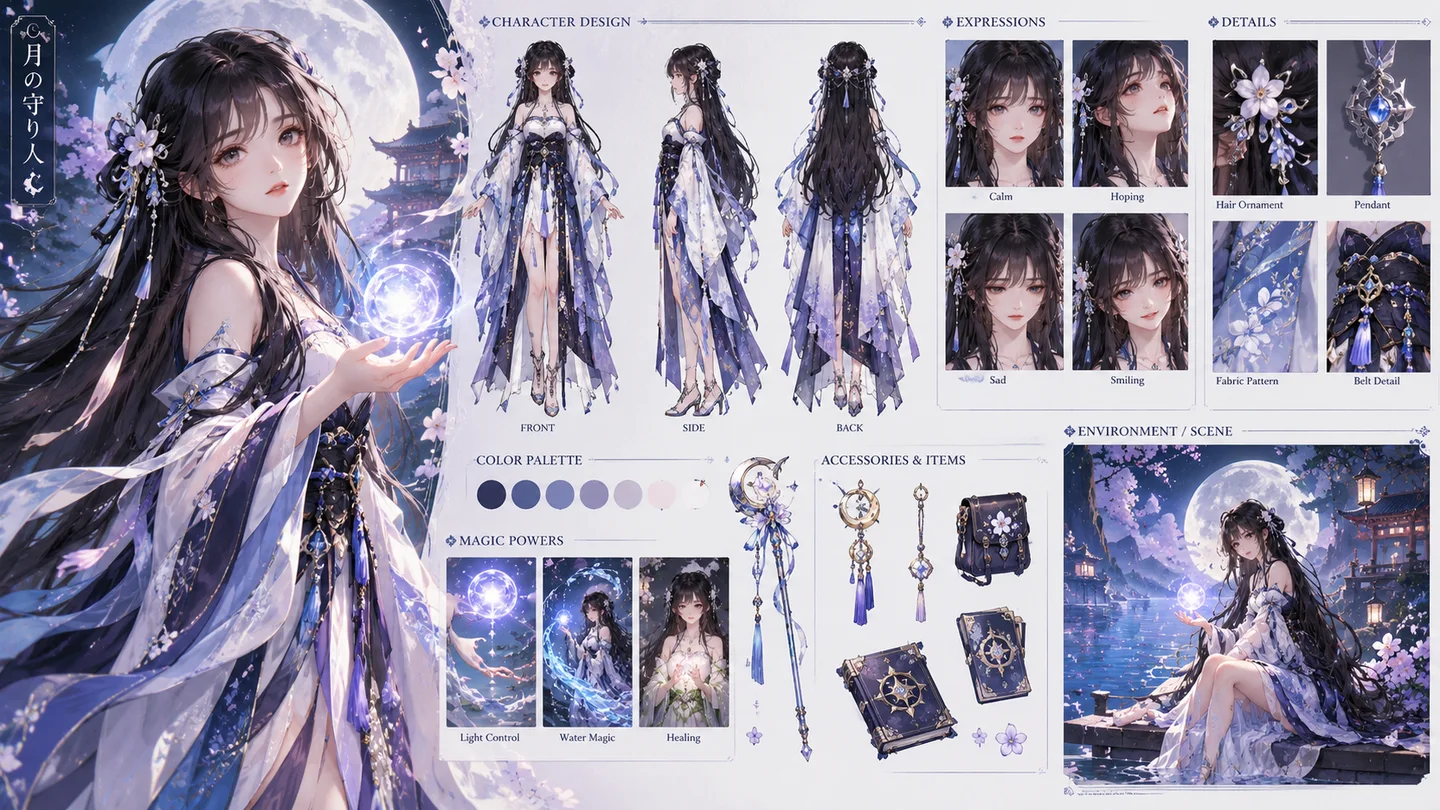
A strong silhouette helps a character communicate their place in the game. Explore costume and personality together before developing the detailed art direction.
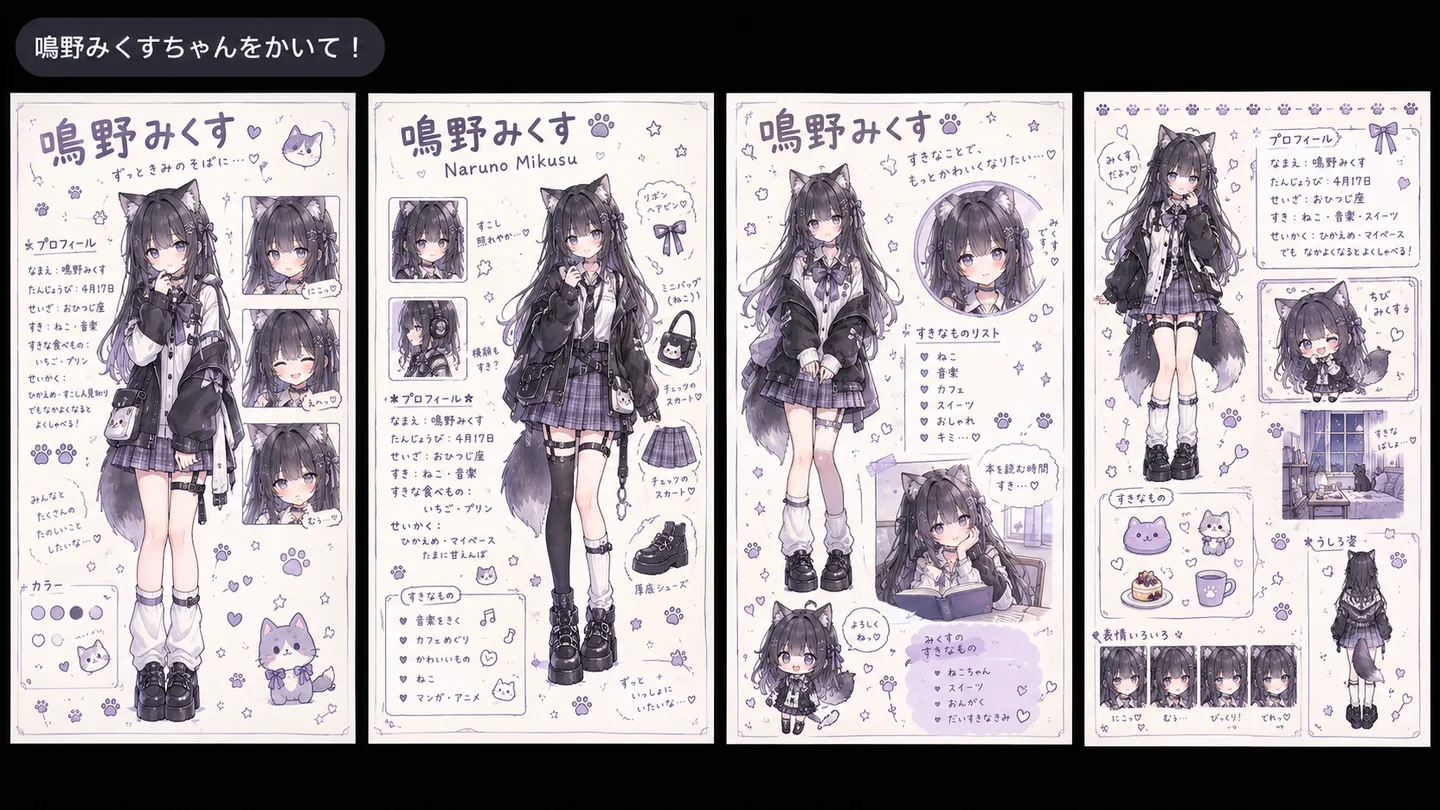
A generic avatar rarely captures how you want to show up. Create an original character portrait with the mood and colors that fit your online identity.
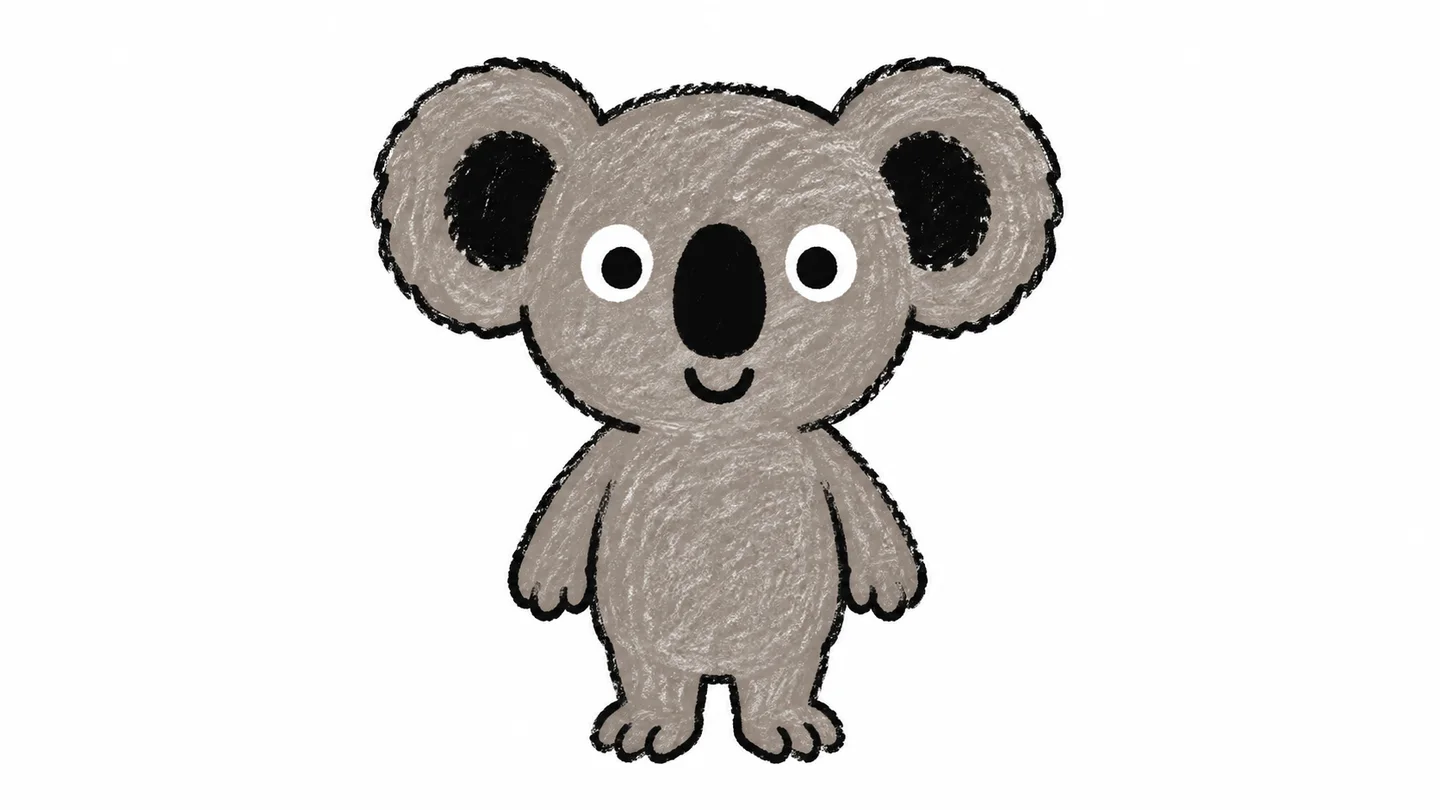
An early mascot concept makes abstract brand traits easier to discuss. Explore a character that expresses your tone before refining it into a finished identity.
Swipe to explore related tools
Create AI characters online from a description or reference photo. Choose a visual style, shape the framing, and download your favorite character concept.
Describe the character’s role, silhouette, clothing and pose. Add a face or character reference if useful; this page makes a character concept rather than a multi-view reference sheet.
Start with a description, one optional reference image, or both. The upload accepts JPG, PNG or WebP up to 32 MiB; the result is a character image.
Character images use the page’s fixed GPT Image 2 model. The current catalog price is quoted per generation beside Generate character; it is not a charge per uploaded reference.
Your description and any character reference are processed in the cloud when you generate. A reference guides appearance; the generated face, costume and proportions still need review.
The result area provides a preview and Download action when processing finishes.
Turn a personality, a role or a story idea into a character you can see and keep developing.
Create your character