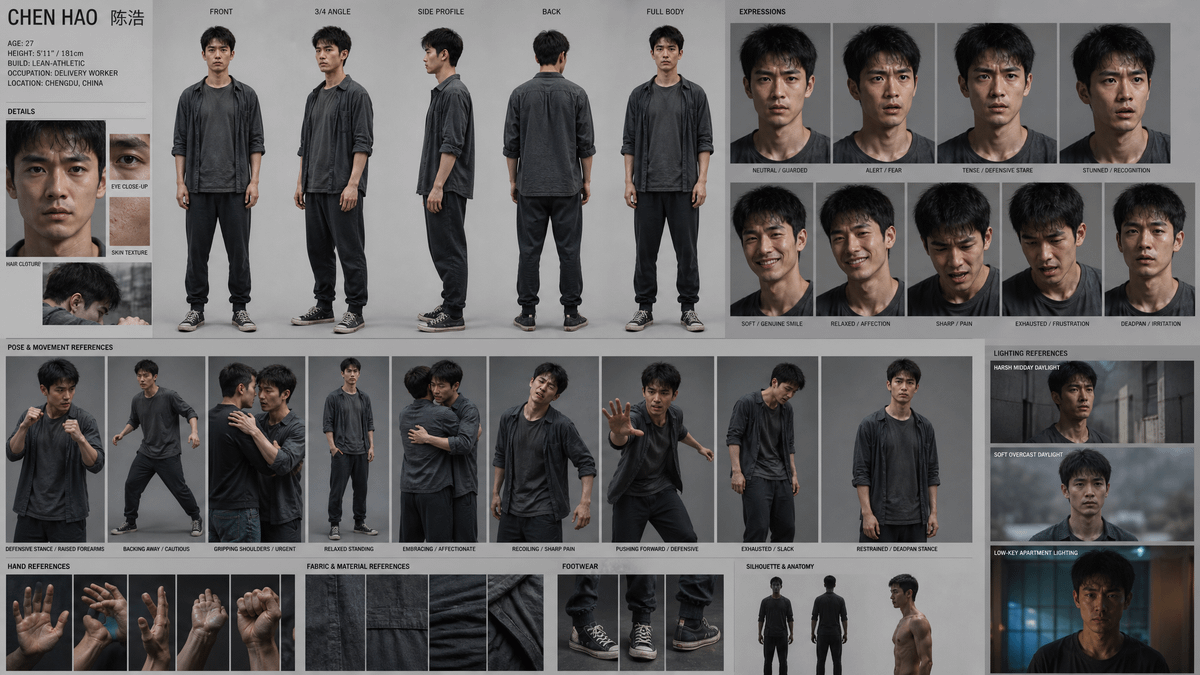
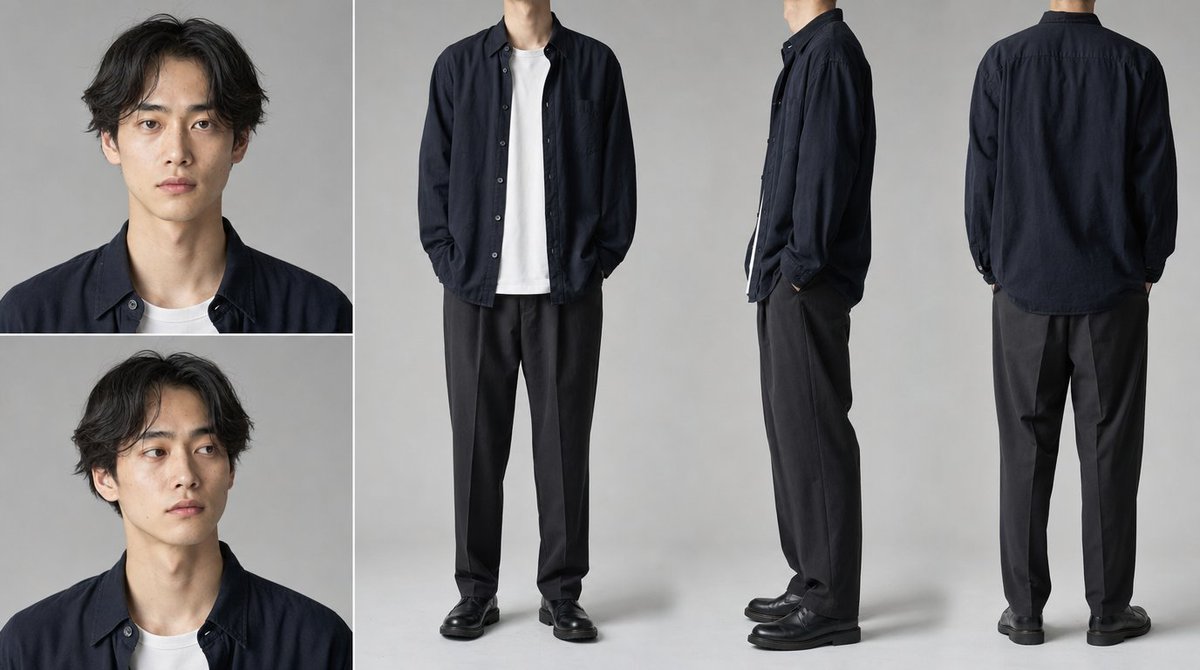
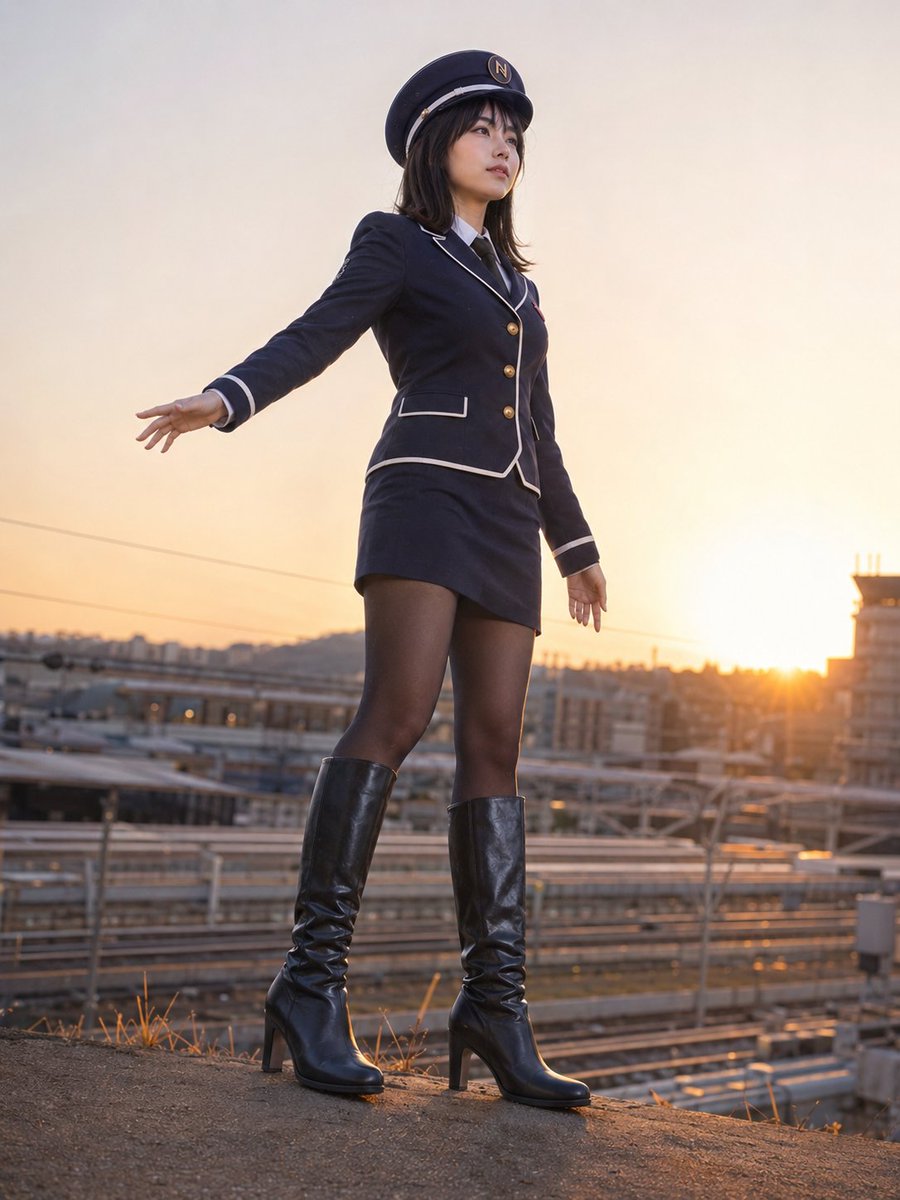
A seaside character portrait
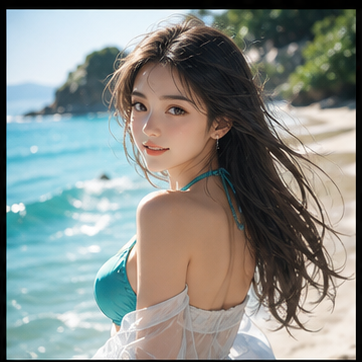
Explore natural daylight, hair and skin texture for an authorized illustrated portrait. This seaside image illustrates a photographic direction, not a verified conversion.
Turn your anime artwork into a photo-real interpretation while keeping the character's hair, colors, mood, and personality recognizable.
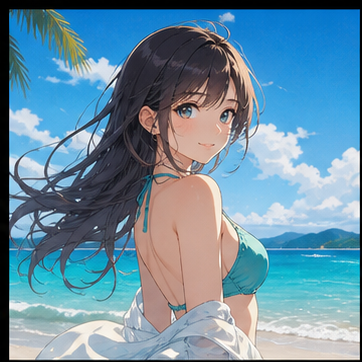
Keep the character recognizable. Choose the kind of photograph, then add only the details that matter.
Use a clear character portrait for the strongest identity and outfit match.
Browse filesStyle examples; your subject comes from your input.
Preserve by default: face, hairstyle, outfit, pose and framing.
Switching photographic direction keeps these notes.
Try without signing in. Generation uses SugarCube credits.
Download the result or adjust the style and prompt to explore another direction.
Use an authorized image with the face, hair and outfit clearly visible.
Describe the real-life direction and the colors, costume or expression that should remain recognizable.
Generate here and compare the result with the illustration before downloading.
Explore natural daylight, hair and skin texture for an authorized illustrated portrait. This seaside image illustrates a photographic direction, not a verified conversion.
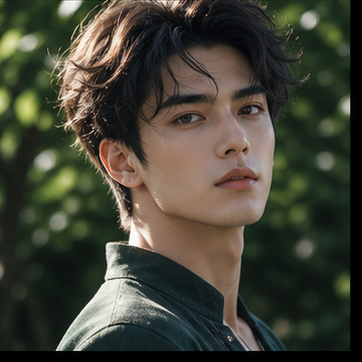
Explore a close-up portrait with soft outdoor light, a familiar expression and detailed hair. Use an authorized reference and compare facial details after generation.
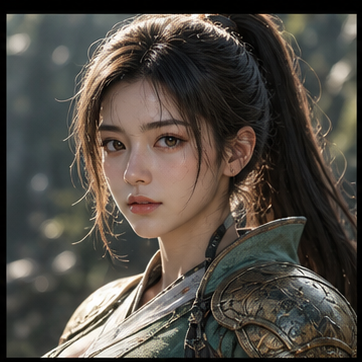
Explore how an illustrated armored character could look with textured metal, fabric and natural hair. The portrait is a costume concept to inspect before practical use.
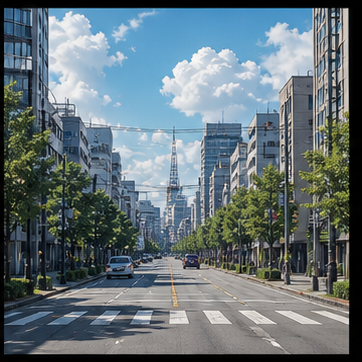
Explore how an illustrated city could read as a photographic location, with daylight, street perspective and building textures. This empty street illustrates an environment direction.
Swipe to explore related tools
Use artwork you own or have permission to transform. Results vary with reference quality and prompt detail.
Your uploaded image supplies visual cues such as composition, hair, clothing, and expression. The prompt tells the model how to reinterpret those cues as a realistic photo-inspired image.
Use a clear, well-lit reference with the character visible and minimal obstruction. Portraits with a readable face, hair, and outfit usually give the strongest results.
Yes. You can try 2D anime, cartoons, sketches, 3D renders, or illustrated scenes. More stylized references may require a more specific prompt.
Yes. Guests can try the converter using the shared trial credits. If credits run out, choose a purchase option and pay through Stripe without signing in.
Only transform images you own or are allowed to use. Avoid misleading identity use and review SugarCube's current Terms of Use before commercial use.
Return with a clear illustration and a specific real-life direction.
Return to the tool