Gouache travel posters & postcards
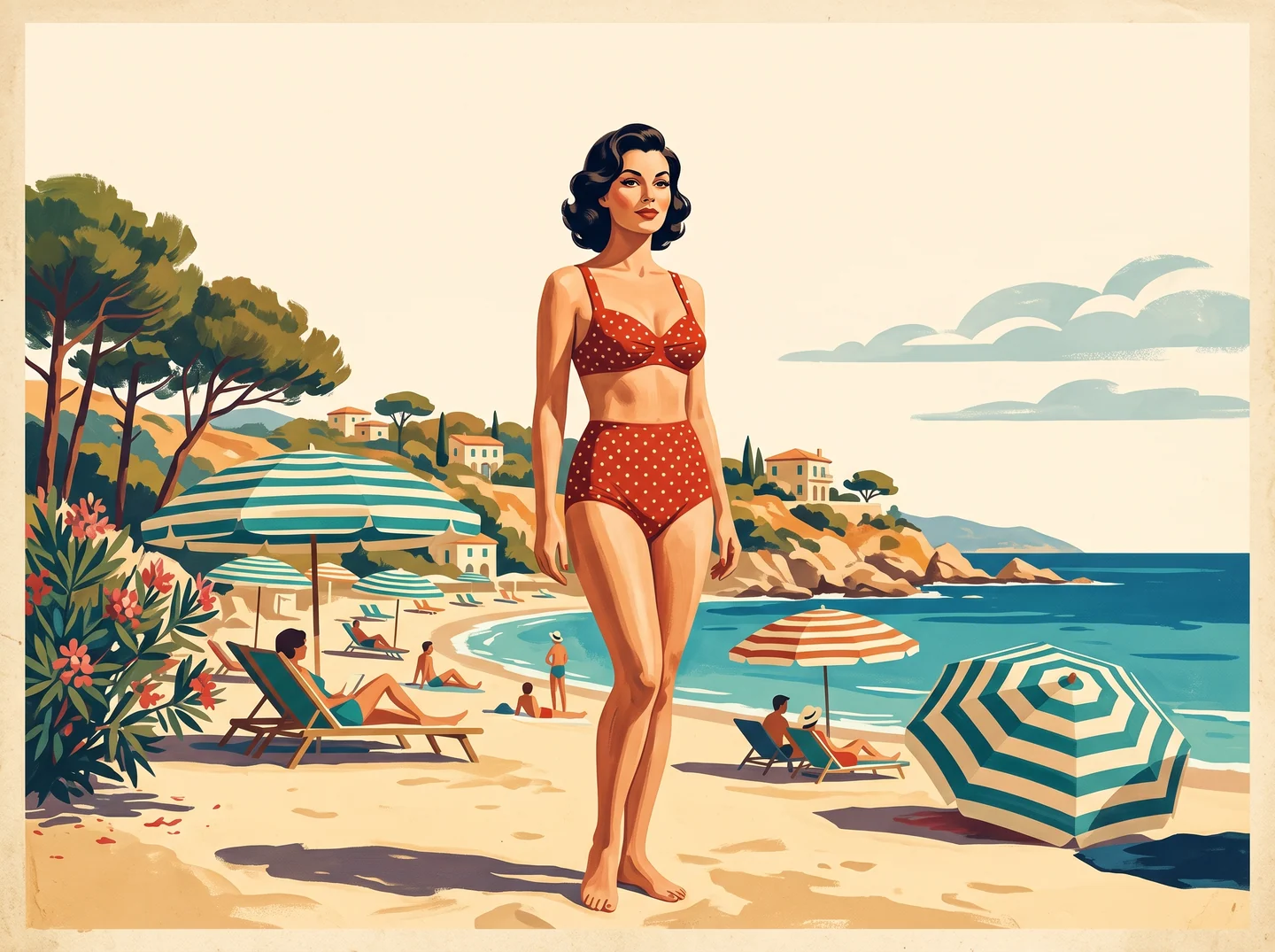
Pair sunlit Riviera beaches, vintage luggage, and bold painted brushwork to create nostalgic destination postcards.
Create classic pin-up illustrations with mid-century gouache, halftone, and travel poster styling—from a text prompt or optional reference image.
Specify the pose, retro outfit, color palette, and coastal or studio backdrop—or load a sample prompt below.
Add gouache, screenprint, or halftone cues, attach optional references, and choose your poster ratio and model.
Generate your illustration, review anatomy and print texture, and export ready-to-layout artwork.
Pair sunlit Riviera beaches, vintage luggage, and bold painted brushwork to create nostalgic destination postcards.
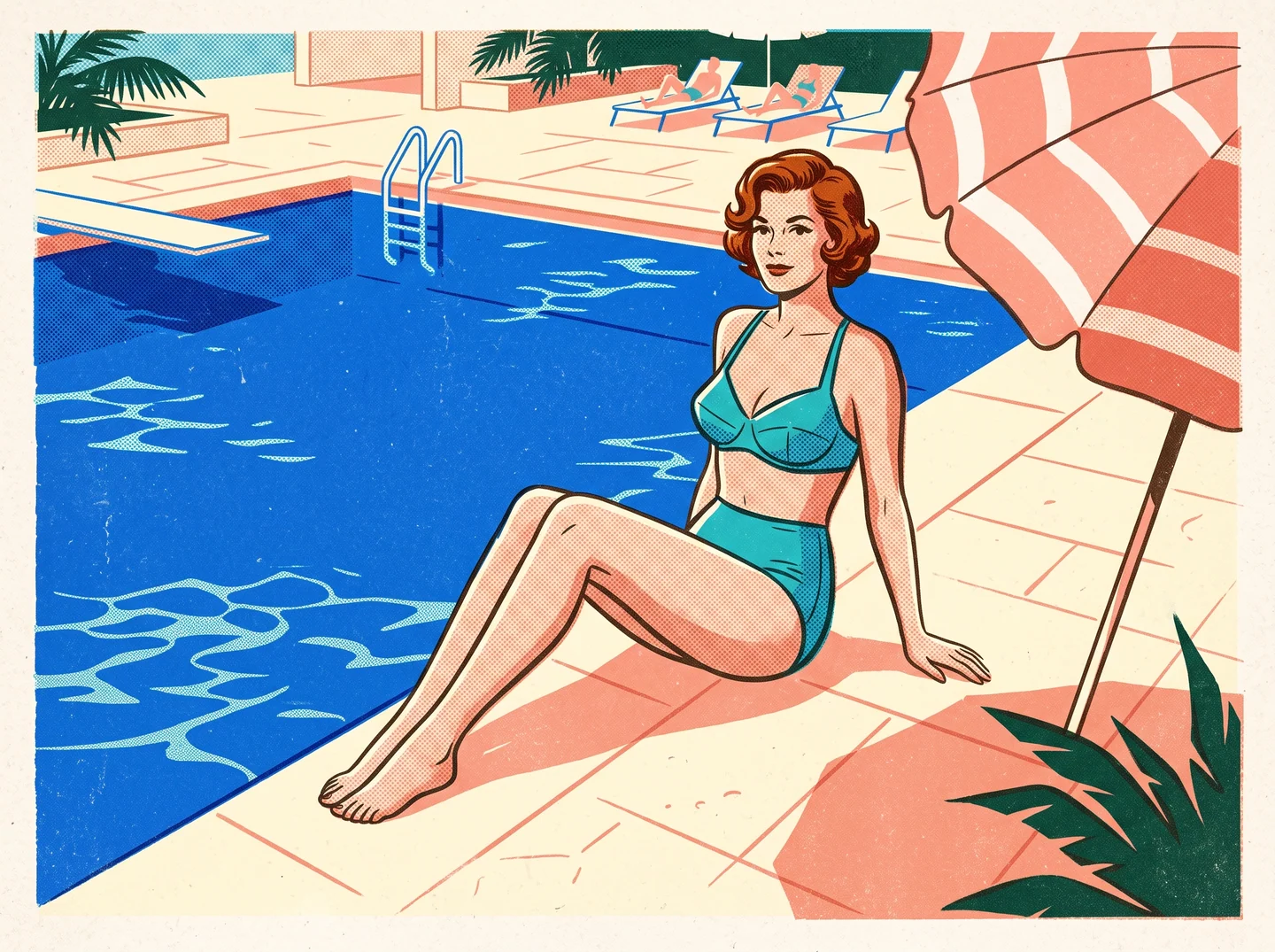
Use crisp mid-century silhouettes, limited color palettes, and halftone paper grain for standout social headers and album art.
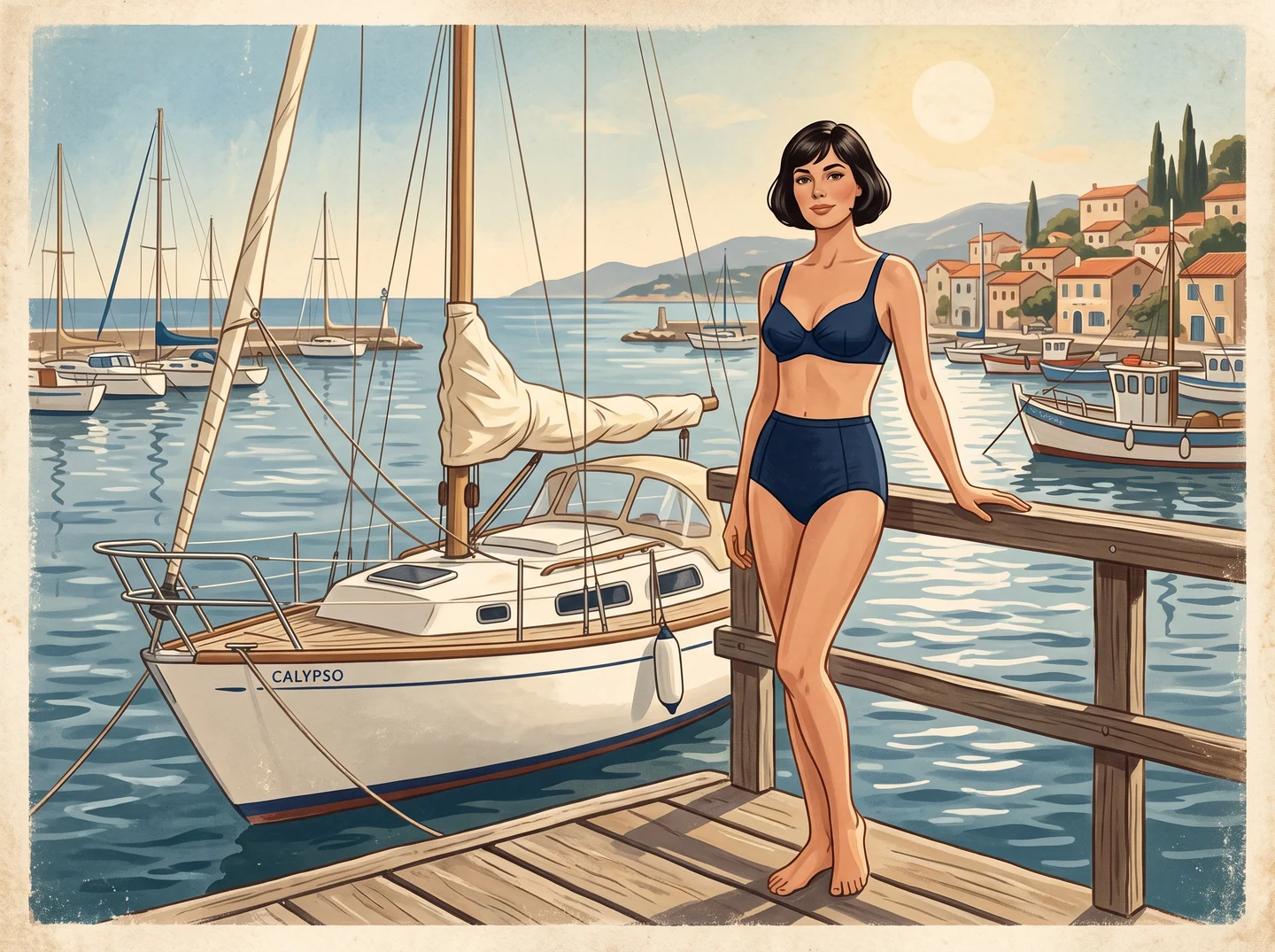
Generate nautical or poolside character artwork as a clean visual centerpiece before adding event typography in your layout tool.
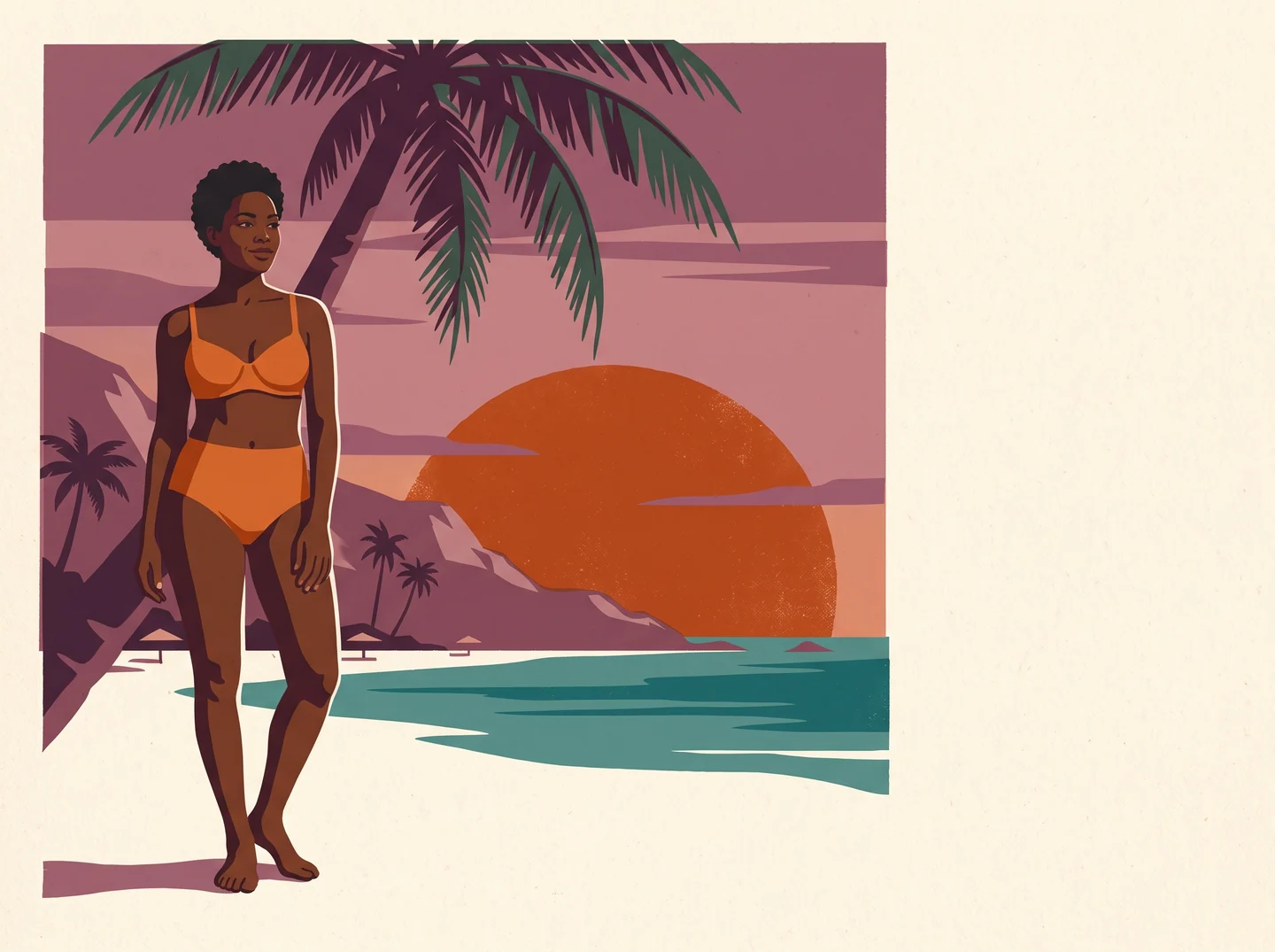
Keep a consistent screenprint palette and paper texture across multiple scenes to build matching wall prints or postcard sets.
Swipe to explore related tools
Text prompts, vintage styles and preparing your illustration for a layout.
Explore an original adult pinup illustration with painted color, halftone or vintage postcard styling. The output is an image concept; review anatomy, lettering and texture before preparing a poster or print.
Describe an adult character, pose, swimsuit and vintage setting, then name the painted or printed texture you want. Optional references can guide composition; continue in Studio to generate and inspect the illustration.
Start from a text description or add optional JPG, PNG or WebP references up to 32 MiB each. The default Qwen Image 2.1 model accepts up to 10 references; switching models in Studio can change the limit.
Pinup illustrations use the selected image model’s credit quote. Qwen Image 2.1 is the default; changing the model or supported output settings in Studio can change the cost, so review the quote before creating.
Your pinup description and any optional references are processed in the cloud when you generate in Studio. They guide the adult subject, vintage setting and printed texture of a new illustration.
After the Studio task finishes, preview and download the illustration there. Inspect hands, anatomy, any lettering and the painted or halftone texture before preparing the image for a poster or print.
Pick a prompt idea above or describe your own scene, choose a poster ratio, and generate in Studio.
Start creating now