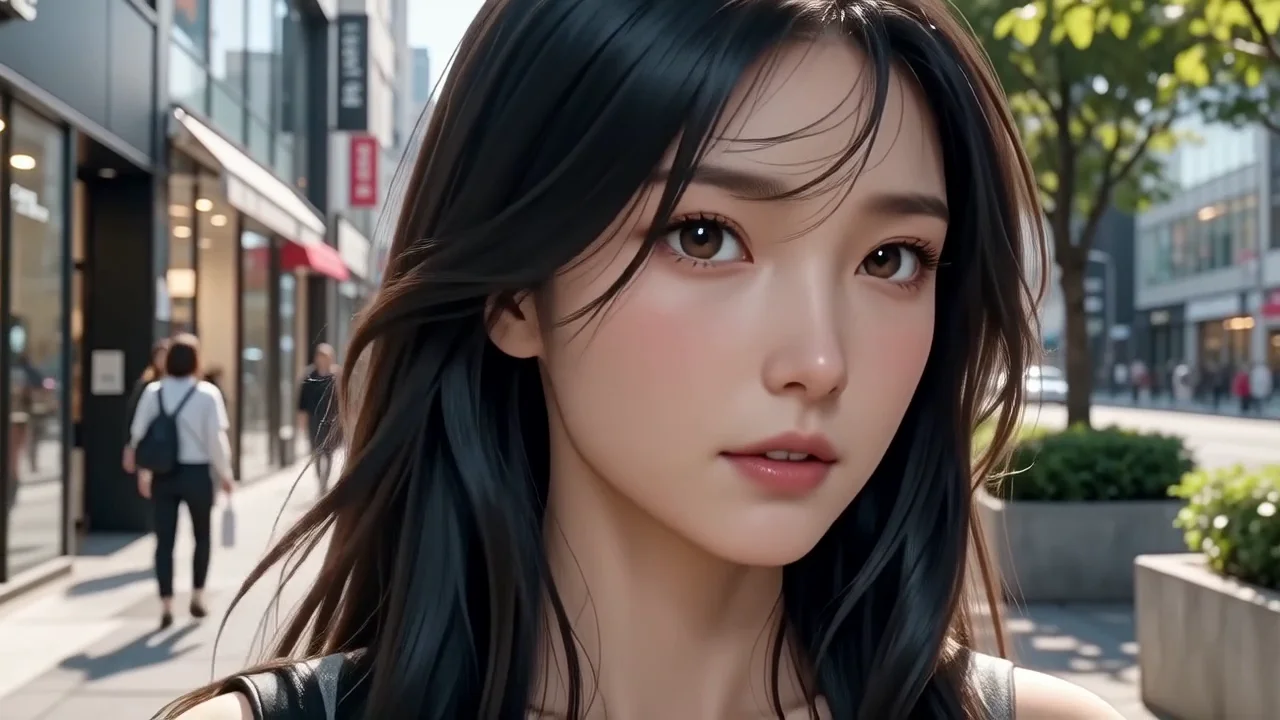
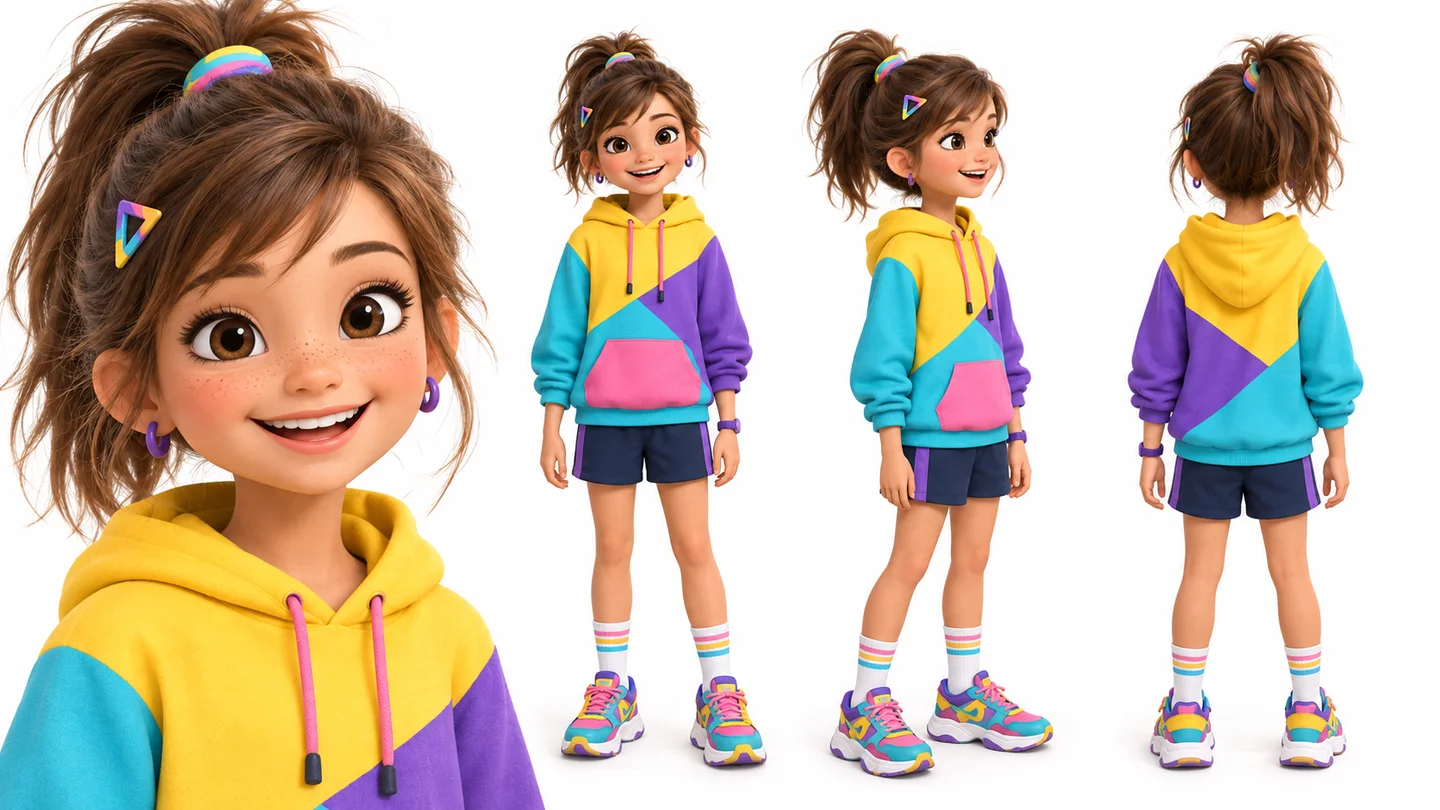
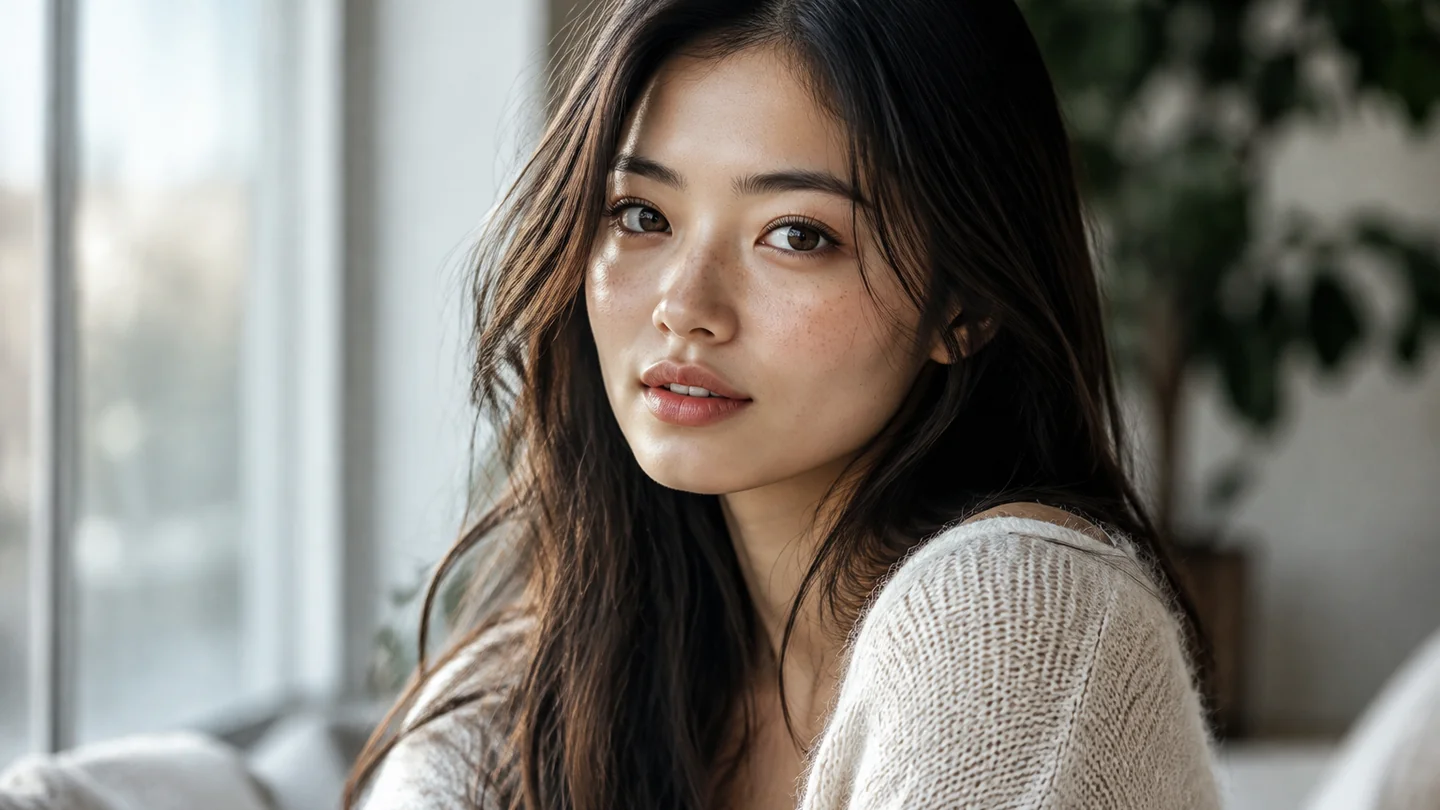
Animate portraits into Waifu Video
Switch to Waifu Video mode to add natural hair movement, gentle smiles, and camera motion to your anime portrait.
Give your anime muse a signature look. Turn any photo into a custom anime character portrait with preset aesthetics—then animate your favorite look into an AI video right on this page.
Your portrait will appear here. You can then animate it into a video.
Loading older results…
Choose a clear portrait so the face, hairstyle and outfit have a useful starting reference. This page requires one photo.
Select an anime aesthetic and describe the hair, clothing or mood you want to explore. Check the current image credit quote before creating.
Preview and download your anime image. If you want to animate it, prepare a separate Studio video task and review that task’s model, duration and credit cost.
Switch to Waifu Video mode to add natural hair movement, gentle smiles, and camera motion to your anime portrait.
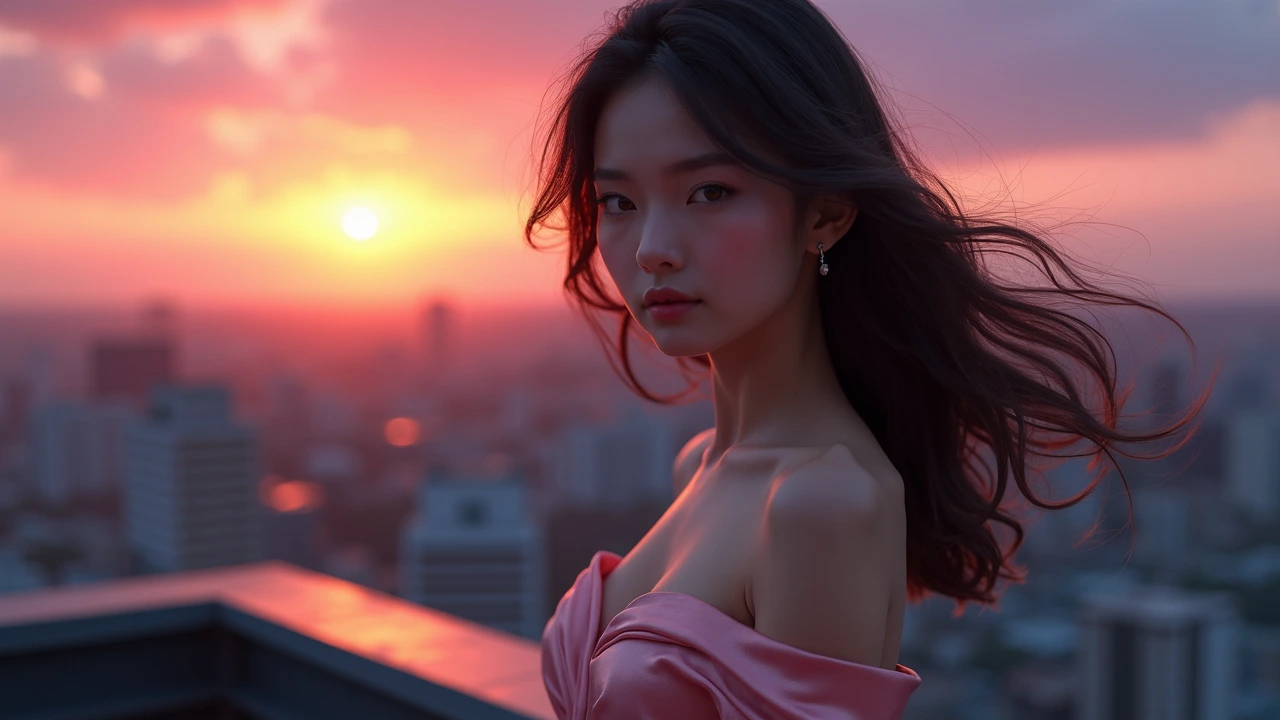
Style atmospheric anime portraits with tailored hairstyles, outfits, and lighting for game characters and story intros.
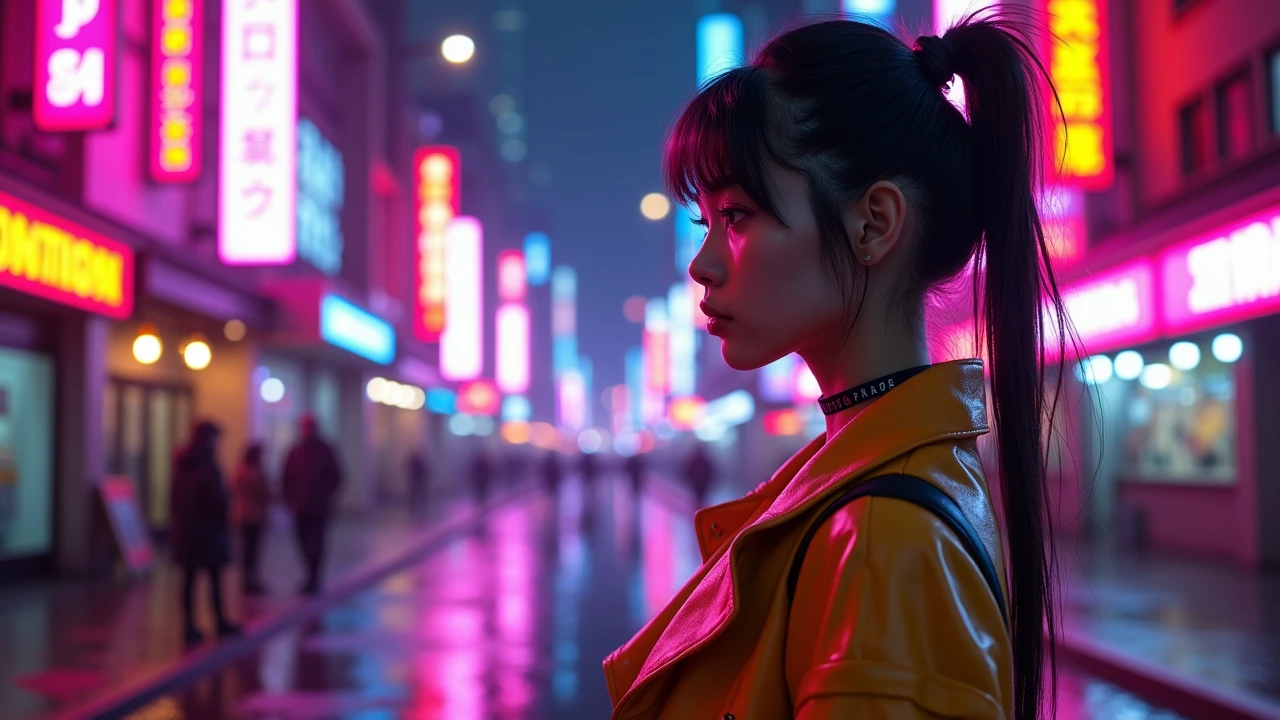
Pair neon cityscapes and futuristic outfits with your reference photo for standout social avatars and character cards.
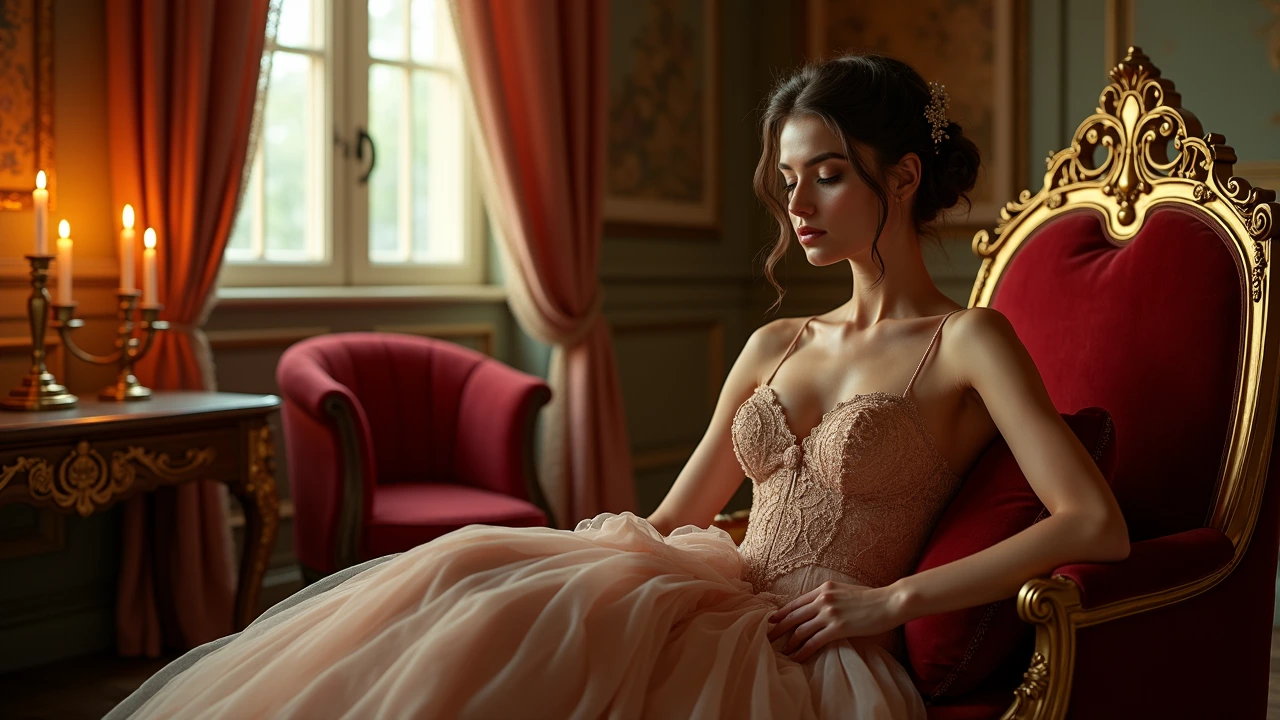
Generate regal, mage, or adventurer portraits with detailed fantasy costumes ready for RPGs and illustrations.
Swipe to explore related tools
Reference photos, anime styles and the separate cost of animation.
Create an anime character image from one reference photo using this page’s fixed image preset. Hair, outfit and atmosphere guide the new portrait; animating it is a separate Studio video task with its own settings and credit cost.
Upload one clear portrait, choose a character style and describe the hair, clothing or atmosphere you want. Generate the image here, then review the face and costume before deciding whether to animate it in Studio.
This page requires one reference photo in JPG, PNG or WebP, up to 32 MiB. Its dedicated preset accepts a single image even though the underlying Qwen Image 2.1 model supports more references elsewhere.
This page quotes credits for one Qwen Image 2.1 character image using its fixed 1K preset. Check the current amount beside Create before generating; a later Studio video is a separately priced task.
Your portrait and character brief are processed in the cloud when you generate the anime image. Creating motion later in Studio submits a separate video task; review the image first.
The result area provides a preview and Download action when processing finishes.
Upload a reference photo, pick an anime aesthetic, and create your portrait or video in seconds.
Create my anime character