An interior design mood study
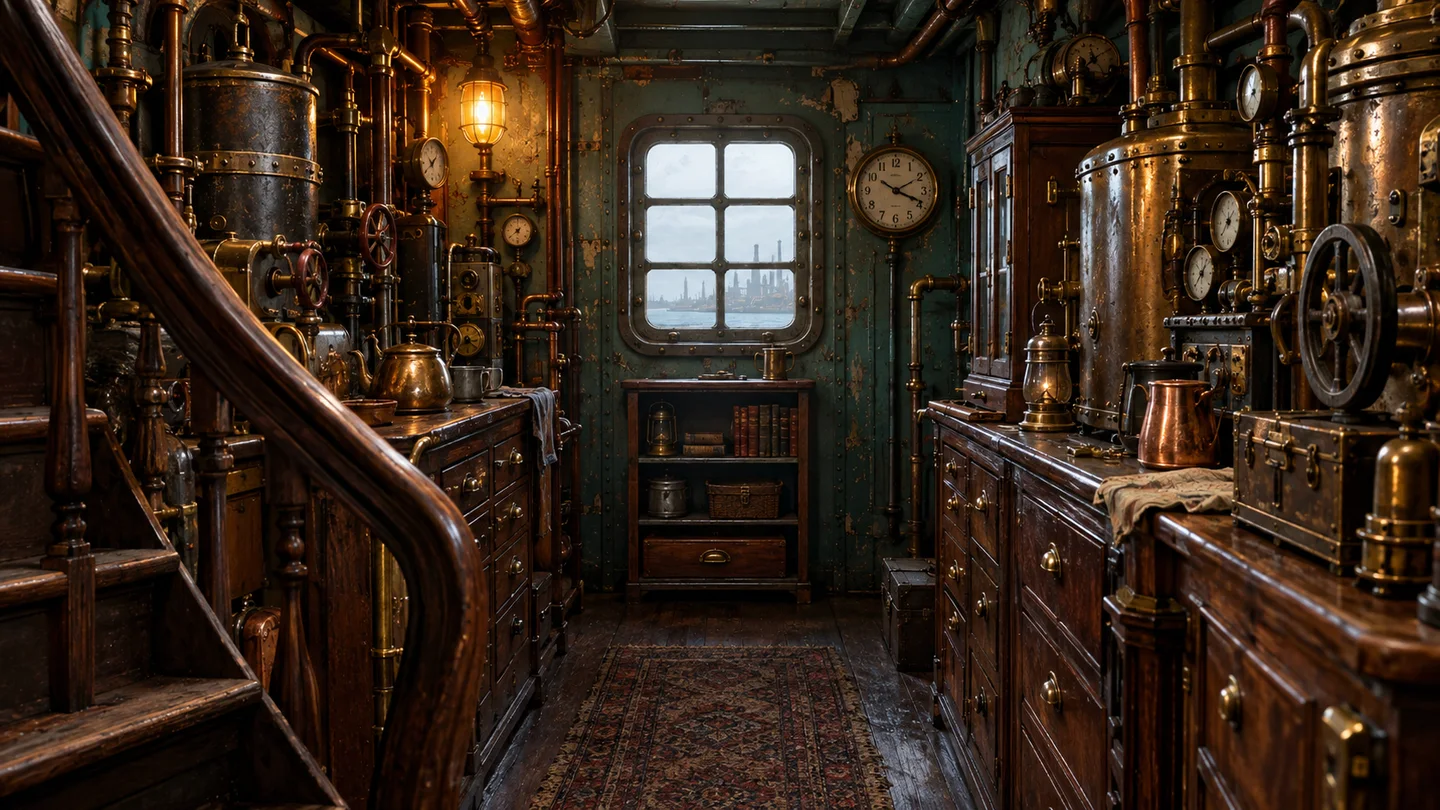
Give an AI room concept more natural surfaces and light to help discuss a mood; it is not a measured design.
Re-render an AI image with one of seven photo-style finishes. Faces, text, and fine details may change, so check the result before using it.
Start with your image, then choose how you want the light and texture to look.
The prompt asks to preserve the subject, identity, and composition. Generated details may still change, so review the result.
3 · Generate
Making a series? See plans for more credits.
Add the existing AI image whose lighting or material texture you want to revisit.
Use the template and settings already shown in the tool, and check the displayed cost.
Generate here and inspect faces, materials and lettering before downloading. Details can change.
Give an AI room concept more natural surfaces and light to help discuss a mood; it is not a measured design.
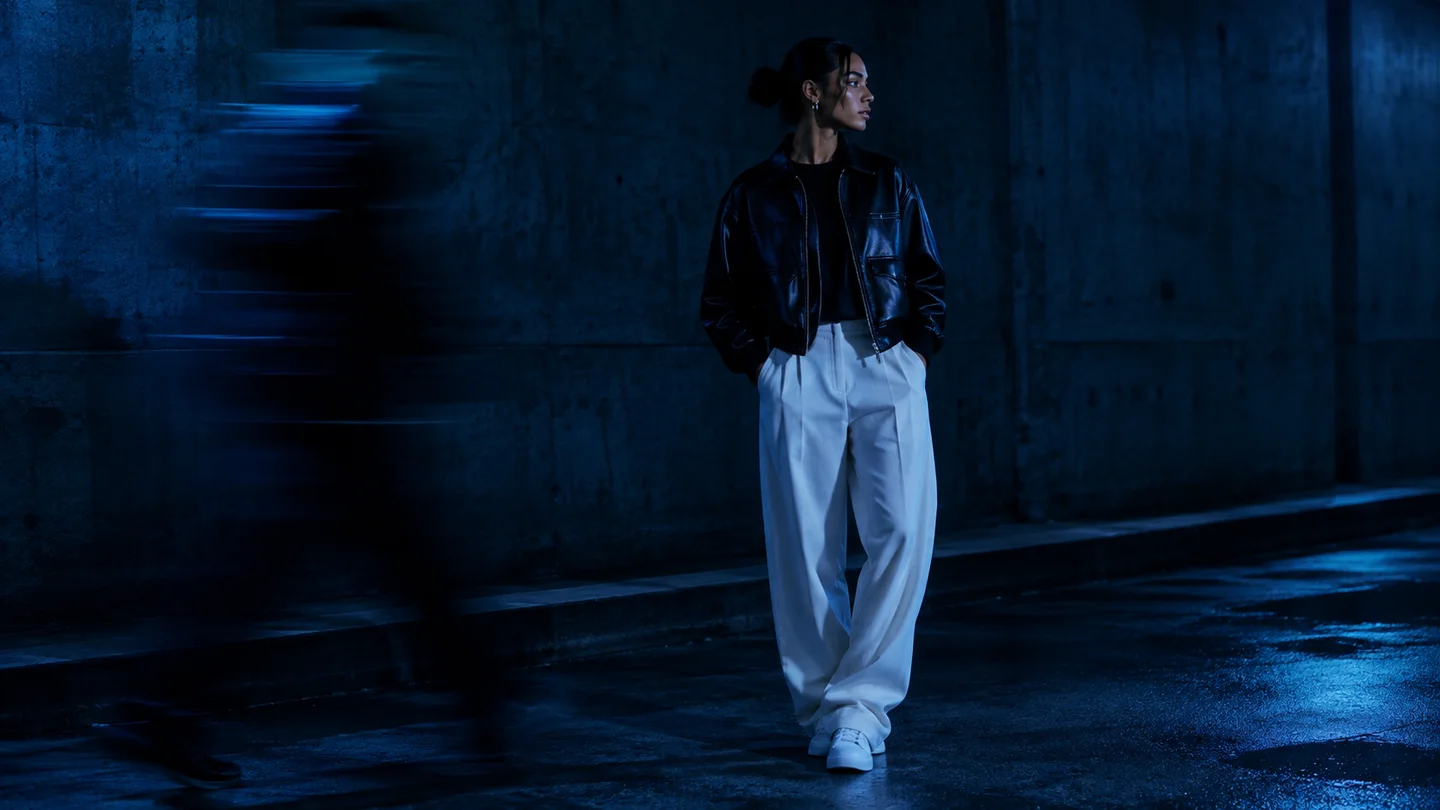
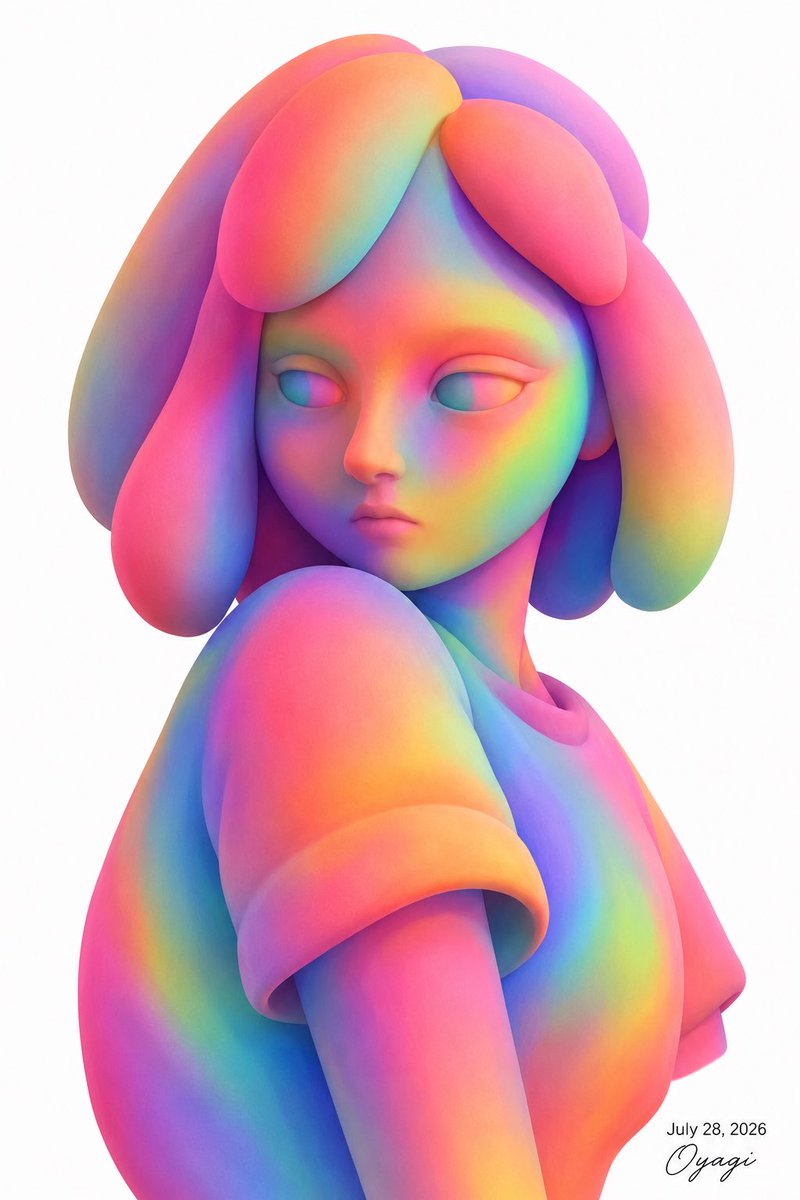
Explore more photographic skin and lighting for an AI portrait while checking for changes in facial identity.

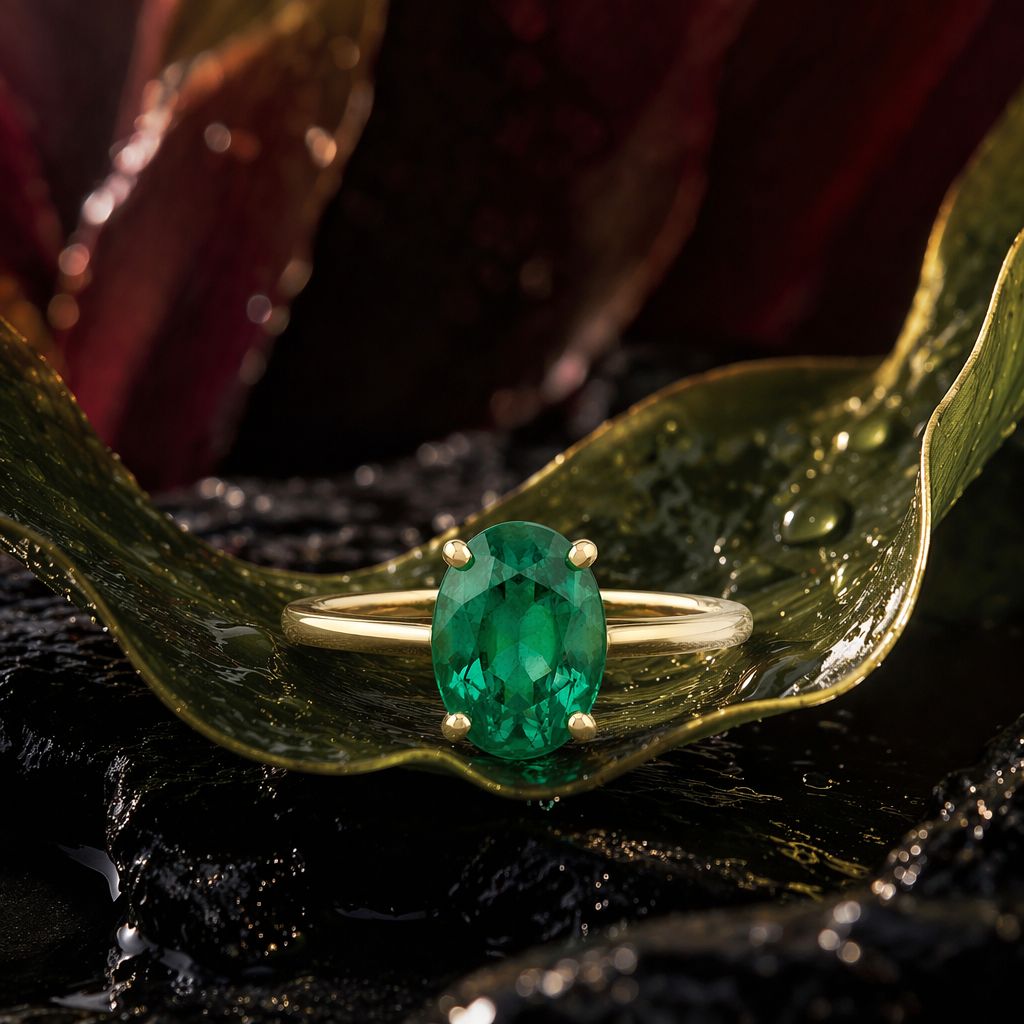
Use a harbor illustration to explore how water, stone and evening light might read with more natural texture.

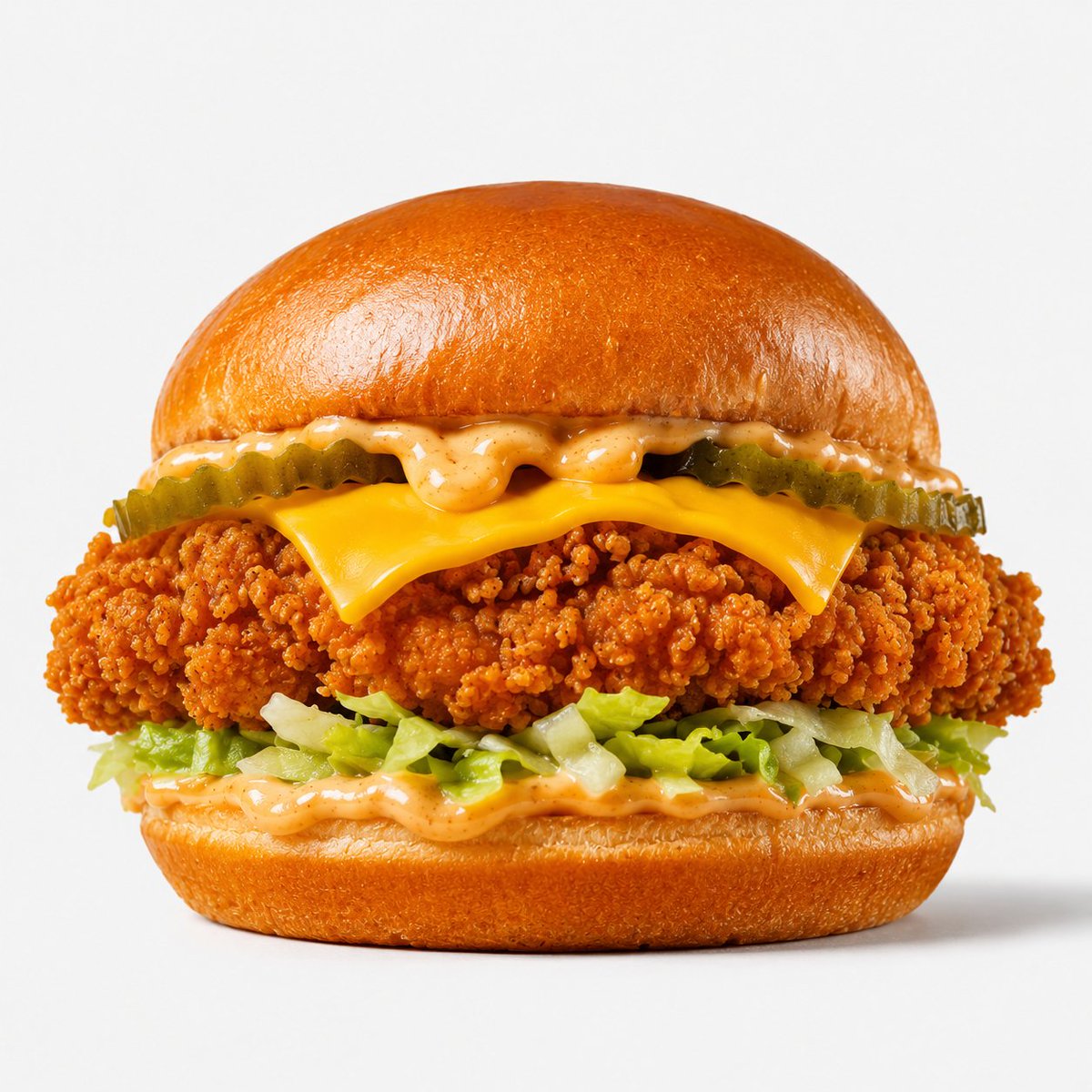
Explore natural-looking food texture and shadows in an AI image, then verify that the final use does not misrepresent a product.
Swipe to explore related tools
It re-renders an AI image with one of seven photo-style finishes, such as iPhone, film, or CCTV. Faces, text, and fine details may change, so check the result before using it.
Seven: iPhone 13 Camera, Street Snapshot, Night Flash, CCTV Footage, Film Camera, Cinematic Film, and the "Deleted" Photo look.
Each run costs 40 credits. New accounts get 30 signup credits and can manually claim 30 daily credits after signing in; those 60 credits can cover one run. Failed generations are refunded.
JPG, PNG and WebP images are supported.
Return to the existing upload and template controls to refine another image.
Return to the tool