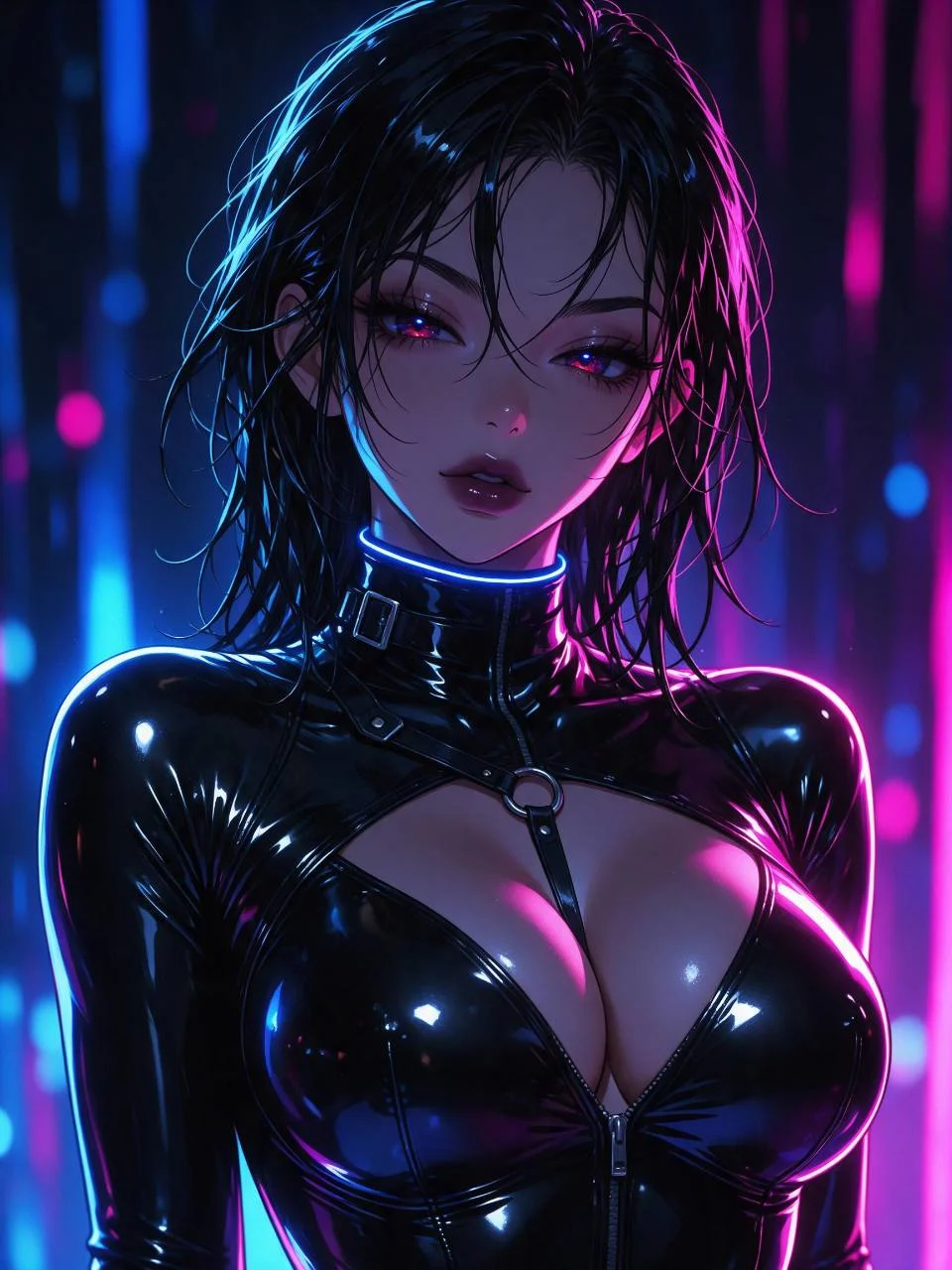
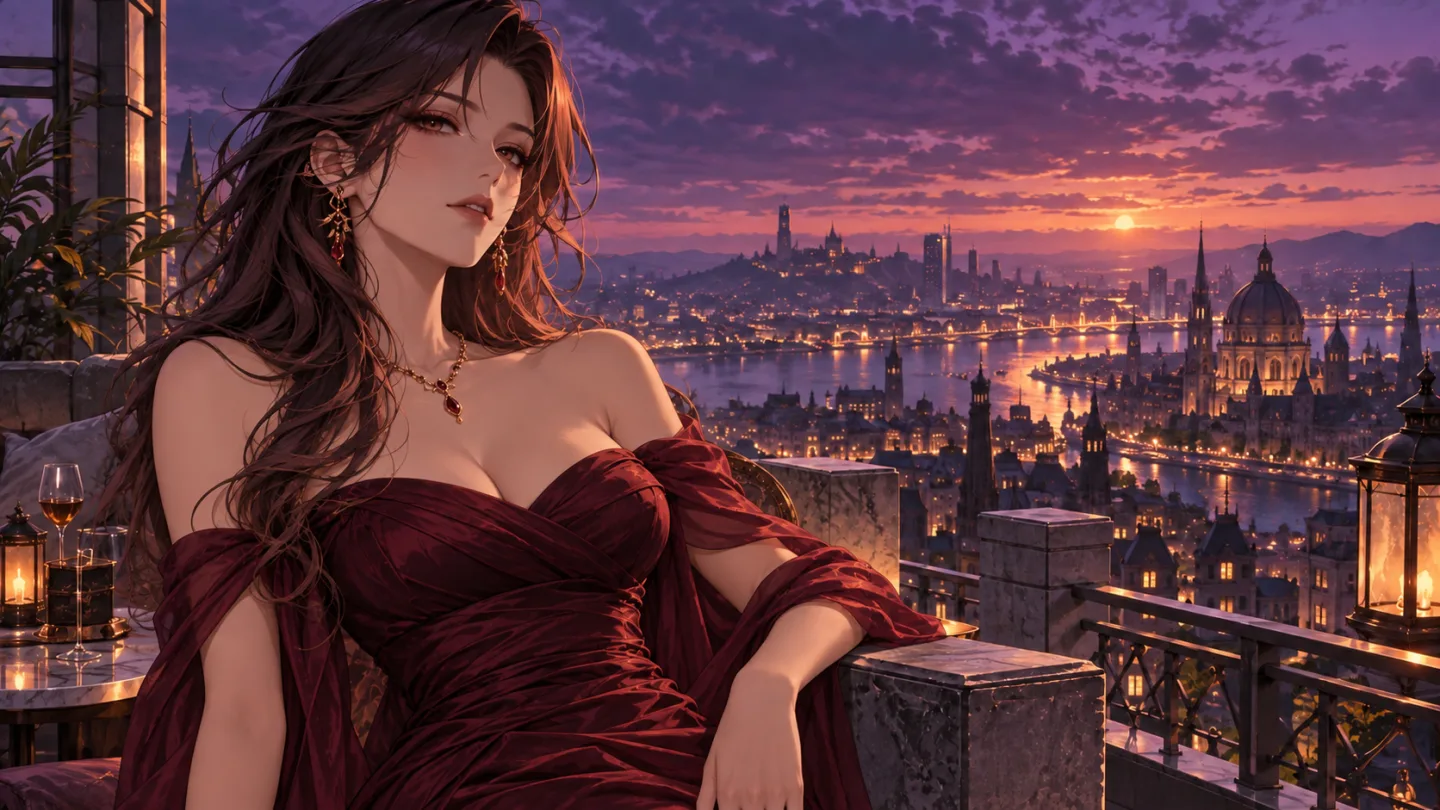
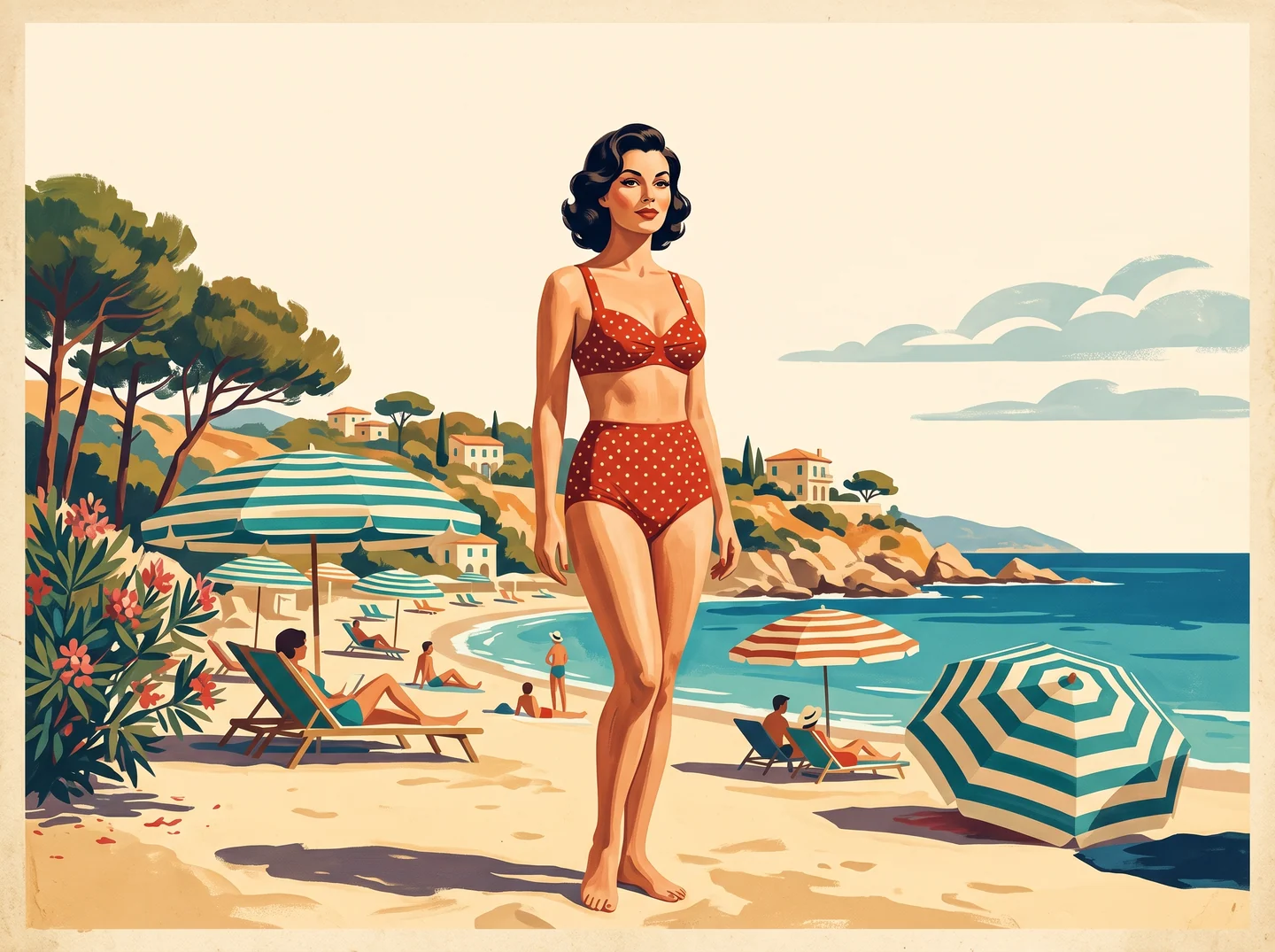
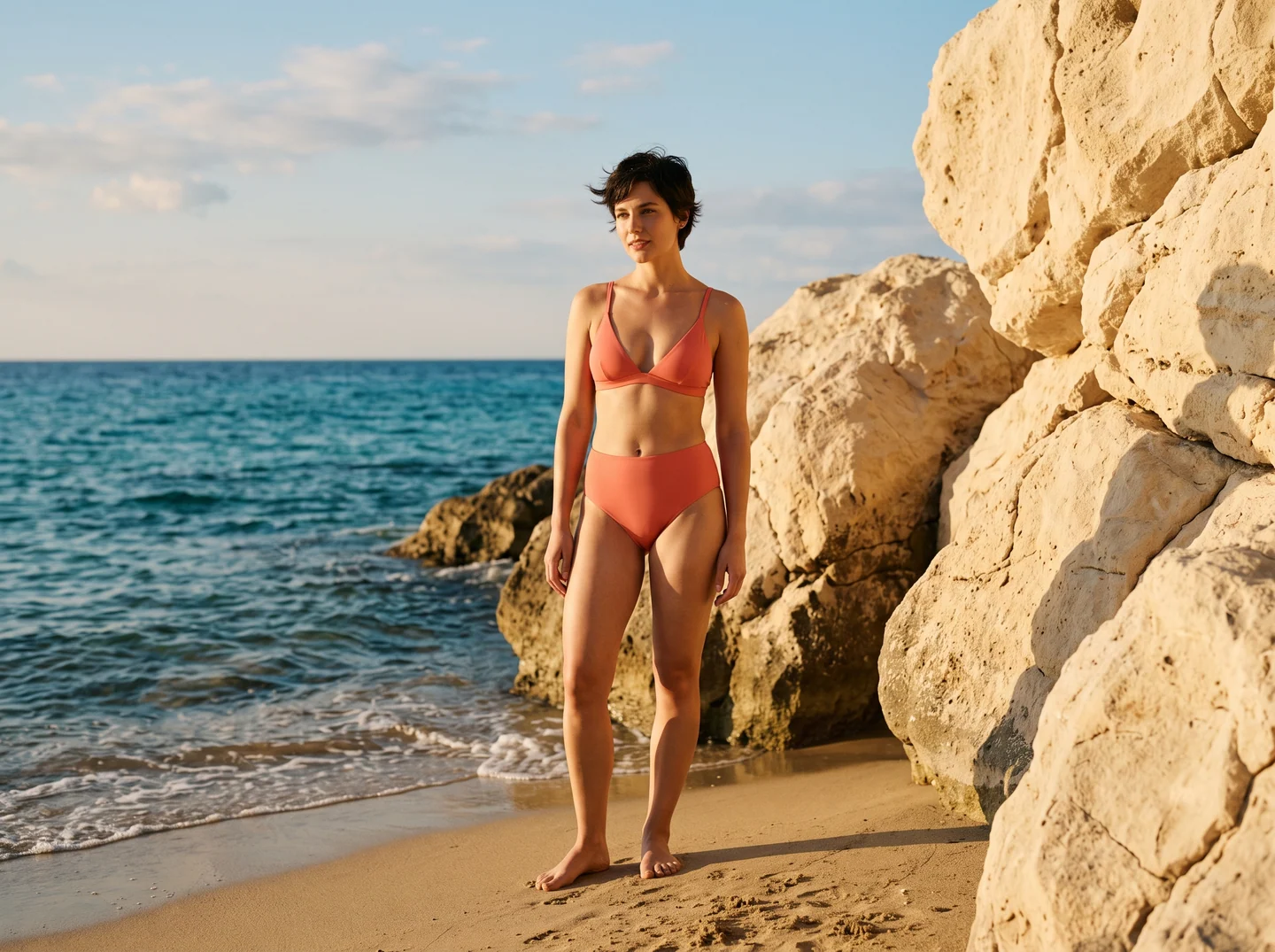
Do I need a character reference image?
No. A reference is optional. Add one when you want to guide a character’s face, hairstyle, or outfit direction; otherwise, the prompt can carry the whole idea.
Can I use or edit the example prompts?
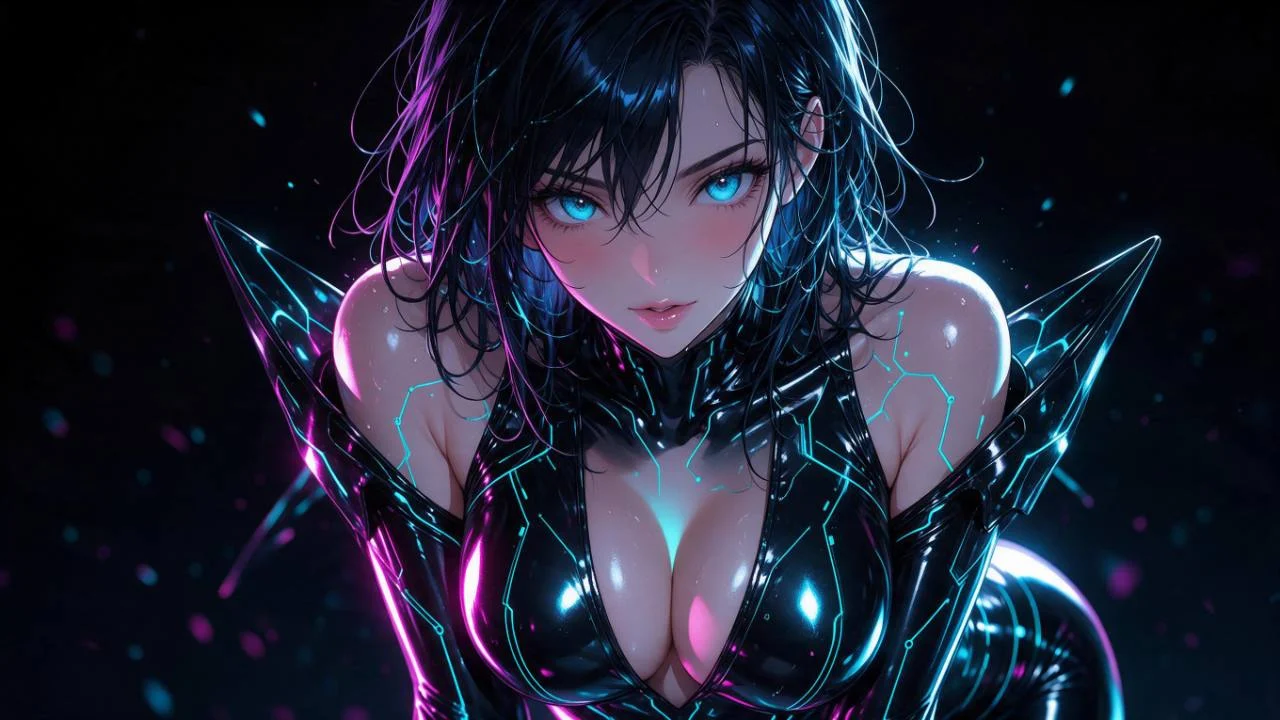
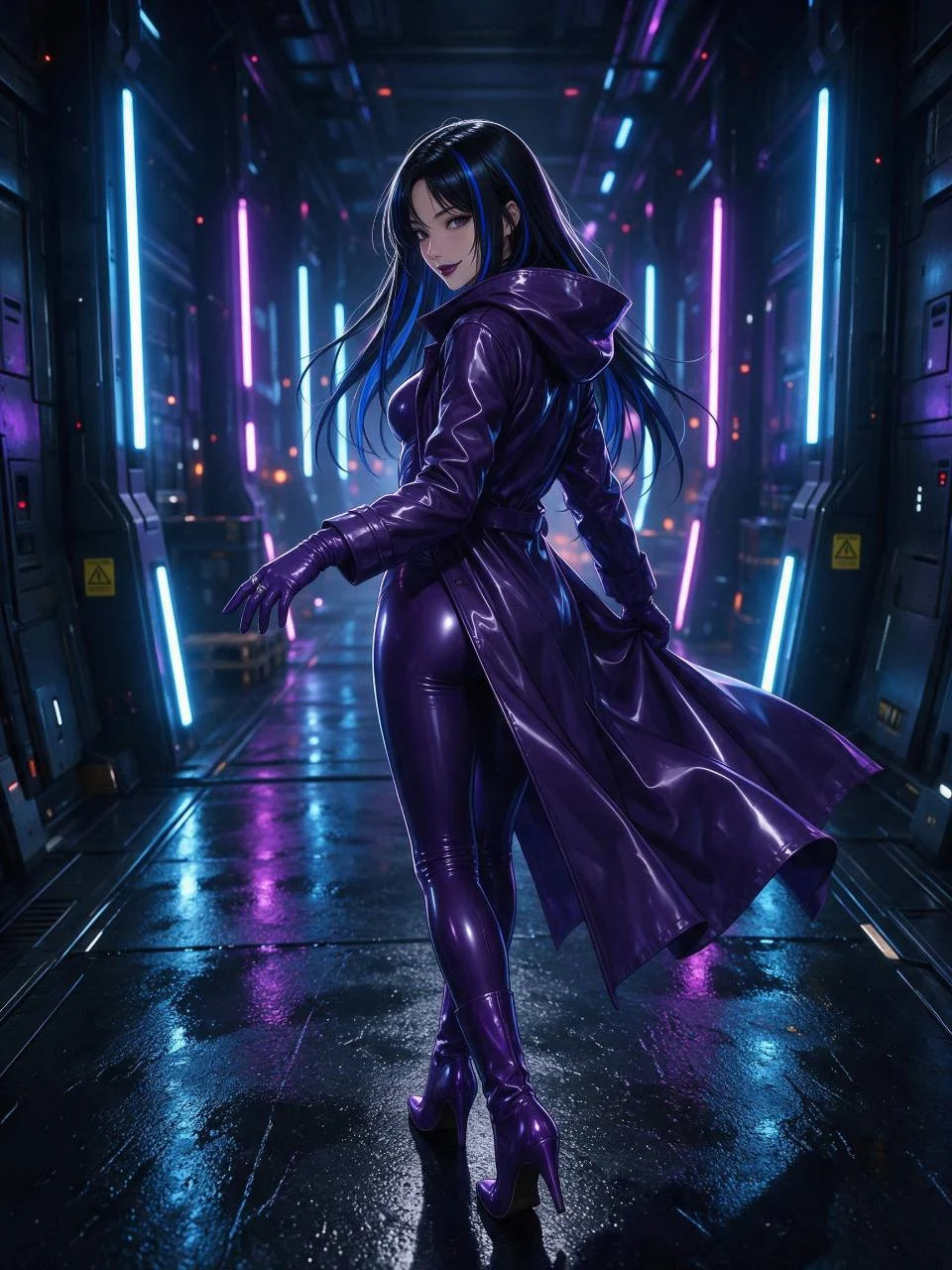
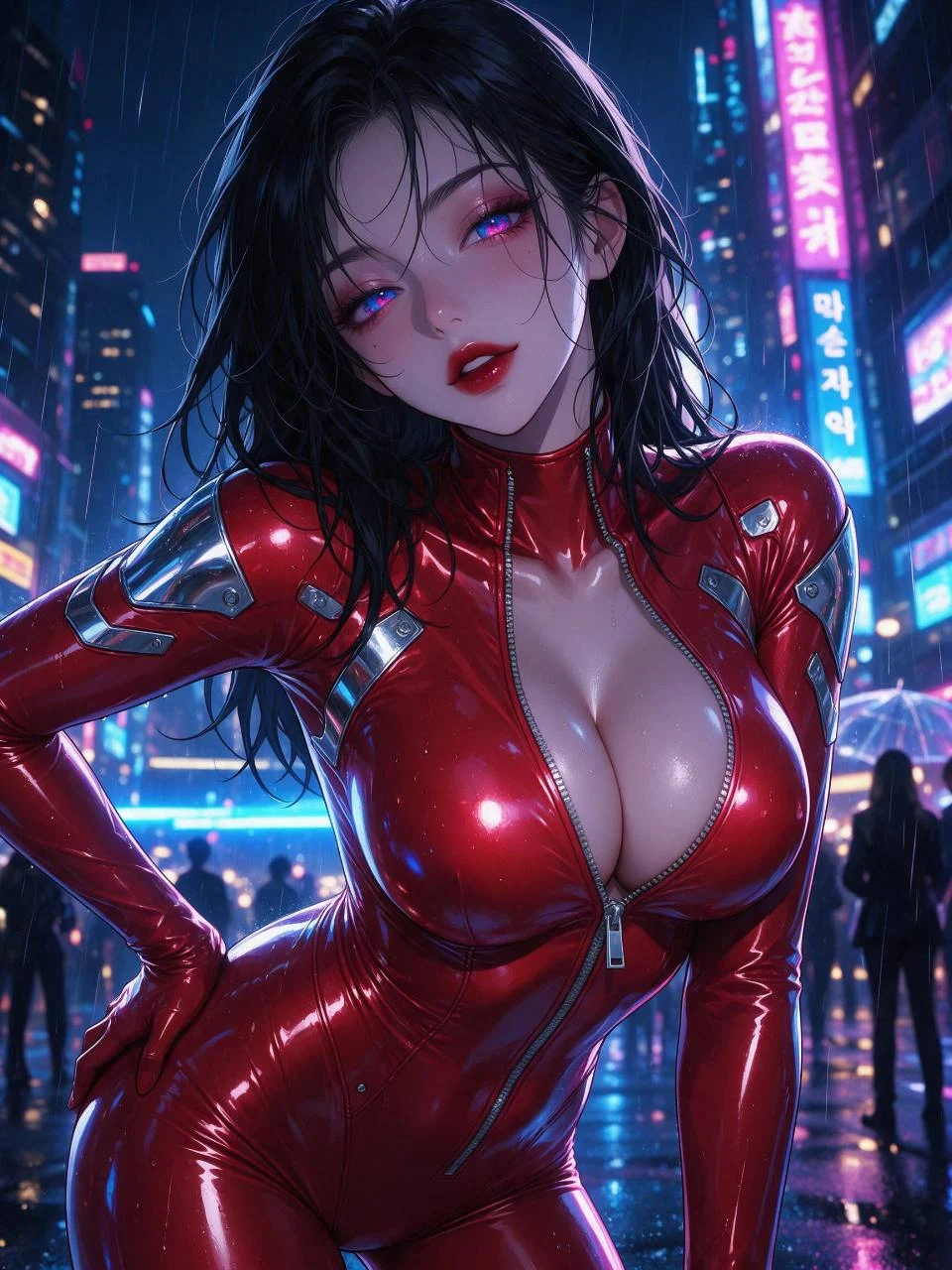
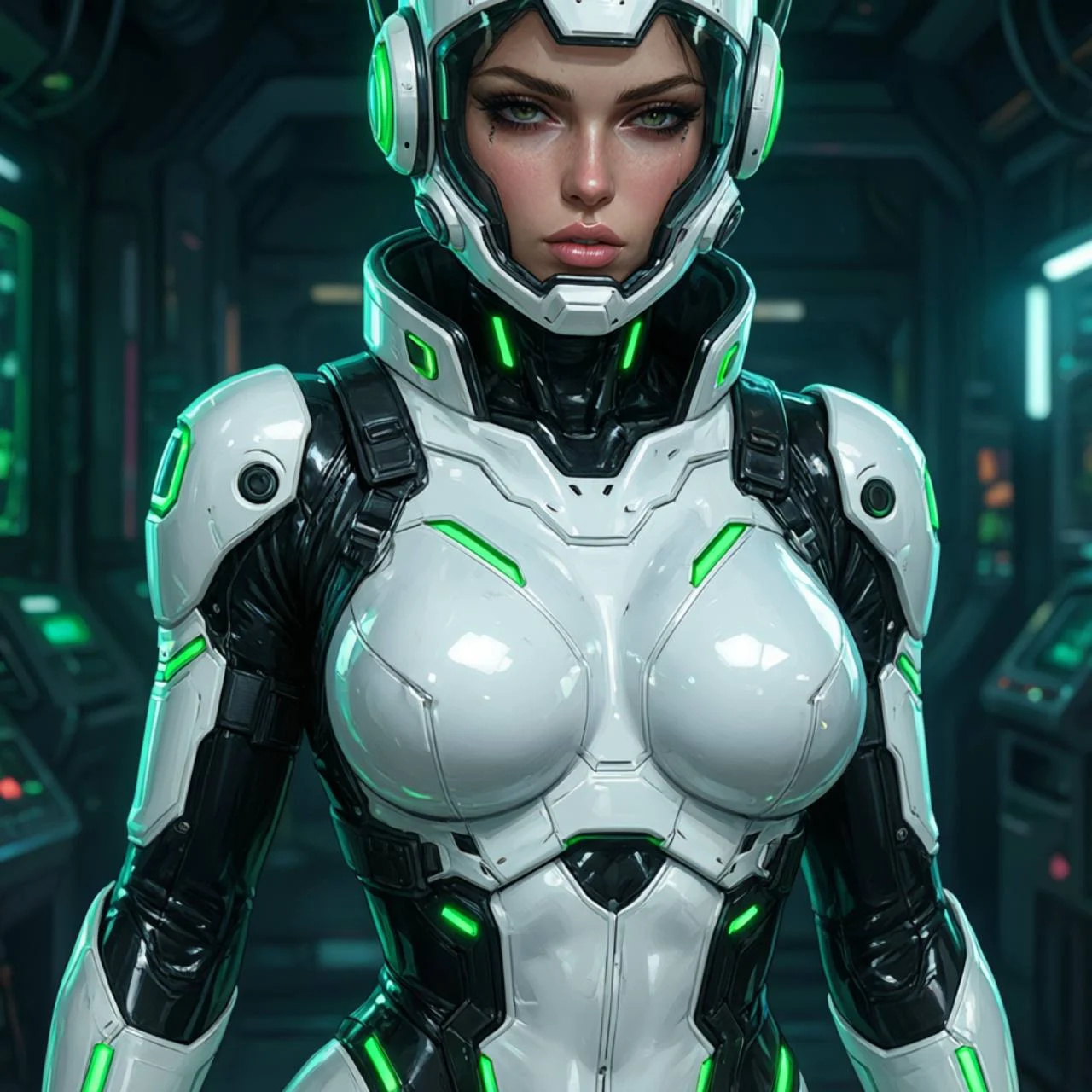
Yes. Open View prompt to read an example, then use it as a starting point. You can edit the wording before creating.
Can I write my own prompt?
Yes. Describe the character, suit material, color, pose, setting, lighting, camera distance, and framing in your own words.
Can I create different characters and latex suit designs?
Yes. Change the character, suit color, finish, panels, accessories, neon palette, and environment to explore a new design direction.
Can I create both close-up and full-body artwork?
Yes. Specify close-up portrait, upper body, three-quarter view, or full-body framing in the prompt. The result can vary with the model and composition.
Will my result look exactly like the example?
No exact match is guaranteed. The examples show prompt directions and visual possibilities; your character, composition, details, and lighting may differ.
What happens after I click Create?
Your prompt and optional reference are carried into SugarCube Studio, where generation starts automatically. Sign in there if the workspace asks you to.