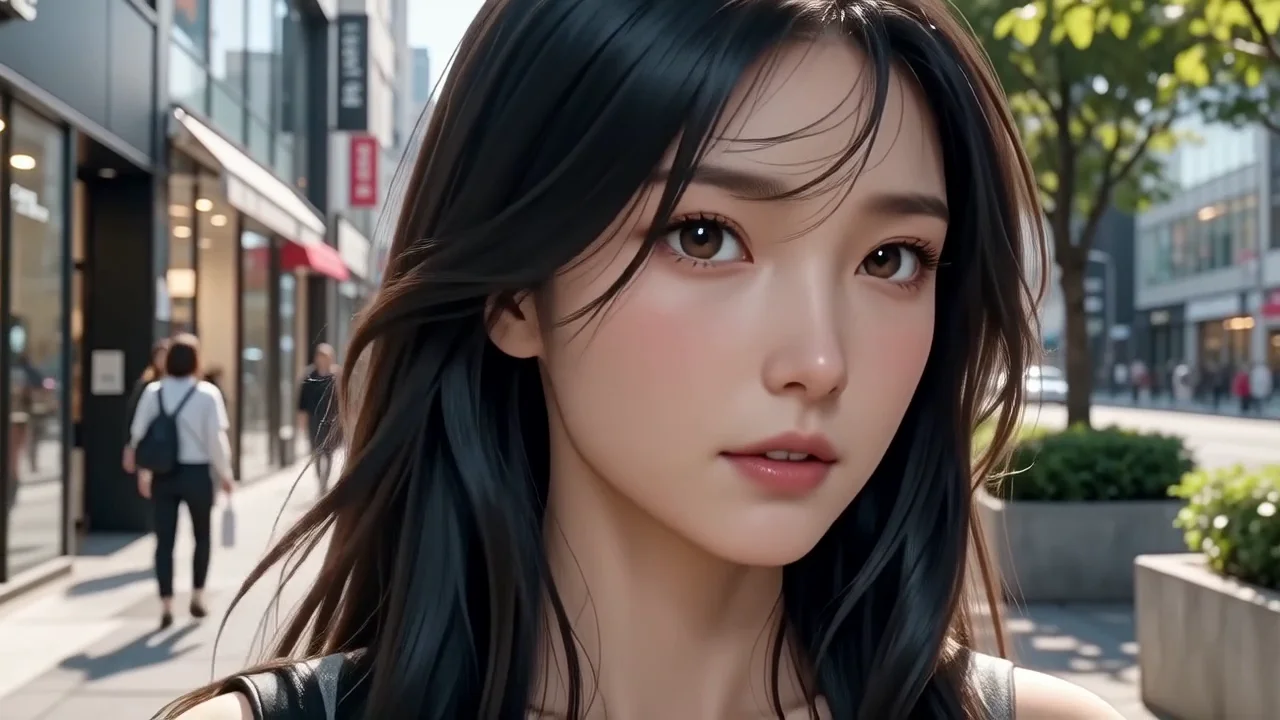
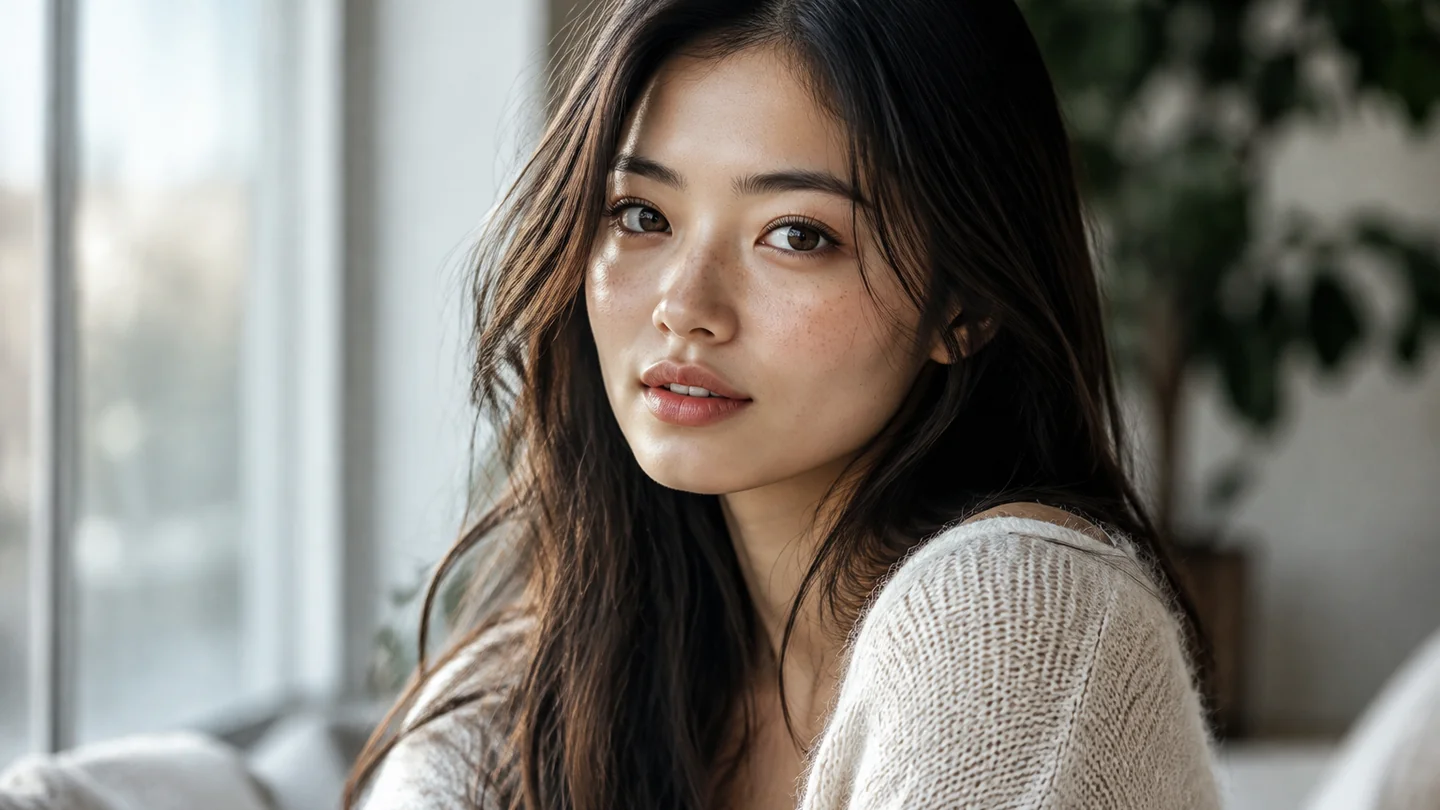
Test bikini cuts & colors on your photo
Compare classic black, triangle, bandeau, or metallic swimwear directly on your own portrait before committing to a style.
Create my summer lookUpload a photo, pick from 12 bikini and one-piece presets, and preview summer swimwear styles in seconds—or turn your look into a short clip in Studio.
Your photo will appear here. You can then animate it into a video.
Loading older results…
Upload one clear photo of a consenting adult. Use a photo that gives the swimsuit style a useful view of the person and setting.
Choose the swimsuit preset you want to try. Photo mode applies that preset to your uploaded reference.
Generate and check the person, swimsuit coverage and background before saving. A fashion clip can follow as a separate Studio task with its own settings and cost.
Compare classic black, triangle, bandeau, or metallic swimwear directly on your own portrait before committing to a style.
Create my summer look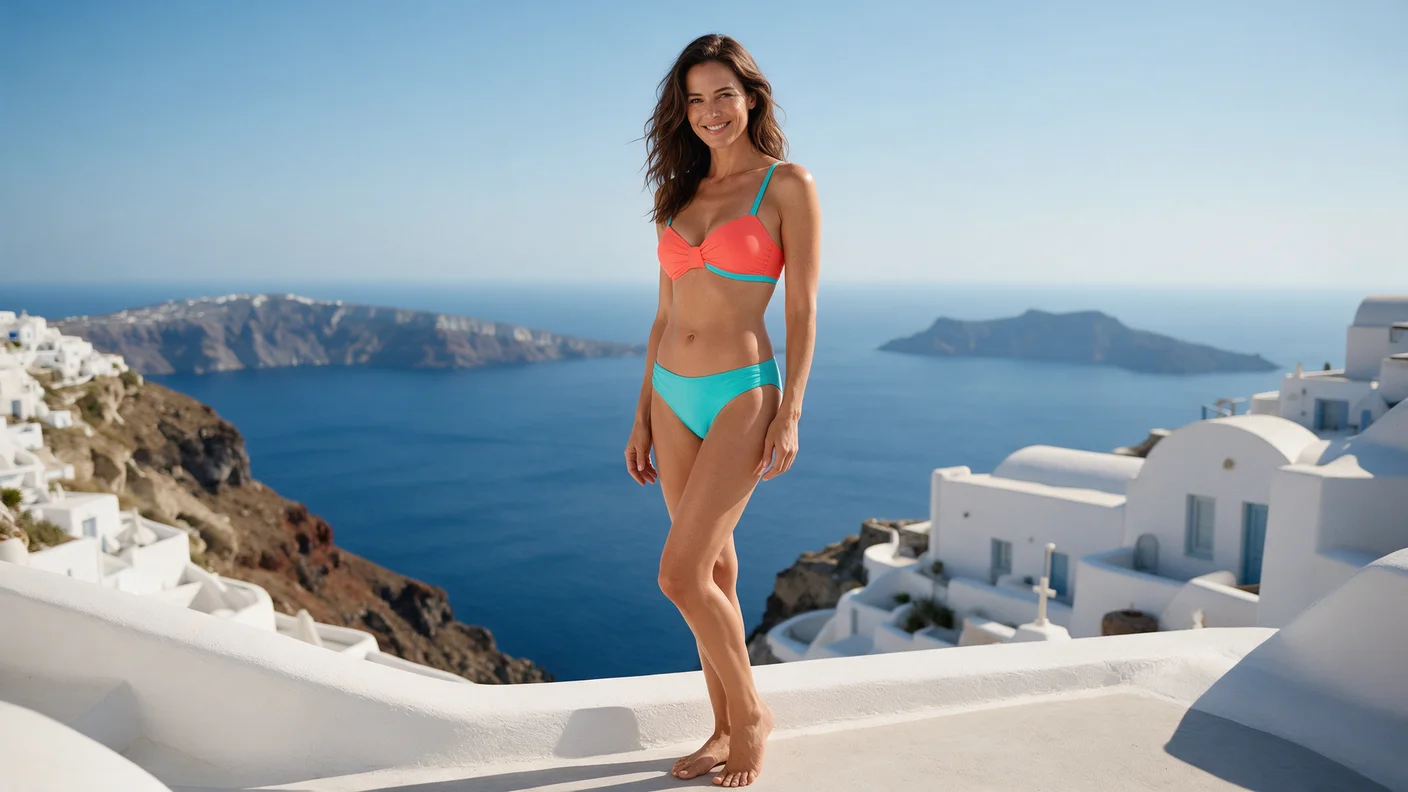
Preview one-piece vs. two-piece styles to match your resort vibe, sunhat, and accessories before packing.
Create my summer look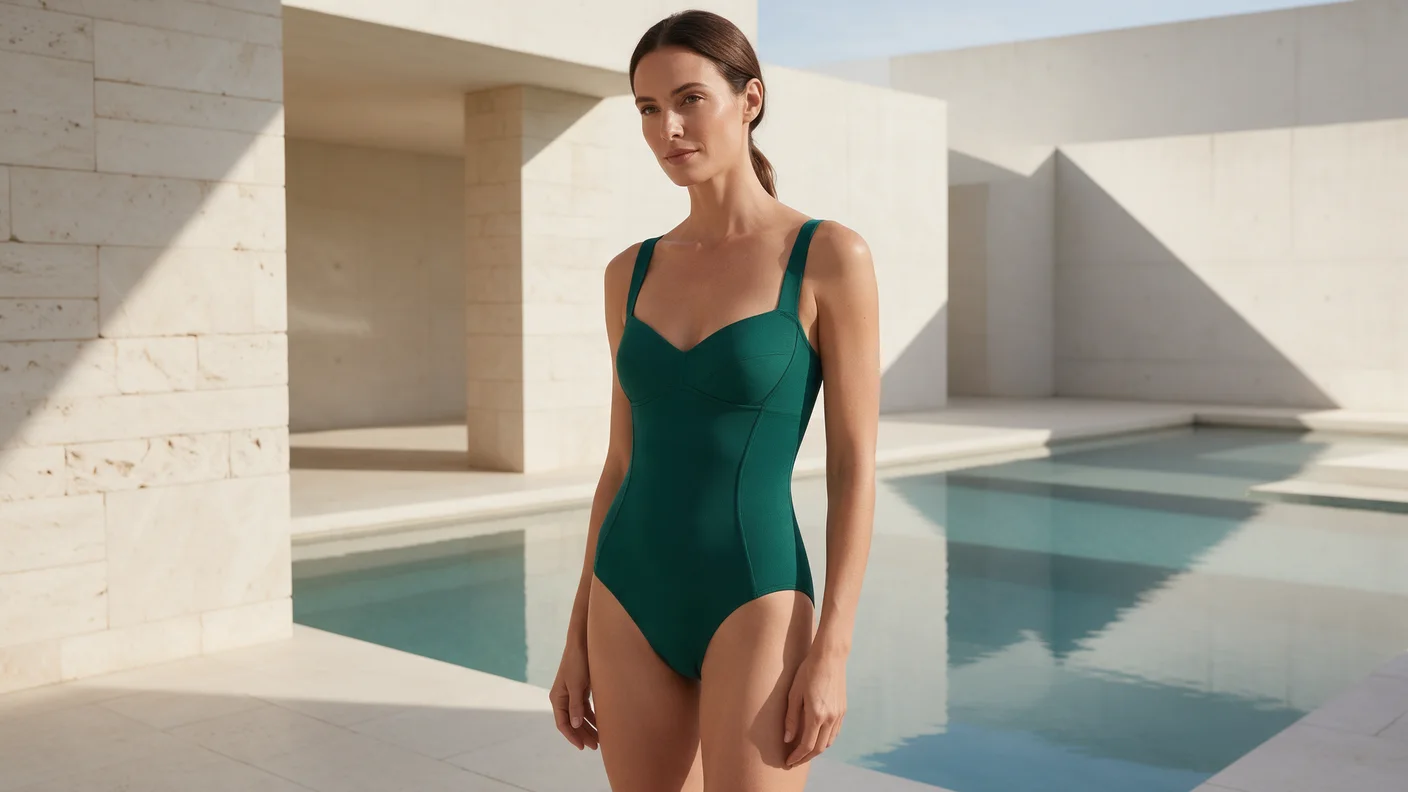
Rapidly test resort, editorial, or vibrant summer color palettes on model portraits for shoot planning.
Create my summer look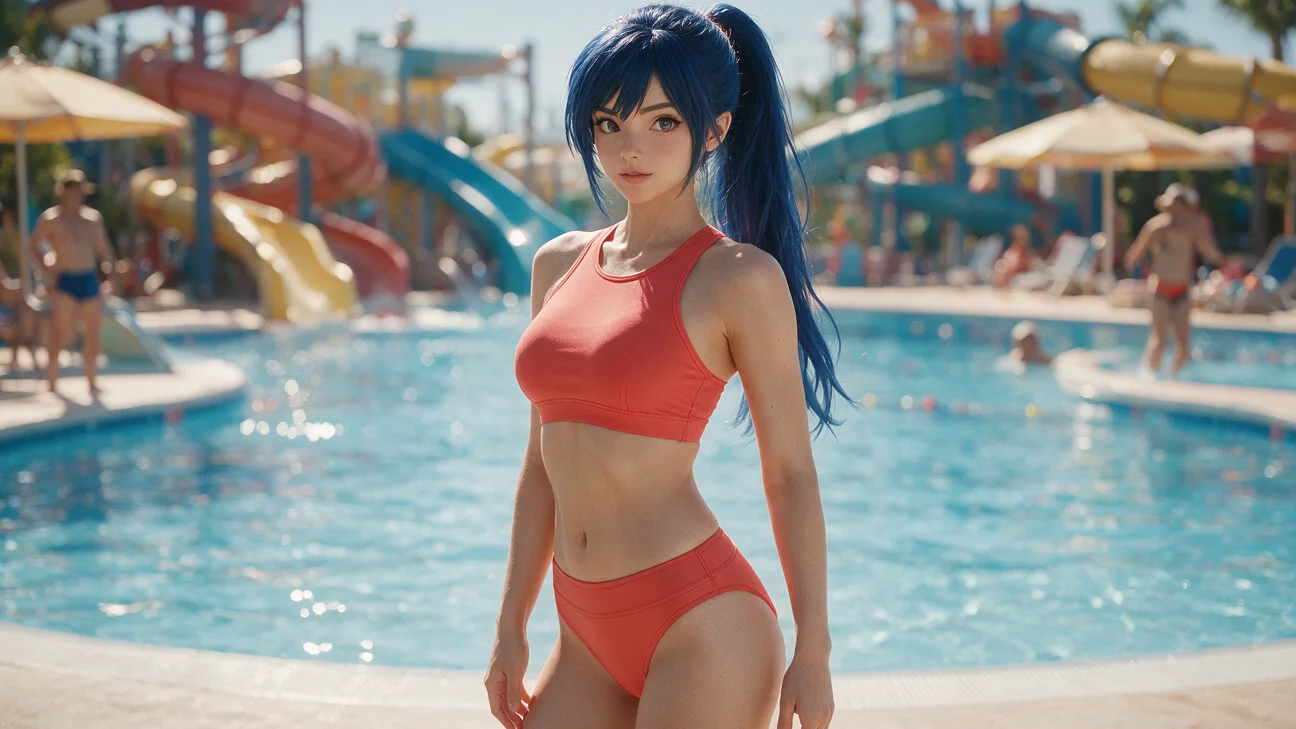
Once you pick a favorite swimwear image, turn it into a short fashion reel for social posts.
Create my summer lookSwipe to explore related tools
Photo requirements, swimsuit styling and separate video tasks.
Use a reference portrait to explore a swimsuit styling image while asking the model to keep the original setting. Check the person, clothing coverage and background in the result; a fashion video requires a separate Studio task.
Upload one clear photo of a consenting adult, choose a swimsuit preset and generate your image here. Check the person, swimsuit and setting before saving. To create motion, prepare a separate video task in Studio and review its settings and credit cost.
Upload one JPG, PNG or WebP photo up to 32 MiB. This page’s dedicated Sugarcube X Image preset accepts one reference image; the model’s larger reference allowance in other tools does not apply here.
Each bikini photo on this page uses Sugarcube X Image and costs a fixed 40 credits, including for subscribers. A video created later in Studio is a separate task with its own credit cost.
The source photo and styling prompt are processed in the cloud to generate the swimsuit image. Check the resulting person and background before using it as the input for a separate Studio video.
The result area provides a preview and Download action when processing finishes.
Upload a photo, select a bikini or one-piece preset, and generate your summer portrait in seconds.
Create my summer look