Explore a skincare campaign

Arrange a fictional sage-green lotion bottle with a clear focal point and room for campaign copy. Compare packaging and light direction, then check the label and product details against the final brief.
Move from prompt or authorized references to polished product, editorial, and campaign drafts with a production-friendly balance of quality, speed, and cost.
Write the subject, setting and important details. Add references when useful.
Check the model, ratio, quality and credit cost. Generate carries your brief to Studio; sign in if asked.
Follow progress in Studio. Check text and details, then download.
Arrange a fictional sage-green lotion bottle with a clear focal point and room for campaign copy. Compare packaging and light direction, then check the label and product details against the final brief.
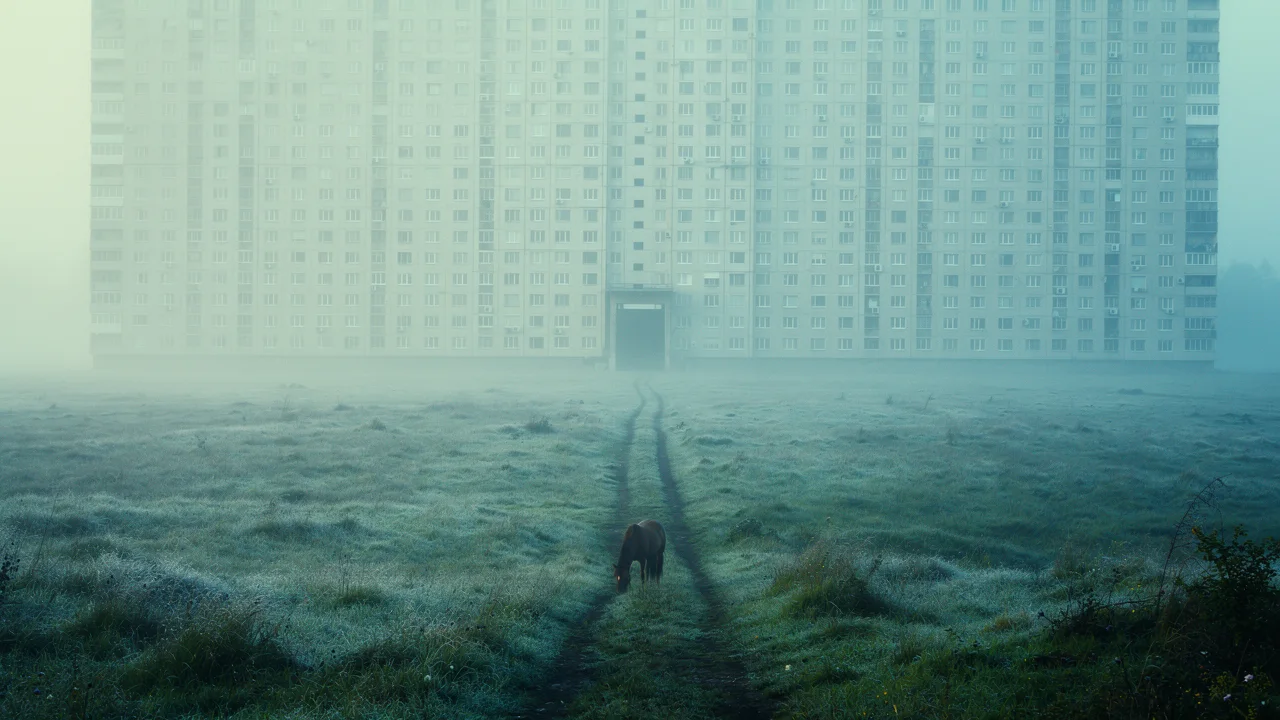
Describe an immense apartment wall above a quiet meadow, with a tiny horse to establish scale. The contrast supports an architectural or world-building discussion; it is not a feasible-building assessment.
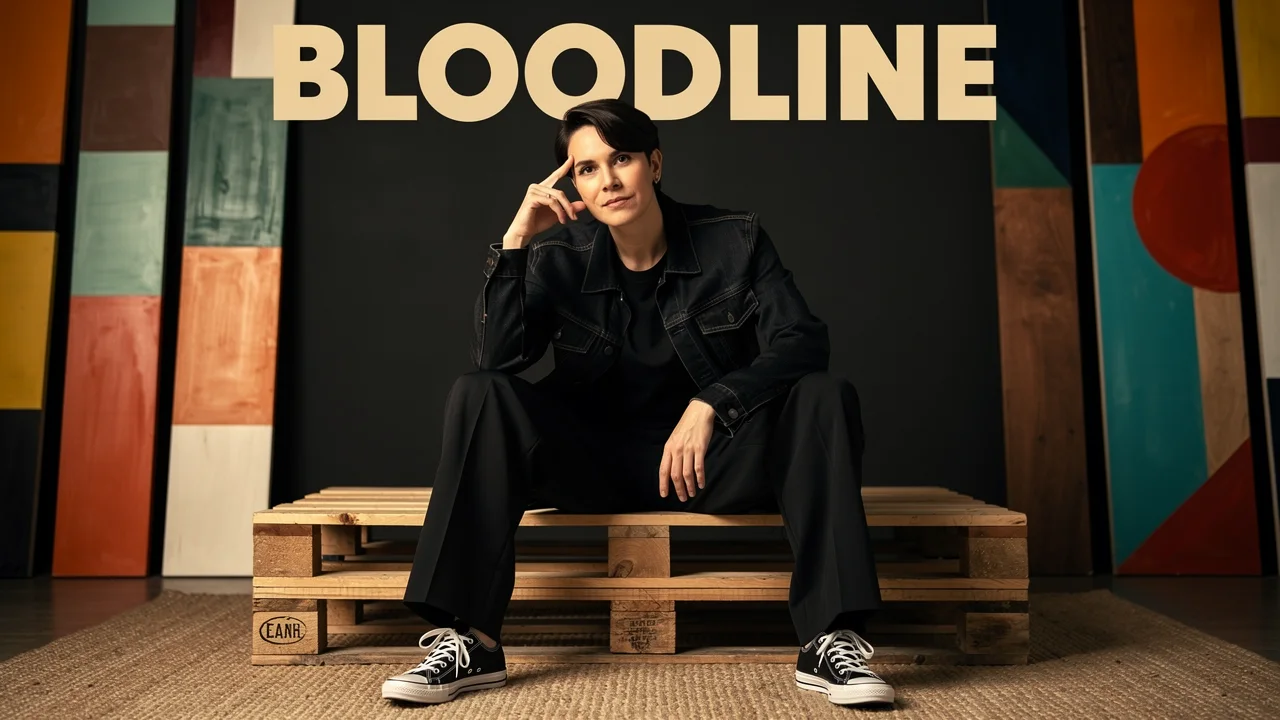
Set an adult model in a monochrome outfit inside a creative studio, leaving space for a masthead and cover lines. Compare pose, crop and editorial mood before laying out approved text.
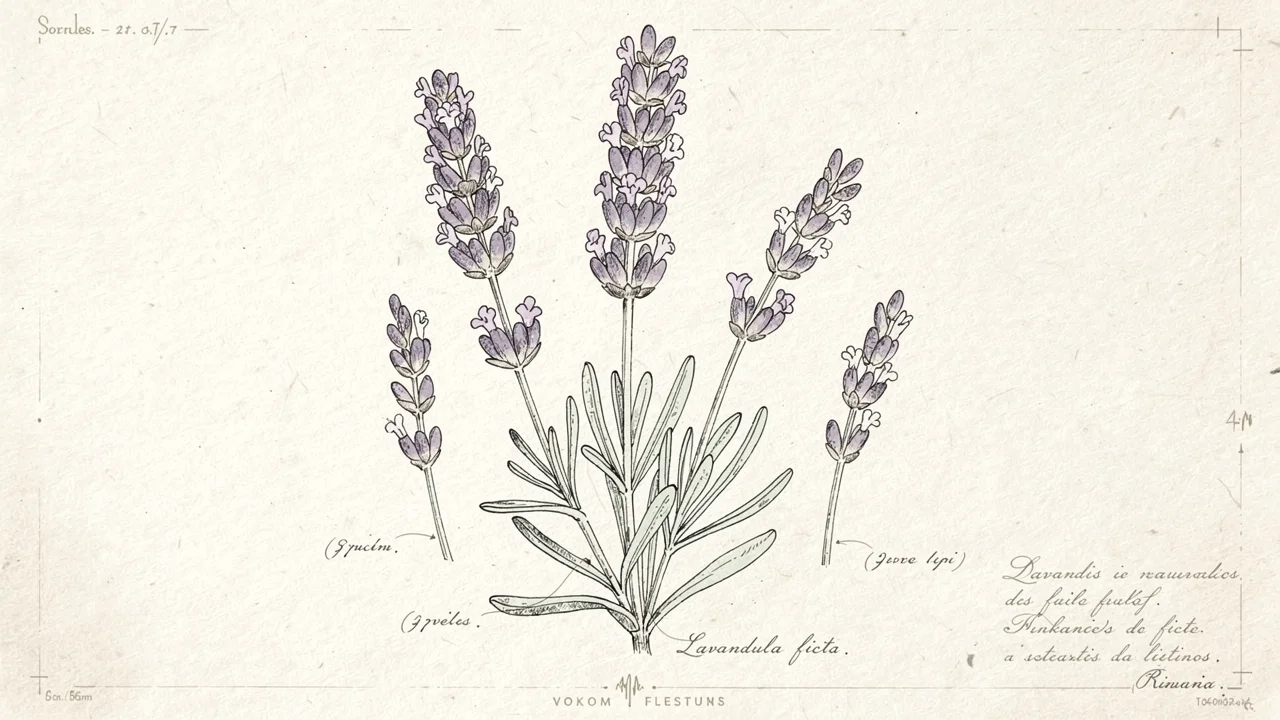
Describe lavender with fine ink outlines, pencil shading and textured paper. Use the image for a garden notebook or stationery concept; verify plant details if it will serve an educational purpose.
Swipe to explore related tools
Inputs, supported controls, credit cost, privacy, and review responsibilities—before you start.
It is suited to product visualization, editorial imagery, campaign variations, spatial concepts, and other iterative work that benefits from a practical balance of output quality, speed, and cost.
Yes. A prompt uses text-to-image, while adding one or more authorized references uses image-to-image. SugarCube selects the correct provider endpoint automatically.
The current integration accepts up to 8 JPG, PNG, or WebP references. There is no added per-reference credit surcharge, but you must have permission to process every upload.
FLUX.2 Pro supports 1K and 2K output with 1:1, 4:3, 3:4, 16:9, 9:16, 3:2, and 2:3 controls in SugarCube.
The current price is 40 credits for 1K and 60 credits for 2K. The exact amount is visible before you generate, and failed generations are refunded automatically.
Creation continues in SugarCube Studio, where completed generations are available to the authenticated owner for further refinement.
No. Automated safety checks and model controls reduce some risks, but you remain responsible for source rights and final review of identity, text, claims, accuracy, and suitability.
Return to the generator, describe your idea and check the available settings before continuing in Studio.
Back to generator