Style a furniture presentation
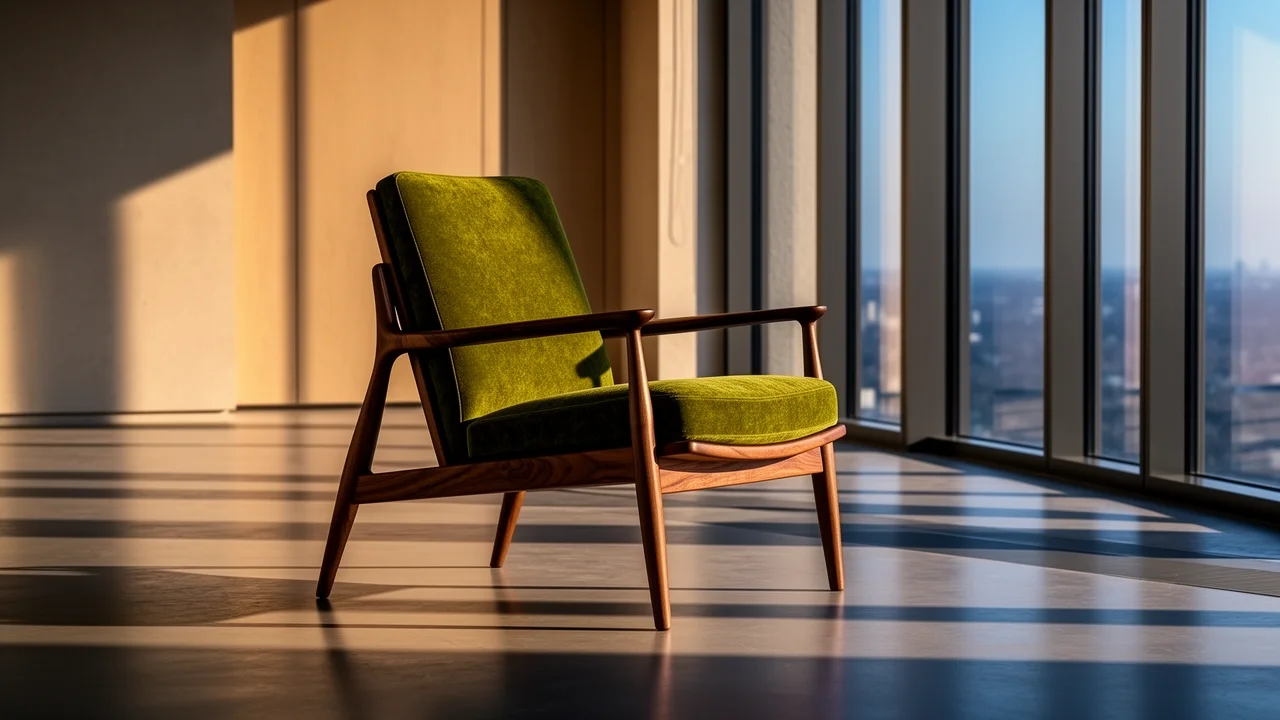
Place a walnut lounge chair in afternoon light and specify the upholstery, floor and camera angle. Use the scene to compare styling directions before matching the materials to the actual product.
Prepare expressive campaign, layout, and material studies from text or authorized references, choose 1K or 2K, then continue in SugarCube Studio.
Write the subject, setting and important details. Add references when useful.
Check the model, ratio, quality and credit cost. Generate carries your brief to Studio; sign in if asked.
Follow progress in Studio. Check text and details, then download.
Place a walnut lounge chair in afternoon light and specify the upholstery, floor and camera angle. Use the scene to compare styling directions before matching the materials to the actual product.
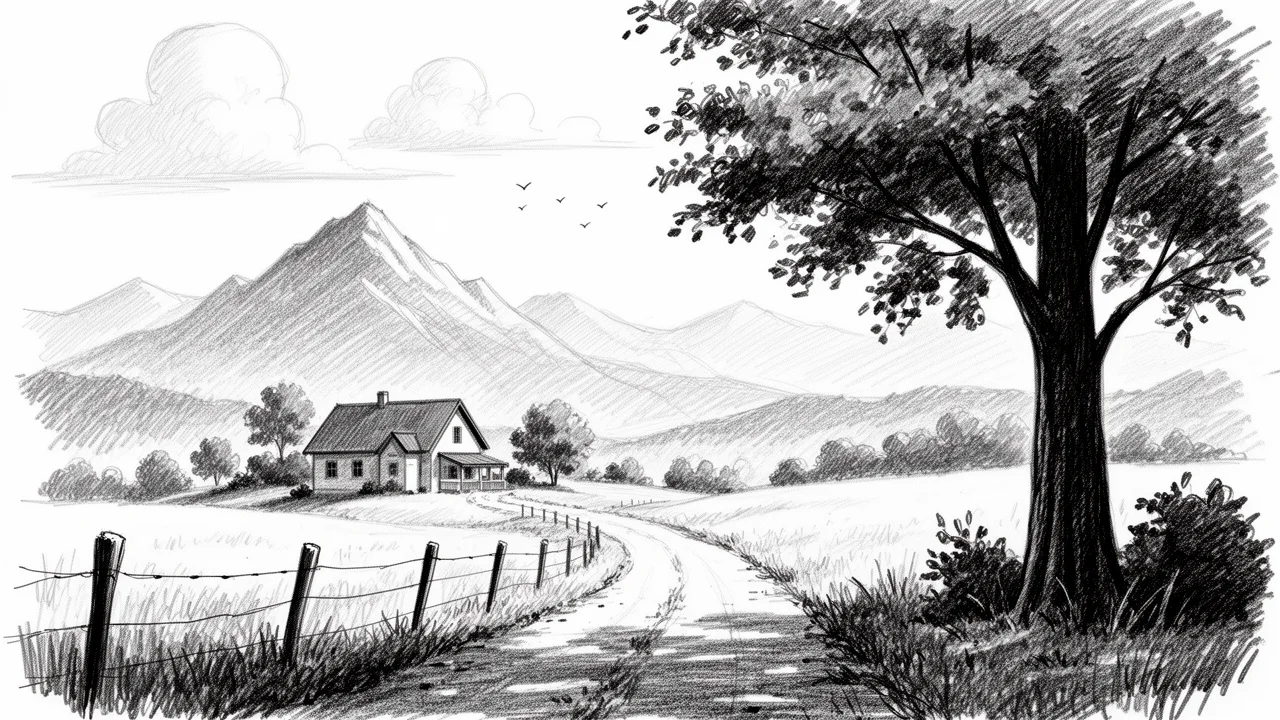
Describe a rural valley, a winding track and a large foreground tree in pencil. The sketch can support a walking journal or travel article without pretending to document a real route.
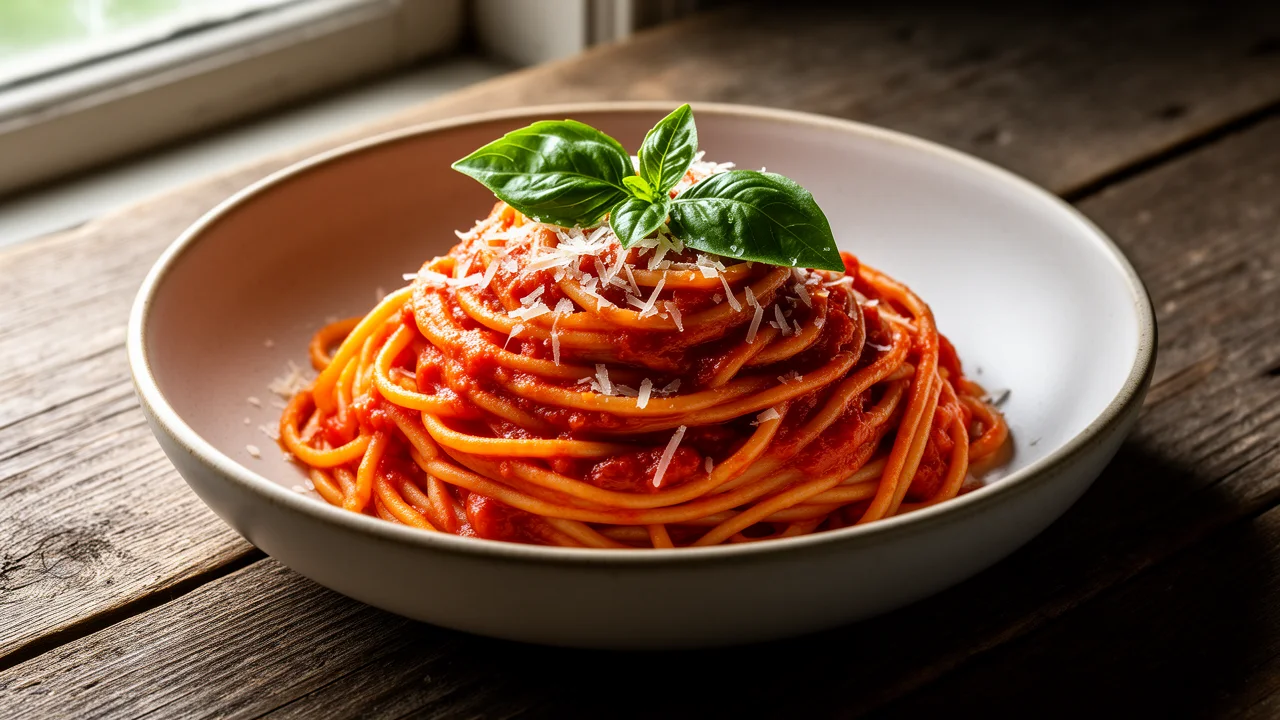
Describe roasted-tomato pasta, basil and a rustic table with side-window light. Explore plating and composition for a recipe article, then check that the pictured ingredients match the recipe.
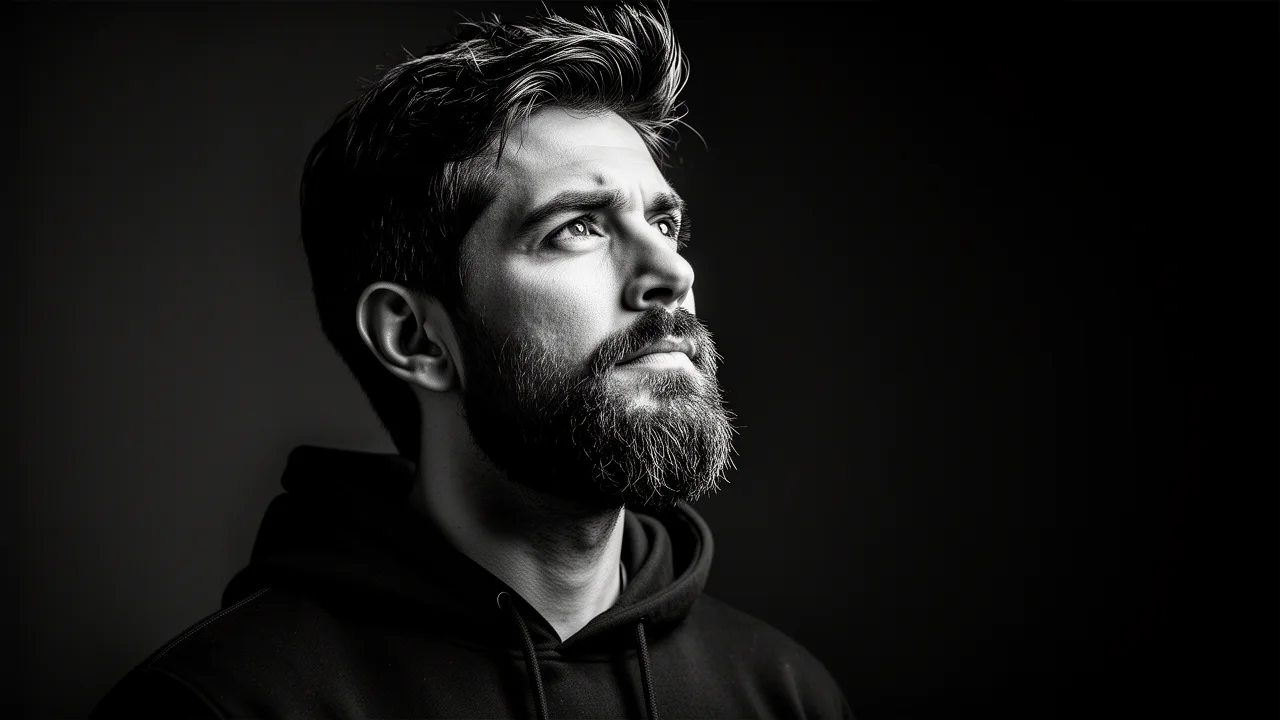
Describe an adult subject in three-quarter profile, with one-sided studio light and a dark backdrop. Explore expression and shadow for an editorial portrait without needing a detailed location brief.
Swipe to explore related tools
Inputs, supported controls, credit cost, privacy, and review responsibilities—before you start.
It is a useful option for campaign concepts, typography-led layouts, material studies, controlled palettes, and other images where small visual details need explicit direction.
Yes. Prepare a prompt here for text-to-image, or add authorized references for image-to-image, then continue into SugarCube Studio to create or refine the image.
You can add up to 8 JPG, PNG, or WebP references. SugarCube prepares each file before submission; upload only material you have the right to process.
The current integration offers 1K and 2K output in 1:1, 4:3, 3:4, 16:9, 9:16, 3:2, and 2:3. Your selection is recorded with the generation task.
The current price is 110 credits for 1K and 190 credits for 2K, with no added per-reference surcharge. The workspace shows the exact cost before submission; failed generations are refunded automatically.
No. FLUX.2 Flex can follow typography direction, but generated spelling, labels, logos, claims, and legal text always require final human review.
References remain local while you prepare your inputs. Clicking Create opens SugarCube Studio and starts processing automatically once your inputs are ready and you are signed in. Completed images are available to their authenticated owner. Automated safety filtering reduces risk but cannot replace your own rights and content review.
Return to the generator, describe your idea and check the available settings before continuing in Studio.
Back to generator