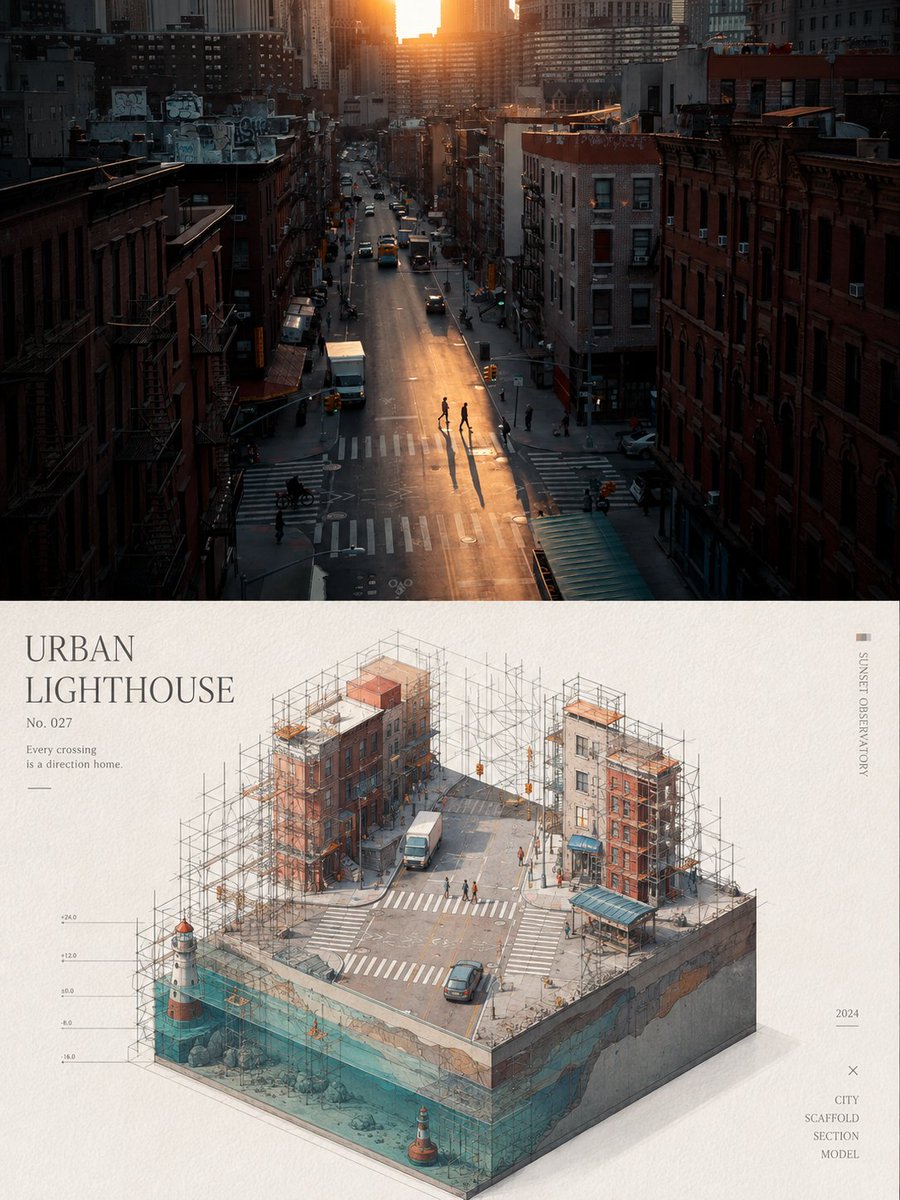
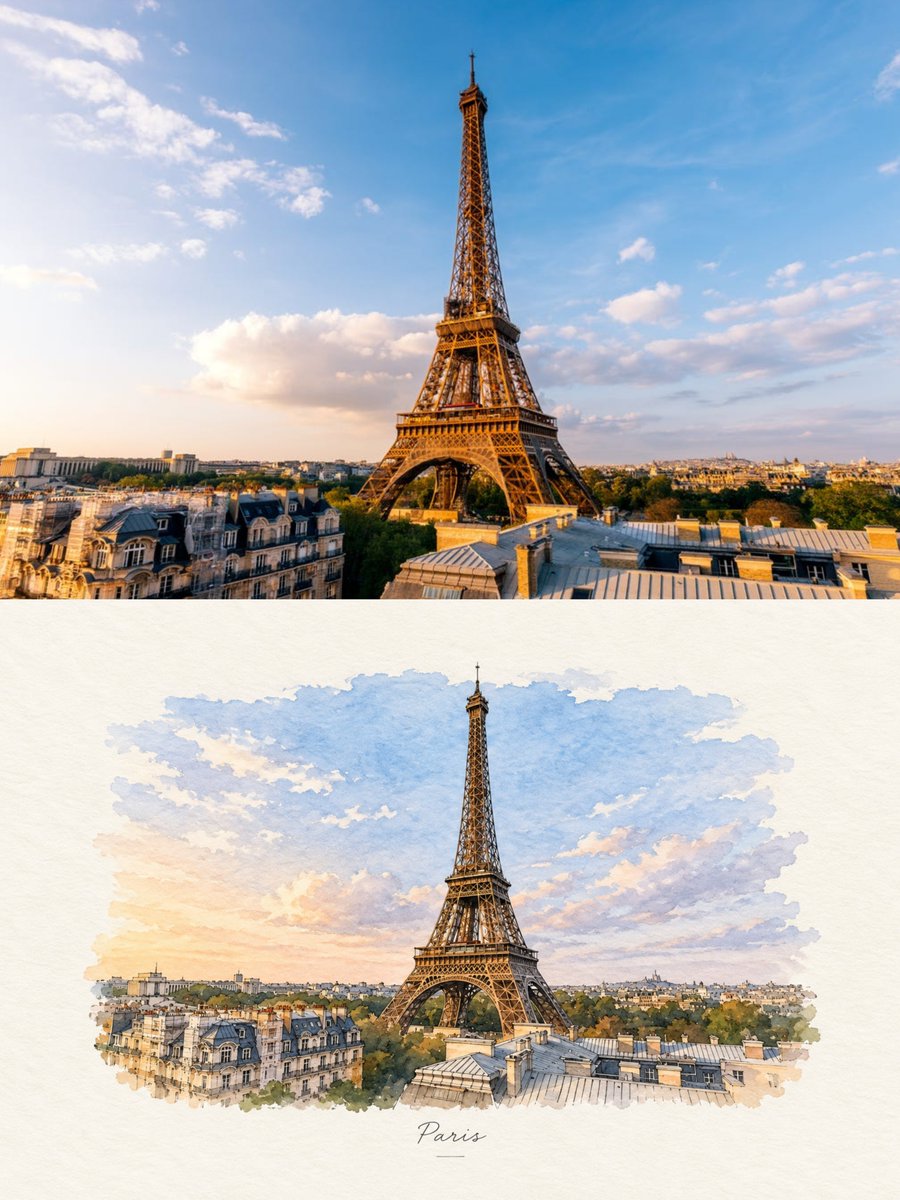
Prepare your own product visual
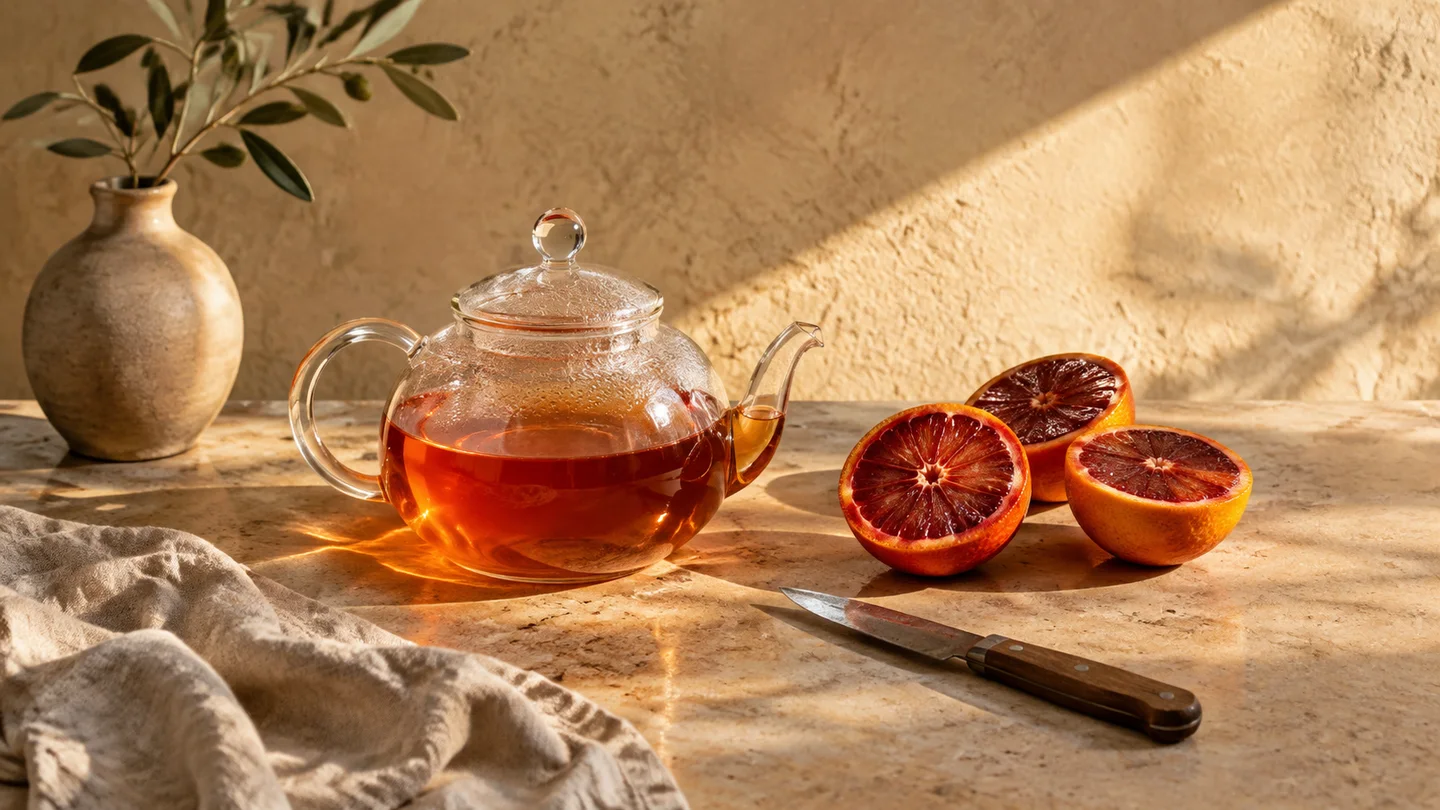
Process a supported visible corner mark on an image you may edit. Check object edges and small details before adding the visual to a product presentation.
Reverse Alpha-Blend algorithm · 100% in-browser processing · Free · Lightning fast · Lossless quality
Choose the original image with its lower-right corner intact. Cropped or resized marks may not be detected.
Click to select or drag & drop image here
Local processing · No upload · JPG, PNG or WebP · Up to 20 MB each
Or paste with Ctrl+VCompare the lower-right corner for residue or changed detail, then download the PNG.
Choose an image you may edit with the supported Gemini corner mark.
Compare the local preview; this removes only the supported visible mark.
Check the corner for residue or damage, then download.


Controlled test: we added the worker’s known 48-pixel mark to this illustration, 32 pixels from the lower-right edges. The real local worker detected it and produced this output in one pass. This is not a naturally watermarked original or proof of removal for arbitrary marks.
Process a supported visible corner mark on an image you may edit. Check object edges and small details before adding the visual to a product presentation.
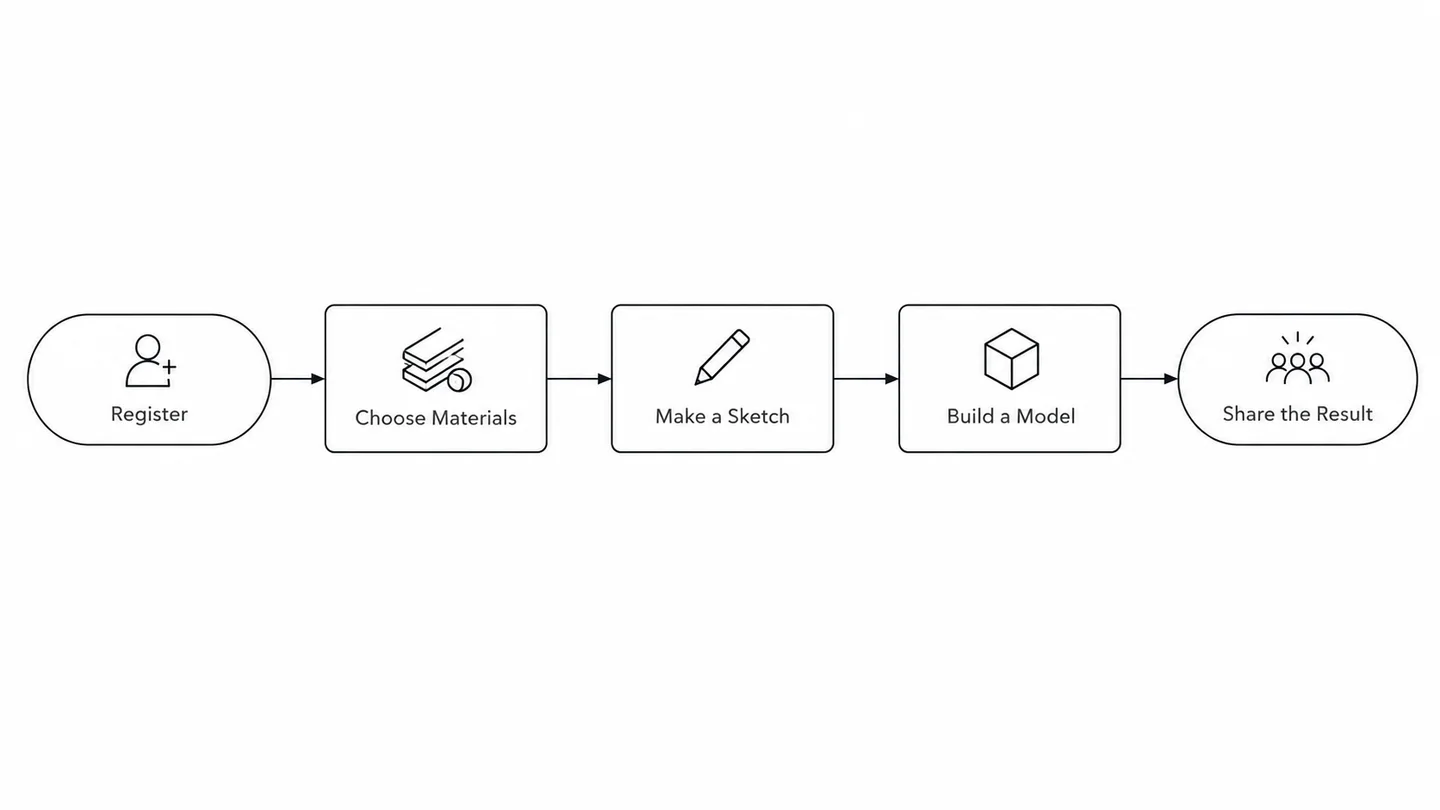
Process your own generated process diagram, then inspect the corner and recheck its steps and labels. Removing a mark does not verify the teaching content.

Review an authorized invitation image after local processing. Pay attention to decorative borders, names and dates near the affected corner before sharing.

Process the supported visible mark on a fashion concept you may edit. Inspect fabric edges and architectural lines near the corner before adding it to a mood board.
Swipe to explore related tools
Everything about the technology, privacy standards, and how it works.
Yes. Our tool is offered as a community utility. No hidden tiers, no "Pro" subscription, no credit card required. We believe high-quality AI tools should be open to every creator.
Your privacy is our top priority. We use a pure client-side approach — images are never uploaded to a server. All AI reconstruction happens locally in your browser. Data on your device stays on your device.
Not at all. Unlike simple blur tools, our AI uses generative inpainting to reconstruct missing pixels. It preserves the original resolution and metadata, giving lossless results fit for professional use.
This tool is intended for personal use and for creators who own — or have explicit permission to modify — the asset in question. We encourage users to comply with local copyright law and use AI responsibly.
Your file stays on this device. Return to the tool to choose it and review the result.
Choose a file