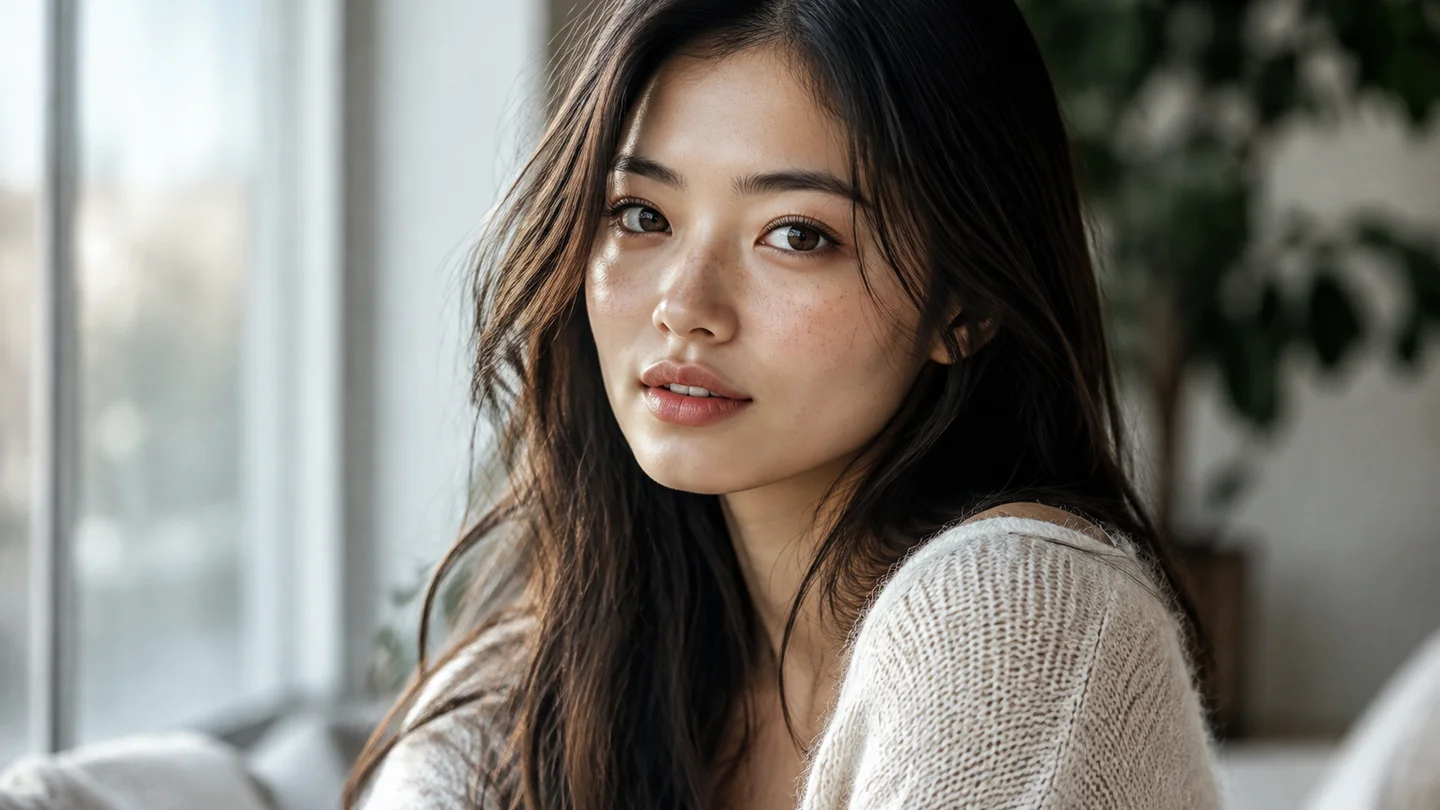
Explore another look from a familiar portrait
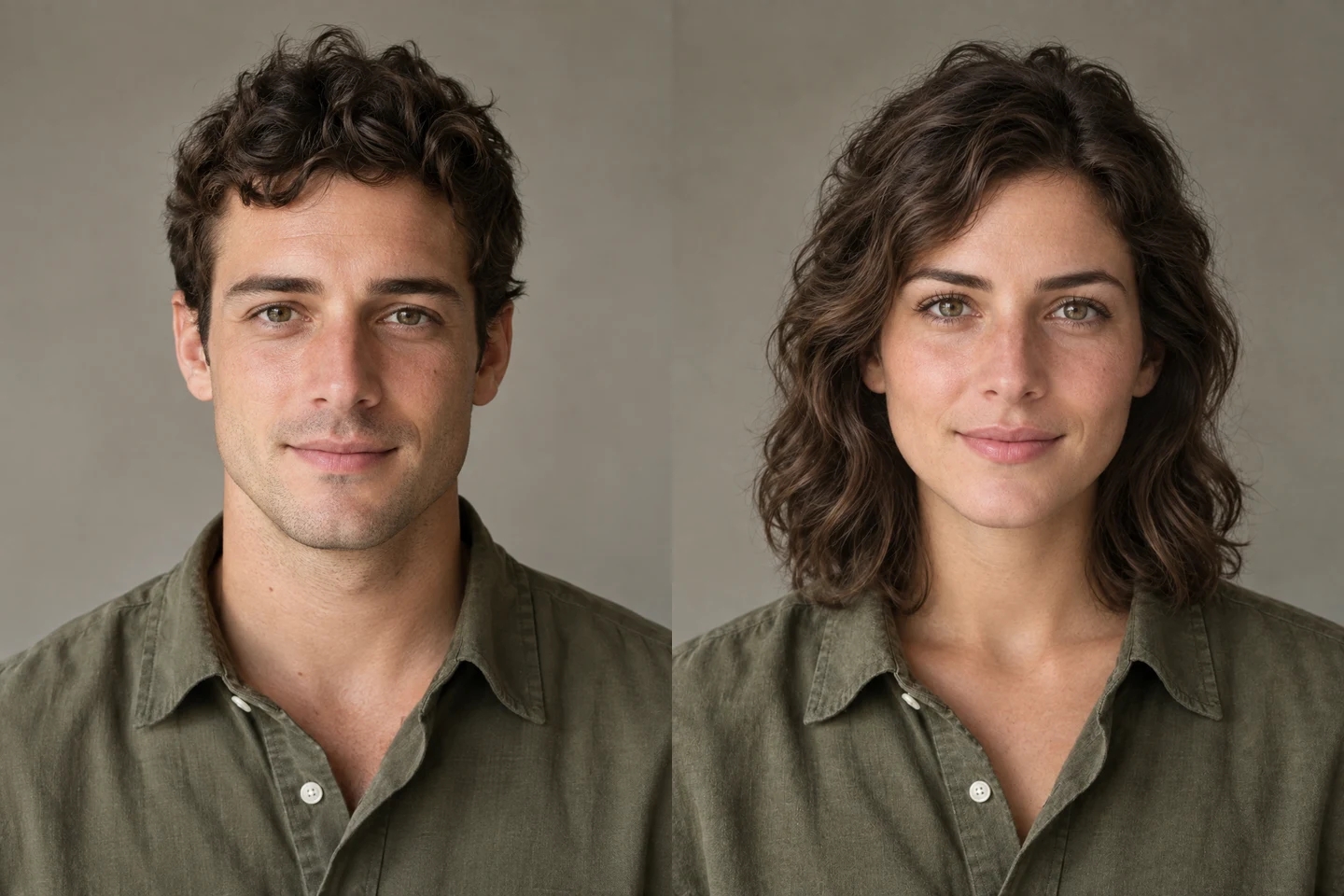
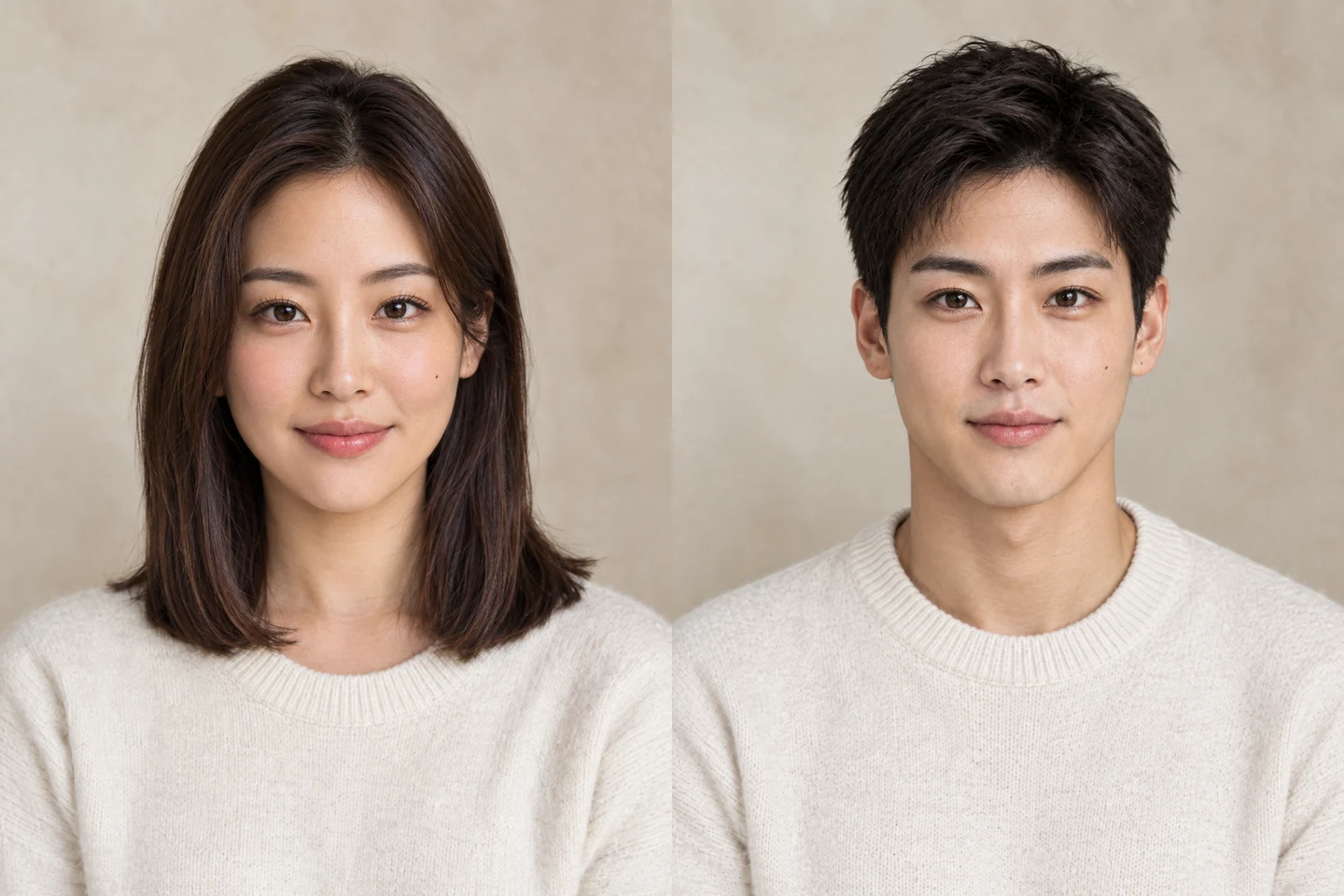
Curiosity often starts with a simple question: how would a different presentation feel? Explore a gender-swapped interpretation of your photo with a natural portrait direction.
Try your photoA FRESH PERSPECTIVE
Your photo. Another side of you. Upload a portrait and explore a feminine or masculine look.
Describe your idea, add a reference image if useful, and choose a model to create.
Your generated portrait will appear here.
Loading older results…
One person, a clear face, good light. That is all you need to start.
Feminine or masculine. Keep the default, or add a small detail of your own.
Generate, look closely, and save the version you like.
Curiosity often starts with a simple question: how would a different presentation feel? Explore a gender-swapped interpretation of your photo with a natural portrait direction.
Try your photo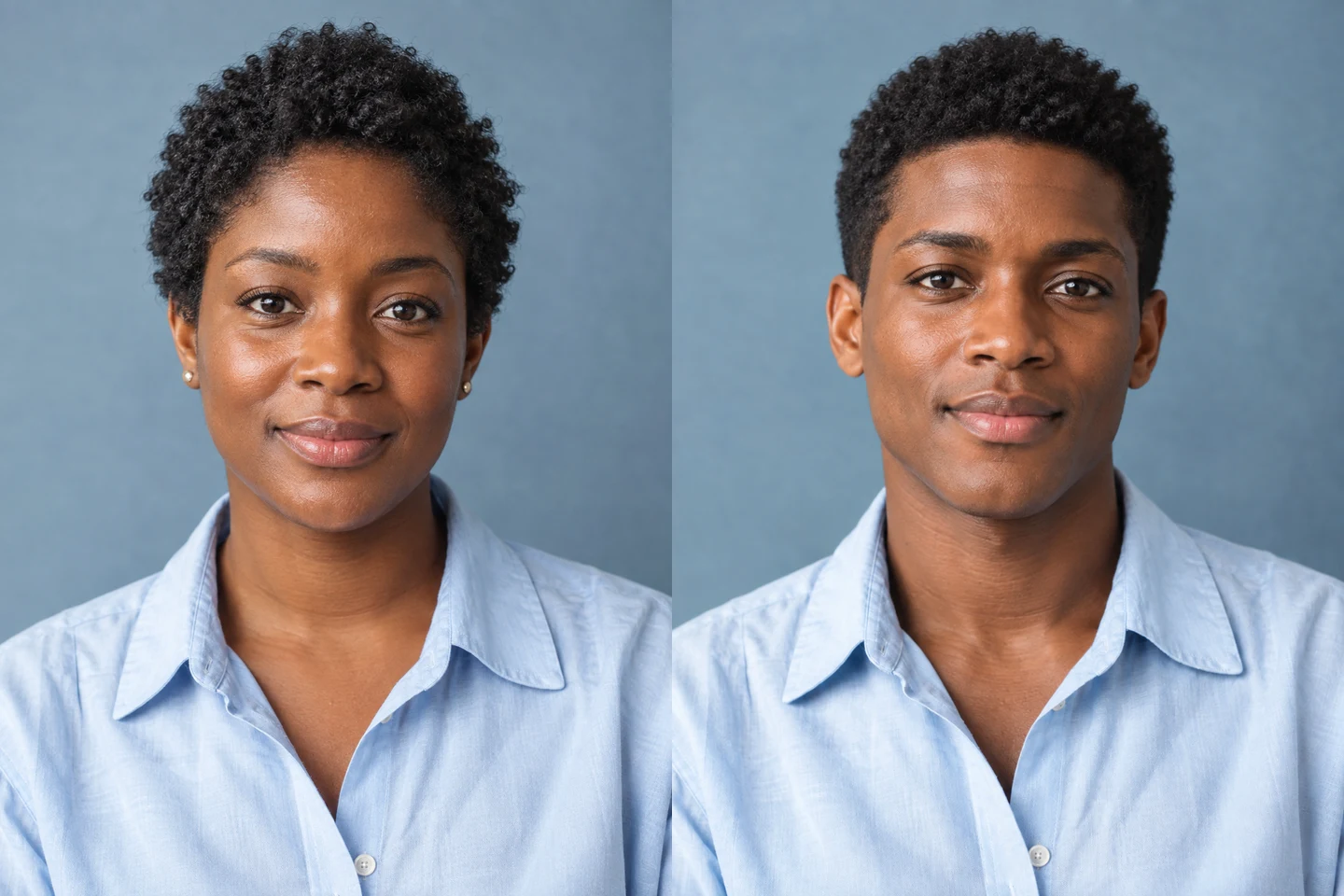
Imagining a different look can be harder than seeing a visual interpretation. Use a clear portrait to explore how a new facial presentation might change its overall mood.
Try your photo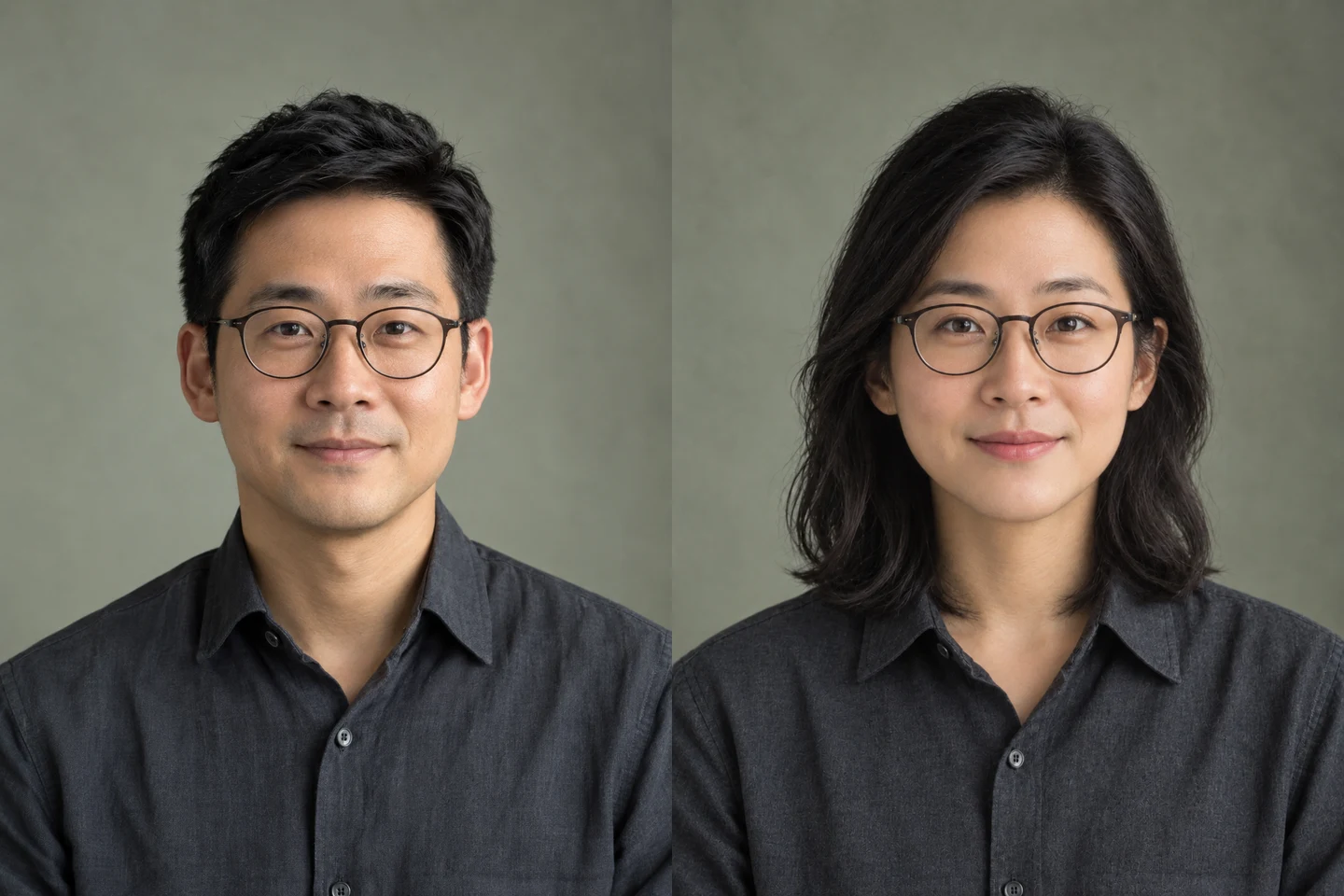
A familiar portrait can open up a playful alternative. Explore another gender presentation as a creative profile-image idea while using your photo as the reference.
Try your photo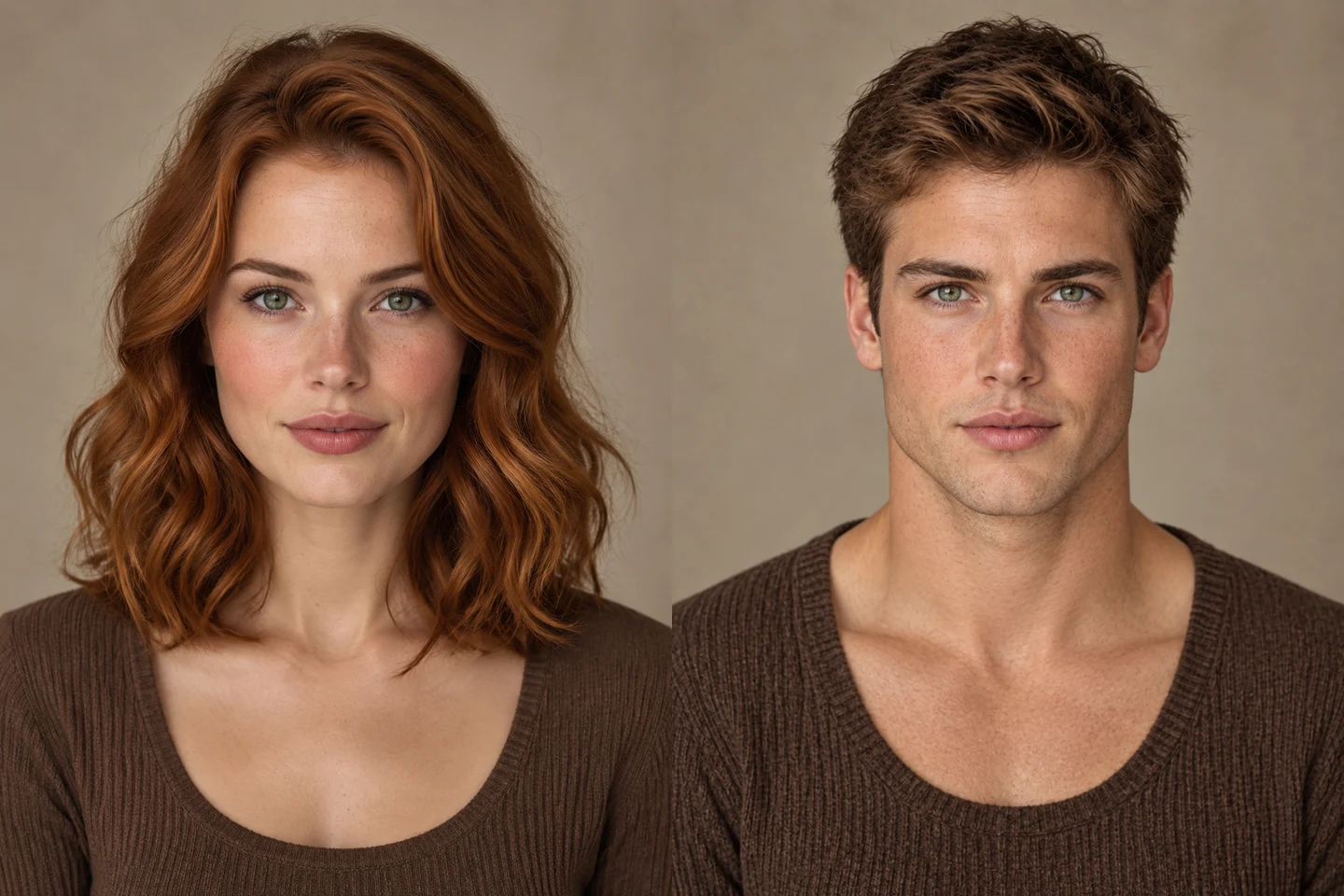
Hair, freckles and accessories help make a portrait feel personal. Explore another look around those reference details for a creative comparison with your original photo.
Try your photoSwipe to explore related tools
Short answers before your first edit.
Feminine and masculine are visual styling directions for a generated portrait. The edit can change facial details and does not determine anyone’s gender identity.
Upload a well-lit portrait of one person, choose feminine or masculine styling, and optionally specify details to keep, such as glasses or short hair. Review the face before saving.
Use one JPG, PNG or WebP portrait up to 32 MiB. A visible, unobstructed face works better as a reference than a group photo or distant subject.
This page uses GPT Image 2.5 Sunburst at 1K, currently 60 credits per portrait. Feminine and masculine directions have the same cost; confirm the live quote before generating.
Your portrait and styling instructions are submitted for cloud generation. The edited portrait and task status appear in this page’s results.
The result area provides a preview and Download action when processing finishes.
Turn a familiar portrait into a new visual interpretation and see which details stand out.
Try your photo