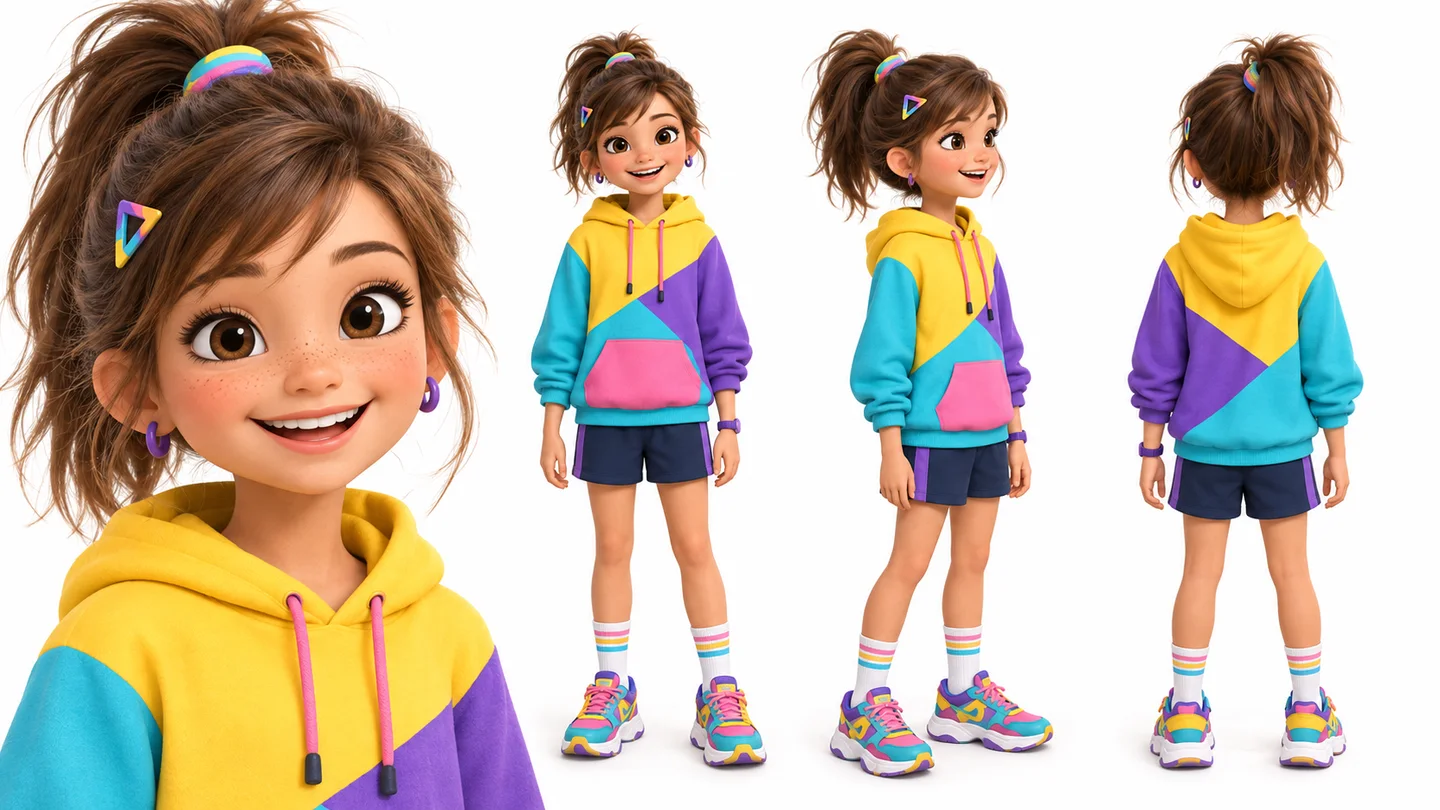
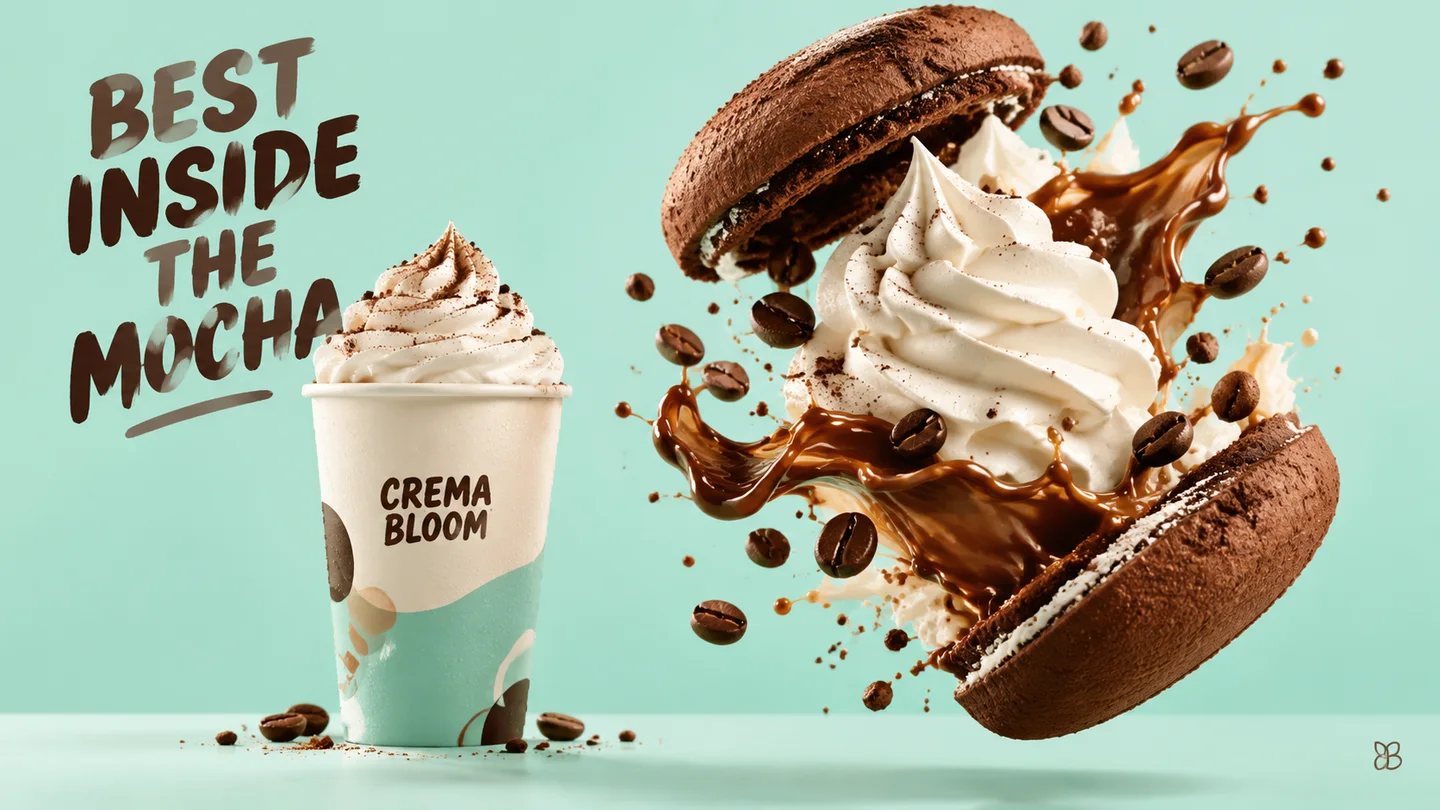
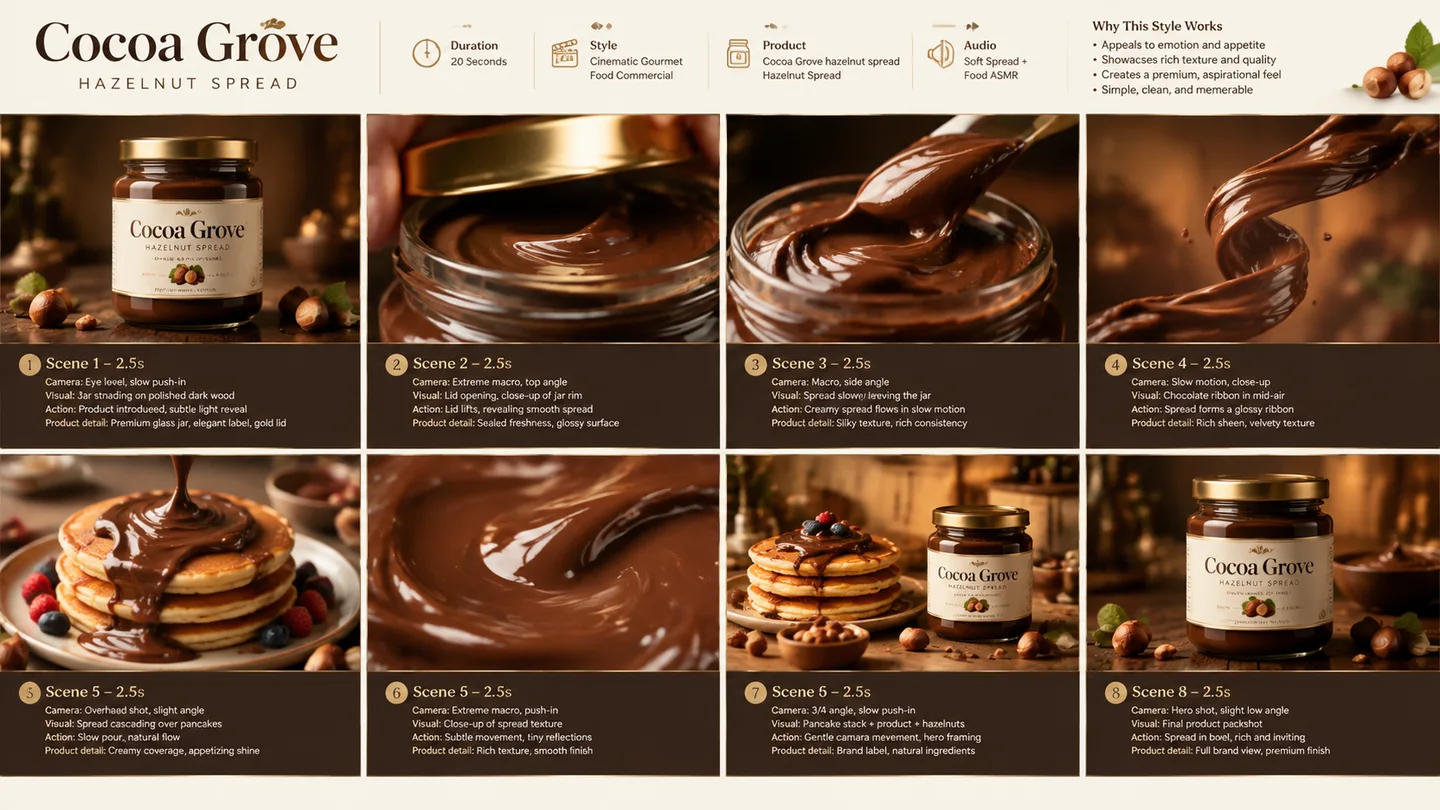
See the collectible before the prototype
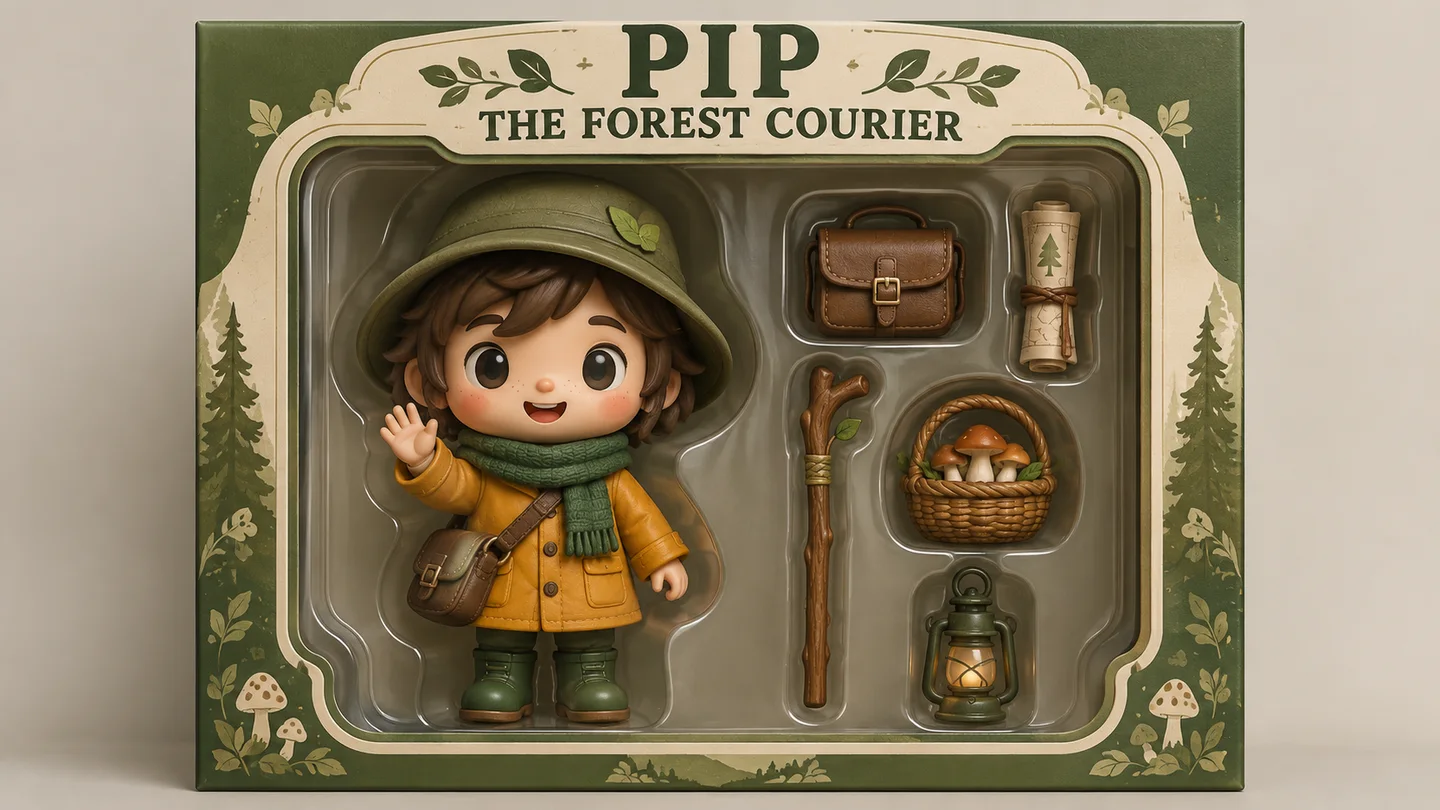
Use the Flare preset with separate references for the character, accessories and package style. Describe their placement and check that the generated accessory count matches the brief.
Build a character-packaging concept with GPT Image 2.5 Flare, the version selected on this page. Organize up to 16 references and choose 1K, 2K or 4K output in Studio.
Group up to 16 references by character, accessory and package. State what must stay consistent in a brief of up to 20,000 characters.
This page uses Flare. Choose 1K, 2K or 4K and review the 60/100/160-credit catalog cost before Generate opens Studio.
Preview the chosen output size in Studio. Check character details, accessory count and packaging text before downloading or requesting another variation.
Use the Flare preset with separate references for the character, accessories and package style. Describe their placement and check that the generated accessory count matches the brief.

Specify the exact word TOKYO, letter order and which city detail belongs to each letter. Choose an output size, then inspect every glyph; resolution does not guarantee correct lettering.
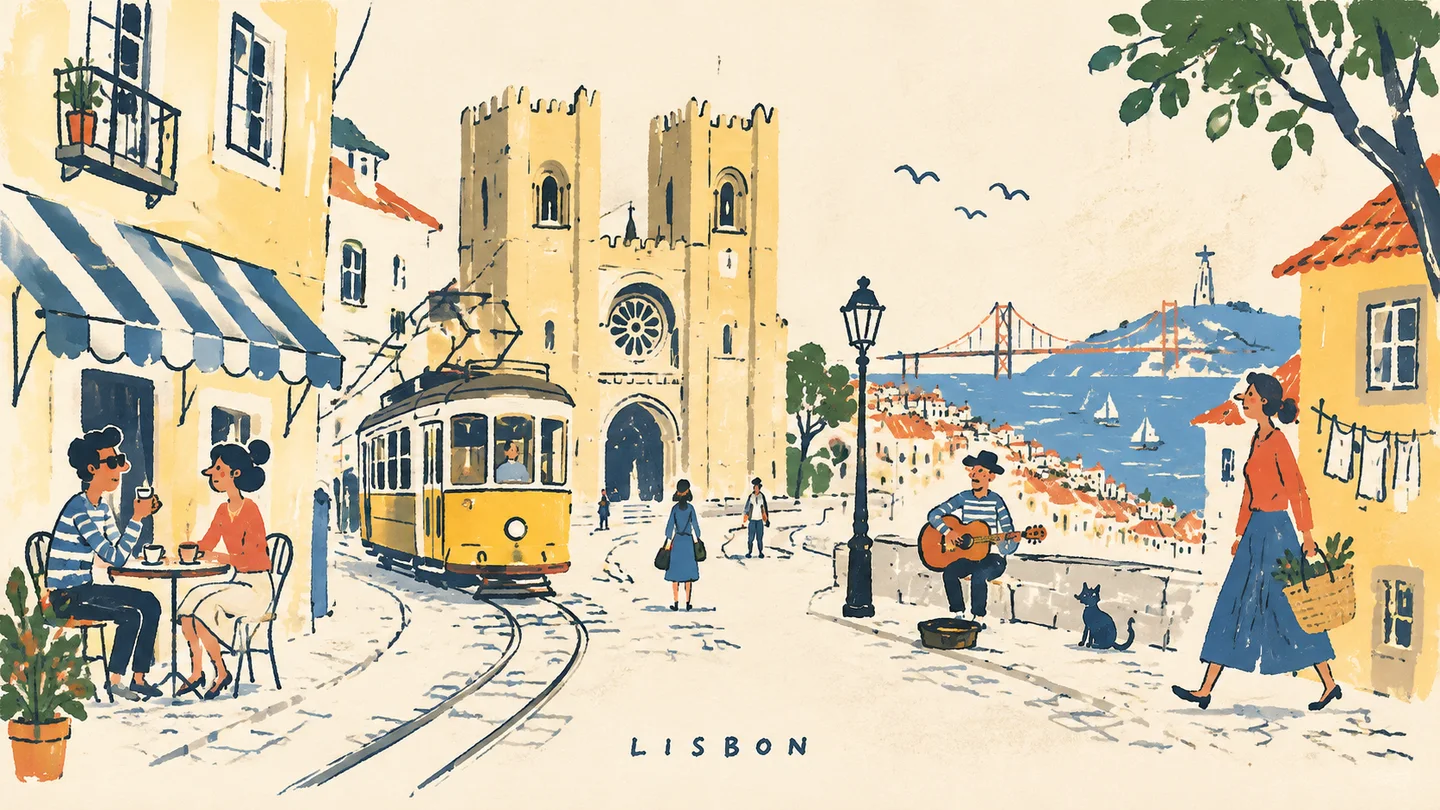
Assign references to the recurring character and Lisbon landmarks, then describe one picture-book scene at a time. Check identity and geography across variations before assembling the story.
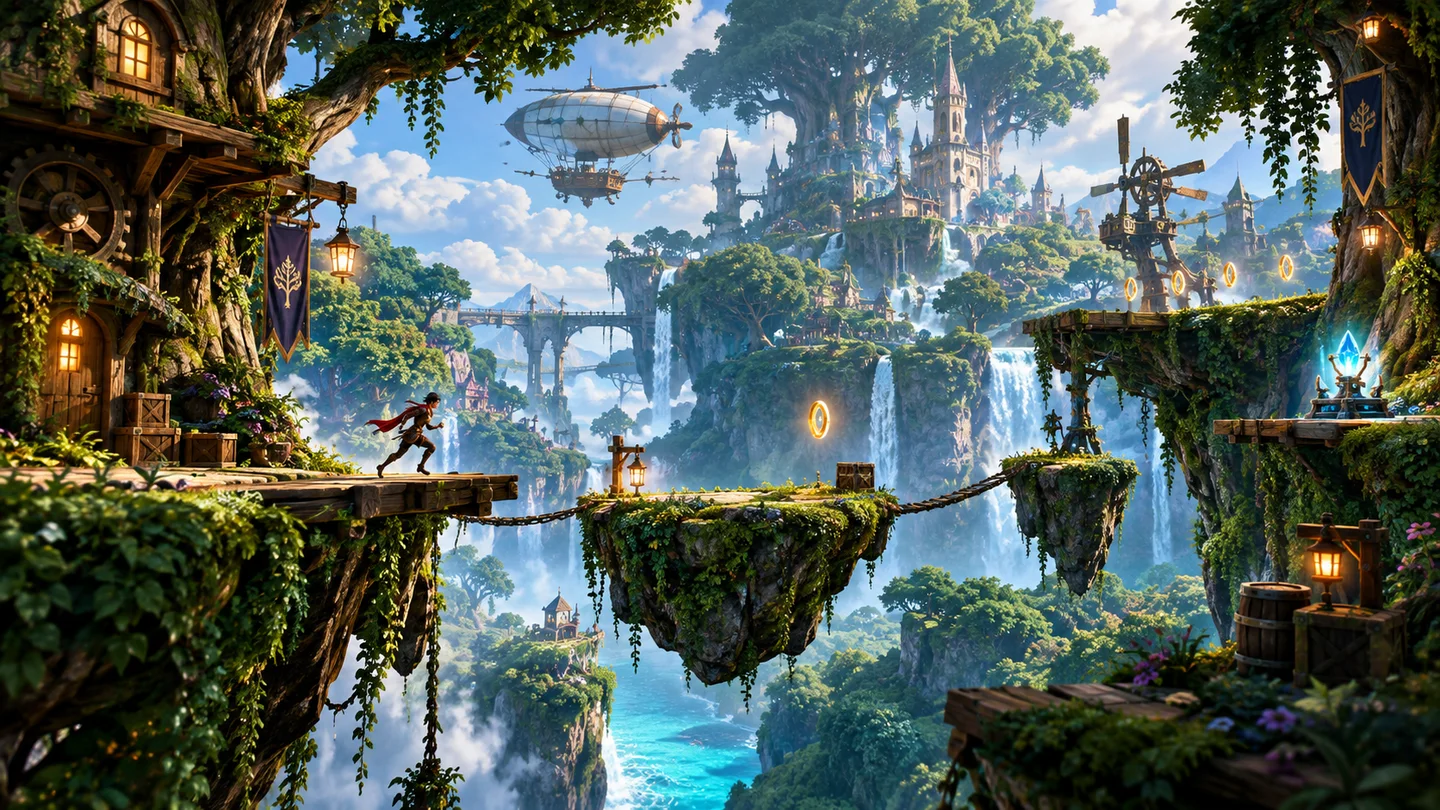
Choose 1K, 2K or 4K for the forest concept and separate path, landmarks and lighting in the brief. Use environment references for direction; test navigation and gameplay in the engine.
Swipe to explore related tools
Model types, cost, references and publication checks before you create.
The page starts GPT Image 2.5 Flare; it does not offer a Sunburst switch here. Choose 1K, 2K or 4K for a packaging draft or illustrated scene, and check the result at its final size.
Use up to 20,000 characters to separate character details, accessories and packaging layout. Label the role of each reference; Generate checks access and starts the Studio handoff.
Use a prompt of up to 20,000 characters and up to 16 JPEG, PNG or WebP references. Selected originals may be up to 32 MiB each; Studio optimizes them to the provider’s 8 MiB limit before upload.
Catalog checked 24 October 2026: Flare costs 60 credits at 1K, 100 at 2K or 160 at 4K per image. Reference count does not change these catalog amounts. Confirm your account quote before Generate.
Selecting references prepares a local draft. Generate checks sign-in and credits, then opens Studio to start generation; Studio uploads the prompt and prepared images for cloud processing. See Privacy Policy for data handling.
Continue in Studio to create, preview and download the result.
Turn a character, destination or story setting into a visual concept with room to grow.
Create with GPT Image 2.5