Explain a product in layers

Plan a VR-headset explainer with a main view, separated parts and short labels. Specify the reading order, then check every component and caption before using it as a product explanation.
Prepare detailed prompts and reference images here, then click Create. SugarCube Studio starts generation automatically and lets you refine and download results; sign in first if needed.
Write the subject, setting and important details. Add references when useful.
Check the model, ratio, quality and credit cost. Generate carries your brief to Studio; sign in if asked.
Follow progress in Studio. Check text and details, then download.
Plan a VR-headset explainer with a main view, separated parts and short labels. Specify the reading order, then check every component and caption before using it as a product explanation.
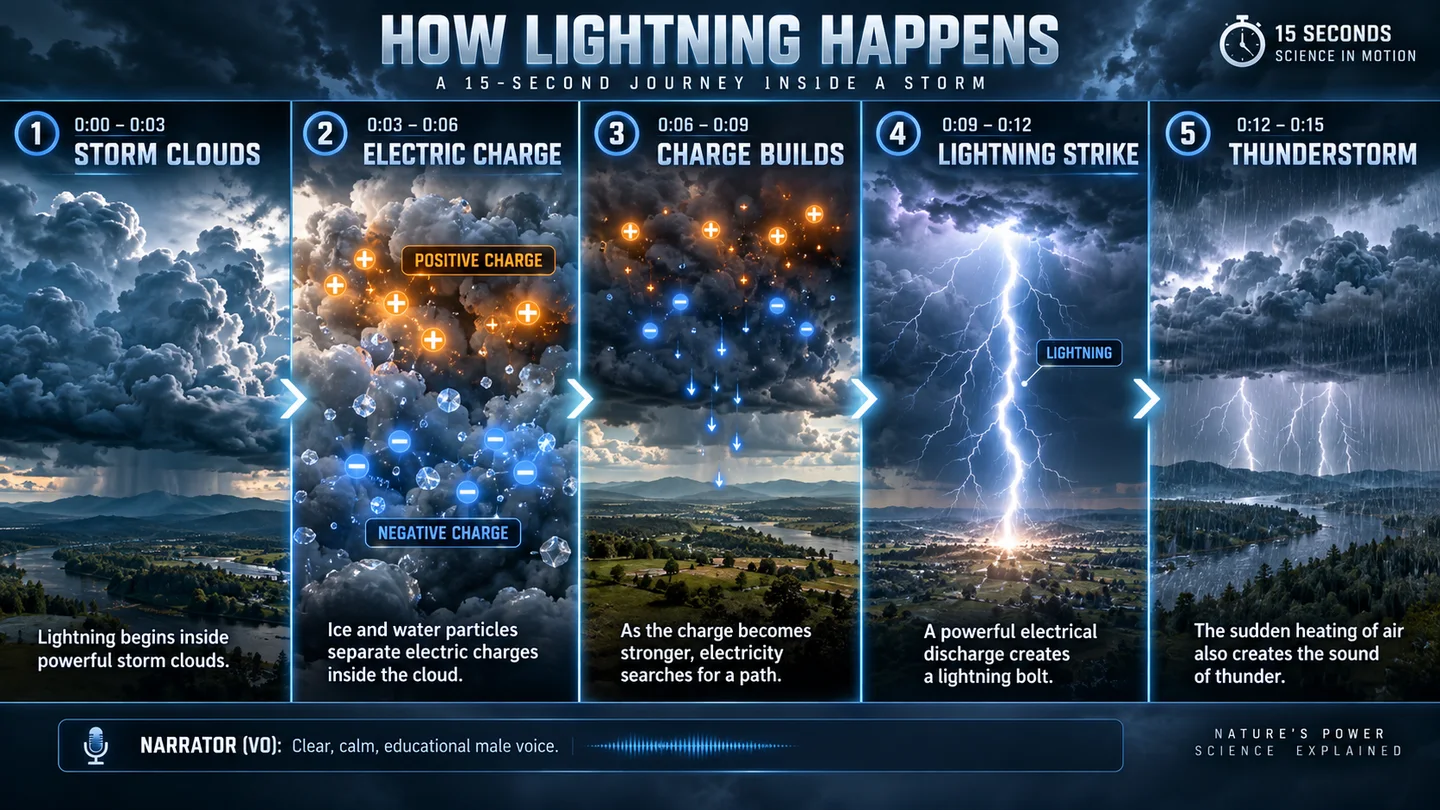
Outline how lightning develops across five panels. Give each panel one teaching point and reserve space for captions; review the science and sequence before sharing with a class.

Sketch a cultural-commentary spread with a headline, columns and restrained black-and-white imagery. Use it to discuss hierarchy and spacing, then typeset the approved article in your publishing tool.
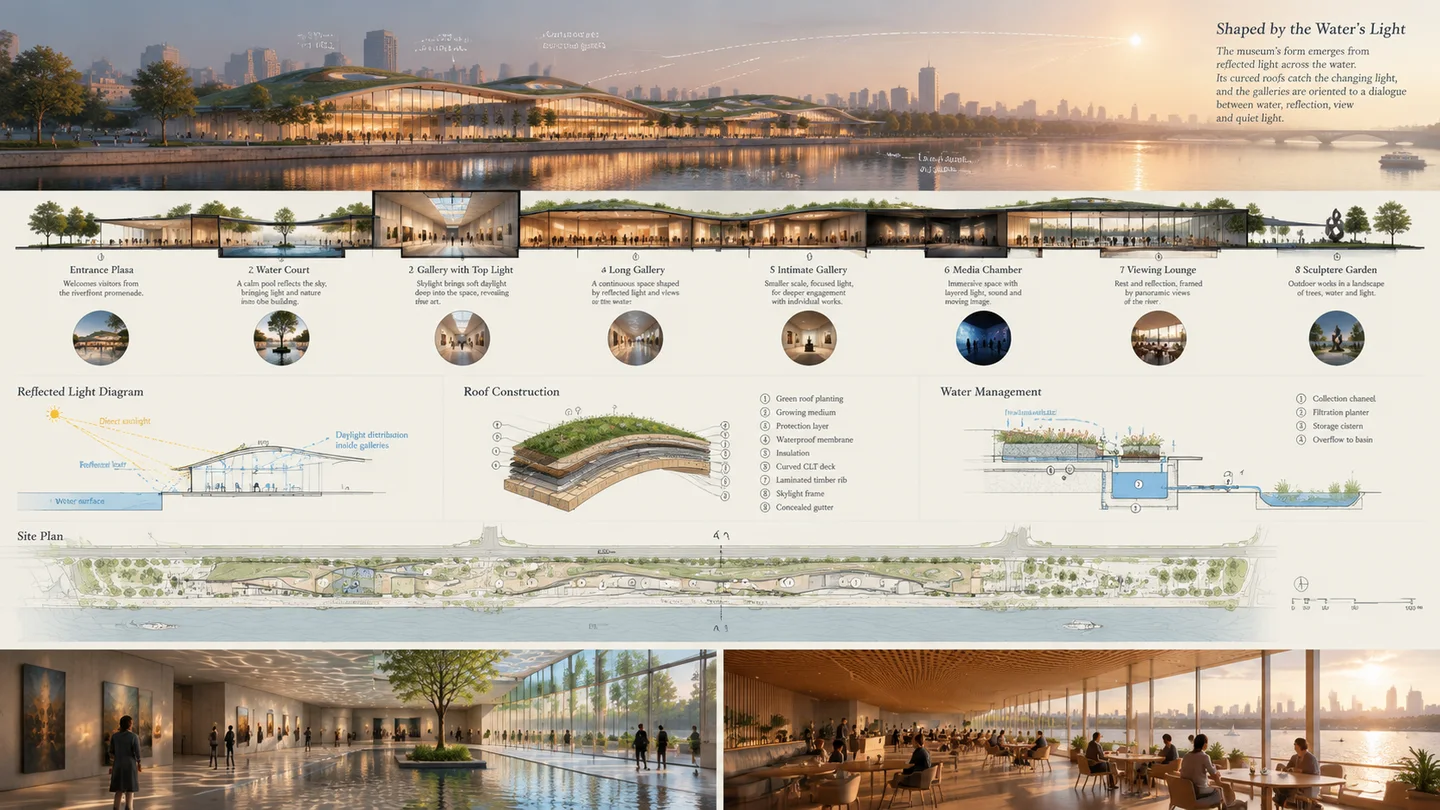
Describe a waterfront museum through an exterior view, daylight diagrams and supporting details. The board helps communicate a design direction; dimensions and construction decisions need a separate architectural review.
Swipe to explore related tools
Inputs, supported controls, credit cost, privacy, and recovery—before you start.
It is a practical choice for detailed text-to-image directions, reference-led generation, poster and product concepts, and scenes where layout, material, and photographic cues need to be explicit.
Yes. A prompt is enough. Add references only when you have permission to use them and want to guide the subject, style, or composition.
SugarCube currently supports up to 8 JPG, PNG, or WebP references for GPT Image 2. The workspace prepares each file before submission and shows the active limit.
The current model registry supports 1:1, 4:5, 3:4, 16:9, and 9:16. The workspace sends the ratio you select and records it with the task.
The current SugarCube configuration uses 40 credits per generation. Failed generations are refunded automatically. New accounts receive 30 credits. Sign in and manually claim another 30 free credits each day.
References stay in this browser while you prepare your inputs. Click Create to open SugarCube Studio, where processing starts automatically once your inputs are ready and you are signed in. Results are available to their authenticated owner.
Return to the generator, describe your idea and check the available settings before continuing in Studio.
Back to generator