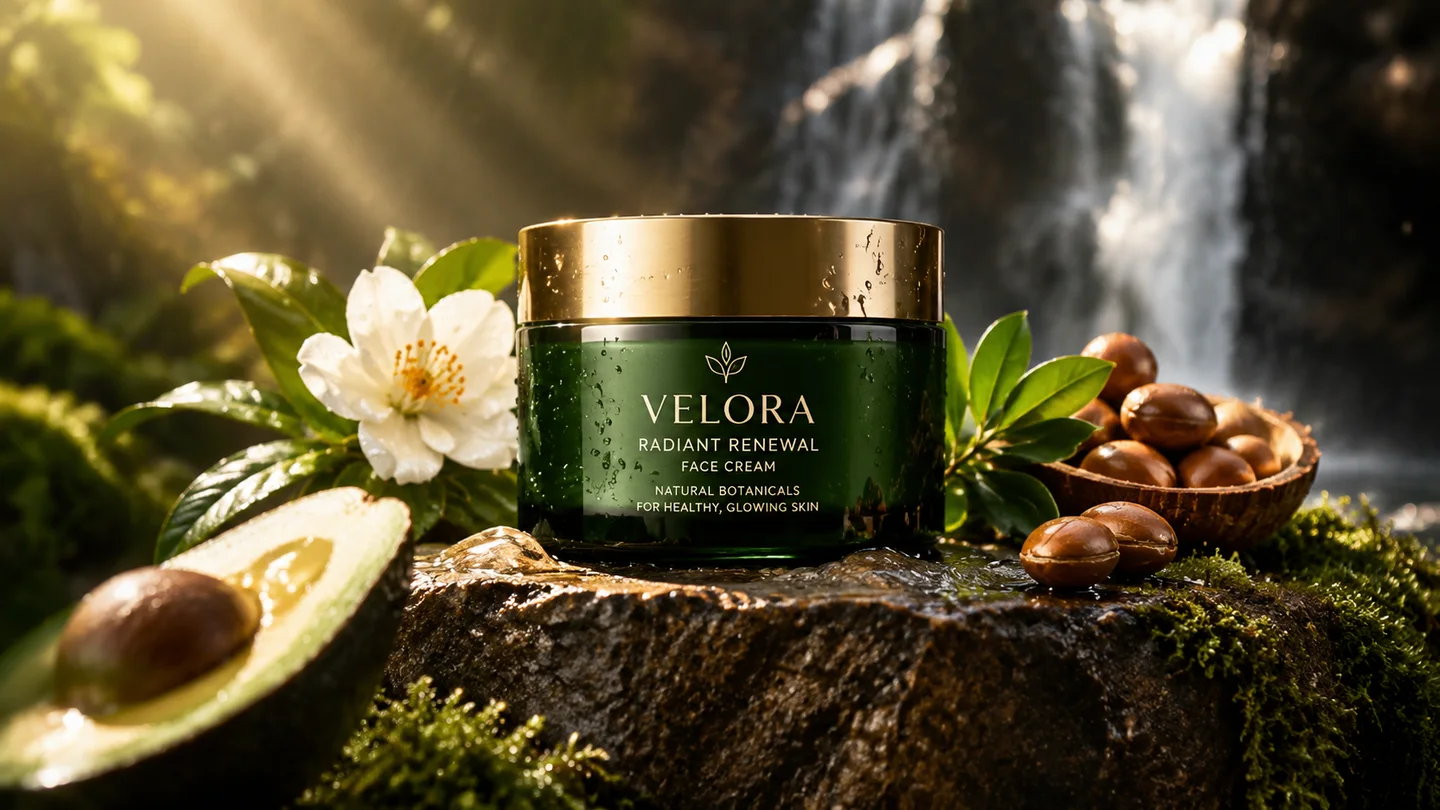
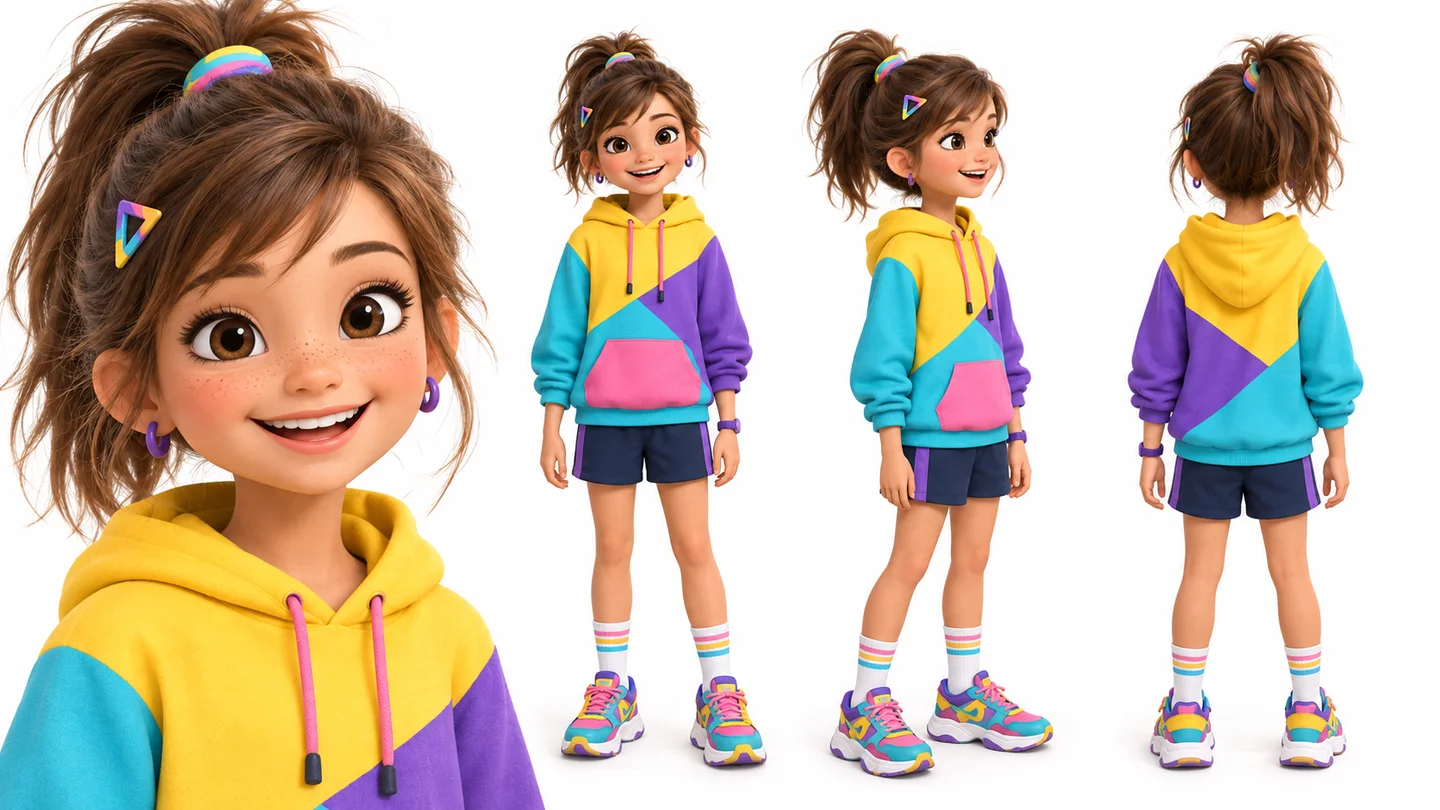
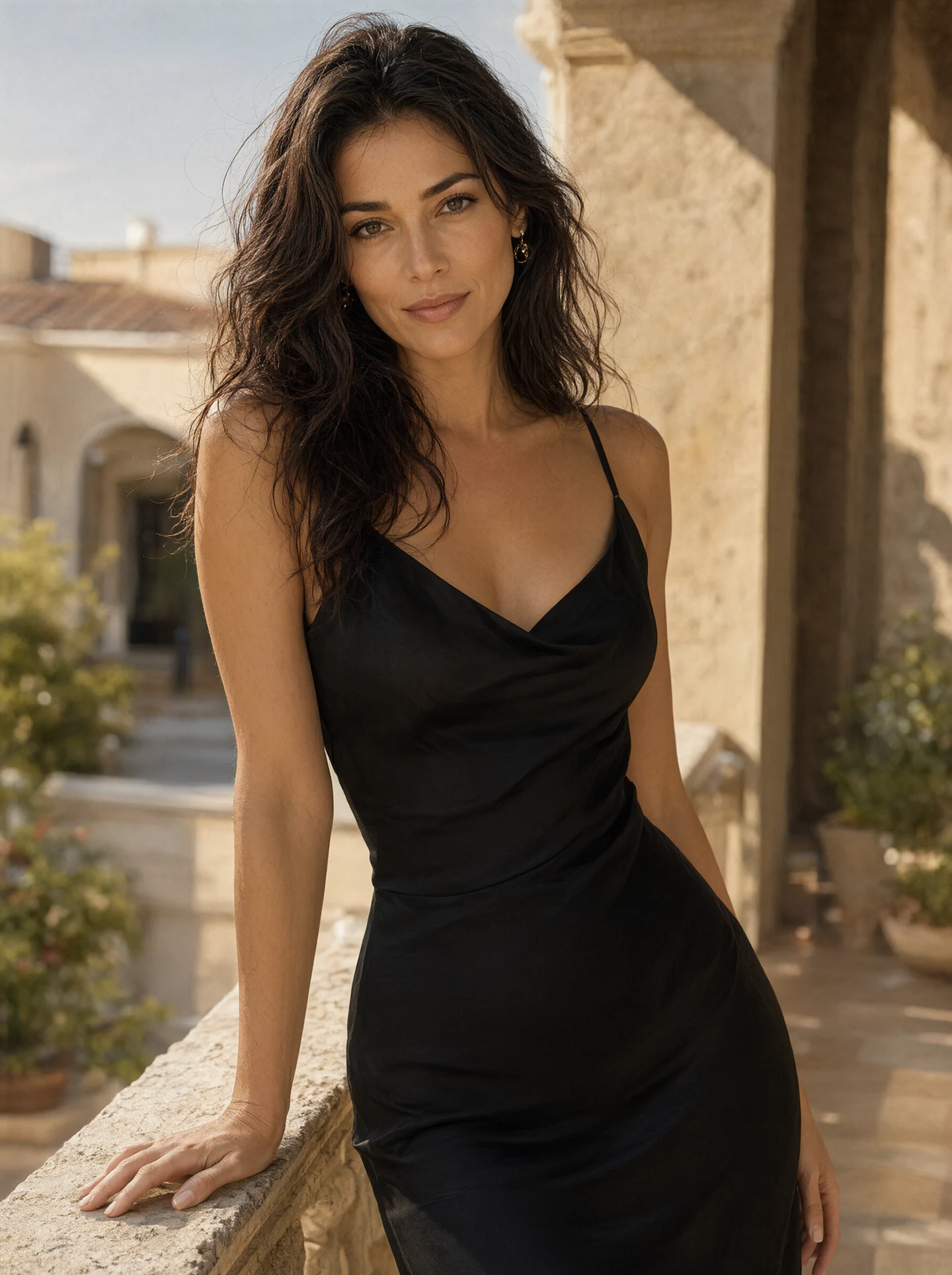
Crisp 4K visuals ready for print and large screens
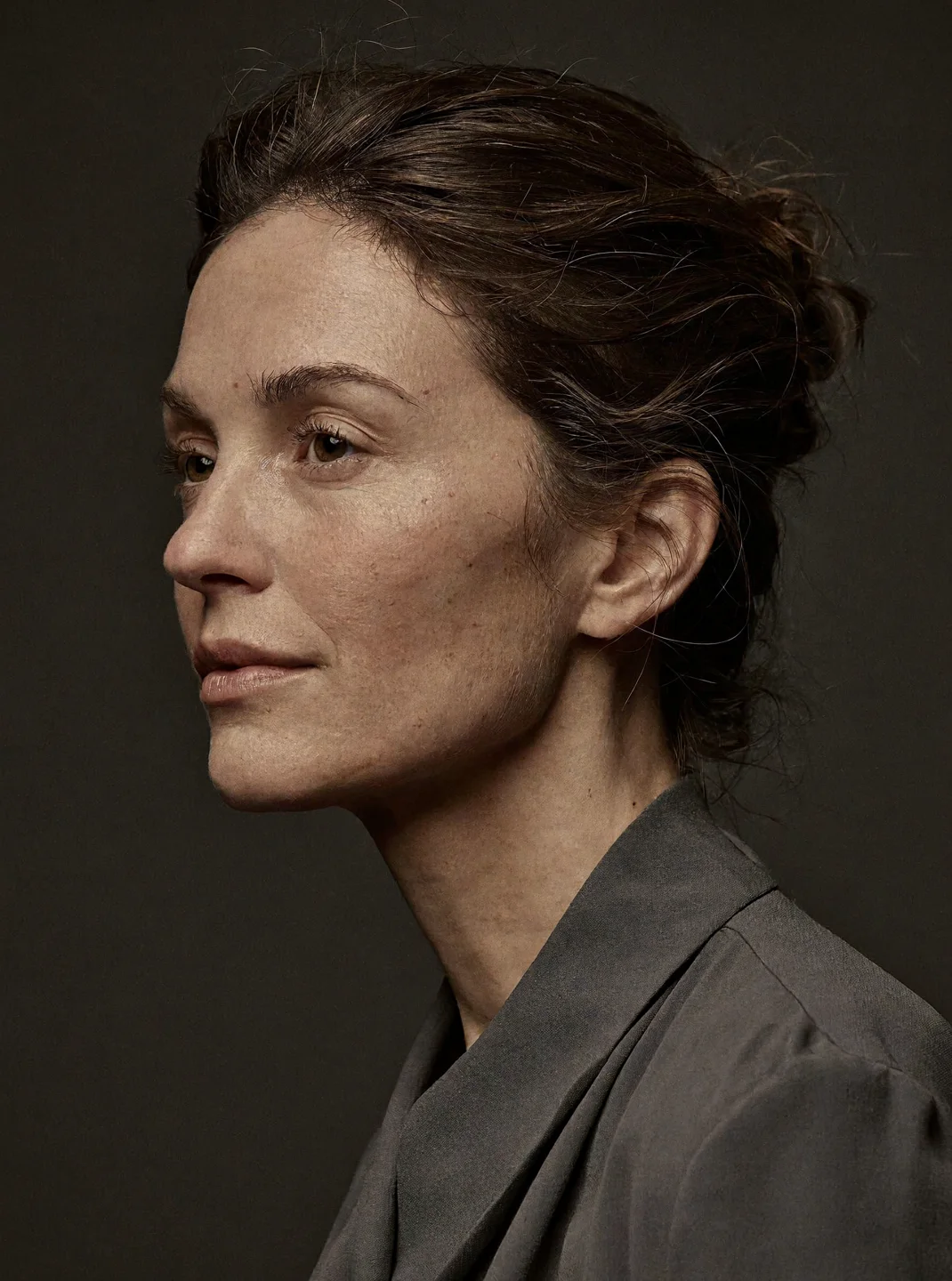
Generate portraits, posters, and packaging mockups with native 4K detail (~16MP)—no extra upscaling step needed.
Generate sharp 4K images (~16MP) or blend up to 16 reference photos in one edit, across 10 aspect ratios from 1:1 to 21:9 and 9:16.
Include the subject, setting, lighting, style, and any text you want rendered. Supports English and Chinese prompts up to 5,000 characters.
Pick Auto or choose from 10 aspect ratios, from 9:16 vertical to 21:9 ultrawide. Generations default to 2K; switch to 4K for 16MP detail.
Upload 1 to 16 reference images and specify what to keep or change from each. Click Create to sign in and run your generation in Studio.
Generate portraits, posters, and packaging mockups with native 4K detail (~16MP)—no extra upscaling step needed.
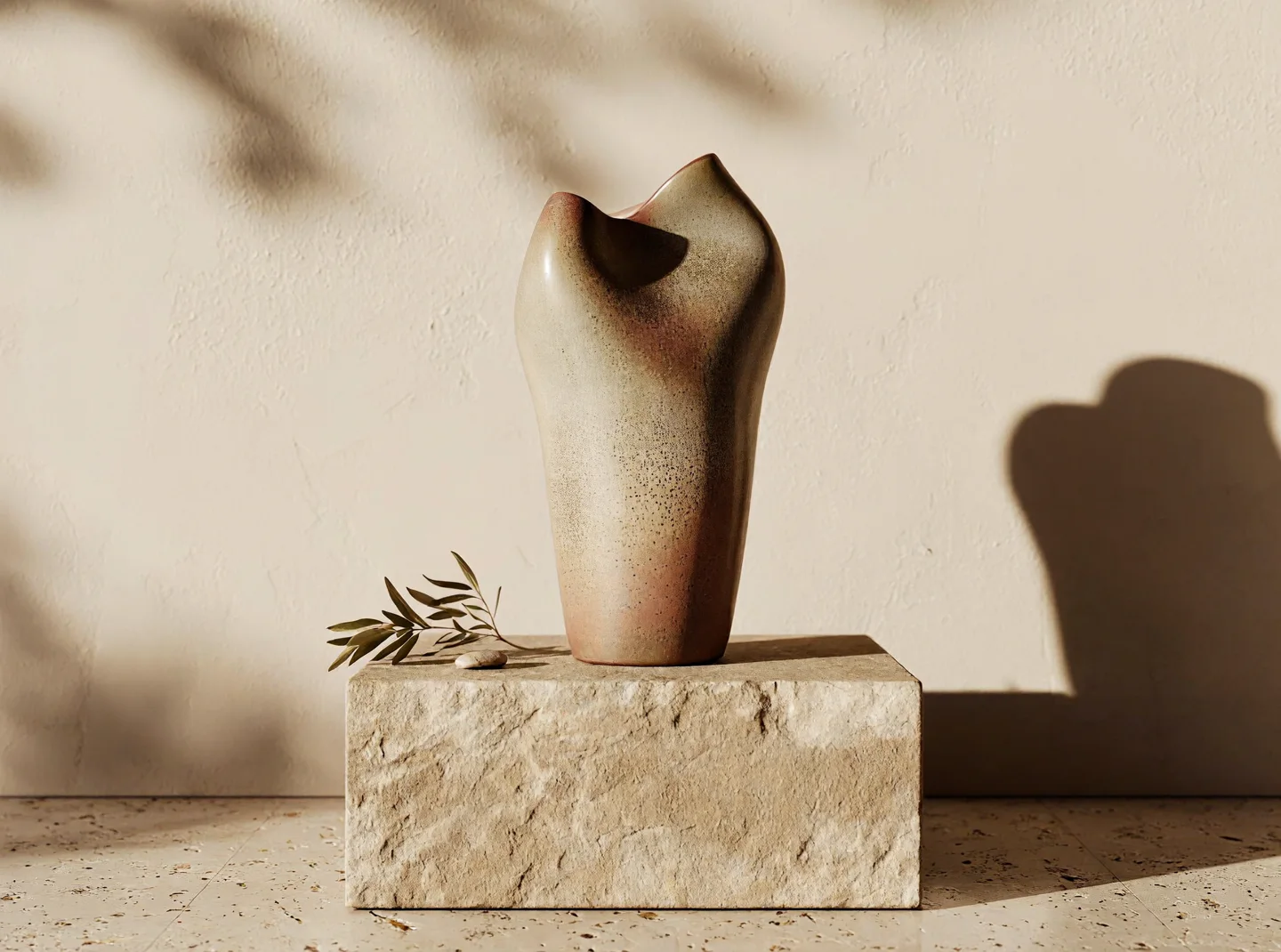
Blend up to 16 product shots, material swatches, and style frames in one prompt. Specify which reference controls the shape, texture, color palette, or layout.
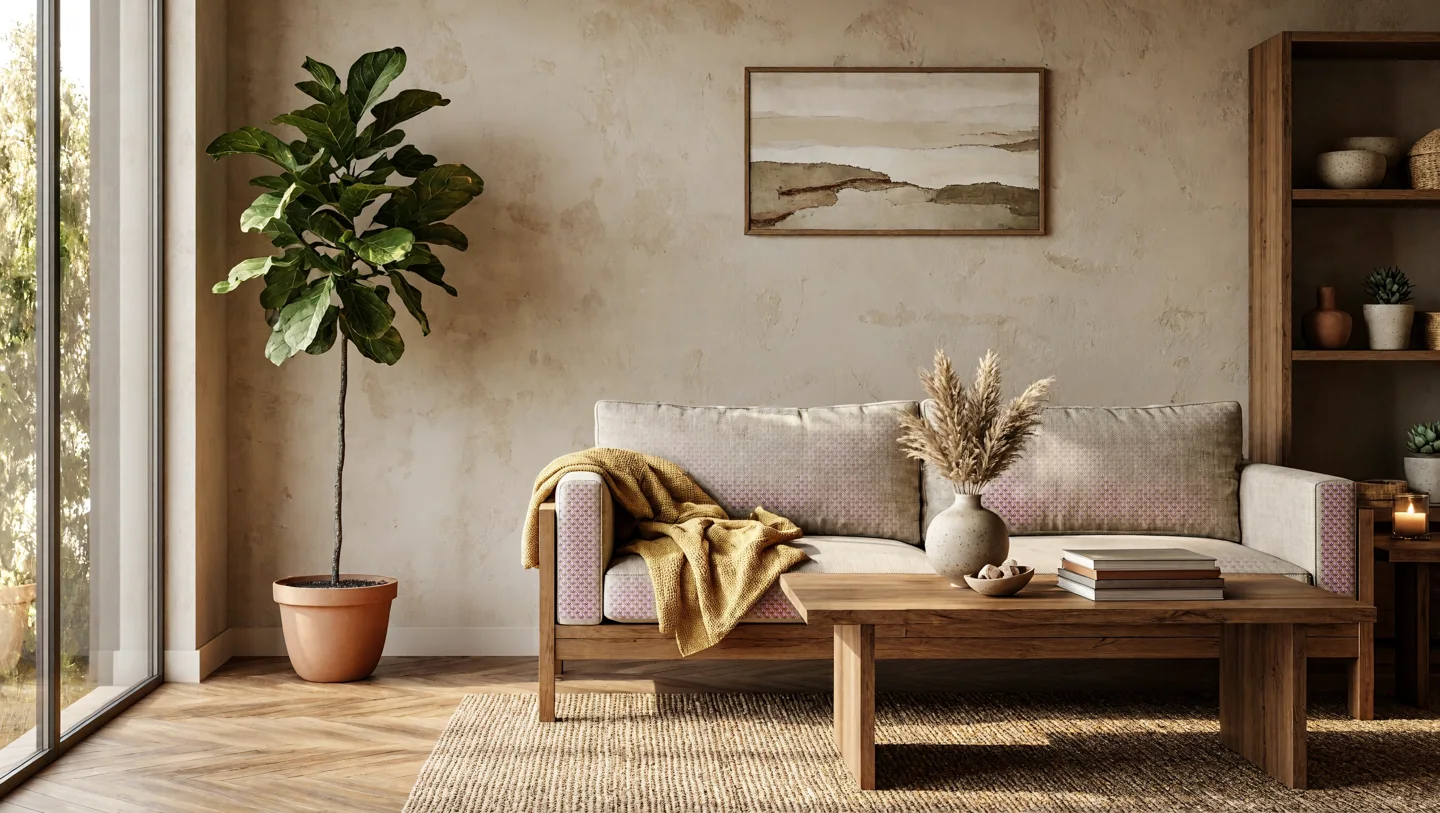
Lock in a layout you like and swap colors, props, or lighting by stating what to keep and what to change. Ideal for interior concepts, ad banners, and quick client revisions.
Swipe to explore related tools
Everything you need to know about resolution, aspect ratios, references, and credits.
MiniMax H3-Image is an AI image model for text-to-image generation and multi-reference editing. Enter your prompt and optional reference images here, then click Create to generate in Studio.
You can generate at 1K, 2K (default), or 4K. The 4K option outputs roughly 16 megapixels (around 4096×4096 for a 1:1 square) directly without a separate upscaler.
It supports Auto plus 10 fixed aspect ratios: 1:1, 5:4, 4:5, 4:3, 3:4, 3:2, 2:3, 16:9, 9:16, and 21:9, covering square, portrait, landscape, and ultrawide formats.
Yes. Upload 1 to 16 JPG, PNG, or WebP images and describe what to change (up to 5,000 characters). Note that this workflow does not support transparent backgrounds or brush masking.
Describe the full scene—or list what to keep and change when editing—in English or Chinese. If you upload multiple references, clearly state what each image controls.
MiniMax H3 is SugarCube's video generation model family, while MiniMax H3-Image is built specifically for still-image generation and multi-reference editing.
1K and 2K generations start at 20 credits, and 4K starts at 60 credits, with an additional cost when you attach reference images. Failed generations are refunded automatically, while completed images use credits as normal.
Enter your prompt above and start generating in Studio.
Create an image