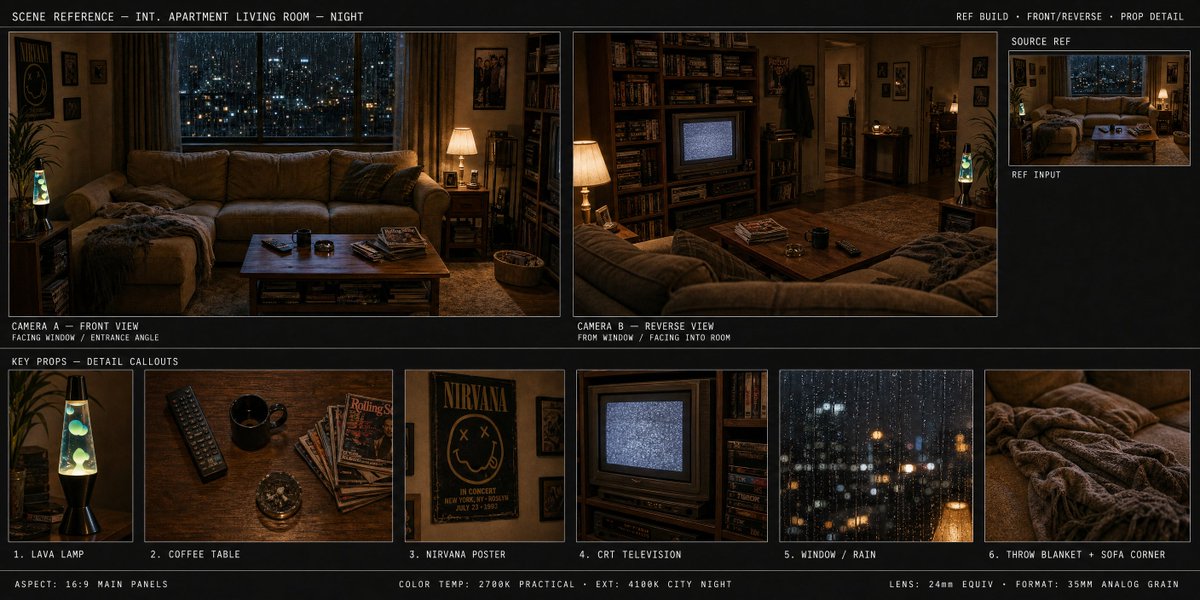
Try a type-led poster
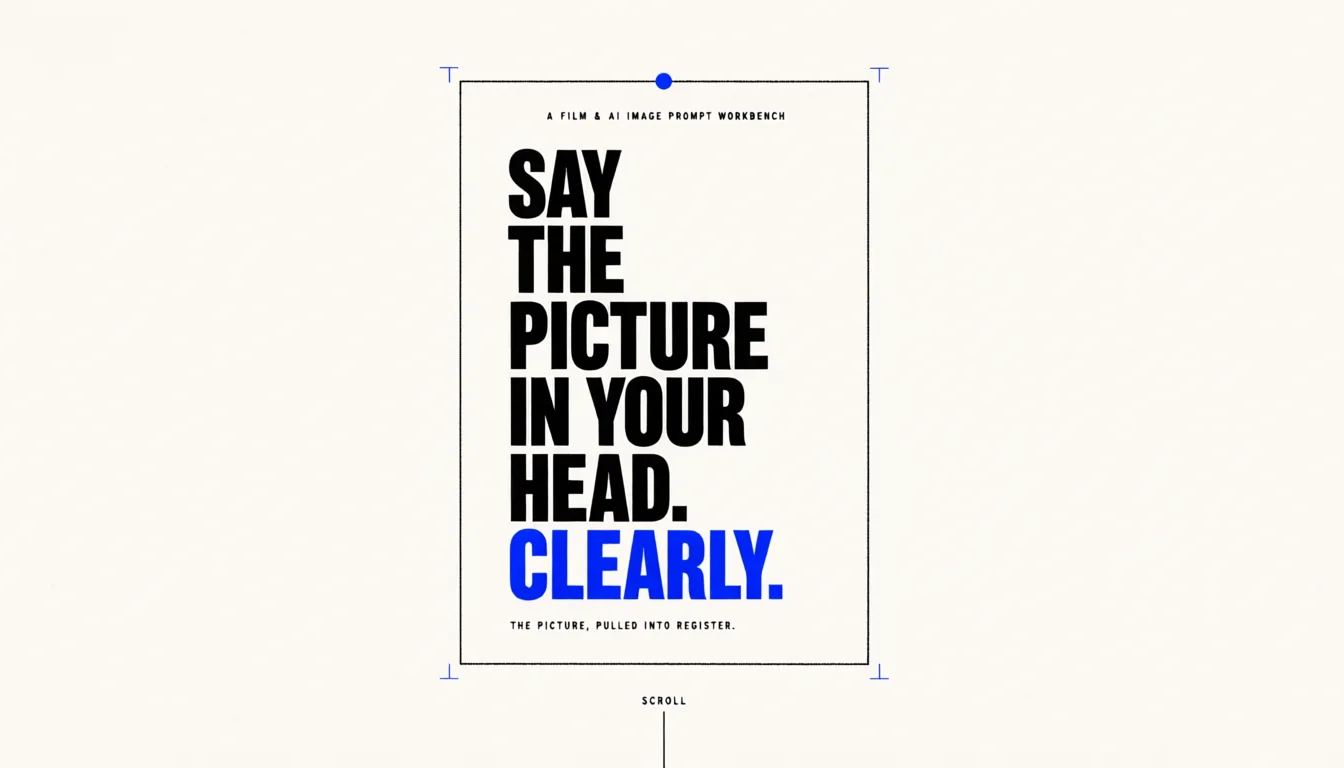
Build a restrained poster around a central printed sheet, ink border and blue registration marks. Specify the exact headline and whitespace, then proofread the final lettering at its intended size.
Create structured, text-aware images with Qwen Image 3 Standard or Pro from a prompt or up to three authorized references, with current cost visible before generation.
Write the subject, setting and important details. Add references when useful.
Choose Qwen Image 3 Standard or Qwen Image 3 Pro. Check ratio, quality and cost, then continue in Studio.
Follow progress in Studio. Check text and details, then download.
Build a restrained poster around a central printed sheet, ink border and blue registration marks. Specify the exact headline and whitespace, then proofread the final lettering at its intended size.
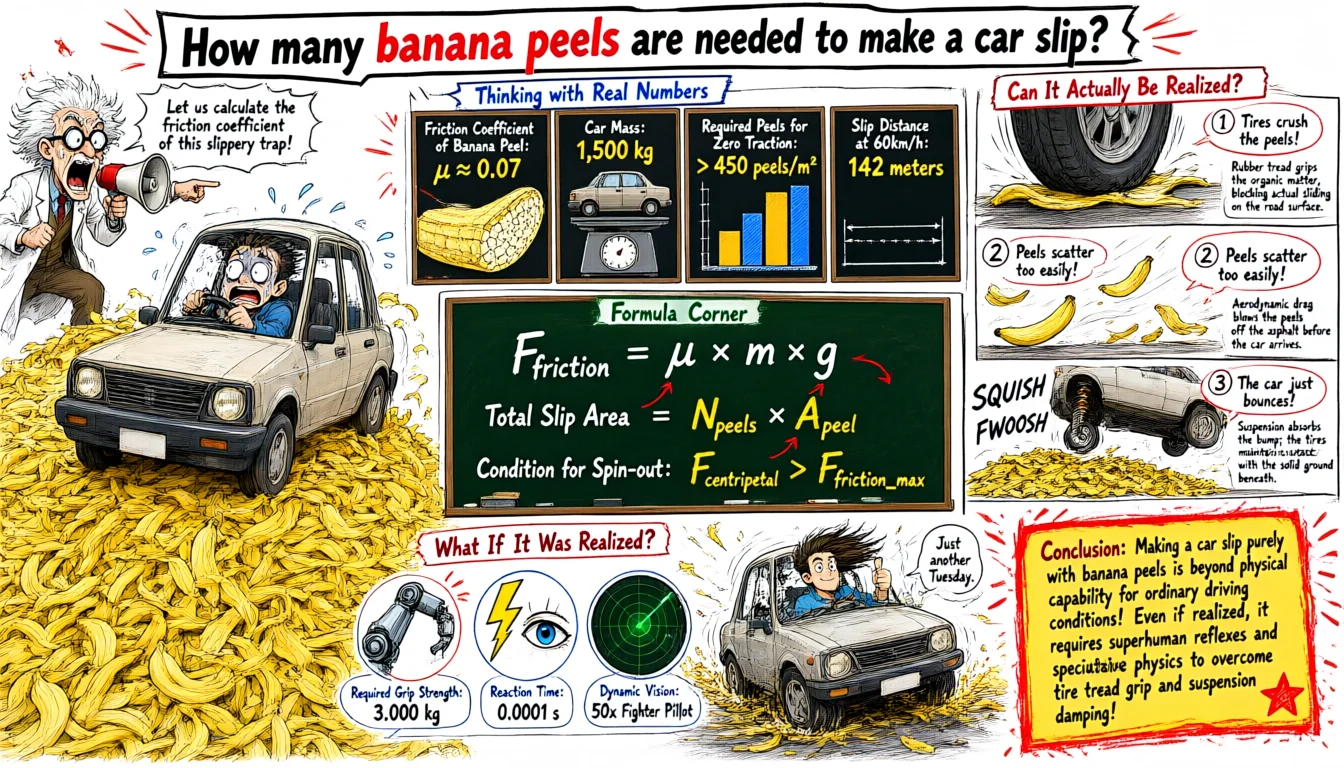
Use the banana-peel-and-car question as the starting point for a comic-style science discussion. Describe the panels and labels, but independently calculate and check any scientific explanation.
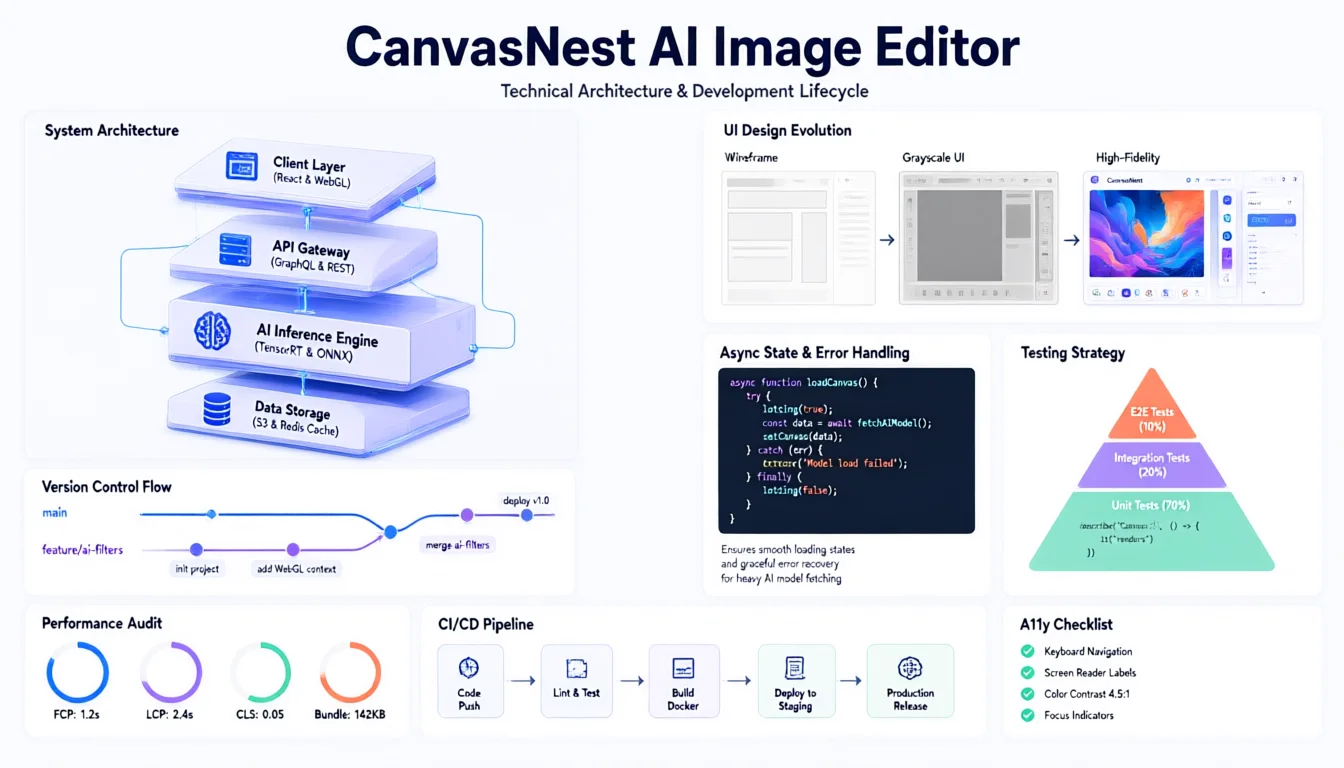
Outline the screens and processing stages of a fictional image editor. Use the visual to discuss product structure; generated code fragments and flow arrows need engineering review before reuse.
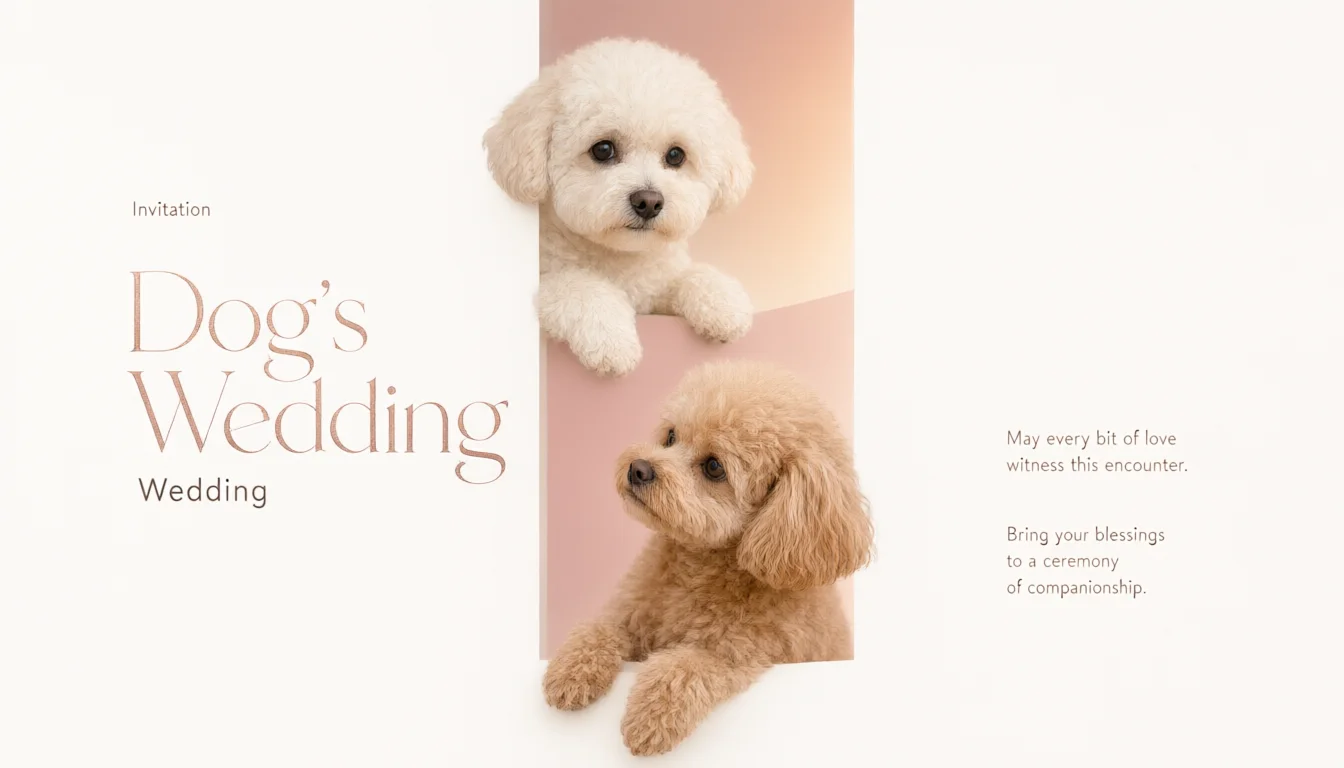
Set a pet-themed celebration inside a simple geometric frame with room for names and event details. Explore a warm visual direction, then replace and check the final date, venue and contact information.
Swipe to explore related tools
Inputs, supported controls, credit cost, privacy, and review responsibilities—before you start.
Yes. This page uses SugarCube's current Qwen Image 3 Standard and Pro integrations for text-to-image or reference-led generation in a browser.
Standard is the lower-cost option for quick exploration. Pro adds a higher-quality option and costs more. The workspace displays the active model, quality controls, and exact credit cost before generation.
Both current Qwen Image 3 integrations accept up to three JPG, PNG, or WebP references. Upload only images you have permission to process.
The current SugarCube registry exposes square, portrait, landscape, and common editorial ratios. The workspace always shows only ratios supported by the selected Qwen model.
Current cost starts at 40 credits for Standard and 50 credits for Pro at 1K. Pro 2K costs more, and reference use can add 10 credits. The exact amount appears before submission.
No. It can follow short text directions well, but generated spelling, facts, labels, logos, and legal copy must be reviewed before use.
Creation continues in SugarCube Studio, where successful generations are available to the authenticated owner. Failed generations are refunded automatically.
Return to the generator, describe your idea and check the available settings before continuing in Studio.
Back to generator