Keep familiar faces and objects, add the feel of a real-life snapshot
Make it feel photographed
Start with your image, then choose how you want the light and texture to look.
Upload image
+
Click or drag image here
JPG, PNG, WebP supported
Guide the model to preserve the subject, identity and composition while refining natural skin, materials and light.
Select a camera style for your photo
Choose a "Real Life" Template
Processing...
Making a series? See plans for more credits.
Your images
How to make an existing image realistic
1
Upload image
1 JPG, PNG or WebP · up to 30 MB · processed in the cloud
2
Generate
Skin, materials and natural light are enhanced automatically while aiming to keep the face, objects and composition recognizable.
3
Review and download
View the result on this page. Compare faces, hands and object details with your original before downloading.
Work on the details that make AI images feel artificial
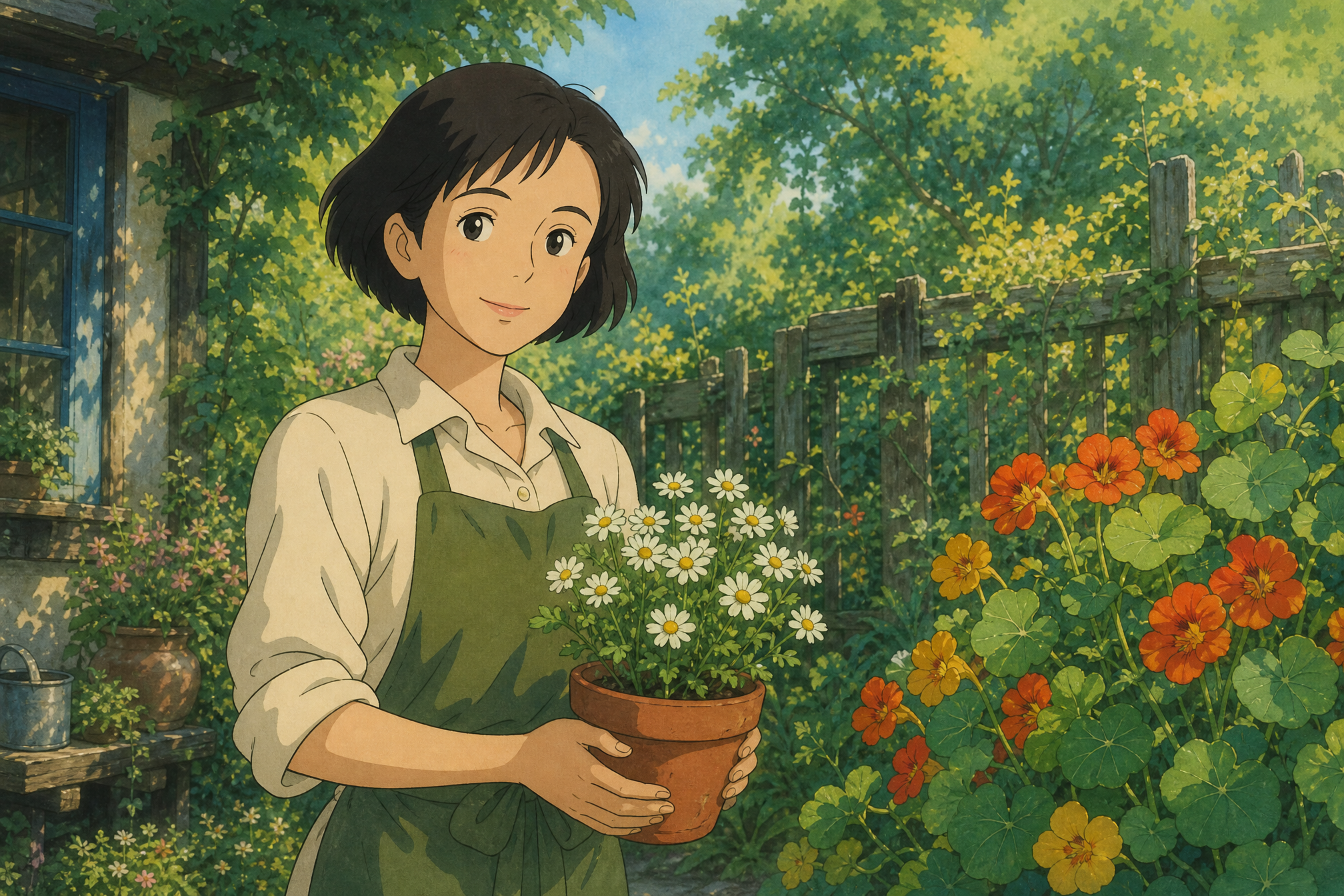
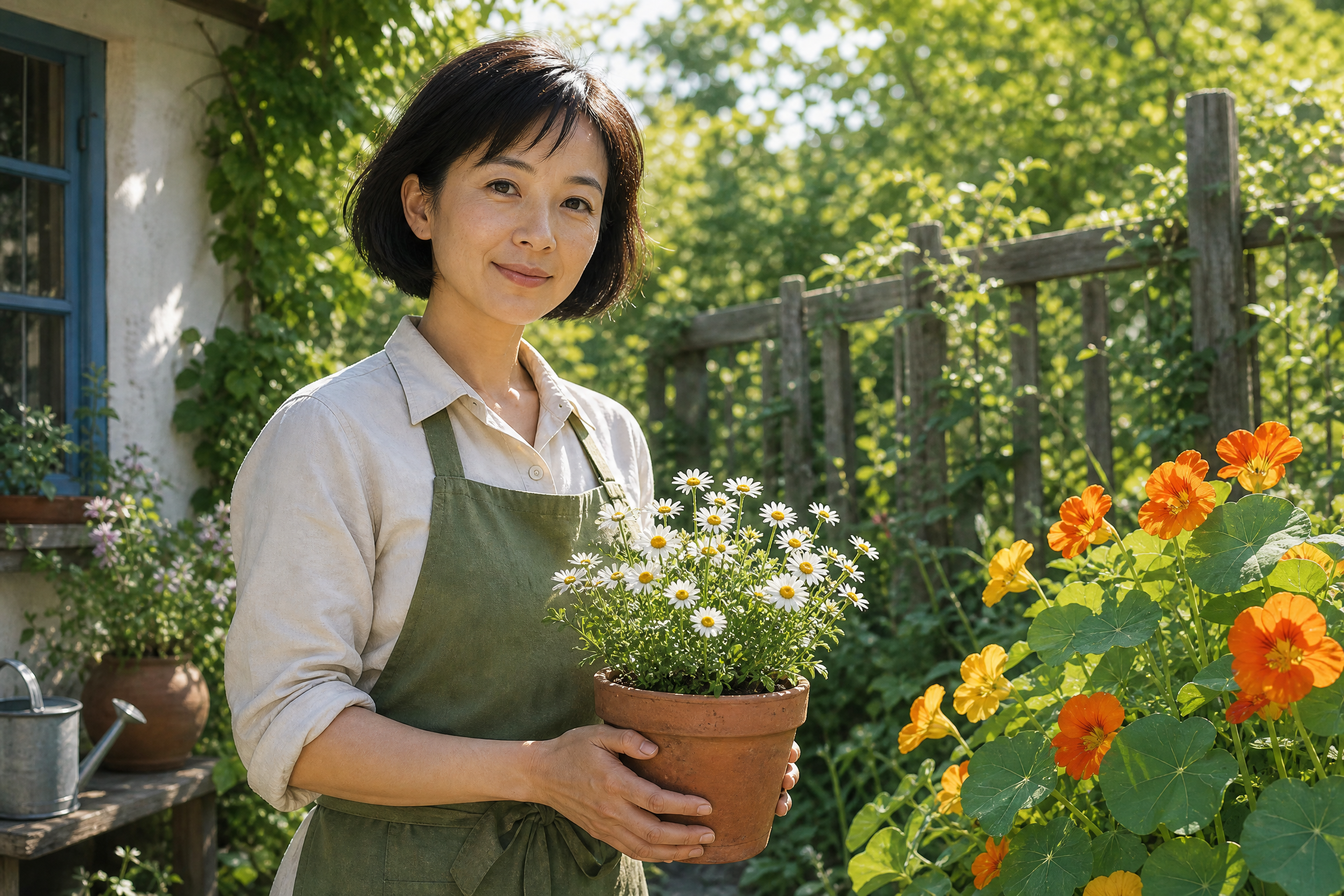
Ghibli-style art to a realistic garden portrait
Reimagine a Ghibli-style adult woman gardener with a photographic look, using her pose, clothing and garden composition as a guide for natural skin, foliage and daylight.
Give a game-CG adult male traveler a photographic look, with his face, outfit and composition as visual references for natural skin, fabric and outdoor light.
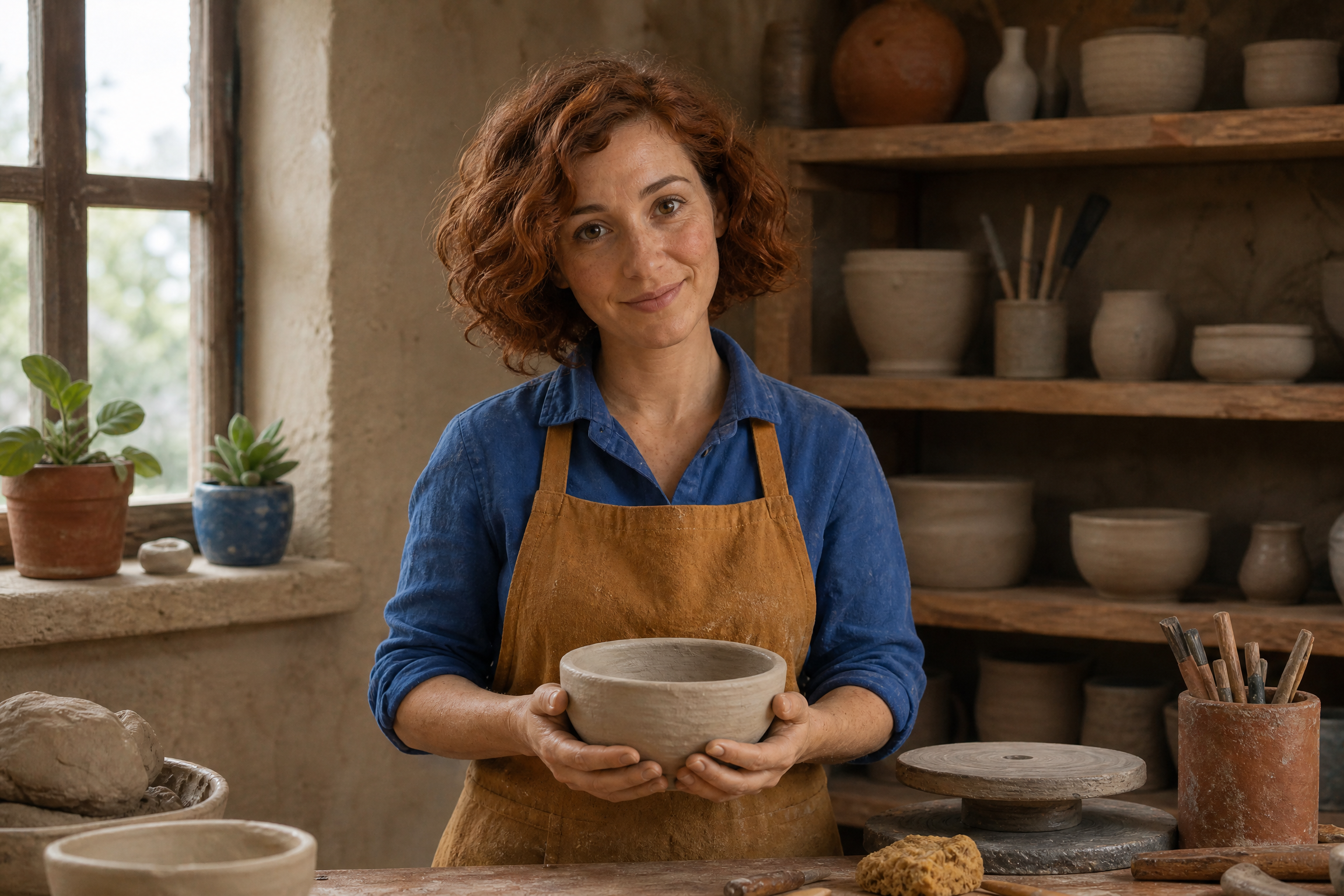
Reimagine a clay-style adult woman potter as a lifelike person, using her posture, tools and composition as references for natural skin, fabric and workshop light.
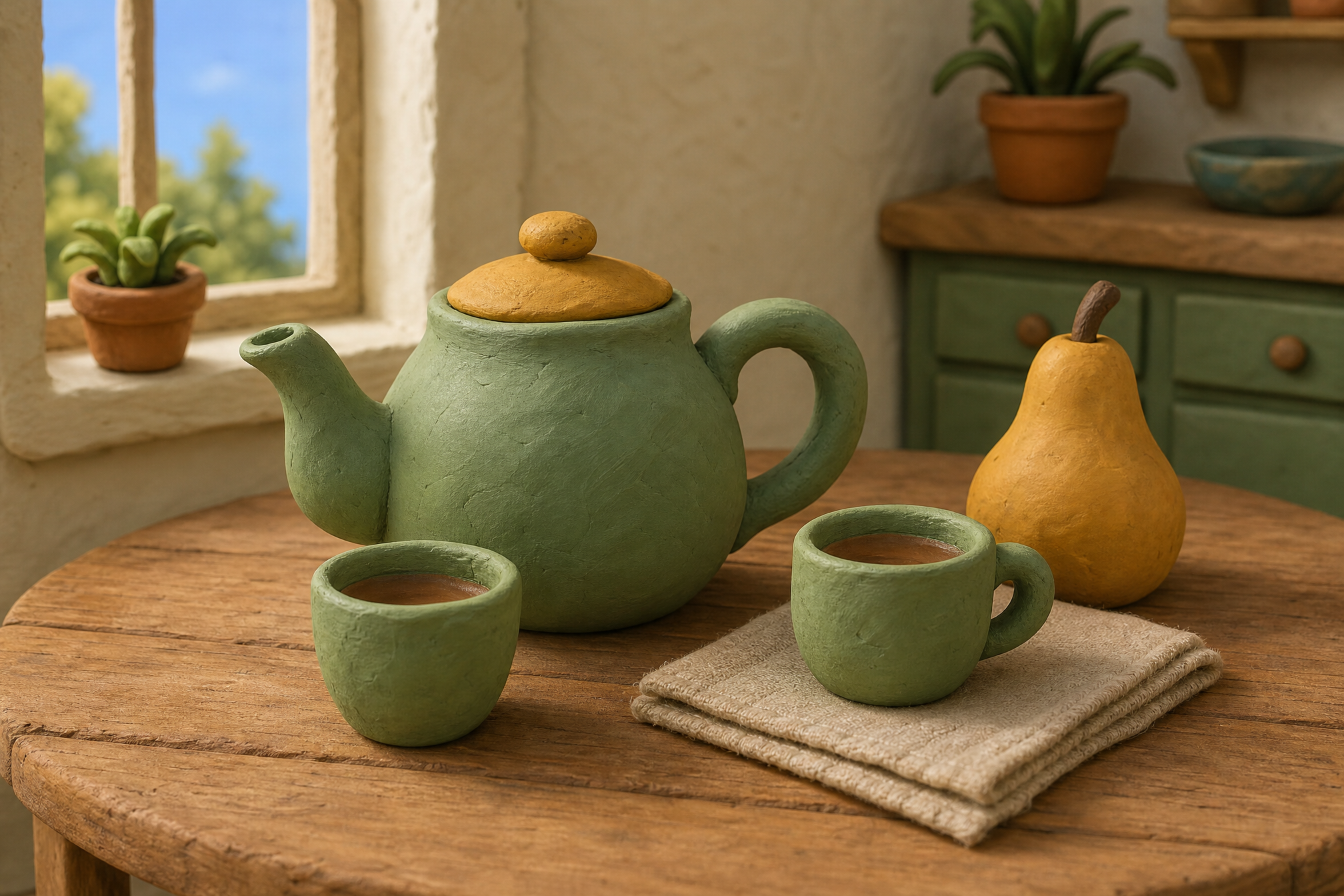
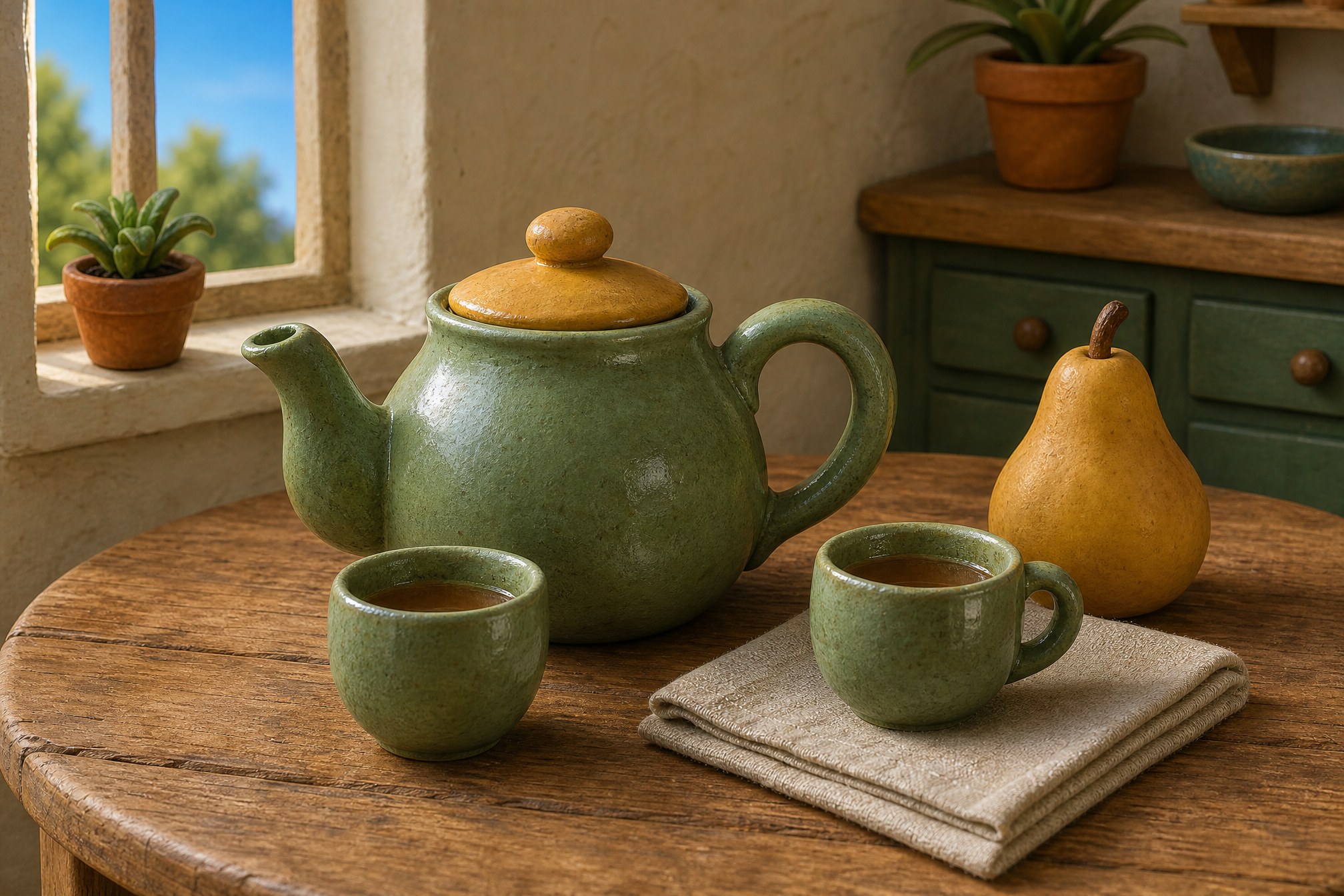
Explore realistic ceramics from a clay-style still life of a teapot and cups. Use the original shapes and arrangement as a guide for glaze, surface texture and natural reflections.
Explore another creative direction with a clear prompt and the controls on this page.
What can I do with this tool?
Make AI people and everyday objects look more realistic. Add a reference to guide likeness and details, refine natural texture, and try available free credits.
How do I get started?
Add one clear image, choose the direction available in the tool and start creating.
Which inputs can I use?
Choose the supported input mode. The controls beside each field show accepted formats, dimensions and file limits.
How much does processing cost?
The selected settings show the credit cost beside the create button. Use your account balance to start a task.
Where is my file processed?
Generation processes your submitted prompt and media in the cloud.
Where can I save the result?
The result area provides a preview and Download action when processing finishes.
Give a promising AI image a more believable finish
Refine the texture and light of the image you already have, from portraits to everyday objects.