Seedream 5.0 Pro AI Image Generator (Free Credits)
Arrange jewelry, menu artwork or an interior concept with Seedream 5.0 Pro and up to ten references. Reference count affects the quote; High is unavailable for 16:9 and 9:16.
Text or reference images1K and 2K optionsUp to 10 referencesCost shown before generation
Prepare your Studio handoff
How to create with Seedream 5.0 Pro
1
Describe your image
Group up to ten references by jewelry shape, material or atmosphere. State their roles in a brief of up to 4,000 characters.
2
Check settings and continue
Choose ratio and quality together: High excludes 16:9 and 9:16. Check the reference-dependent quote before Generate opens Studio.
3
Review and download
Compare the result with product and material references in Studio. Check jewelry geometry, food details or room perspective before downloading the concept.
Find the right look before the shoot
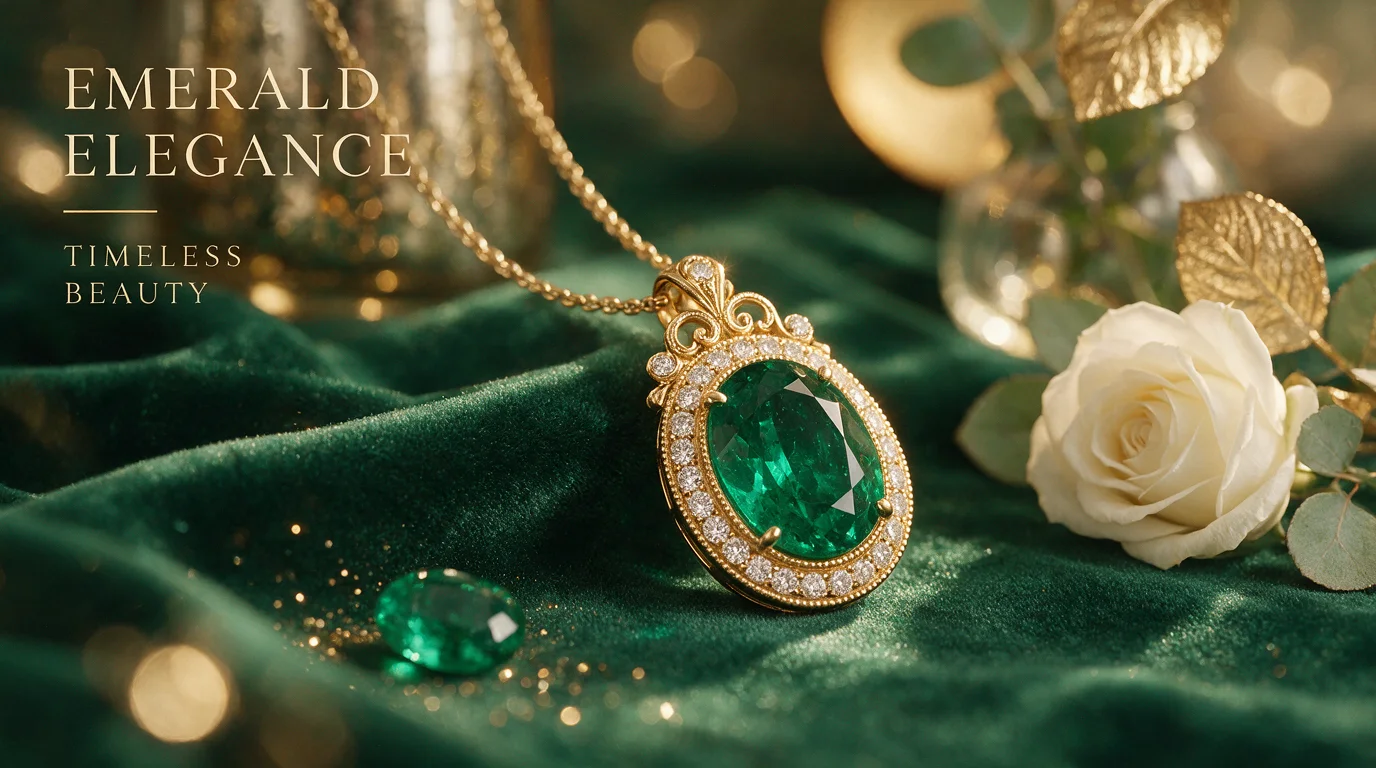
Give a small product a strong presence
Use references for the jewelry from different angles, velvet and lighting, with a stated role for each. Reference count changes the Seedream quote; inspect stone shape and settings before presenting the concept.
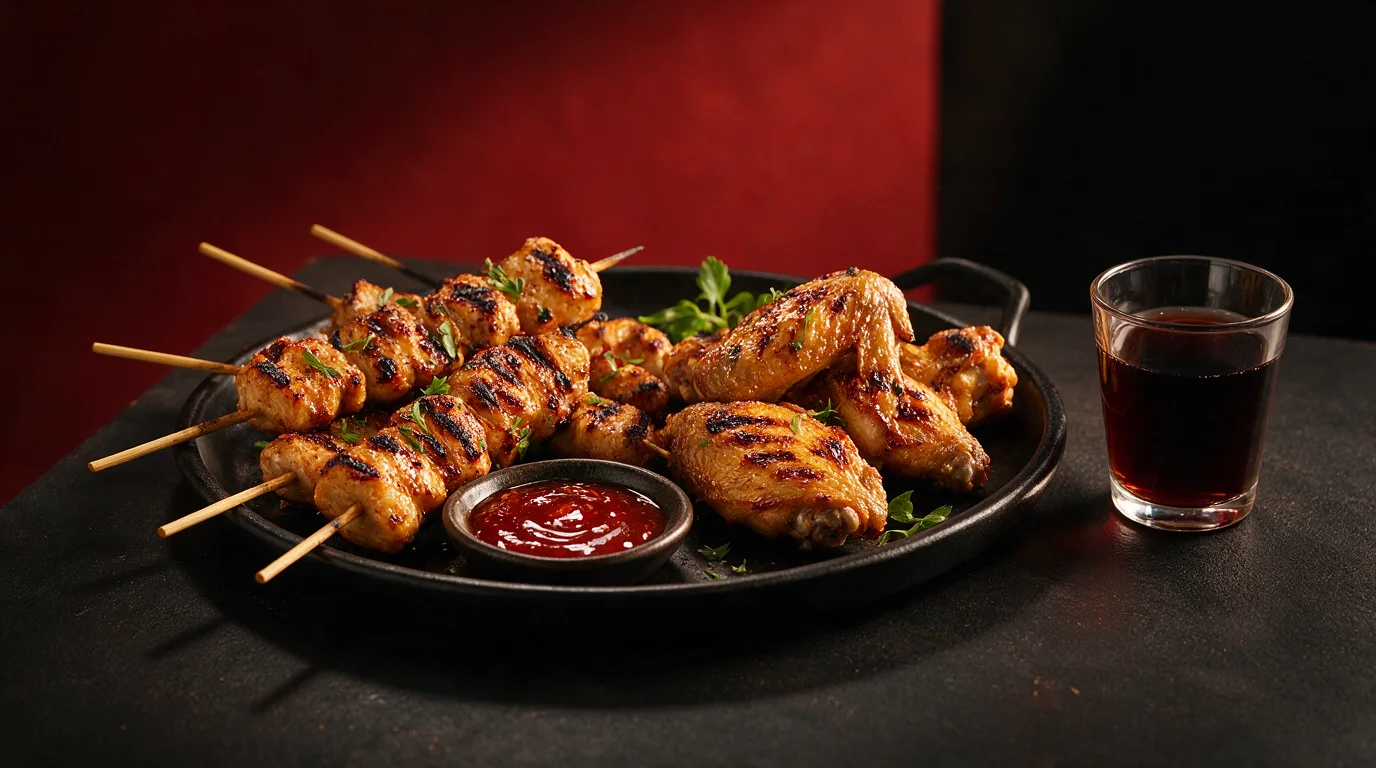
Make your menu feel like an invitation
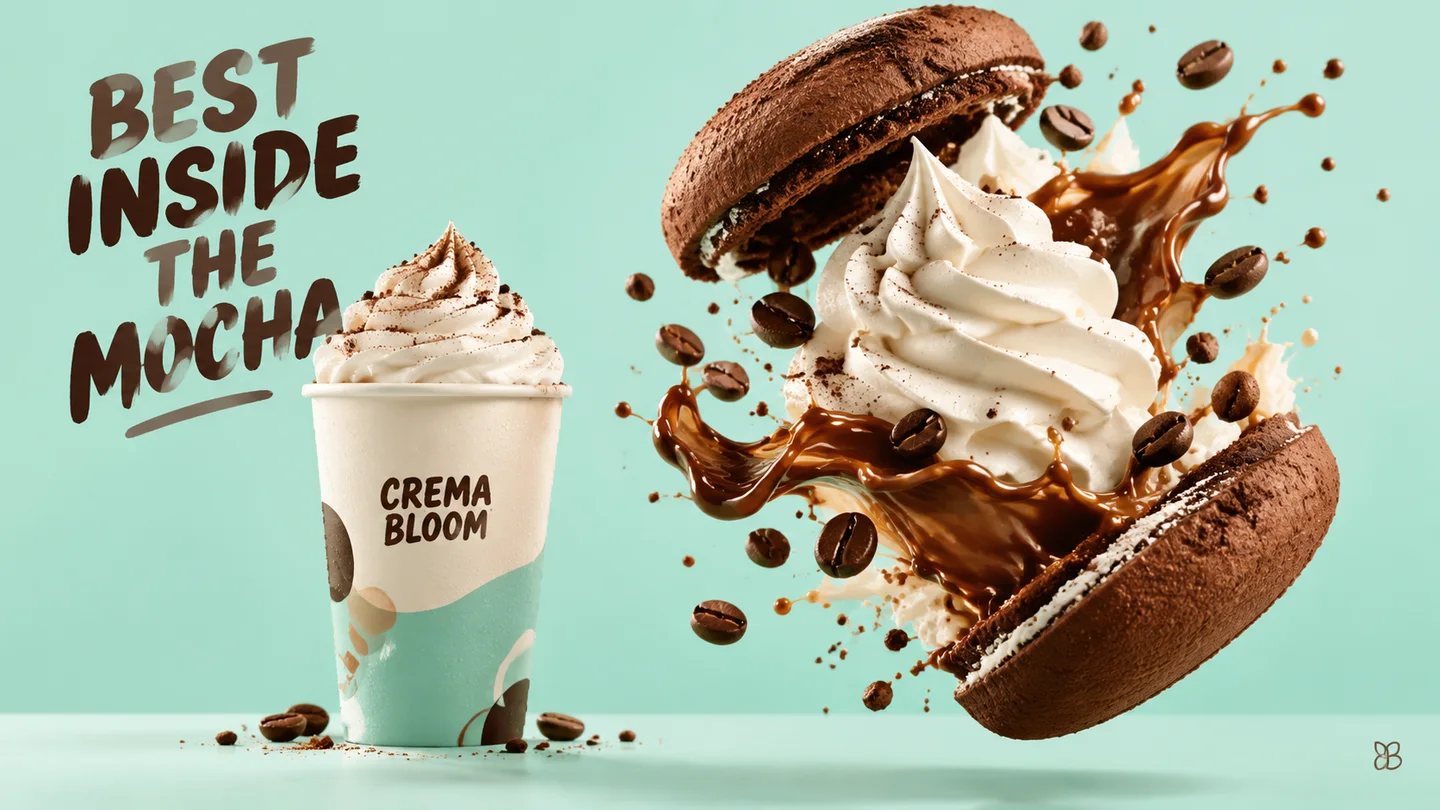
Assign references to the dish, tabletop or warm lighting and leave menu wording for layout software. Review the reference-dependent quote and use only verified dishes and prices in the finished menu.
Find a portrait direction that feels considered
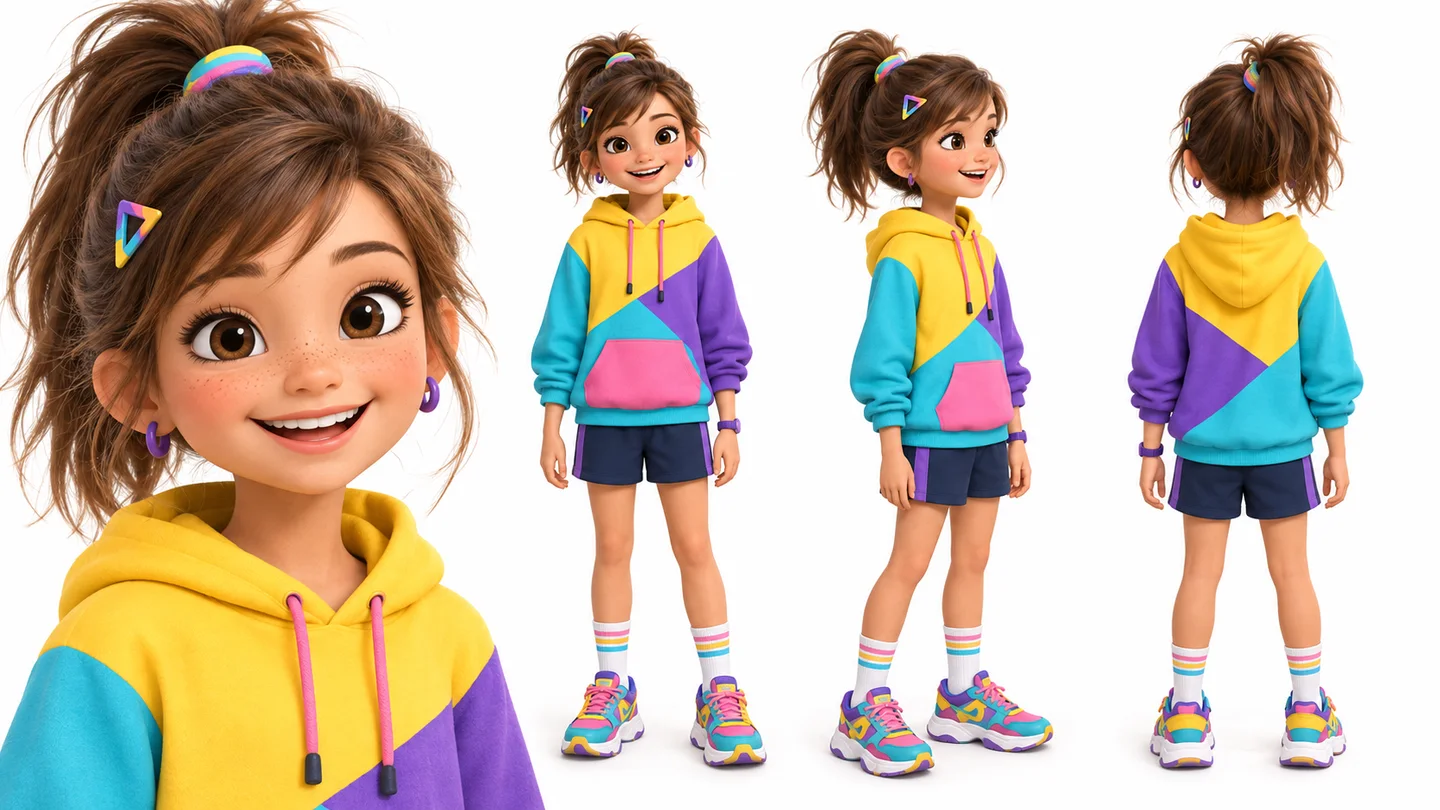
Separate the adult man’s identity, glasses and wardrobe references within the ten-image limit. Choose a supported quality/ratio pair and check the generated frame, lenses and facial details.
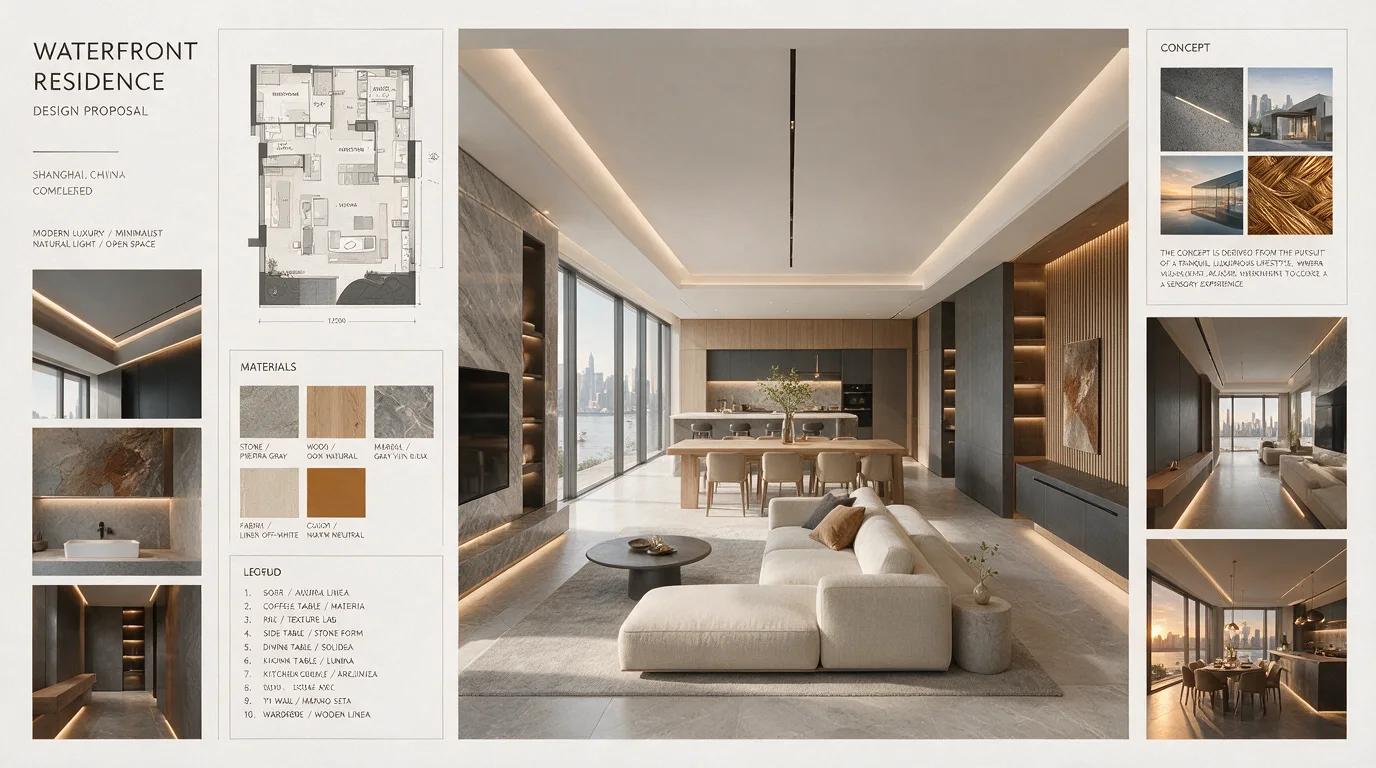
Picture how a room could feel
Use references for wood, furniture and daylight with explicit roles, then select a supported ratio and quality. Check spatial relationships; the interior concept does not establish real room dimensions.
Inputs, supported controls, credit cost, privacy, and recovery—before you start.
What can I do with this tool?
This page selects Seedream 5.0 Pro for text or reference-based concepts. Basic supports the listed ratios; High excludes 16:9 and 9:16. Choose a supported shape before building a jewelry or interior board.
How do I get started?
Use up to 4,000 characters and ten references, assigning roles such as product, material and lighting. Check quality and ratio together, then Generate opens Studio after account and credit checks.
Which inputs can I use?
Use a prompt of up to 4,000 characters and up to 10 JPEG, PNG or WebP references. Selected originals may be up to 32 MiB each; Studio optimizes them to the provider’s 8 MiB limit before upload.
How much does processing cost?
Catalog checked 24 October 2026: Basic costs 70 credits without references or 120 with ten; High costs 140 or 180 respectively. High excludes 16:9 and 9:16. Review the live quote for your reference count and account.
Where is my file processed?
Selecting references prepares a local draft. Generate checks sign-in and credits, then opens Studio to start generation; Studio uploads the prompt and prepared images for cloud processing. See Privacy Policy for data handling.
Where can I save the result?
Continue in Studio to create, preview and download the result.
Turn a loose mood board into a clear visual direction
Explore the look of your next product, portrait or interior project while the possibilities are still open.